


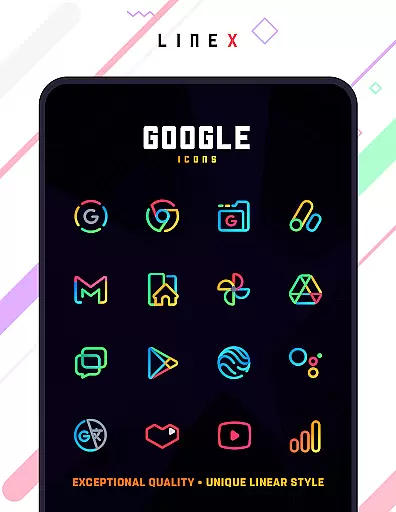
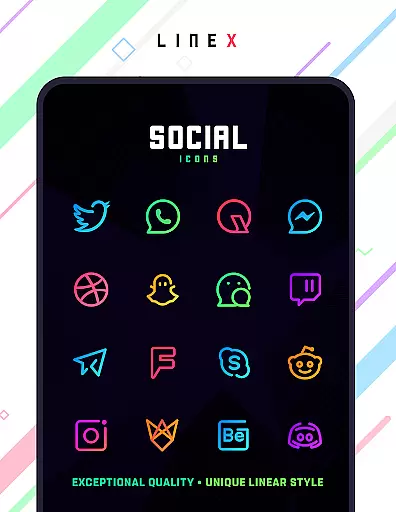
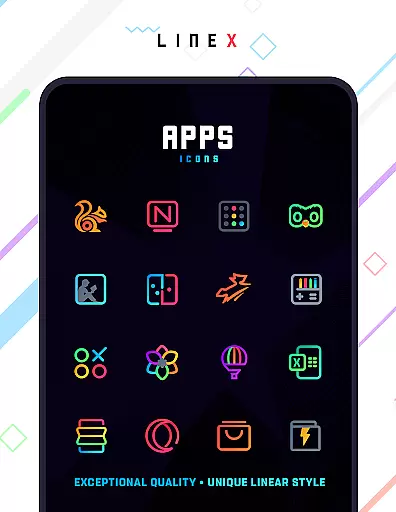
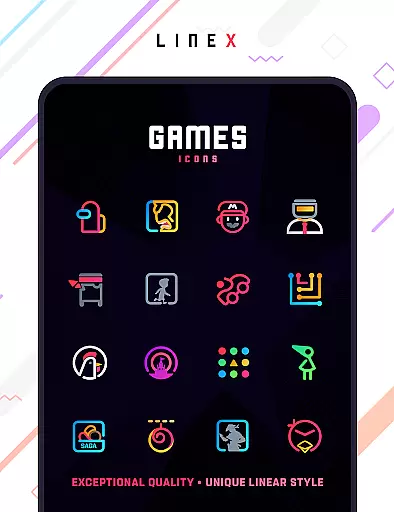
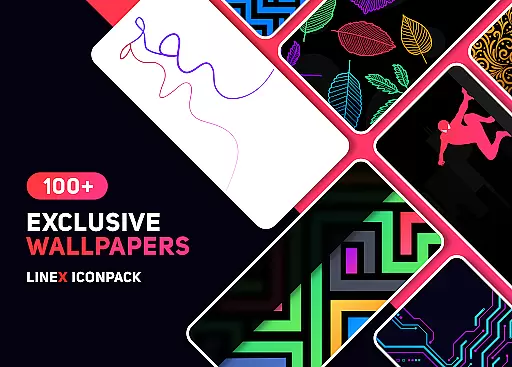
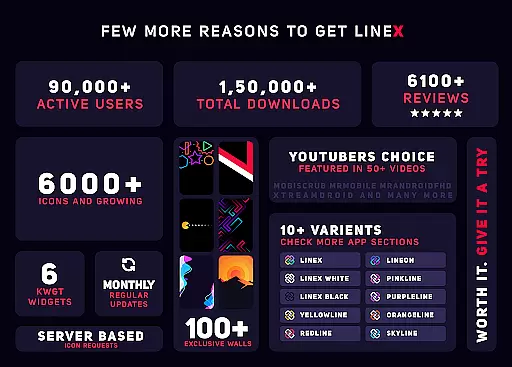
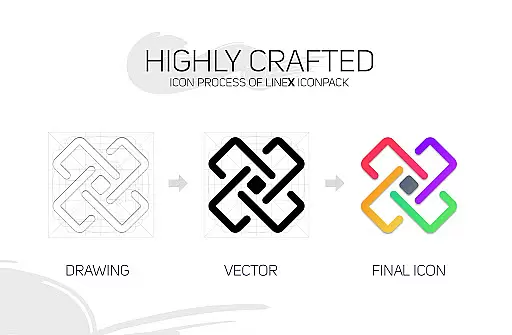
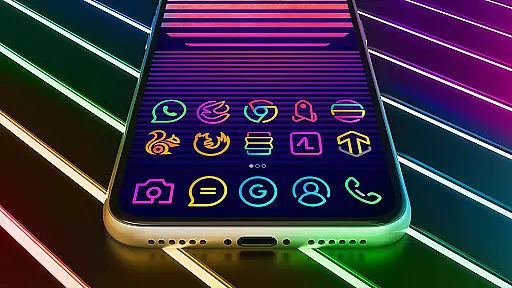
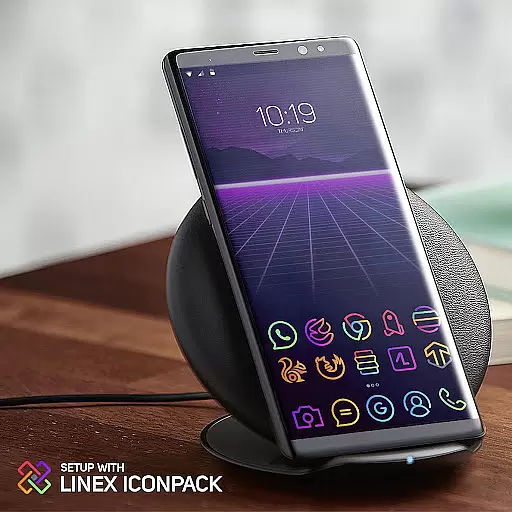
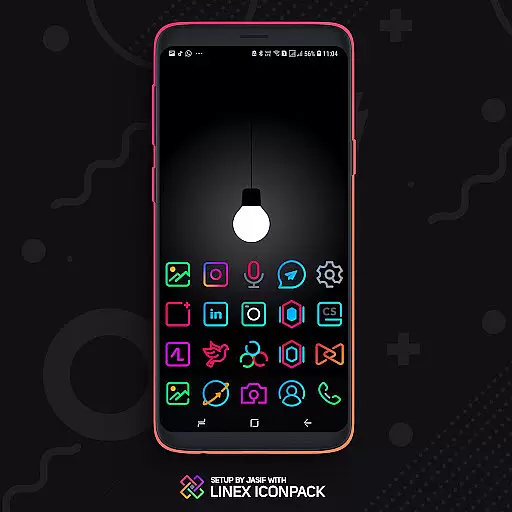
LineX Icon Pack is a premium icon pack that offers over 6000 linear-themed icons, making it one of the most comprehensive and visually appealing icon packs available. Designed with a super-simplistic neon style, this pack stands out for its top-notch quality and frequent updates.
The pack includes perfectly masked icons for unthemed apps, alternative icons, dynamic calendars, and material design dashboards. Compatible with various launchers like Nova, Apex, and ADW, LineX enhances your device's aesthetics while providing practical customization options. Whether you're looking to refresh your home screen or achieve a consistent look, LineX Icon Pack delivers both beauty and functionality.
LineX Icon Pack boasts an impressive array of features that cater to customization enthusiasts. With over 6000 icons, users can enjoy a wide variety of design choices. The pack also includes a perfect masking system for unthemed icons, ensuring a cohesive appearance across all apps.
Additional features include icon previews, search functionality, custom folder icons, and category-based organization. Users can further personalize their experience with custom app drawer icons and easy icon request options. These capabilities make LineX not just an icon pack but a complete theming solution that elevates your device's visual appeal.
LineX Icon Pack offers an extensive range of customization options that cater to personal preferences and device aesthetics. With over 6000 icons, users can enjoy a fresh and consistent look across their devices. The pack includes alternative icons and category-based icons, allowing for tailored experiences based on individual tastes or app types.
In addition to the vast icon library, LineX provides beautiful masks for unthemed icons, ensuring that even apps without specific icons in the pack receive a cohesive appearance. This feature enhances visual harmony on the home screen, making each interaction more pleasing. Users also benefit from dynamic calendars and custom folder icons, which add layers of personalization not found in many competing packs.
The pack supports various launchers, including popular ones like Nova, Apex, and GO, among others. Each launcher may offer unique settings such as icon normalization and size adjustments, giving users further control over how their icons are displayed. These settings enable fine-tuning of the visual experience, whether one prefers smaller, subtle icons or larger, more prominent ones.
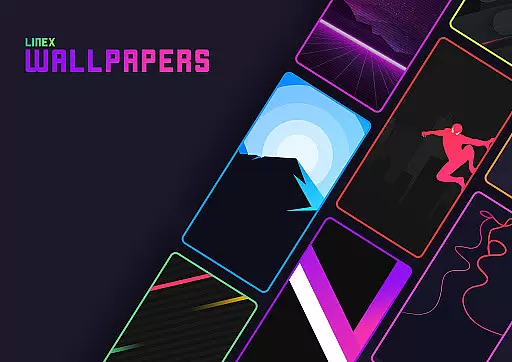
Overall, LineX Icon Pack stands out by providing frequent updates, amazing wall collections, and easy icon request features. Such comprehensive options ensure that users can continuously refresh their device's appearance, keeping it modern and engaging every time they unlock their screen.
Theme compatibility is a crucial aspect of any icon pack, and LineX Icon Pack excels in this area by supporting a wide array of launchers. Whether you're using Action Launcher, ADW Launcher, or even less common ones like Mesh Launcher, LineX ensures seamless integration. This broad compatibility means users aren't limited by their choice of launcher and can enjoy the packu2019s linear-themed icons regardless of platform.
For optimal performance, certain recommendations are provided within the pack. For instance, Nova Launcher is recommended with specific settings adjustments such as turning off icon normalization and adjusting icon sizes according to preference. These guidelines help maximize the visual impact of the icons while maintaining ease of use and accessibility.
Despite its extensive support, there are some launchers where direct application isn't possible through the dashboard. In these cases, users can apply the theme via the launcheru2019s own settings. This flexibility underscores LineX's commitment to accommodating diverse user needs and technical setups, enhancing overall satisfaction and usability.
Moreover, LineX addresses potential issues proactively by offering refunds if users aren't satisfied and providing robust customer support through email. By combining technical support with thoughtful design considerations, LineX guarantees that its themes remain accessible and functional across different devices and configurations, reinforcing its position as a top-tier icon pack.
Extensive icon library
Frequent updates
Perfect masking system
Custom folder icons
Dynamic calendar support
Requires compatible launcher
No Google Now support
Some features need specific launchers
Premium price tag
Initial setup complexity

A retro cartoon style watch face and a punch right in the face of the copyright
 4.60
4.60
Gun Chase - Let the chase begin.
4.80
Dark icon pack based on One 8
4.80
Customizable screen pets that play, climb, and keep you company.
4.50
Nothing Icon pack with more than 3750+ highly crafted icons.
4.70
Adorable pets roam and play right on your phone screen!
3.30
Handcrafted pixel art icons, widgets & wallpapers
4.60
400+ Beautifully crafted widgets inspired by NOTHING.
4.70
350+ widgets with a premium glass-style finish, perfect for home & lock screens.
4.70
100+ Stylish Fonts, Emojis, Symbols keyboard for Instagram & TikTok!
4.80
Customizable Glass widgets. Over 360+ stunning widgets and more!
4.70
300+ Stunning and well-designed widgets inspired by NOTHING.
4.70
Classic analogue watch face. For wear os devices.
4.60
300+ Beautifully crafted widgets inspired by OneUI.
4.60
Ninja Turtles Cowabunga SE watch face for Wear OS
4.50
Transform your phone with Launcher iOS 26 - Smooth & elegant iOS experience
4.50 4.50
4.50
AI-powered Copilot. Personalized keyboard with gifs, stickers & themes
4.40
Yandex Browser — stylish and secure, with voice search and data compression
4.40


User Reviews