
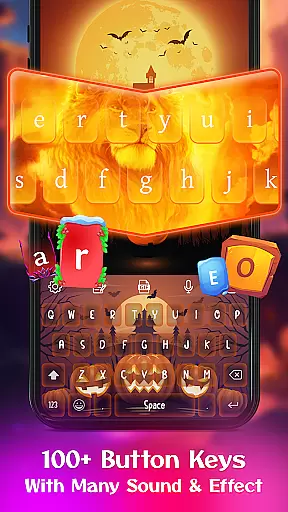
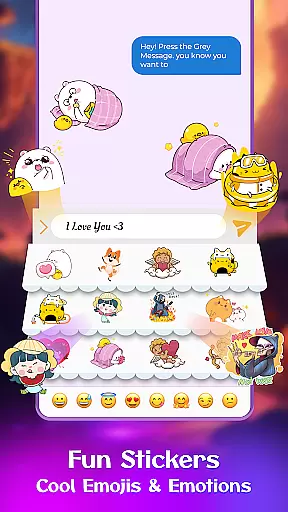
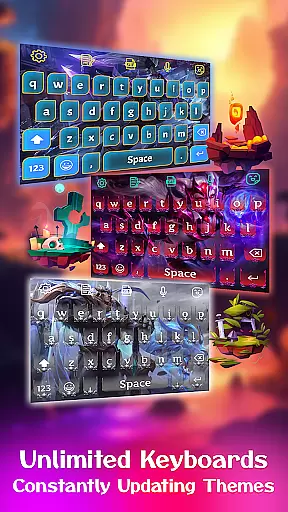
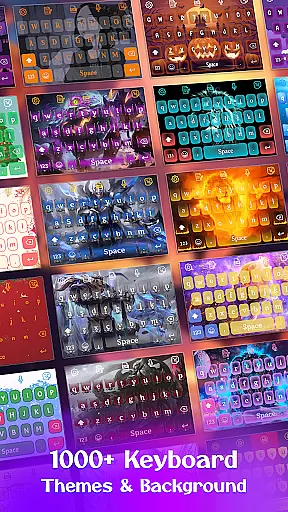
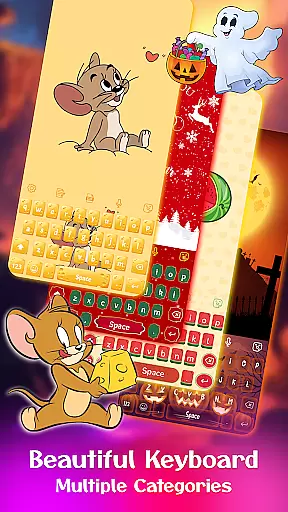
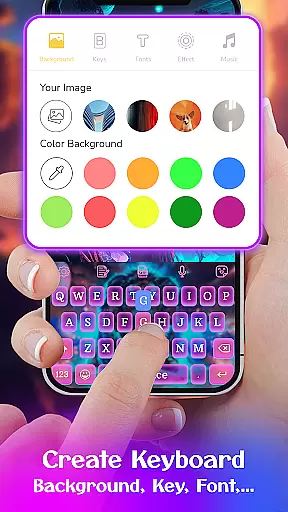
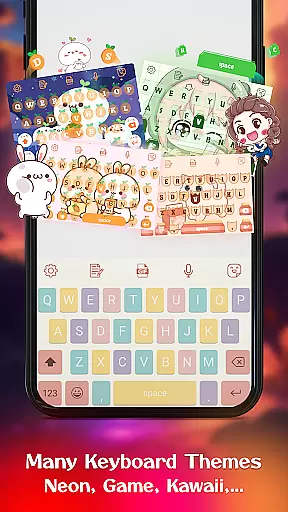
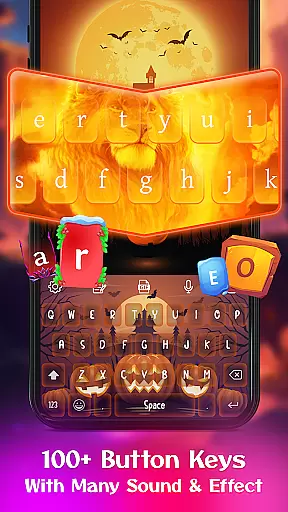
Keyboard Maker is a feature-rich personalization app that allows users to create their own custom keyboard themes for Android devices. With support for over 150 languages, this app offers diverse keyboard layouts and customization options including wallpapers, fonts, and sound effects.
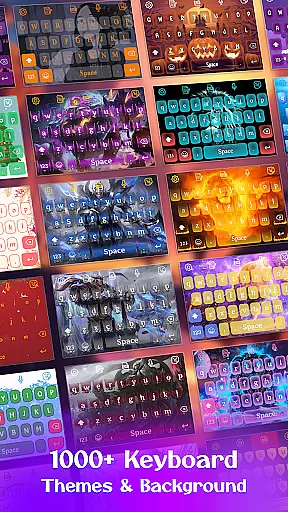
The app stands out with its extensive collection of 500+ free themes ranging from simple designs to vibrant LED styles. Users can also personalize their typing experience by adding photos as keyboard backgrounds or using built-in options like anime and emoji themes.
This application is particularly useful for those who want both functionality and style in their daily typing. The smart autocorrect, word prediction, and gesture typing features ensure efficient communication while maintaining a personalized touch.
Keyboard Maker offers an impressive array of features designed to enhance the typing experience. The app includes smart autocorrect and word prediction functions that significantly reduce typos and improve typing speed. These features are complemented by voice input capabilities and support for multiple languages.
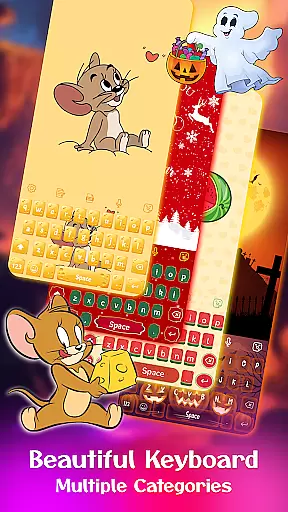
One of the standout aspects is the ability to customize every aspect of the keyboard's appearance. Users can choose from hundreds of themes or create their own unique designs. The app provides various categories such as colorful, LED, and anime themes, allowing for complete personalization.
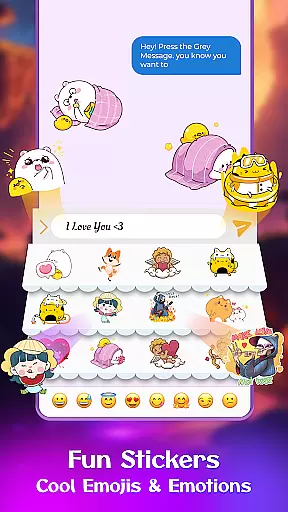
Additional features include a clipboard for quick copy-paste operations, gesture typing for faster input, and support for popular keyboard layouts. The app also offers fun elements like emojis, GIFs, and stickers, making digital communication more engaging and expressive.
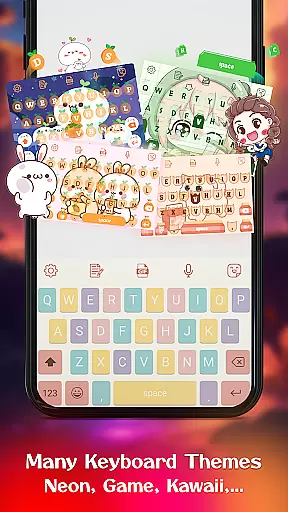
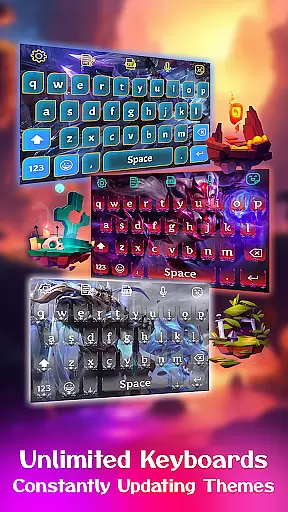
Customization is at the heart of Keyboard Maker, offering users an extensive array of options to tailor their typing experience. This app provides hundreds of themes ranging from simple and colorful designs to specialized options like LED, Neon, and Anime themes. Users can instantly change their keyboard's appearance, ensuring that it matches their personal style or mood.
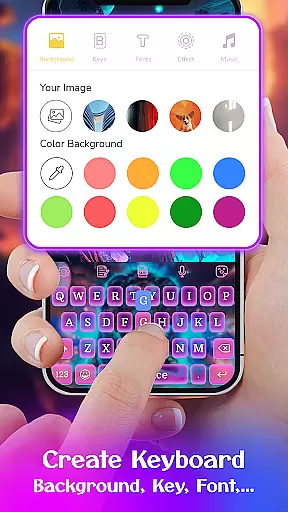
Beyond just visual aesthetics, Keyboard Maker allows for functional customization. With support for over 150 languages, various keyboard layouts, and personalized settings such as auto-capitalization and vibration feedback on keypress, users can create a typing environment that suits their specific needs. The inclusion of custom fonts, effects, and sounds further enhances this personalized experience.
The true power of customization shines with the DIY feature, where users can design their own keyboard themes. By uploading personal images and setting them as keyboard backgrounds, individuals can add a unique touch to their device. This level of personalization not only improves user satisfaction but also makes every interaction with the keyboard feel more engaging and enjoyable.
Theme compatibility in Keyboard Maker ensures that all personalized themes work seamlessly across different devices and Android versions. Regardless of whether you're using a modern smartphone or an older model, the app guarantees that your chosen theme will display correctly without functionality issues. This cross-device consistency helps maintain a uniform user experience.
The app supports various theme categories including Simple, Colorful, LED, Anime, Love, and Cute themes, each designed to be visually appealing while maintaining optimal performance. These themes are optimized to work smoothly without draining battery life or causing input lag, which is crucial for maintaining user productivity and satisfaction.
Moreover, Keyboard Maker's compatibility extends to its integration with other features like emojis, GIFs, and stickers. Users can switch between different themes knowing that these additional elements will remain accessible and visually consistent. This holistic approach to compatibility ensures that every aspect of the typing experience remains intuitive and visually cohesive, regardless of the chosen customization options.
Highly customizable
Wide language support
Smart typing features
Vibrant theme options
User-friendly interface
May drain battery
Occasional glitches
Heavy on storage
Ads in free version
Learning curve

Add cute Shimeji pets to screen, interact with them and relax with cute motions
 4.60
4.60
Stylish Pink Cute Hippo keyboard with 10000+ customized keyboard themes!
4.60
Unleash Your Creativity and Connect with Loved Ones with Lockscreen Drawing!
4.20
Handcrafted pixel art icons, widgets & wallpapers
4.60
300+ widgets inspired by Material You and Material 3 expressive design.
4.60
Transform your device in a game console
4.40
Enjoy a variety of amazing live wallpapers and colorful EDGE lighting borders!
4.80
Your home screen, just the way you like it.
3.80
Custom ringtones songs, music ringtones for Android phones
4.60
One 8 icons glass color version
4.80
A minimalist productivity launcher. One-hand-friendly. Zero ads.
4.70
Classic analogue watch face. For wear os devices.
4.60
Ultra realistic high quality analog watch face for Wear OS.
4.60
Bring adorable pets to life on your screen. Playful, interactive and full of fun
4.60
Ninja Turtles Cowabunga SE watch face for Wear OS
4.50
Turn text & photos into stunning AI videos, art, and creative visual stories.
4.50
Your home screen, just the way you like it.
4.30
Magic fluids wallpaper 4D: Relax with stunning fluid simulation wallpaper app
4.20 3.50
3.50


User Reviews