
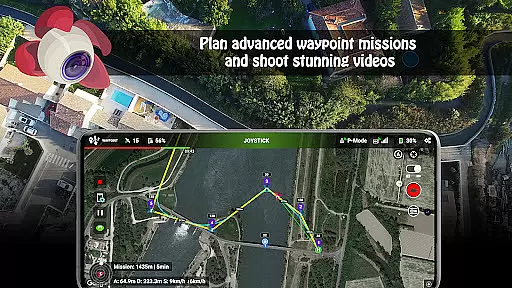
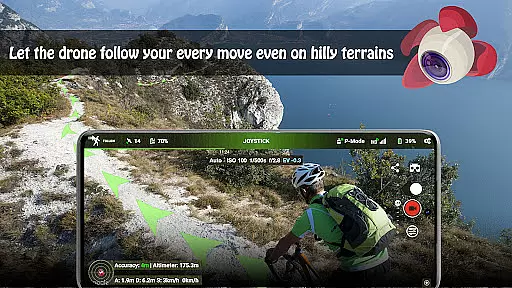
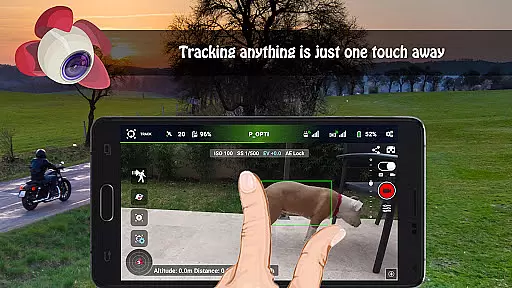
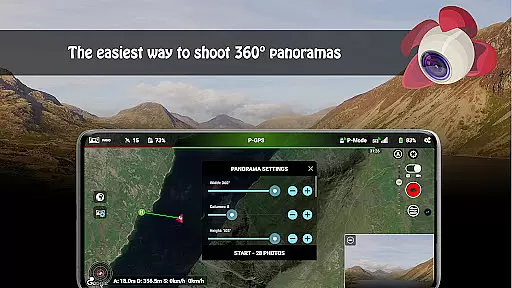
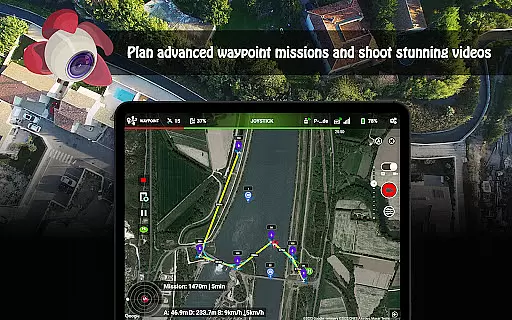
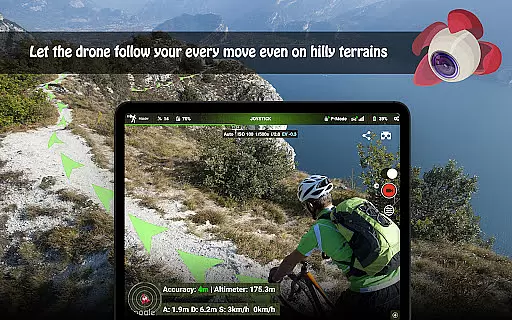
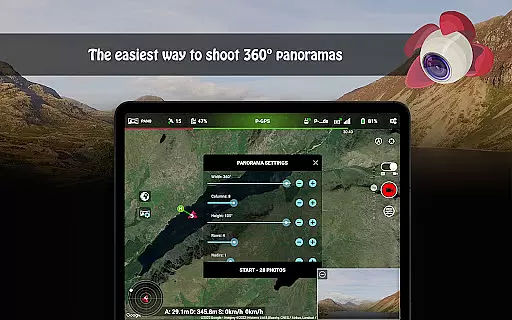
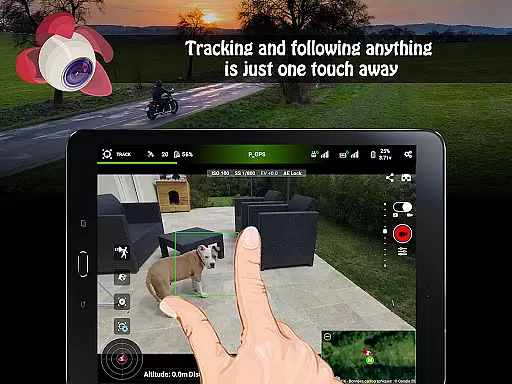
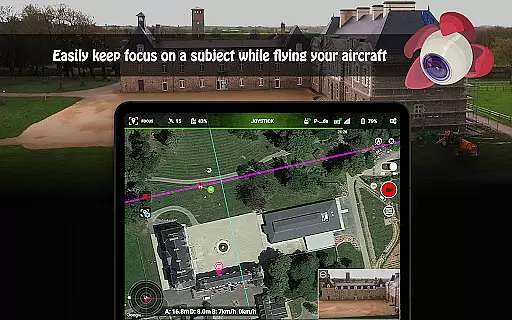
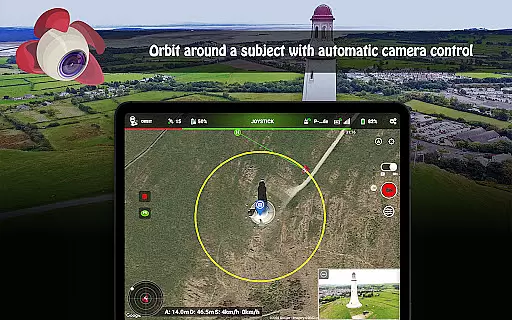
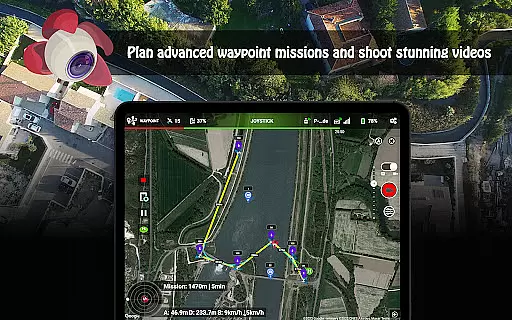
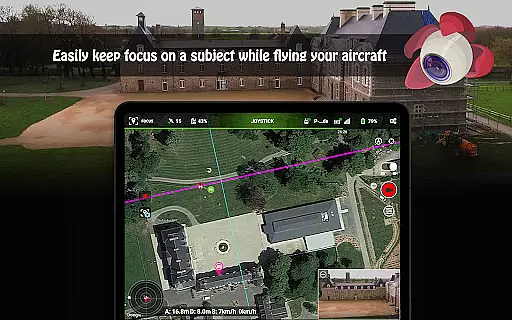
Litchi for DJI Drones is the premier application designed to enhance your drone flying experience. This app unlocks advanced features of compatible DJI drones, offering users an intuitive interface and powerful tools. With Litchi, you can access Waypoint mode, Panorama mode, Track mode, Follow mode, VR mode, and Focus mode, each providing unique functionalities to elevate your aerial photography and videography.
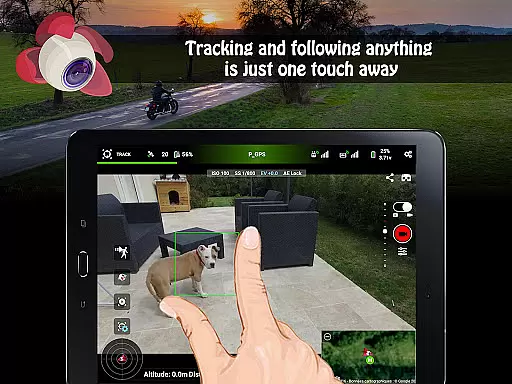
Whether you're a professional or a beginner, Litchi's comprehensive suite of features caters to all skill levels. The waypoint engine allows seamless flight plan syncing across devices, while the Track mode uses computer vision algorithms to frame subjects perfectly. Additionally, the app supports live streaming to platforms like Facebook and offers human-readable flight logs in CSV format. These capabilities make Litchi an indispensable tool for capturing stunning visuals and managing flights efficiently.
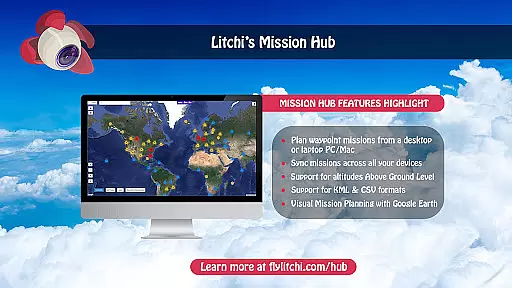
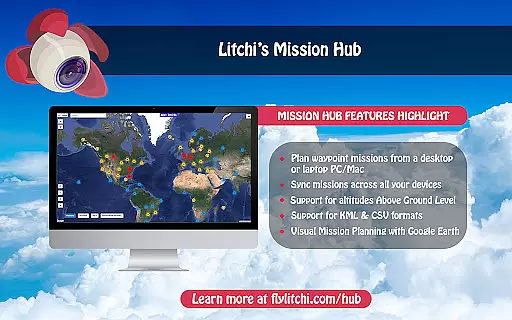
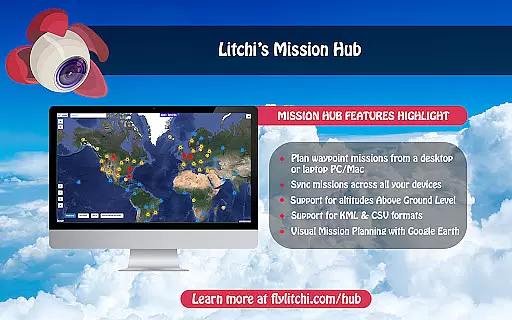
Litchi stands out with its robust feature set tailored for DJI drone enthusiasts. One of its key features is the Waypoint mode, which provides an intuitive yet powerful waypoint engine accessible on multiple platforms including PC/Mac. Users can sync their flight plans effortlessly across all devices, ensuring consistent performance and ease of use.
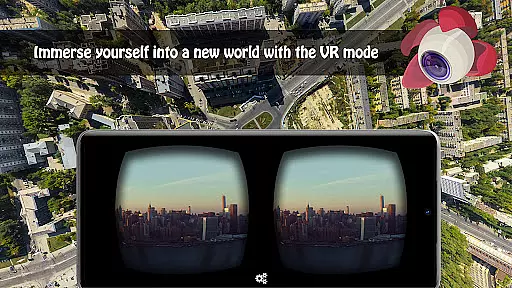
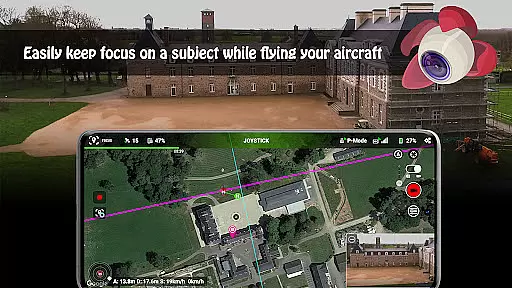
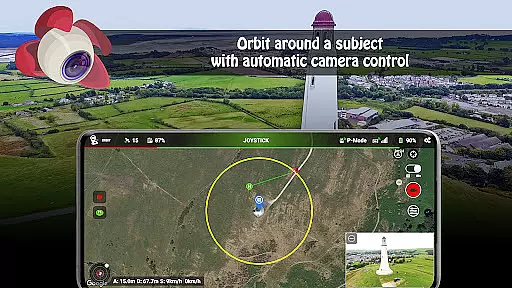
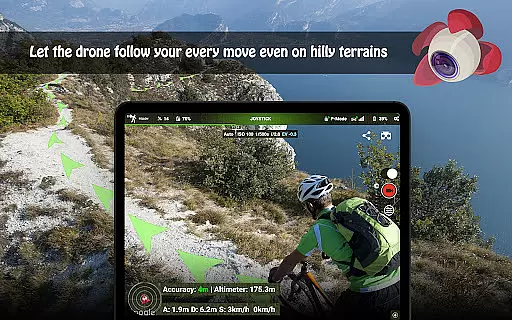
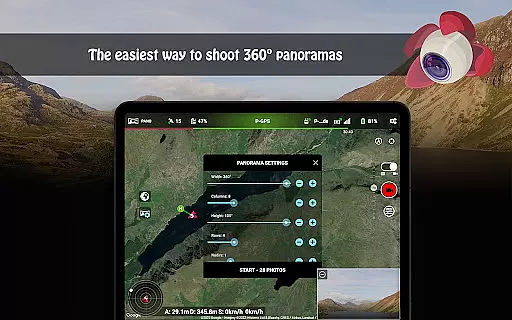
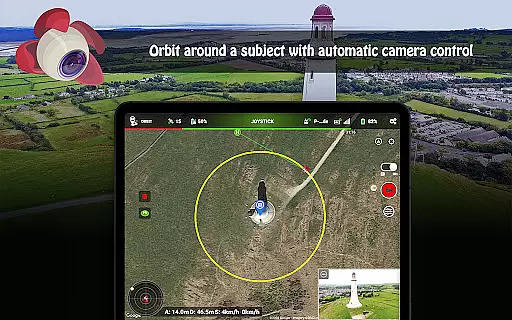
In addition to Waypoint mode, Litchi offers Panorama mode for capturing horizontal, vertical, and 360 spherical panoramas. The Track mode utilizes advanced computer vision algorithms to keep selected subjects perfectly framed, while Follow mode leverages mobile device GPS and altitude sensors to track user movements. VR mode delivers an immersive FPV experience when paired with compatible goggles, enhancing the thrill of manual flight. Furthermore, features like Orbit mode, live streaming, and automatic video recording provide extensive creative possibilities and operational convenience.
Real-time capture and preview functionality is essential for drone photography, allowing users to see exactly what the camera captures as it happens. Litchi for DJI Drones excels in this area by providing a seamless live feed from the drone's camera directly to the user's device.
The app ensures minimal latency in video transmission, which is crucial when navigating and framing shots. This real-time feedback empowers photographers and videographers to make instant adjustments to their drone's position and camera settings, ensuring they capture the perfect moment every time.
With compatibility across various devices, including smartphones and tablets, Litchi offers flexibility in how users choose to monitor their flights. The crisp and clear preview allows for precise control over photo and video compositions, making professional-quality aerial imagery accessible to both beginners and seasoned professionals.
While primarily focused on real-time capture, Litchi also incorporates features that enhance image quality without compromising natural aesthetics. Although not traditional 'AI beauty' enhancements seen in portrait apps, Litchi applies intelligent optimization to landscape and aerial photography.
The application uses advanced algorithms to optimize colors, contrast, and sharpness while maintaining realistic visuals. These enhancements are subtle yet effective, ensuring that each photograph reflects the true essence of the scene captured from above.
Users benefit from automatic settings like HDR and exposure adjustments that work harmoniously with manual controls. This blend of automation and user input results in stunningly vivid images that retain their authenticity, offering an unparalleled experience in aerial photography enhancement.
User-friendly interface
Advanced waypoint planning
Seamless cross-device sync
Comprehensive flight logs
Live streaming capabilities
Not compatible with latest DJI models
Requires internet for initial setup
Separate purchase for goggles
Additional app needed for some features
Subscription required for full functionality

HD Photo gallery and photo manager to edit, hide private photos, videos & albums
 4.3
4.3
Photobooth mini FULL app will allow you to add more fun to your parties
4.00
Pet Camera
3.70
Photo prints, cards, & gifts at Walgreens. Easy ordering & fast local pickup !
4.80
Cartoon and artistic effects for your photos and videos
4.70
Create amazing frames with up to five photos. Rounded corners, effects and more!
3.60
Collage your moments in one tap: 1000+ layouts, filters, stickers, and texts.
4.90
live datamoshing
4.00
Photo & Video Gallery app to manage albums and save WA Status easily.
4.70
Create funny photos and videos with the popular Time Warp Scan filter.
4.90
Photo editor: AI filters, photo enhancer, pic collage maker, AI art generator.
4.80
See your baby AI baby face generator AI baby maker Face generator babymaker fun!
4.70
Transform photos into videos! Create realistic or anime-style images easily!
4.50
Create AI photos & videos with Enhancer; restore, fix, beautify, enhance photos
4.50
Trendy TikTok time warp scan funny filter app brings you unique photos & videos.
4.40
Shooting photos and records video easily and efficient with professional Camera
4.30
Turn your phone into a professional camera - full DSLR manual photography
4.30
Photo editor: face & body editor, beauty cam, filters and quality enhancer.
4.00
Over 800 film simulation recipes for Fujifilm. Black Friday Offer!
4.3


User Reviews