
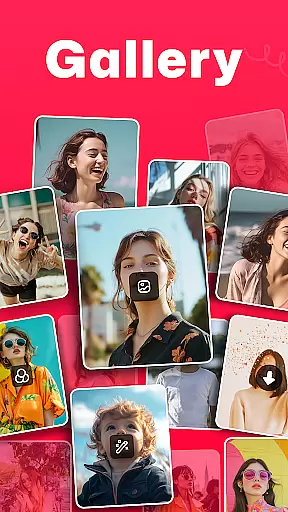
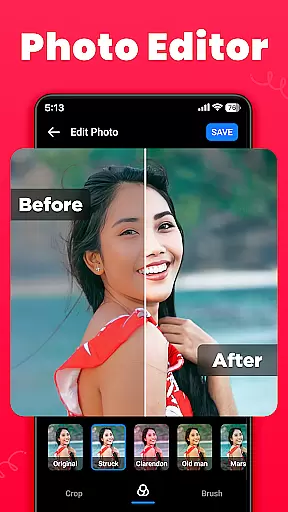
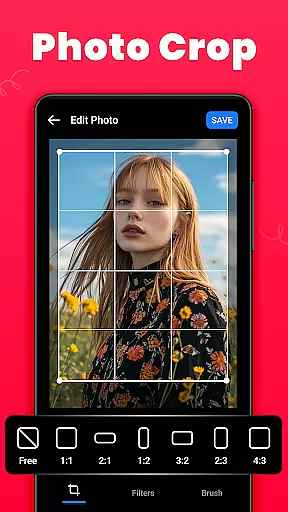
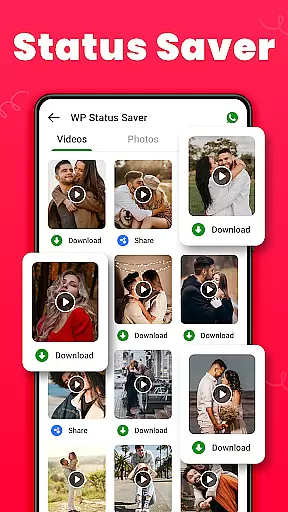
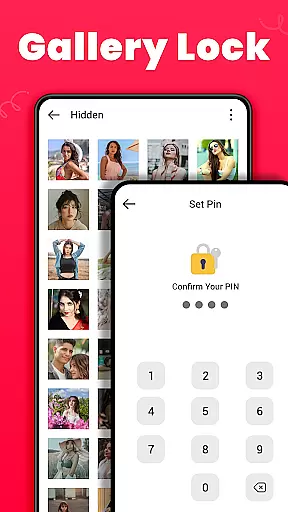
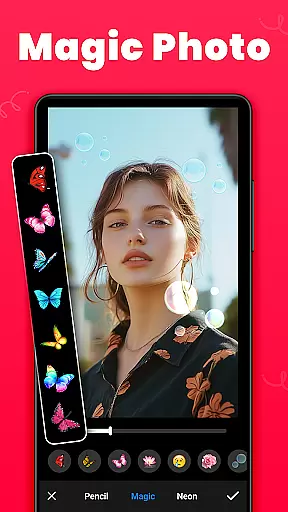
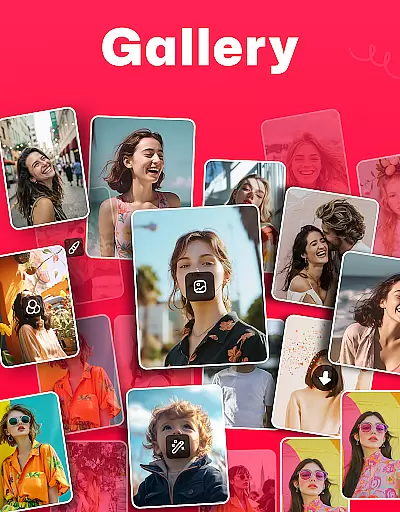
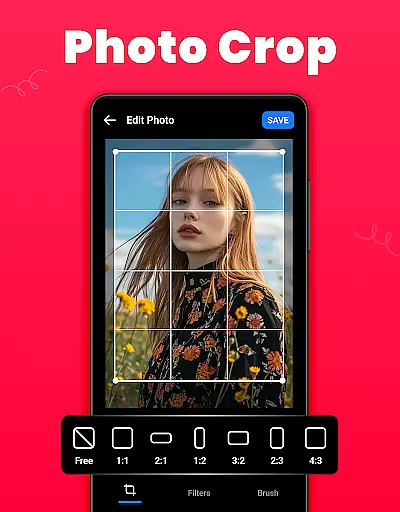
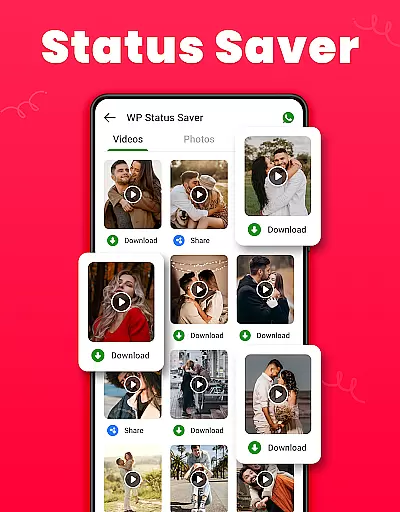
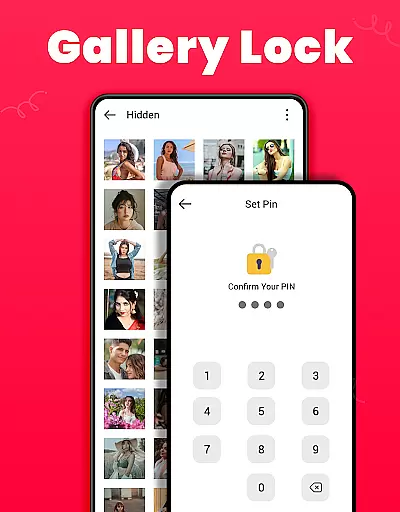
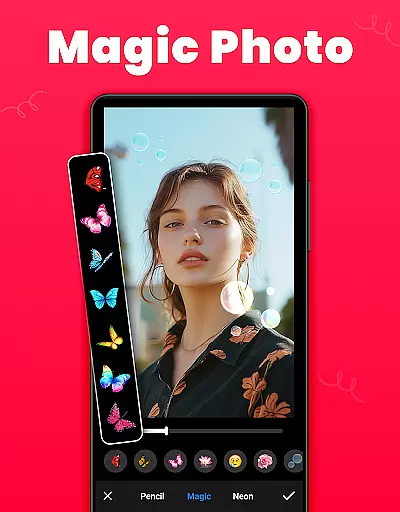
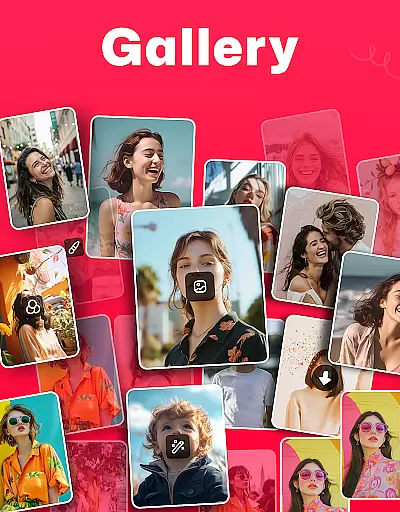
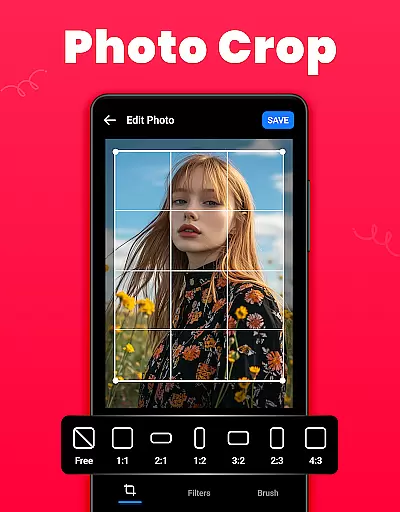
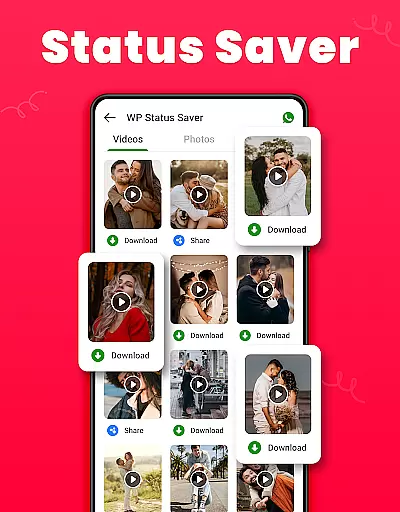
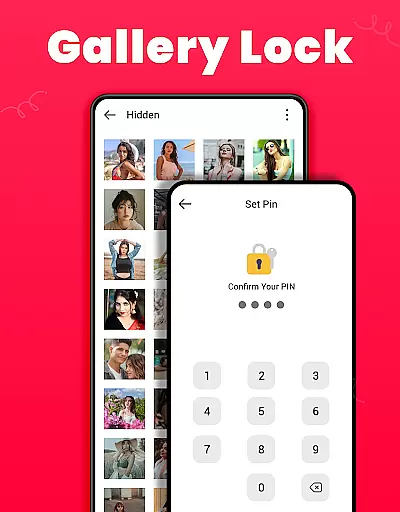
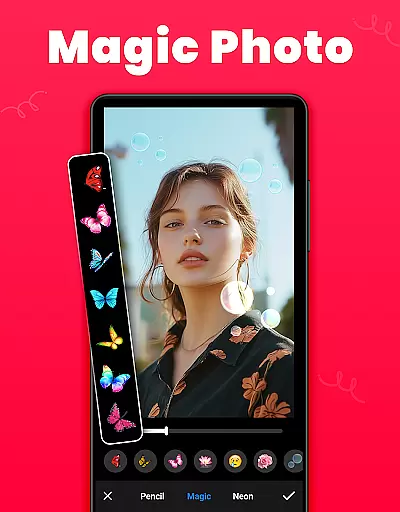
Gallery is a versatile offline photo and video management app designed for Android users. This application allows you to organize, edit, and share your media files effortlessly. One of its standout features is the Gallery Lock, which lets you secure private photos and videos in a protected vault using a PIN or password. Additionally, it offers tools for editing images with options like crop, filter, and brush, making it an all-in-one solution for managing your digital memories.
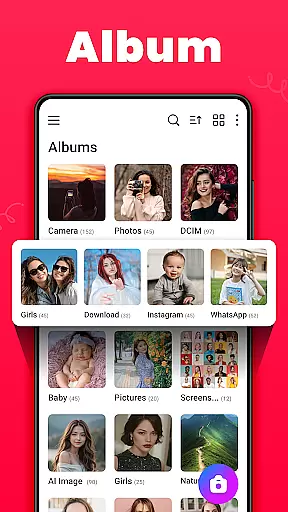
The app automatically organizes media according to file paths and provides easy access to view and edit photos and videos. It supports features such as setting wallpapers, creating favorites lists, and recovering deleted media from a Recycle Bin. With its user-friendly interface and powerful functionalities, Gallery ensures that your cherished moments are well-organized and securely stored.
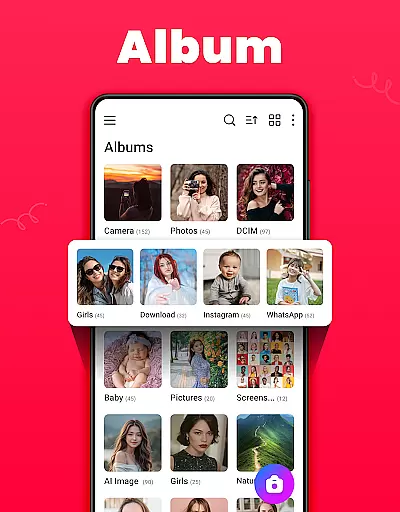
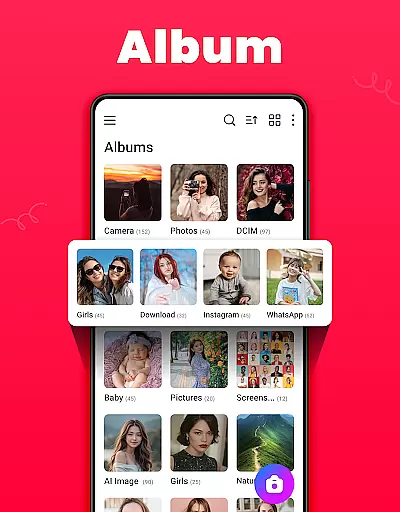
Gallery boasts a comprehensive set of features tailored to enhance your media management experience. The app's attractive design and ease of use make it simple to create offline galleries where you can manage albums by sorting them based on name, date, or path. You have the ability to customize your viewing experience with both light and dark modes, ensuring comfort during extended use.
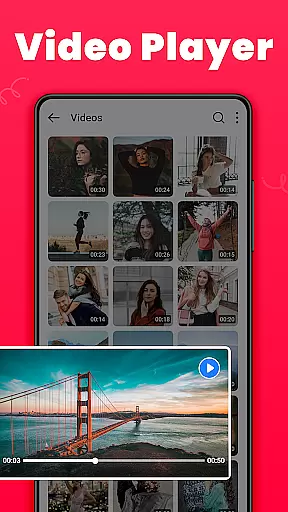
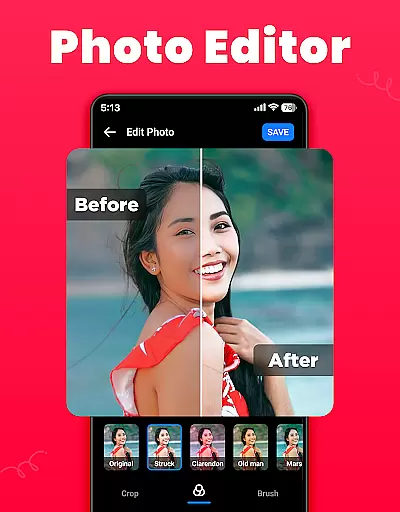
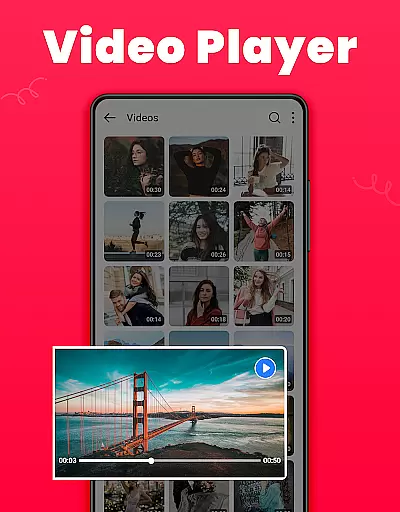
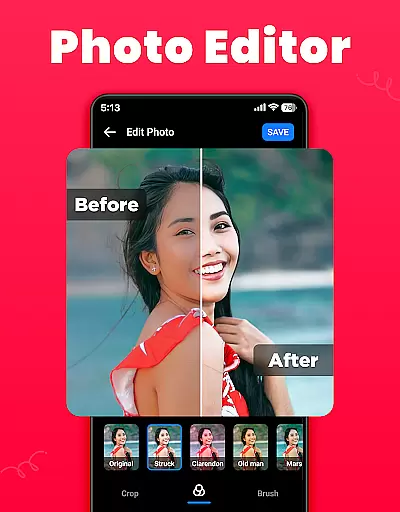
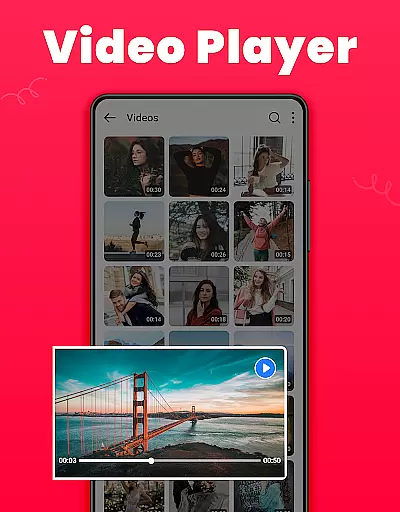
Among its notable capabilities, Gallery includes a robust photo editor equipped with tools for cropping, applying filters, and using brushes to modify images creatively. Furthermore, the app facilitates seamless sharing across various social media platforms and supports HD video playback. Its compact size and offline functionality ensure that you can enjoy these features without consuming excessive storage space or requiring an internet connection.
Real-time capture and preview functionality is essential for ensuring that users can take photos or videos with confidence. The Gallery app offers a seamless experience by providing an accurate representation of what the camera sees, allowing users to frame their shots perfectly.
This app ensures that the preview closely matches the final output, which helps in adjusting settings like exposure, focus, and composition on the fly. Users will appreciate the instant feedback, which is crucial for capturing fleeting moments without any surprises in the final image or video quality.
With real-time filters and editing options available directly within the capture interface, users can see the effects applied immediately. This feature empowers users to be more creative, knowing exactly how their media will look before they even press the shutter button.
The ability to switch between light and dark modes also enhances visibility under different lighting conditions, making it easier to compose shots whether indoors or outdoors. Such attention to detail in real-time capture and preview significantly improves the overall photography experience.
AI beauty and enhancement features are becoming increasingly popular in photography apps, offering users the ability to refine and beautify their images instantly. The Gallery app leverages advanced AI algorithms to ensure these enhancements appear natural and not overly processed.
Users can apply various AI-driven effects that intelligently smooth skin tones, enhance facial features, and adjust lighting to create stunning yet realistic portraits. These enhancements maintain the authenticity of the original photo while subtly improving its aesthetic appeal.
Beyond just beautification, the app includes tools for cropping, filtering, and brushing up images with precision. Each tool is designed to give users control over the level of enhancement, ensuring that the final result aligns with their personal preferences and standards.
By focusing on natural-looking enhancements, the Gallery app stands out as a reliable choice for those who want to elevate their photos without sacrificing realism. This balance between technology and artistry makes the app a valuable tool for both amateur and professional photographers alike.
User-friendly interface
Secure gallery lock
Comprehensive editing tools
Efficient organization features
Offline functionality
Limited advanced editing
Requires permissions
Basic video features
No cloud backup
Ads in free version

Photo editor: face & body editor, beauty cam, filters and quality enhancer.
 4.00
4.00
Photo Album Watch Face shows your favorite pictures as a Watchface.
1.90
Trendy TikTok time warp scan funny filter app brings you unique photos & videos.
4.40
Professional video recording application with manual controls for filmmakers!
2.80
AI photo editor with hair editor, retouch tools, hair color changer & filters!
4.50
Future baby face generator: AI kids generator, kid face! What my baby look like?
4.40
Smart, light, and fast photo and video gallery
4.30
Enhance, upscale, and transform your images — on your device, without limits
4.70
Effortlessly make high-quality GIFs from images & videos without any watermarks.
4.70
Light-weight Media Gallery app for Android made with Jetpack Compose
4.60
Enhance, retouch & create your story - Share the moment with Photoshop Express.
4.60
Photo editor & gallery. Crop pictures & edit photos offline, no wifi!
4.50
RAW video capture with advanced controls
4.40
Natural Beauty, Selfie Retouch
4.30
How old age camera Gender Swap App Face Shape Hairstyle App Hair Styler App fun!
4.00
live datamoshing
4.00
Create amazing frames with up to five photos. Rounded corners, effects and more!
3.60
Raw Image Viewer. Gallery with support of raw images (.cr3, .cr2, .nef, .raf).
2.00
Over 800 film simulation recipes for Fujifilm. Black Friday Offer!
4.2


User Reviews