

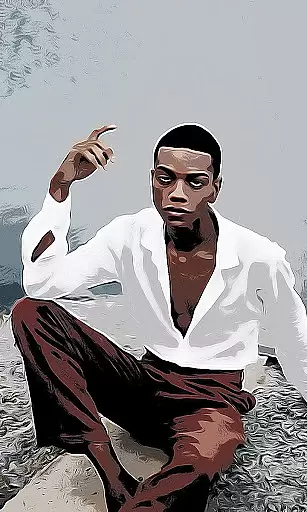
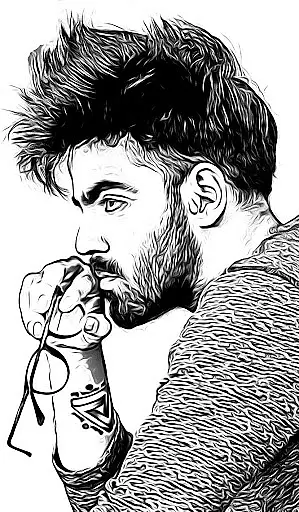
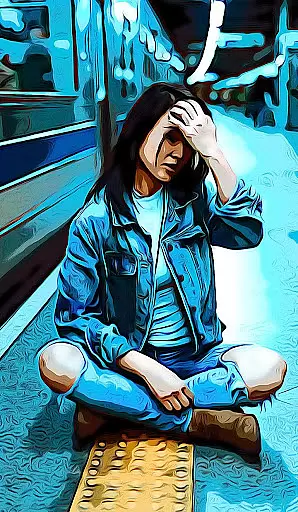
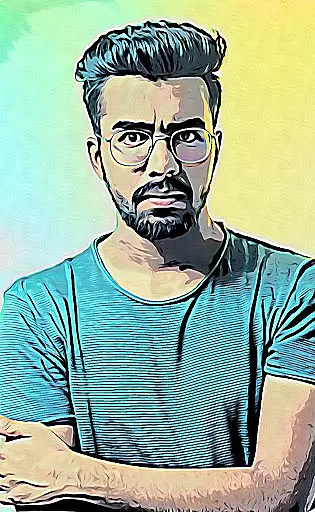
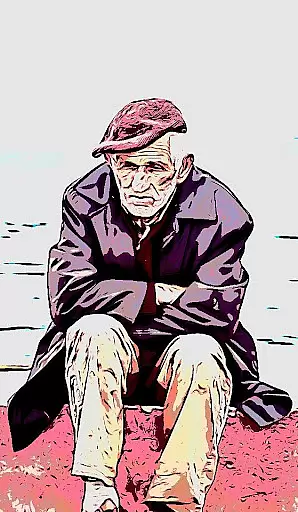
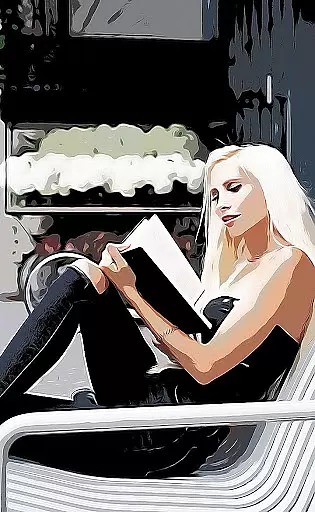
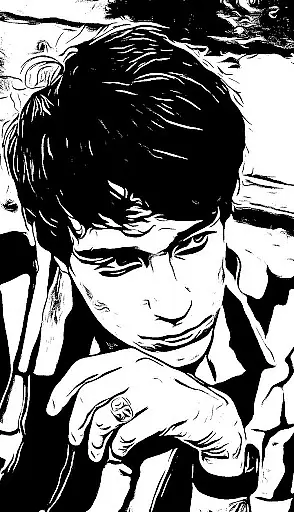
Cartoon Photo PRO is a premium photography app that transforms ordinary photos into artistic masterpieces. This pro version offers an ad-free experience with additional premium effects, making it ideal for users seeking creative photo editing tools.
The app provides a range of impressive features including real-time camera effects, support for front and back cameras, pinch-to-zoom functionality, and auto-focus. Users can apply various artistic filters such as cartoon, sketch, oil painting, pencil drawing, and more to both existing photos and new captures.
Perfect for photography enthusiasts who want to explore creative visual styles, Cartoon Photo PRO enables users to see their world through different artistic lenses while offering practical sharing and saving options.
Cartoon Photo PRO stands out with its comprehensive set of photography features designed for creative expression. The app allows users to apply artistic effects to photos from their gallery or capture new images with real-time effects using either the front or back camera.
Key features include pinch-to-zoom functionality for precise control, single-touch photo capture and saving, and auto-focus by tapping anywhere on the screen. The app offers an extensive collection of effects including cartoon, sketch, oil painting, pencil drawing, thermal vision, crosshatch, and many others.
With its intuitive interface and diverse effect options, Cartoon Photo PRO empowers users to experiment with different artistic styles while maintaining ease of use and quick sharing capabilities with friends and social media platforms.
Real-time capture and preview functionality is essential for photography applications as it allows users to see the effects applied instantly through their device's camera. This feature ensures that users can make immediate adjustments before taking a photo.
Cartoon Photo PRO offers real-time effects application, enabling users to preview various artistic filters such as cartoon, sketch, and oil painting styles directly through the camera interface. The app supports both front and back cameras, providing flexibility in capturing moments from any angle while applying effects on-the-fly.
With intuitive gestures like pinch-to-zoom, users have precise control over framing their shots. Additionally, auto-focus by tapping on the screen guarantees sharp images every time. These capabilities enhance user experience by offering professional-grade tools at their fingertips.
AI beauty and enhancement features are designed to improve image quality naturally without making them look overly processed or artificial. Such enhancements maintain authenticity while elevating visual appeal.
In Cartoon Photo PRO, advanced algorithms transform ordinary photos into extraordinary artworks with numerous premium effects available exclusively in this pro version. Users can choose from an extensive range of artistic transformations including pencil drawings, thermal vision, crosshatch patterns, among others u2013 all rendered with striking naturalness.
The absence of advertisements ensures uninterrupted creativity flow, allowing photographers to focus solely on perfecting each shotu2019s aesthetic qualities. By saving high-quality images quickly via single-touch operations, sharing masterpieces with friends becomes effortless, enhancing social connectivity through visually captivating content.
Ad-free experience
Wide effect selection
Real-time camera effects
Pinch-to-zoom feature
Front and back camera support
Premium price point
Steep learning curve
High storage usage
Limited free features
Occasional crashes

Find time and duration of different sunlight phases at any location
 4.90
4.90
Virtual makeup, hair filters & body tuner—edit from face to full body!
4.20
Create AI Photos, Improve and restore quality of blurry, old or damaged pics.
4.20
Amazing Photo Effects - The most fun you can have with your photos!
4.70
GCamera allows all GCam features on all phone models! Better photos with GCamera
3.30
Snap photos remotely using your Garmin watch as the camera trigger
4.5
Your personal guide to the sun and moon. Plan ahead, visualize and predict!
4.70
Enhance, upscale, and transform your images — on your device, without limits
4.70
Discover How to Plan any Sun, Moon and Milky Way Photo You Imagine in Seconds
4.70
A must-have app for landscape photographers
4.60
Trendy TikTok time warp scan funny filter app brings you unique photos & videos.
4.40
Shooting photos and records video easily and efficient with professional Camera
4.30
What celebrity do you look like? Celebs will find your celebrity match!
4.10
Turn photos into cartoons & avatars! - Photo Editor, Cartoon Face!
3.90
Perfect photos with body shaping, BG changer and object remover.
3.70
Pet Camera
3.70
Create amazing frames with up to five photos. Rounded corners, effects and more!
3.60
Superimpose one photo on top of another using the original Superimpose app!
3.20
Over 800 film simulation recipes for Fujifilm. Black Friday Offer!
4.2


User Reviews