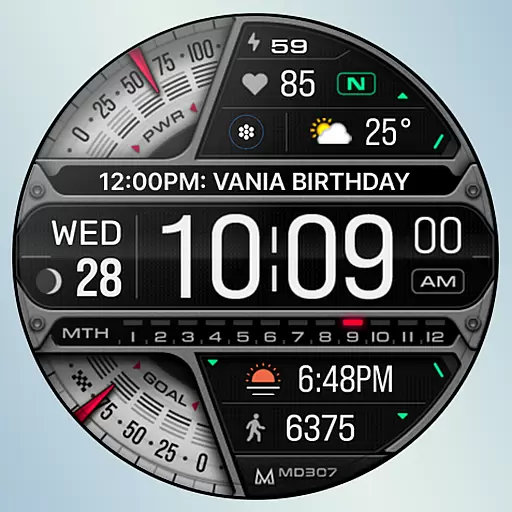
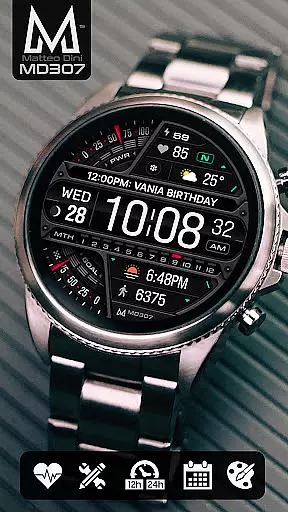
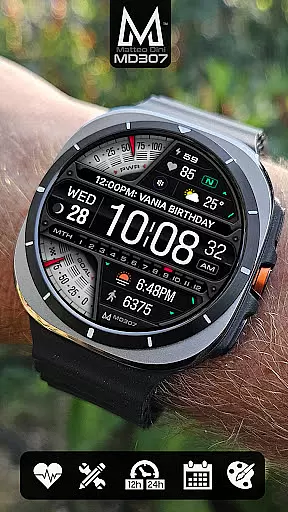
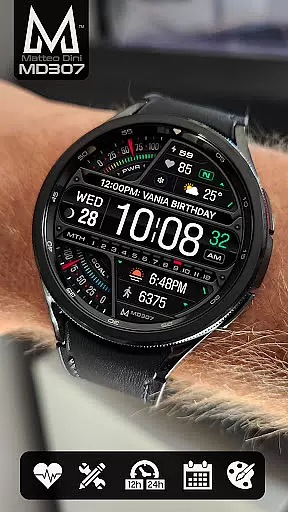
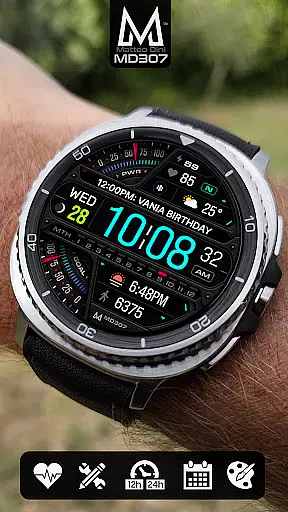
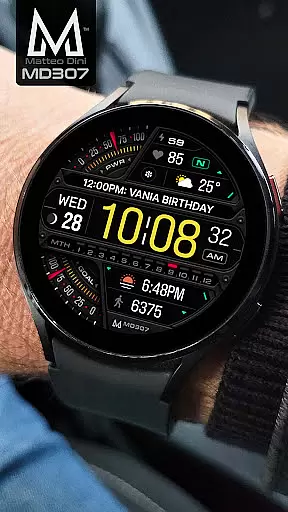
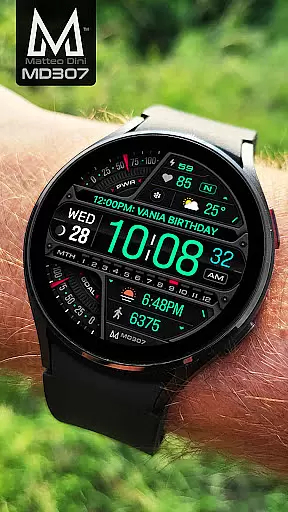
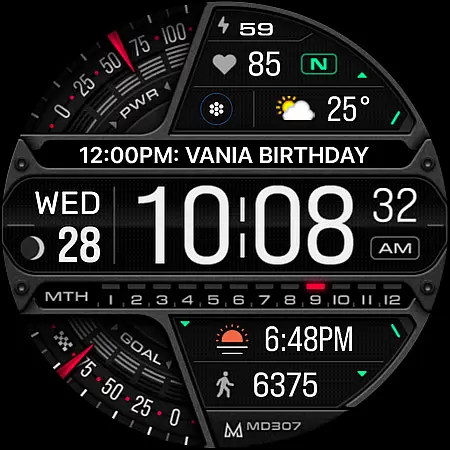
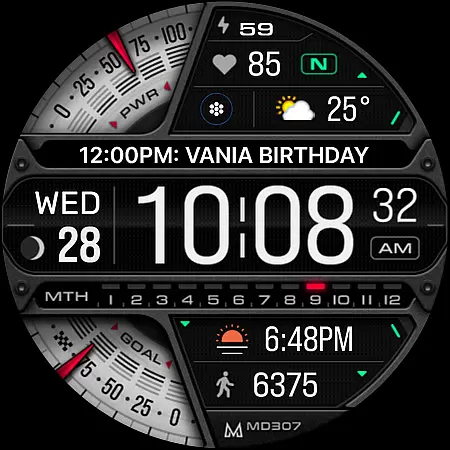
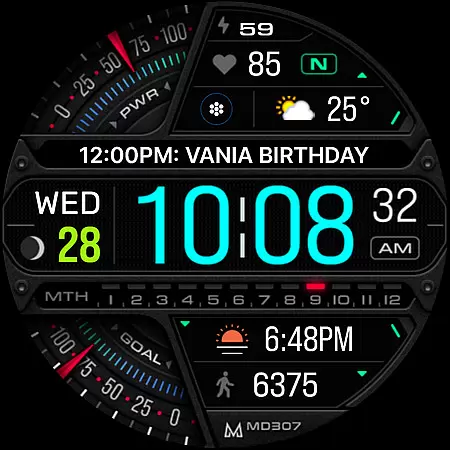
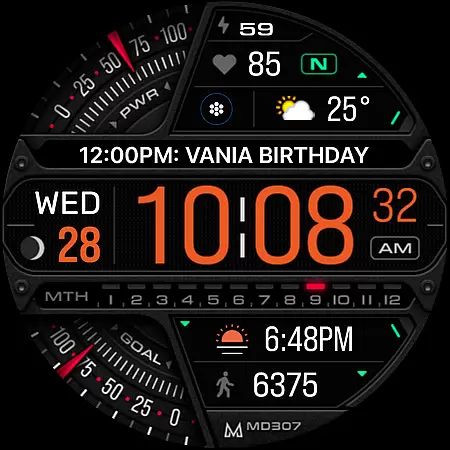
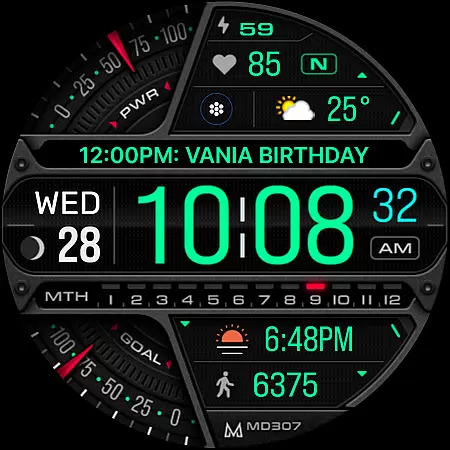
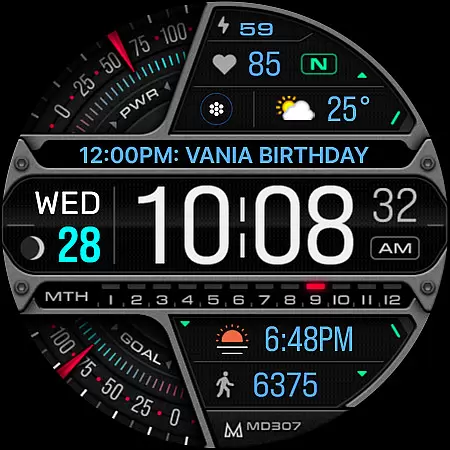
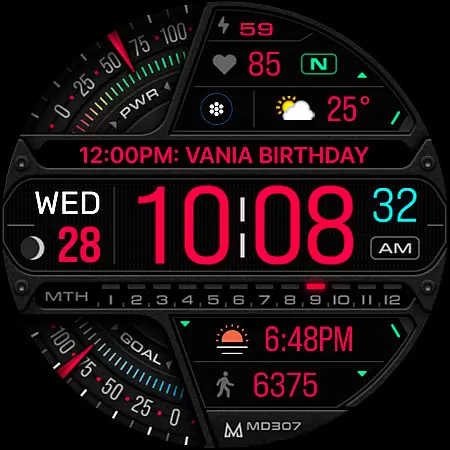
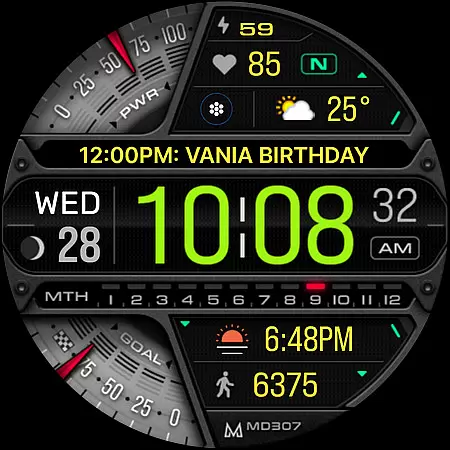
MD307 Digital watch face offers a feature-rich customization experience for Wear OS users. This digital watch face format supports all Wear OS devices with API Level 33+ and includes advanced features like moon phase tracking, heart rate monitoring, and customizable complications.
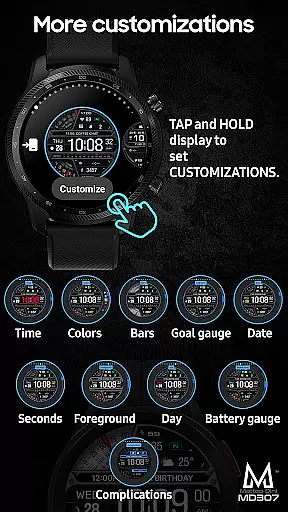
The design provides 12/24hr time display, date, battery status, step tracking, and daily goals. Users can customize the watch face directly on their device through the intuitive tap-and-hold functionality. The always-on display ensures important information remains accessible while allowing color adjustments to match personal preferences.
This versatile watch face is ideal for Galaxy Watch users who want detailed health metrics and quick access to frequently used apps right from their wrist interface.
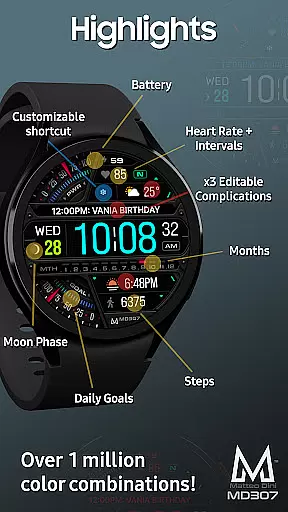
MD307 Digital watch face stands out with its comprehensive feature set tailored for tech-savvy smartwatch users. It includes three preset app shortcuts for Calendar, Battery, and Heart Rate measurement, along with one fully customizable shortcut slot.
Users can personalize their experience through three customizable complications that support various data types including weather forecasts, time zones, and barometric pressure readings. The extensive color customization options allow modification of time, date, day, seconds, foreground elements, bars, goal indicators, and battery gauges.
Advanced functionalities such as Always-On Display support ensure minimal style disruption while maintaining visibility. These features collectively create an engaging and practical wearable experience suitable for both casual users and fitness enthusiasts alike.
Companion app integration is essential for Android Wear applications as it ensures seamless synchronization between the wearable and its paired smartphone. MD307 Digital watch face offers a robust connection that allows users to customize their watch face directly from their mobile device.
This application supports customization through the Samsung Wearable app, although some Galaxy Watch users may experience issues with loading complex designs. To counter this, users are encouraged to personalize their watch face directly on their smartwatch until these compatibility concerns are addressed by Samsung.
The advantages of such integration include the ability to set up app shortcuts, complications, and other preferences effortlessly. Users can enjoy features like moon phase, heart rate monitoring, and customizable complications, ensuring that their most-used apps and data are always accessible at a glance.
Ensuring broad device compatibility is crucial for any Wear OS application. The MD307 Digital watch face is designed to support all Wear OS devices with API Level 33+ (Wear OS 4 and later versions), including popular models like Samsung Galaxy Watch 4-8, Ultra, and Pixel Watch.
This wide-ranging compatibility means that regardless of the specific Wear OS device a user owns, they can enjoy the full functionality of this digital watch face. Features such as 12/24hr digital time, date, moon phase, battery status, heart rate, steps tracking, and daily goals are available across supported devices.
Users benefit from consistent performance and feature availability, which enhances their overall experience. With changeable colors and an Always ON Display option, the MD307 Digital watch face provides both utility and personalization options that work reliably on various devices within the Wear OS ecosystem.
Highly customizable
Feature rich
User friendly
Wide compatibility
Active social presence
Complex setup
Limited support
Battery intensive
Premium cost
Device specific

Wear Os Watch Face - Animated Snow Effect & Christmas Lights
 4.1
4.1
WTW M17 is a premium and luxurious hybrid watch face
4.70
Christmas and New Year - Themed Watchface
4.5
Contemporary digital watch face with five complications
4.2
Artistic Digital Watchface
4.0
Monitor health with the stress test and pulse checker in the heart rate app.
4.60
Funny animated watch face for Thanksgiving
4.5
Professional weather radar and more
3.90
Fitbit is dedicated to helping people lead healthier, more active lives.
4.10
Period, ovulation & pregnancy tracker. Fertility insights & menstrual calendar.
4.90
Real-time weather radar with temperatures, warnings, hurricanes, and widgets
4.80
To-Do List: daily schedule planner, task organizer, to do reminder app, calendar
4.60
Retro digital watch face with customizable colors and a unique lighting effect
4.60
Simple, helpful messaging by Google
4.60
Authentic military-tactical design with ZULU time! Realistic and functional!
3.80
Your local weather forecast, storm tracker, radar maps & live weather news
3.40
A watch face that fuses motorsport precision with contemporary smartwatch design
4.2
Sleek, highly customizable watch face inspired by Galaxy Watch Circle Dashboard.
4.5
Minimalistic design modern digital watch face.
4.0


User Reviews