

WTW M17 is a premium and luxurious hybrid watch face
 4.70
4.70
MyNISSAN® lets you remotely control your car from your phone.*
4.50
Embrace the festive spirit with our Christmas Countdown watchface for Wear OS
4.10
Easy Voice Recorder is your everyday companion to record important moments.
4.70
Digital watch face. For Wear OS devices.
4.40
Find EV charging stations
4.30
Stay in touch with your friends and family using LINE!
3.40
Viewer for Wyze/Yi/Eufy/Arlo/ONVIF/RTSP/P2P IP cams w/ adv. features & DIY DVR
4.00
Premium hybrid watch face with many customizations for Wear OS devices.
4.40
Hybrid watch face for Wear OS with customizable complications by Matteo Dini MD
4.70
Walking app for weight loss: walk & step tracker, pedometer, indoor treadmill
4.60
A realistic hybrid watch face with many customization options.
4.60
Elegant animated Christmas tree with multiple customization options
4.20
Let's celebrate Thanksgiving - Wear Os watch face
4.20
"PER27 Galaxy Digital" is a digital Wear OS watch face designed by PERSONA
4.10
Structured watch face with seven complications and modular UI elements
3.90
A full-featured Amazon Alexa voice assistant that can show you things.
3.70
Watch face designed for Thanksgiving Day. 7 Background Styles included.
3.20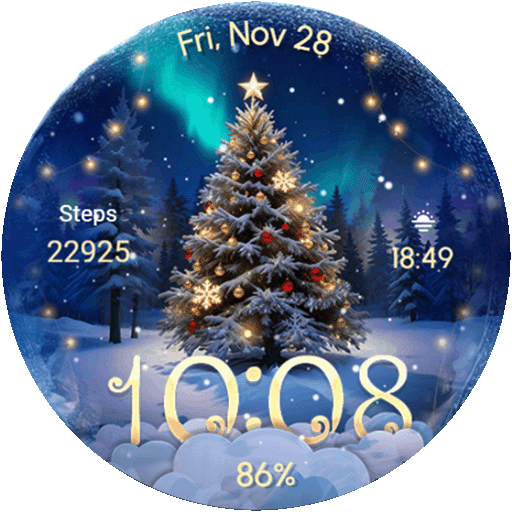
Wear Os Watch Face - Animated Snow Effect & Christmas Lights
4.2


