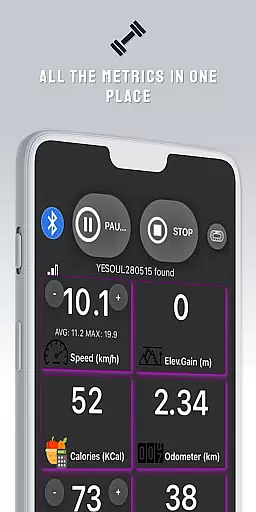
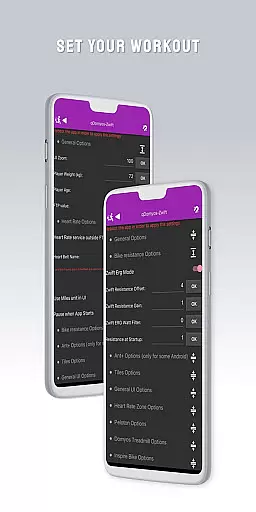
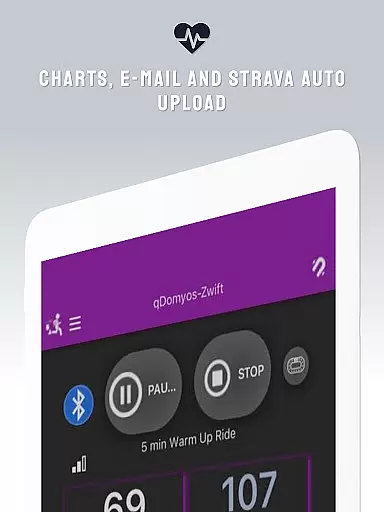
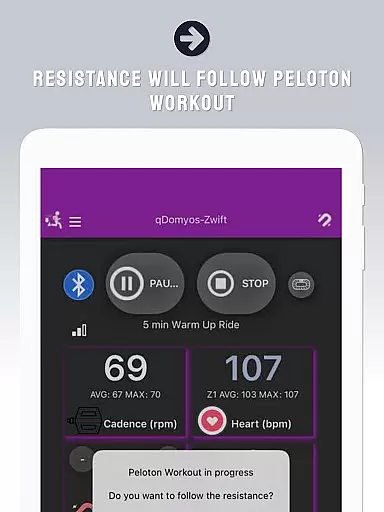
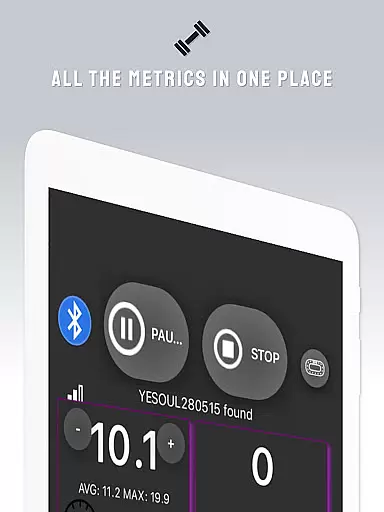
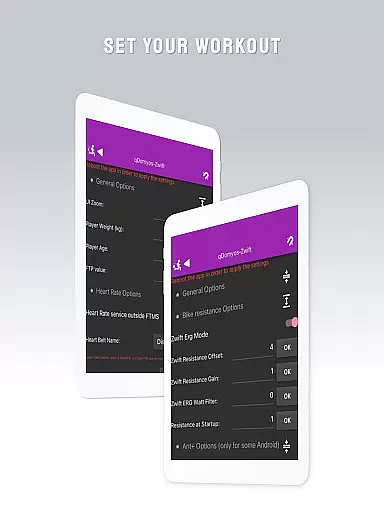
QZ is a versatile application designed to bridge the gap between various exercise equipment and popular fitness platforms like Zwift. This app allows users with Domyos, Echelon, Proform, Flywheel, Yesoul, or Toorx treadmills and bikes to seamlessly integrate their devices with virtual training environments. By connecting your smartphone to your fitness machine, QZ enables Zwift to recognize and interact with your equipment, providing a second life to your workout gear.
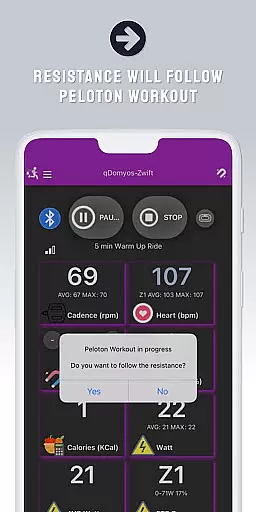
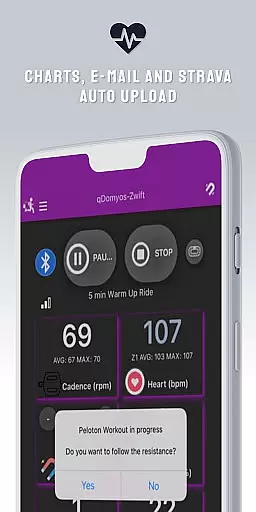
In addition to Zwift compatibility, QZ supports features such as Peloton's auto-following workouts, which automatically adjust resistance levels during your sessions. The app also includes Strava Autopload functionality for effortless activity tracking. With Wear OS support, users can download the companion app on their smartwatches to monitor heart rate data directly from the wearable and send it to the main QZ app, enhancing the overall workout experience.
QZ stands out with its extensive compatibility across a wide range of fitness equipment brands and models. It supports all Echelon and Domyos bikes, treadmills, and elliptical machines, ensuring that users with different equipment can benefit from this integration. Additionally, the app works with Keiser M3i bikes without requiring any additional converters, and it accommodates specific models from Yesoul, Sportstech, Inspire, Schwinn, Bowflex, Toorx, Fassi, JK Fitness, and Proform.
Beyond equipment connectivity, QZ offers advanced features such as auto-adjusting resistance for Peloton workouts, allowing users to enjoy hands-free resistance changes based on their workout plans. The inclusion of Strava Autopload ensures that users can easily track their activities on Strava. Moreover, the Wear OS compatibility extends the app's utility by enabling heart rate monitoring through smartwatches, making it a comprehensive solution for tech-savvy fitness enthusiasts looking to maximize their workout data.
Companion app integration is essential for users who want a seamless experience between their wearable devices and main applications. QZ (qdomyos-zwift) excels in this area by offering robust connectivity options.
The app allows users to connect their smartphones to treadmills or bikes, enabling Zwift to recognize these devices effortlessly. This ensures that your workout data is accurately reflected in real-time on Zwift, enhancing your virtual fitness journey.
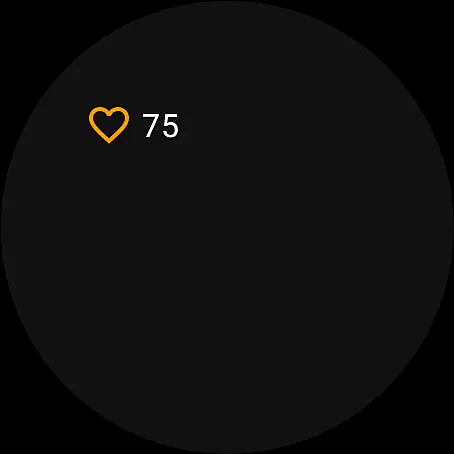
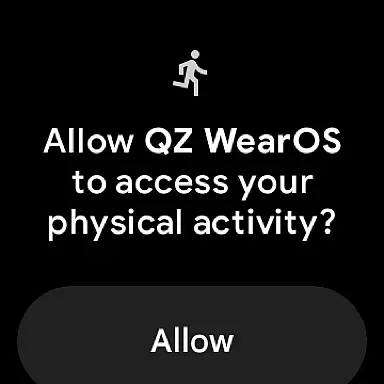
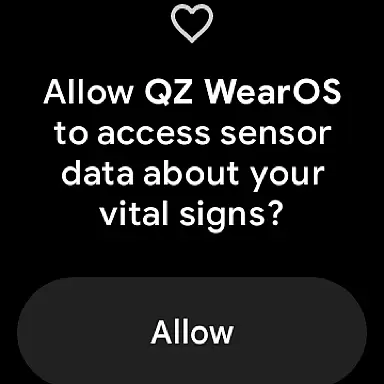
Additionally, QZ supports Wear OS, allowing users to download the companion app on their smartwatches. This feature reads heart rate data from the watch and transmits it to the main QZ app, ensuring comprehensive health tracking during workouts.
By integrating with Strava's Autopload feature, QZ further extends its compatibility, making it easier for athletes to upload their workout data automatically. This holistic approach to companion app integration provides users with a versatile and interconnected fitness ecosystem.
Ensuring broad device compatibility is crucial for any application targeting wearable technology. QZ (qdomyos-zwift) stands out by supporting a wide range of devices, particularly those running on Wear OS.
With QZ, users can enjoy full functionality on their Wear OS smartwatches. By downloading the companion app on their watches, users can leverage advanced features such as heart rate monitoring directly from their wrists.
This compatibility extends beyond just Wear OS; QZ supports numerous exercise machines including Echelon bikes, Domyos equipment, Yesoul models, and more. Such extensive support guarantees that no matter what brand or model you own, QZ has got you covered.
Moreover, the appu2019s ability to read heart rate data from the watch and send it to the main app ensures accurate and continuous health metrics tracking. This level of integration highlights QZ's commitment to providing a versatile and user-friendly experience across various devices.
User-friendly interface
Wide equipment compatibility
Auto resistance adjustment
Strava Autopload feature
Wear OS integration
Limited Proform treadmill support
No iOS version available
Occasional connectivity issues
Requires stable internet
Premium features need subscription

Diet tracker for weight loss - track calories, food and macros. Simple and easy!
 4.70
4.70
Highly customizable hybrid watch face for Wear OS, perfect for everyday use.
4.60
Precision analog watch face with 7 complications and style options
4.0
Beautiful artistic animated digital watch face, with a customizable layout!
4.40
Contemporary digital watch face with five complications
4.3
Let's celebrate Thanksgiving - Wear Os watch face
4.20
Locate your family members by GPS phone location tracker everywhere and anytime
4.30
Minimalistic design modern digital watch face.
4.0
Control your Samsung Smart TVs, appliances, and SmartThings-compatible devices
4.60
Gym Log & Workout Tracker | Fitness Journal, Training & Weight Lifting Planner
4.90
Hybrid watch face for Wear OS with customizable complications by Matteo Dini MD
4.70
Real-time results, stats, schedules and player profiles for all leagues
4.60
Bold weather Digital watchface with forecast & optional animated background
4.40
Elegant animated Christmas tree with multiple customization options
4.20
Animated video-game inspired “secret agent” simulation, right on your wrist!
4.20
sleep, alarm, snoring, stress, healing, focus, sound therapy, circadian rhythm
4.10
Hyper-Realistic Airplane Dashboard Watch Face With 10 Skins and Custom AOD
4.00
Stunning modern digital watch face with 7 complications and strong contrast
4.3
Artistic Digital Watchface
4.2


User Reviews