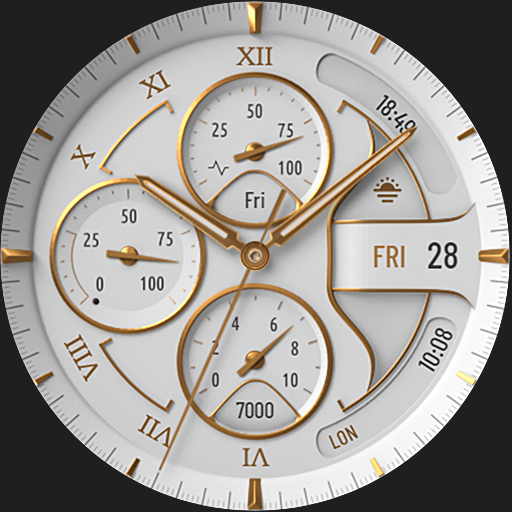

Christmas and New Year - Themed Watchface
 4.2
4.2
Christmas is near, let's count together the days left until Santa comes
4.4
Easy Voice Recorder is your everyday companion to record important moments.
4.70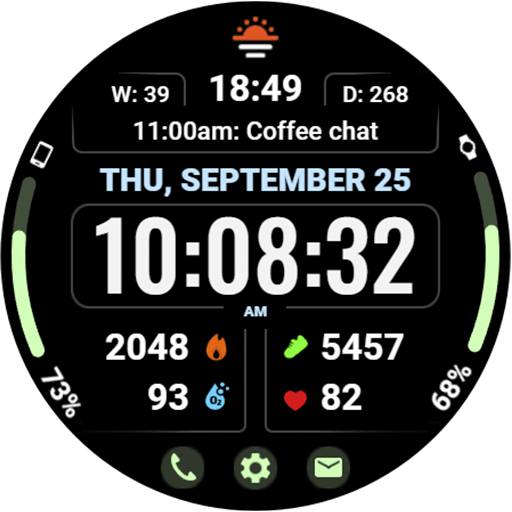
Beautiful, colorful and practical watch face. For Wear OS devices.
5.00
Be an elegant and classy secret agent, with this carefully detailed watch face
4.70
Fitness interactive virtual pet super fighter boy watch face
4.0
Ideal for surviving in the wasteland left after nuclear fallout
4.50
Monitor health with the stress test and pulse checker in the heart rate app.
4.60
Find EV charging stations
4.30
Kia Access makes getting your vehicle information easier than ever
4.60
MyNISSAN® lets you remotely control your car from your phone.*
4.50
Fast and smart typing with Emojis, GIFs, and more
4.50
Embrace the holiday spirit with this magical animated watch face!
4.40
Bold, Modern Hybrid Watch Face for Wear OS. 10 Colors, Rich Info Display.
4.30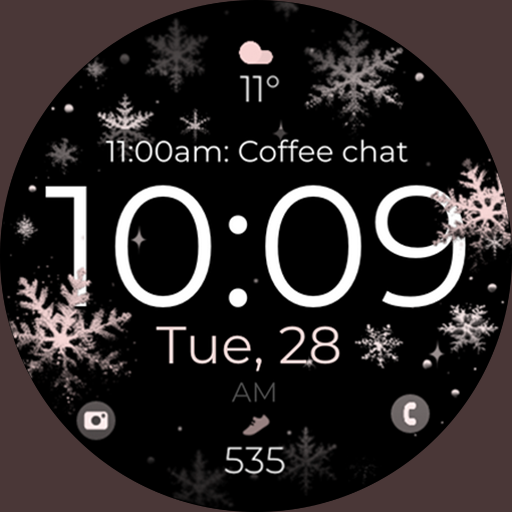
Snowflake Rose Gold Watch Face - Digital, modern, & sleek with GYRO effect.
4.10
Professional weather radar and more
3.90
Analog watch face with 8 complications and expedition styling
4.5
Contemporary digital watch face with five complications
4.5
Hybrid Vibrant Health Watch Face for Wear OS
4.2


