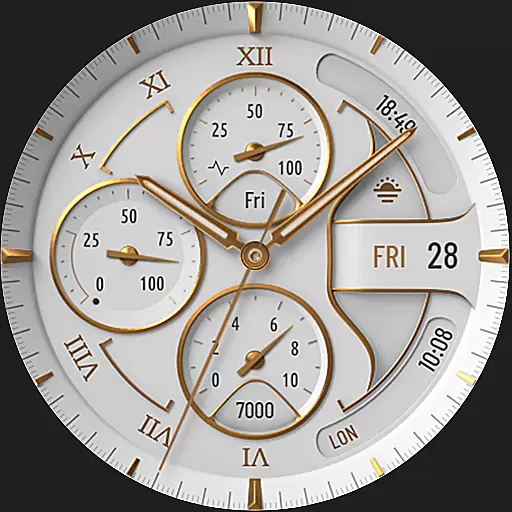
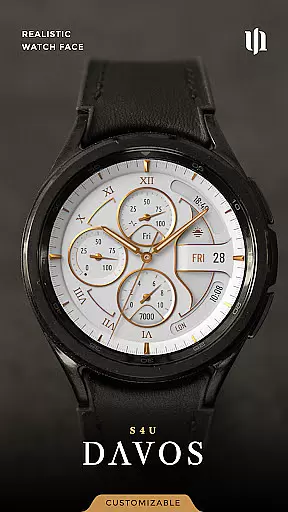
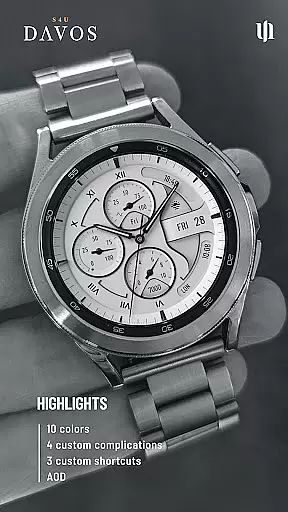
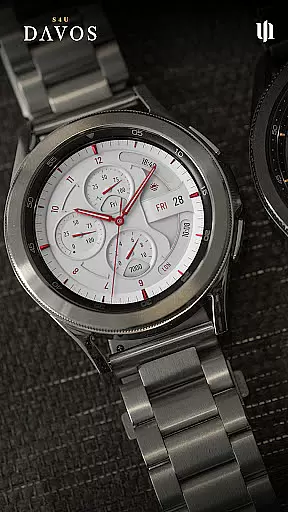
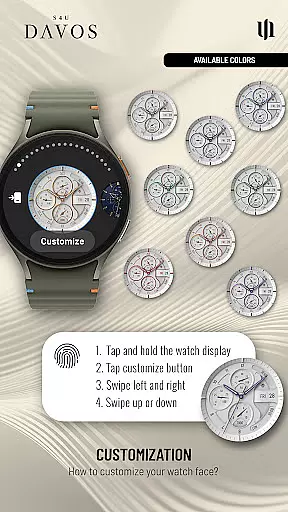
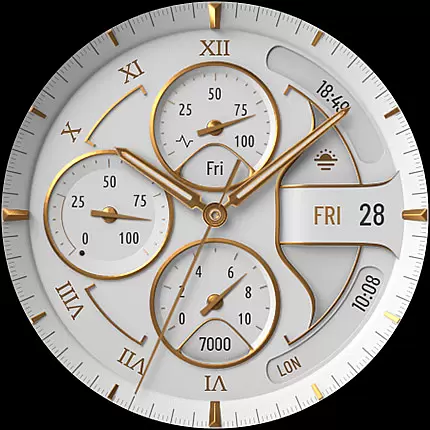
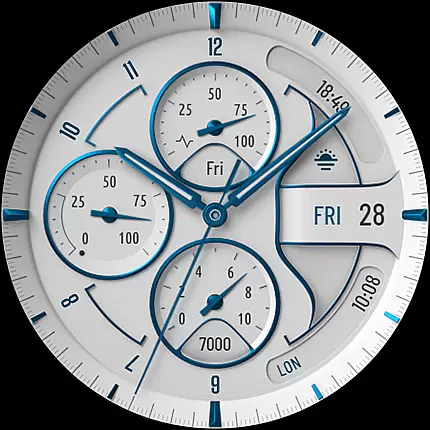
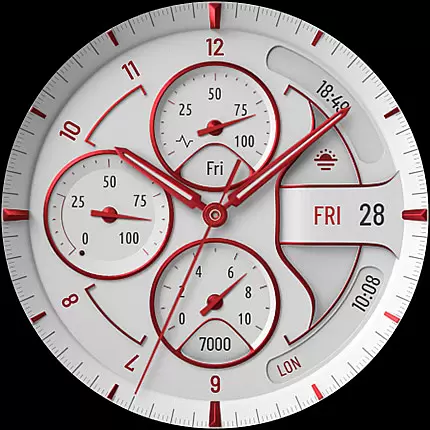
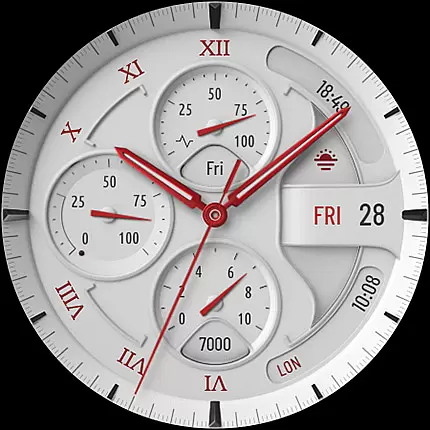
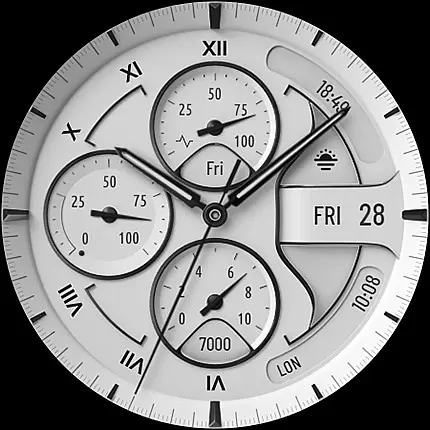
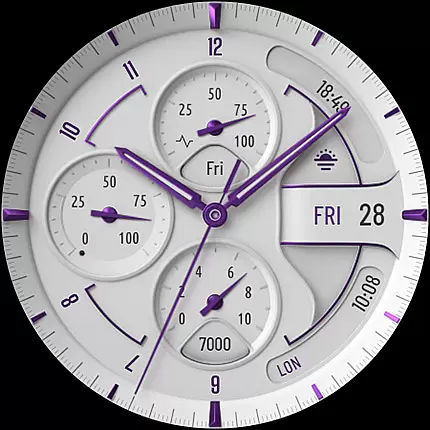
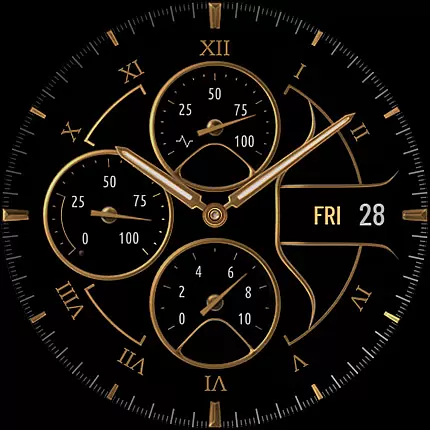
S4U Davos is a premium Wear OS watch face designed for smartwatches running Wear OS 4 or higher. This app combines luxury and functionality, offering users a realistic white analog dial with timeless elegance. Compatible devices include Samsung Galaxy Watches, Google Pixel Watches, and other Wear OS 4+ smartwatches.
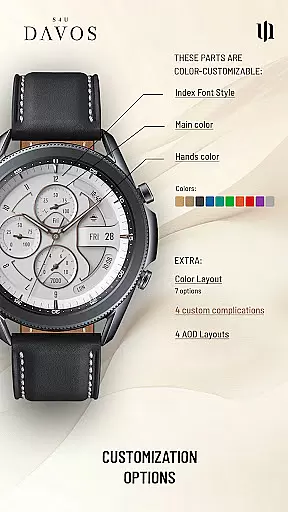
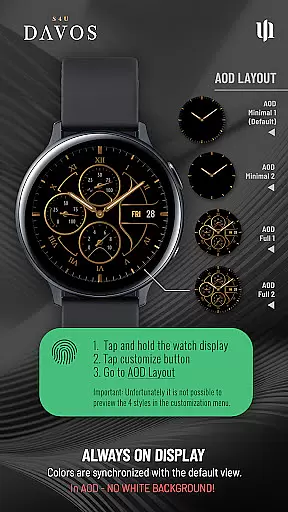
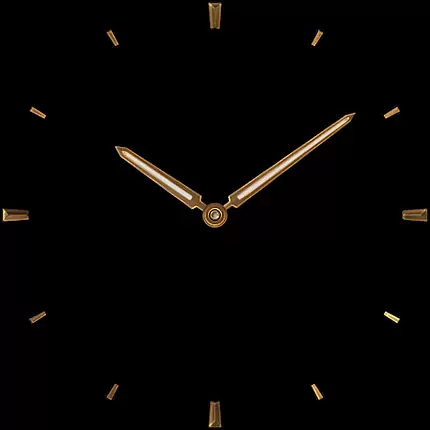
With customizable options such as multiple dial colors, editable complications, and app shortcuts, S4U Davos allows users to tailor their watch face to fit personal styles and needs. The Always-On Display (AOD) feature ensures continuous timekeeping with adaptive colors and layout choices.
This app is ideal for users seeking both aesthetic appeal and practical utility on their smartwatches, enhancing daily productivity and style.
S4U Davos stands out with its beautifully crafted white analog dial and extensive customization capabilities. Users can personalize the watch face with 10 main color options, 10 hand colors, and 9 secondary colors, ensuring a unique appearance that matches individual preferences.
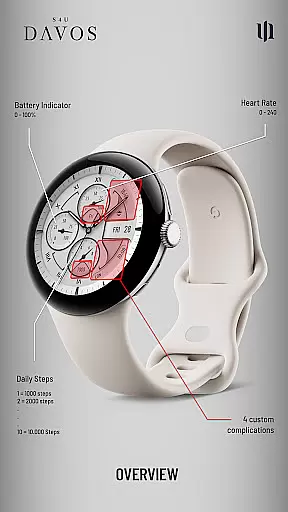
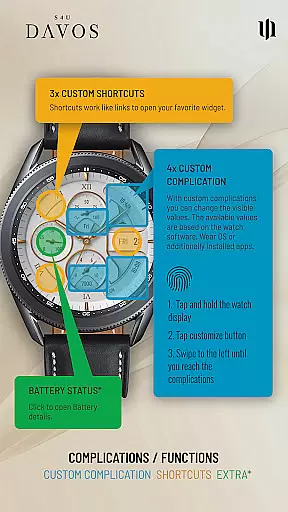
The app includes 4 editable complications and 3 app shortcuts, allowing users to display user-defined data and access favorite widgets effortlessly. The Always-On Display (AOD) offers two distinctive layouts, adapting automatically to ambient light conditions while maintaining battery efficiency.
Additional features include displaying analog time, daily step count, battery level, heart rate, day of the week, and more. These functionalities make S4U Davos a versatile and valuable tool for smartwatch users who prioritize both design and function.
Companion app integration is crucial for Wear OS applications as it ensures seamless synchronization between the smartwatch and its paired mobile device. S4U Davos excels in this area by providing users with a dedicated companion app that simplifies the installation process and resolves potential issues.
The companion app serves as a support hub, offering clear guidance on installing the watch face and troubleshooting common problems. By following the provided steps in the Install/Issues section, users can quickly address any compatibility concerns or download errors they may encounter.
This integration enhances user experience by enabling effortless customization and management of the watch face directly from the paired smartphone. Users can access various settings, including color options, complications, and shortcuts, ensuring their watch face perfectly matches their personal style and functional needs.
With reliable companion app support, S4U Davos demonstrates its commitment to delivering a comprehensive and user-friendly Wear OS experience, making it simple for users to maintain and personalize their smartwatch.
Device compatibility is a fundamental aspect of any Wear OS application, determining which smartwatches can effectively run the software. S4U Davos has been optimized for Wear OS 4 and above (Wear OS API 33+), ensuring it works seamlessly with the latest smartwatch models.
The application supports a wide range of devices, including popular models such as Samsung Galaxy Watch series (4, 5, 6, 7, 7 Ultra, 8) and Google Pixel Watch series (1-3). This broad compatibility ensures that users with different Wear OS smartwatches can enjoy the elegant design and customizable features of S4U Davos.
By focusing on compatibility with Wear OS 4 and newer versions, the application takes full advantage of the advanced capabilities these devices offer. This includes enhanced performance, improved battery optimization, and access to the latest Wear OS features.
Users can be confident that S4U Davos will function reliably on their compatible smartwatch, providing a consistent and high-quality experience across supported devices while maintaining optimal performance and functionality.
Highly customizable
Beautiful design
Extensive compatibility
User-friendly interface
Always-On Display
Limited to Wear OS
Battery consumption
Complex setup
Premium cost
Learning curve

Be an elegant and classy secret agent, with this carefully detailed watch face
 4.70
4.70
Digital, flexibly customizable watch face. For Wear OS 5.0, API 34+ and later.
5.00
Let's celebrate Thanksgiving - Wear Os watch face
4.20
The most customizable minimal watch face. For Wear OS 5.0, API 34+ and later
4.70
Gym & home workout plans with strength training, exercise tracking, HIIT & more.
4.60
The Chevron App allows you to pay for fuel from the comfort of your car!
4.80
A modern hybrid informative watch face for Wear OS designed by BALLOZI
4.80
Viewer for Wyze/Yi/Eufy/Arlo/ONVIF/RTSP/P2P IP cams w/ adv. features & DIY DVR
4.00
Track your active life in one place and share the journey with friends.
4.40
Gym Log & Workout Tracker | Fitness Journal, Training & Weight Lifting Planner
4.90
Walking app for weight loss: walk & step tracker, pedometer, indoor treadmill
4.60
Kia Access makes getting your vehicle information easier than ever
4.60
A realistic hybrid watch face with many customization options.
4.60
Premium hybrid watch face with many customizations for Wear OS devices.
4.40
Structured watch face with seven complications and modular UI elements
3.90
Wear Os Watch Face - Animated Snow Effect & Christmas Lights
4.3
Christmas and New Year - Themed Watchface
4.5
Stunning modern digital watch face with 7 complications and strong contrast
4.0
Fitness interactive virtual pet super fighter boy watch face
4.1


User Reviews