
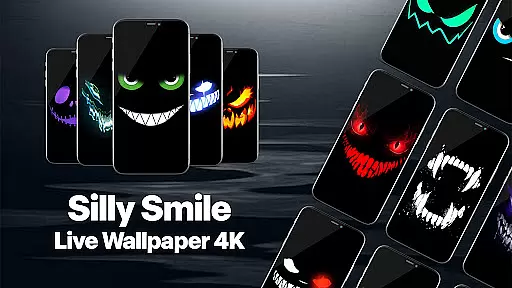
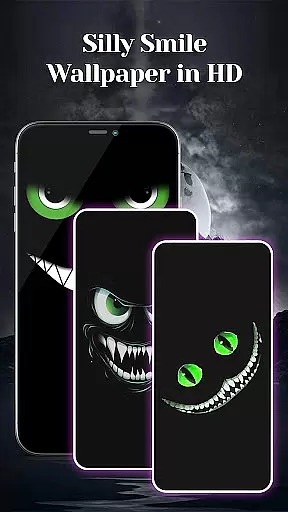
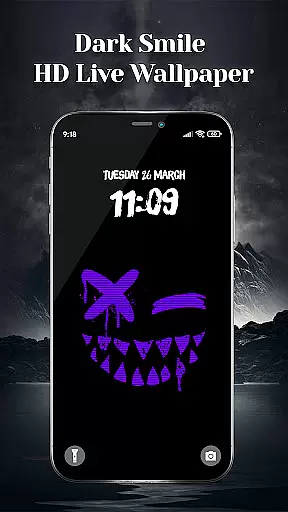
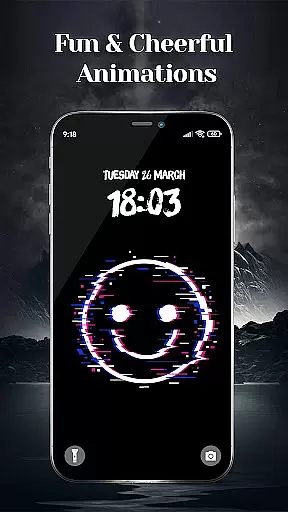
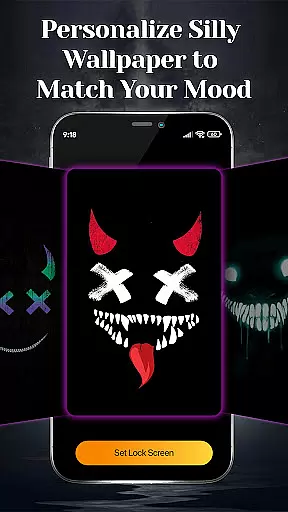
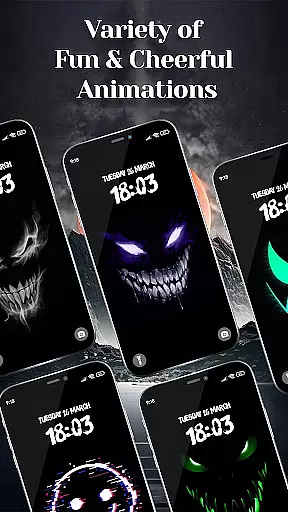
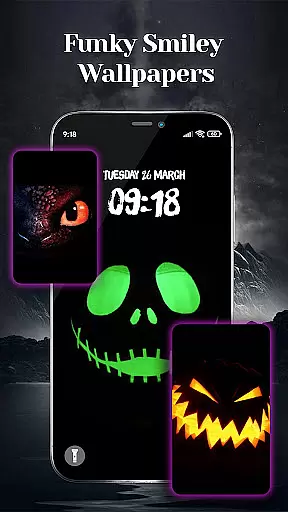
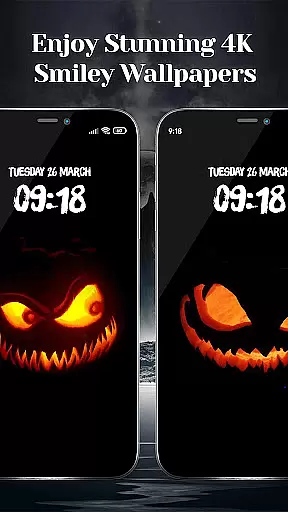
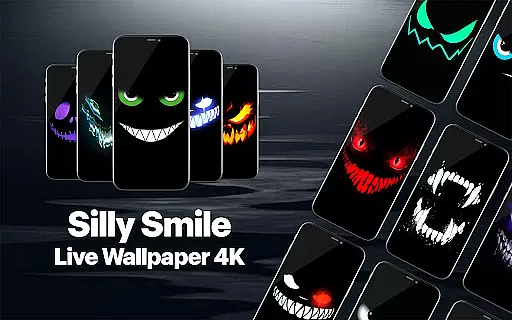
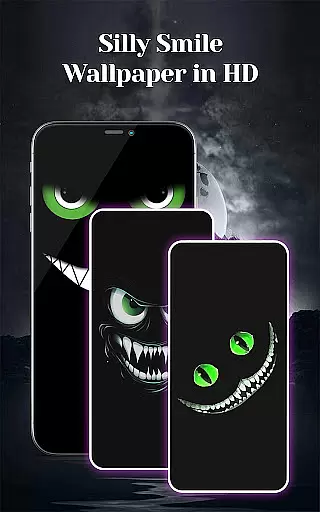
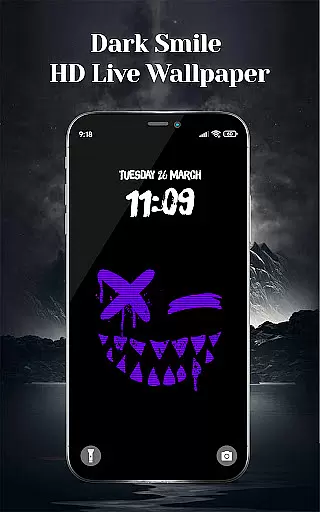
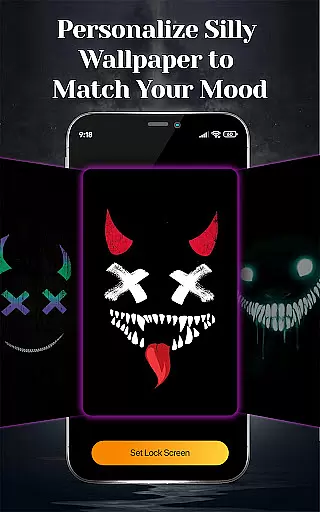
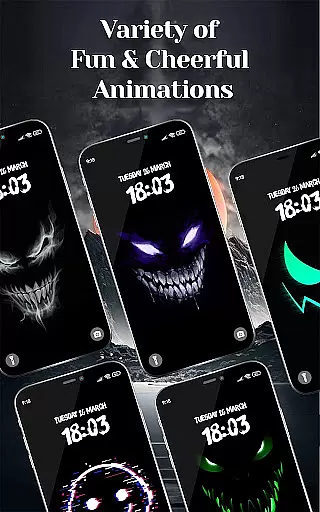
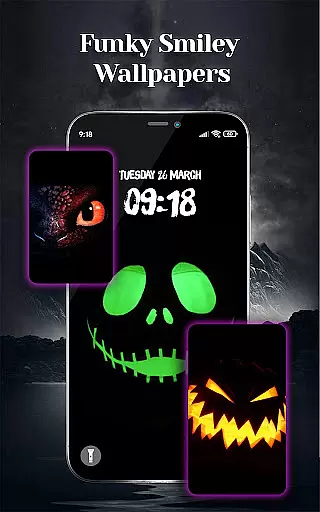
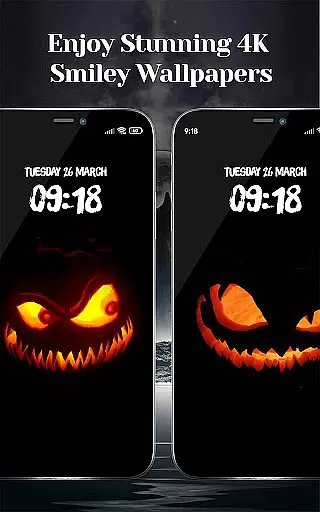
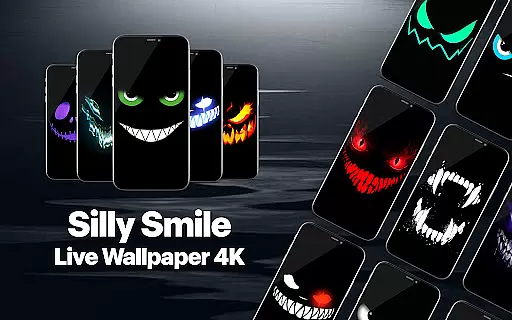
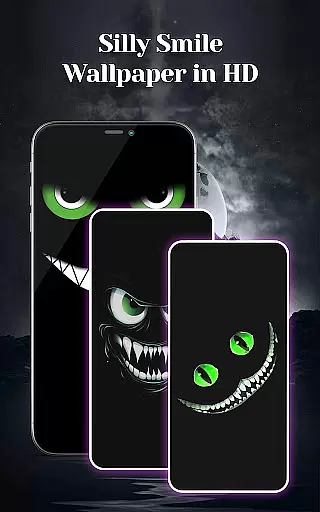
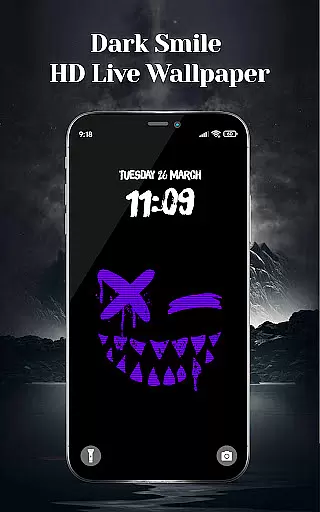
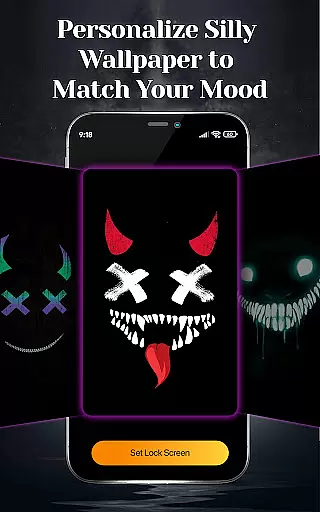
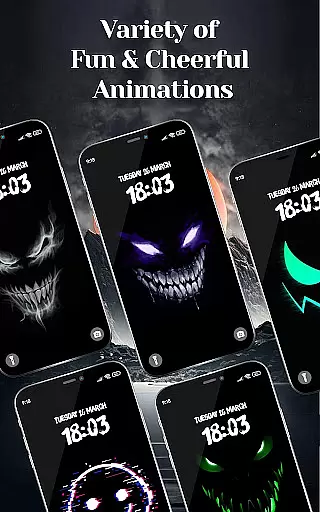
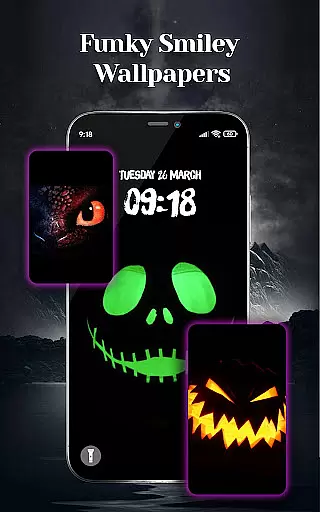
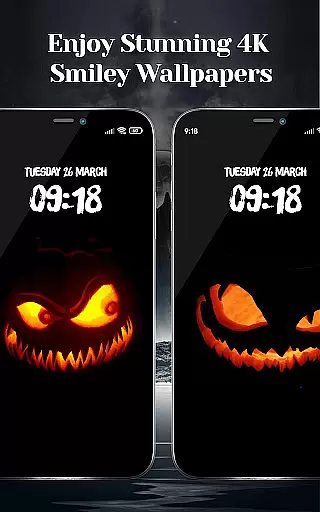
Silly Smile Fun Live Wallpaper is a dynamic personalization app that brings playful and quirky animations to your mobile device. Designed for users seeking unique, high-quality wallpapers, this app offers an extensive collection of 4K animated smiley faces ranging from goofy grins to spooky smirks. Each wallpaper is crafted with vibrant colors and intricate details, ensuring a striking visual experience on any screen size.
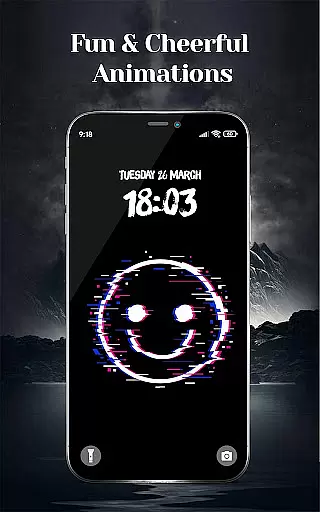
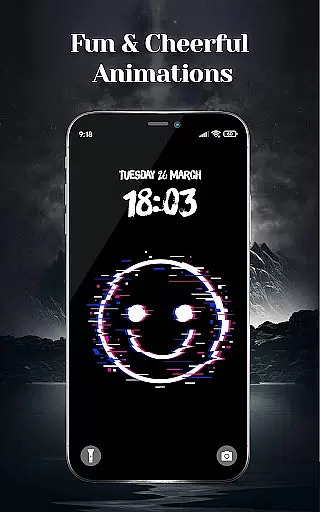
One of the standout features is its interactive animation. These lively wallpapers don't remain static; they wink, giggle, or flash mischievous expressions, adding personality to your device. Whether you're in the mood for something playful or eerie, Silly Smile Fun Live Wallpaper caters to every mood and occasion, including Halloween themes. The easy setup process allows users to browse, select, and apply their favorite designs within moments, transforming their screens into lively masterpieces.
This app is perfect for those who want to inject fun and creativity into their daily phone usage. With its stunning 4K resolution, diverse themes, and engaging animations, it not only enhances aesthetic appeal but also brings joy to everyday interactions with your device.
Silly Smile Fun Live Wallpaper stands out through its innovative approach to personalization. The app provides a vast selection of animated smiley wallpapers in both 4K and HD quality, ensuring sharp visuals with vivid colors and intricate details. From funky themes like Silly Devil Smiles to mood-based options such as Evil Black Laugh or Wicked Smile, there's a design for every preference. This variety ensures users can find wallpapers that match their unique style and current mood.
A key feature is the subtle yet captivating animations embedded in each wallpaper. These aren't just static images; they come alive with interactive elements. For instance, smiley faces may wink, laugh, or smirk when you interact with your screen. Such dynamic behavior adds a layer of engagement and fun, making each unlock experience delightful. Additionally, the app supports various color schemes, including dark and spooky themes, which cater to different aesthetic tastes.
The ease of use further enhances the user experience. Setting up a chosen wallpaper involves just a few taps, allowing quick customization without hassle. Whether used seasonally for events like Halloween or year-round for continuous enjoyment, these wallpapers offer versatility and charm. They also serve as quirky gifts for friends who appreciate distinctive phone aesthetics. Overall, Silly Smile Fun Live Wallpaper combines high-quality visuals with creative interactivity, setting itself apart in the personalization category.
Customization is at the heart of Silly Smile Fun Live Wallpaper, offering users a rich variety of animated 4K wallpapers to suit every mood and occasion. From funky themes like Silly Smiles Live Wallpaper to more mischievous designs such as Silly Devil Smiles, the app provides an extensive selection that caters to diverse tastes.
The app's vast range includes playful and quirky smiley faces, eerie grins, and cheeky smirks, ensuring there's something for everyone. Whether you're in the mood for a Mad Black Grin, Evil Black Laugh, or Wicked Smile, this app has it all. With additional options like Angry Slime Smile and Dark Smiles, users can find the perfect match for their personal style.
Setting up these lively wallpapers is incredibly straightforward. Once you've browsed through the collection and selected your favorite, transforming your screen into a vibrant masterpiece is just a few taps away. This ease of use ensures that personalizing your device with a unique animated wallpaper is both fun and hassle-free.
Silly Smile Fun Live Wallpaper excels in theme compatibility, ensuring that each animated design looks stunning on any device. The app supports 4K and HD quality wallpapers, which means whether you're using a phone or tablet, you'll experience sharp, high-definition visuals with bright, vivid colors and intricate details.
Every wallpaper is crafted to maintain visual consistency across different screen sizes and resolutions. This commitment to quality guarantees that goofy grins and spooky smirks look just as impressive on a larger tablet screen as they do on a compact smartphone display.
Moreover, the app's compatibility extends beyond mere resolution. It ensures that animations run smoothly and interact seamlessly with user inputs, regardless of the device. This means that whether you're tapping to see a smiley face wink or giggle, the response is fluid and engaging, adding a layer of interactivity that enhances the overall user experience.
Stunning 4K quality
Vibrant color options
Interactive animations
Wide theme variety
Easy setup process
Limited non-smiley designs
Potential battery drain
Few customization tools
No live support
Occasional bugs

3D, live, and moving wallpapers & themes in 4K and HD for your device.
 4.50
4.50
Make your phone look simple & luxury, like iDevice
4.60
Bring adorable pets to life on your screen. Playful, interactive and full of fun
4.60
Zip lock screen with magic wallpaper to decorate your phone with fun zipper lock
4.60
Design your screen with unique, vibrant clocks
3.80
Your go to Weather App & Home Screen. Get your weather at a swipe of a finger!
3.80
Customize phone with anime themes, 3D icons, aesthetic widgets & wallpapers
4.80
Create stunning widgets with Widget 2026: Aesthetic Widgets for Android!
4.60
Install amazing sticker packs: endless styles, always cool.
4.70
Winter's Journey: digital watch face for Galaxy Watch & Wear OS
4.80
300+ Stunning and well-designed widgets inspired by NOTHING.
4.70
400+ Beautifully crafted widgets inspired by NOTHING.
4.70
Glass style colourful icons with a One UI look and feel
4.60
Ultimate Gallery Lock App - Hide Pictures, Videos and Lock Apps Instantly!
4.60
Turn text & photos into stunning AI videos, art, and creative visual stories.
4.50 4.50
4.50
Vibrant Adaptive Icons with Material You and Enhanced Monet Colors.
4.50
The definitive Icon pack maker and editor
4.30
App Icon Changer & Shortcut Creator. Customize your icons without any watermarks
4.30


User Reviews