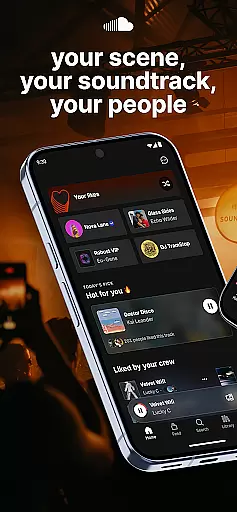
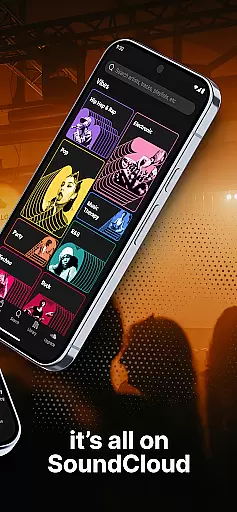


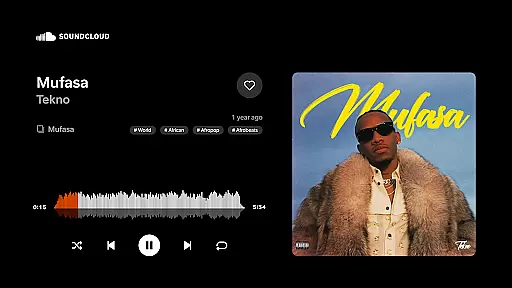
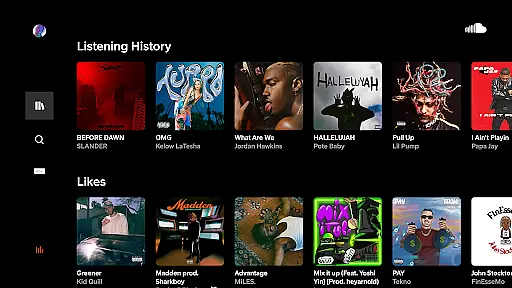
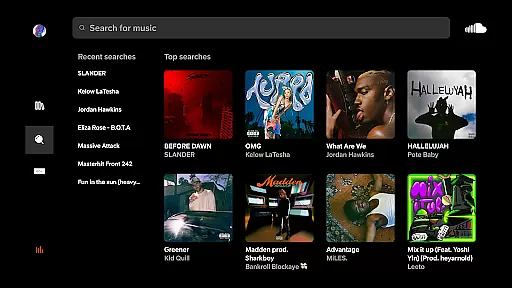
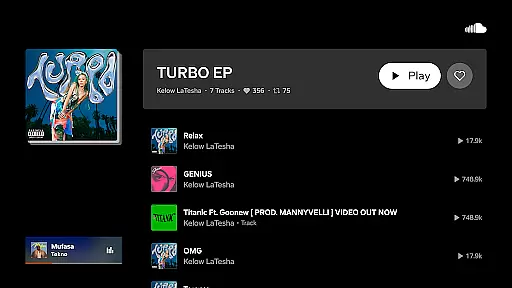
SoundCloud is a premier music streaming platform that connects users with a diverse range of audio content from emerging artists to established musicians. It offers an immersive experience where users can discover, share, and interact with music in meaningful ways.
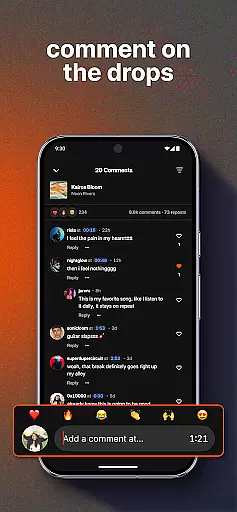
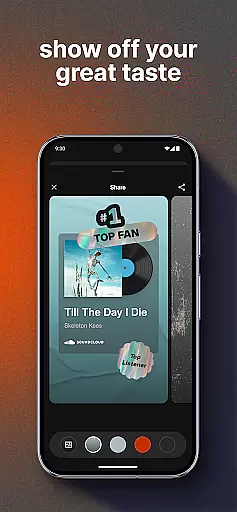
The app's unique features include Suggested Follows, Messaging Bubbles for iOS, Cast to Devices for real-life sharing, Quick Reactions, and the ability to earn recognition as a top fan. These tools not only enhance user engagement but also foster a sense of community among music enthusiasts.
Whether you're looking to uncover new tracks, connect with like-minded individuals, or simply enjoy a personalized soundtrack to your life, SoundCloud provides the perfect platform for all your musical needs.
SoundCloud stands out with its innovative features designed to enrich the music discovery process. Users can explore suggested follows to expand their musical horizons and engage in direct messaging through Messaging Bubbles on iOS.
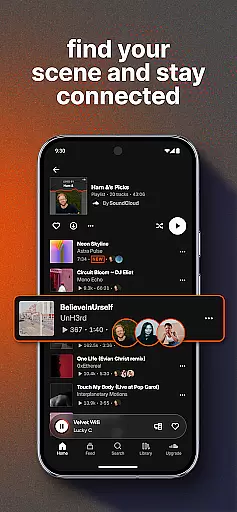
With Cast to Devices, listeners can bring their playlists into the physical world, creating shared experiences. Quick Reactions and Commenting capabilities allow fans to express appreciation and build closer connections with artists.
Additionally, SoundCloud recognizes dedicated fans by featuring them on artists' First & Top Fans lists, while the Discover Feed keeps users updated on trending tracks and popular playlists within their social circle.
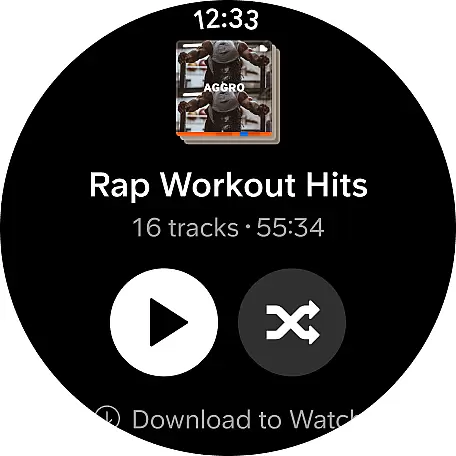
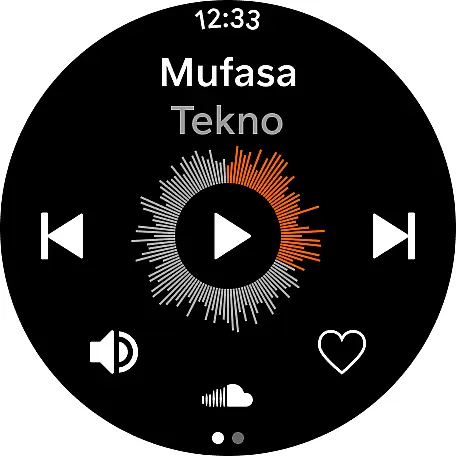
Companion app integration is essential for a seamless experience between mobile devices and wearables. SoundCloud ensures that its Android Wear users can enjoy uninterrupted music streaming directly from their smartwatches.
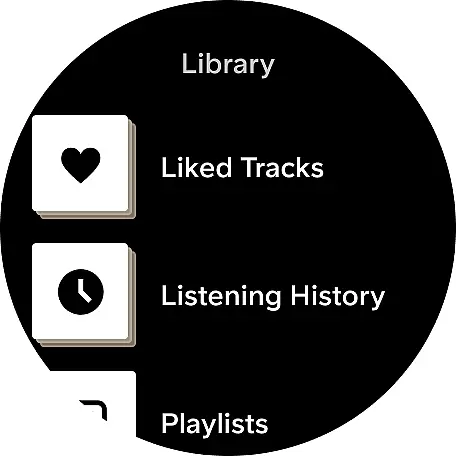
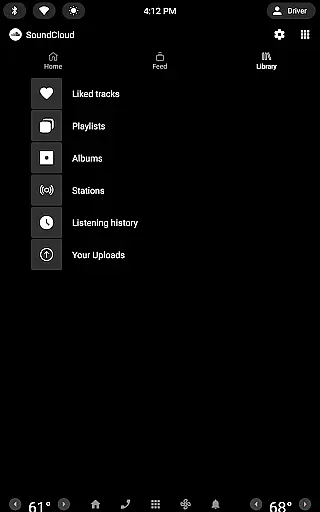
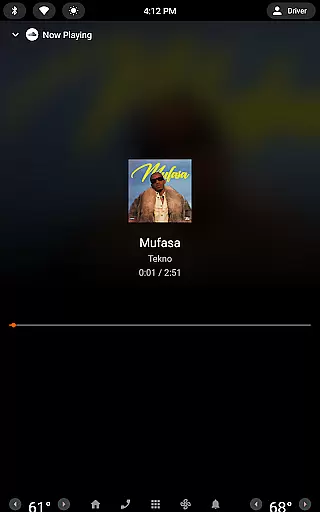
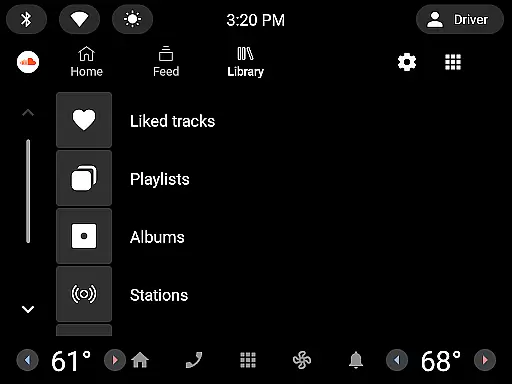
The app provides key functionalities such as play, pause, skip, and even access to user playlists without needing to reach for the phone. This allows users to control their music conveniently while on the move.
By syncing with the main SoundCloud app on your smartphone, the wearable version maintains all your preferences, follows, likes, and playlists. This synchronization ensures that you have a consistent experience across devices.
Users benefit from this integration by having quick access to their favorite tracks and personalized content right from their wrist, enhancing both convenience and accessibility.
Device compatibility is crucial for ensuring that applications run smoothly across various hardware. SoundCloud's support for Wear OS guarantees that it works efficiently on a wide range of smartwatches powered by this operating system.
The app is optimized to deliver high performance regardless of the specific Wear OS device you own. Whether it's a Fossil, TicWatch, or any other brand, SoundCloud adapts seamlessly to different screen sizes and resolutions.
SoundCloud takes advantage of Wear OS features like voice commands and notifications, making interactions more intuitive. Users can receive updates about new messages, comments, or follower activities directly on their watch.
This broad compatibility enhances user satisfaction by providing a reliable and feature-rich experience on any Wear OS device, thus expanding the potential user base who can enjoy SoundCloud's offerings.
User-friendly interface
Vast music library
Community engagement
Artist interaction
Personalized discovery
Limited offline mode
Ads between tracks
Premium subscription cost
Occasional bugs
High data usage

Christmas - Festive - Christmas Village - Winter - Christmas lights
 5.00
5.00
A watch face that fuses motorsport precision with contemporary smartwatch design
4.5
A modern premium sporty hybrid watch face for Wear OS by Ballozi
4.70
Stylish digital watch face for Wear OS devices with customizable features
4.2
Nutrition, Macro tracker: Food, fitness & healthy diet tracking for weight loss
4.60
Real-time results, stats, schedules and player profiles for all leagues
4.60
Minimalistic design modern digital watch face.
4.1
Hybrid watch face for Wear OS with customizable complications by Matteo Dini MD
4.70
Track your active life in one place and share the journey with friends.
4.40
A realistic hybrid watch face with many customization options.
4.60
To-Do List: daily schedule planner, task organizer, to do reminder app, calendar
4.60
Digital watch face. For Wear OS devices.
4.40
A customizable Christmas watch face for Wear OS with a countdown.
4.20
Daily Weather forecast with 15 weather images for Day & Night plus Big Bold time
4.10
Hyper-Realistic Airplane Dashboard Watch Face With 10 Skins and Custom AOD
4.00
Stay in touch with your friends and family using LINE!
3.40
an Analog Watch Face for winter season with freeze winter background for Wear OS
4.3
Analog watch face with 8 complications and expedition styling
4.0
Funny animated watch face for Thanksgiving
4.4


User Reviews