

Gym Log & Workout Tracker | Fitness Journal, Training & Weight Lifting Planner
 4.90
4.90
WTW M17 is a premium and luxurious hybrid watch face
4.70
Christmas - Festive - Christmas Village - Winter - Christmas lights
5.00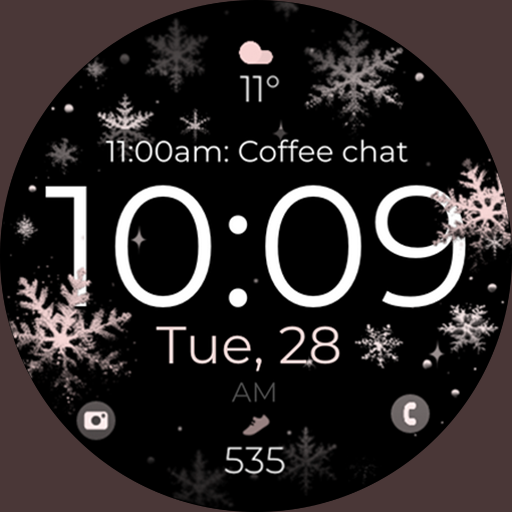
Snowflake Rose Gold Watch Face - Digital, modern, & sleek with GYRO effect.
4.10
Elegant animated Christmas tree with multiple customization options
4.20
Monitor health with the stress test and pulse checker in the heart rate app.
4.60
Bold weather Digital watchface with forecast & optional animated background
4.40
Hybrid watch face for Wear OS with customizable complications by Matteo Dini MD
4.70
A realistic hybrid watch face with many customization options.
4.60
Hyperlocal rain alerts by MyRadar using patent-pending technology, radar & more
4.80
Diet tracker for weight loss - track calories, food and macros. Simple and easy!
4.70
The most customizable minimal watch face. For Wear OS 5.0, API 34+ and later
4.70
To-Do List: daily schedule planner, task organizer, to do reminder app, calendar
4.60
Simple, helpful messaging by Google
4.60
Connect to your Bluelink equipped Hyundai vehicle from your smartphone.
4.50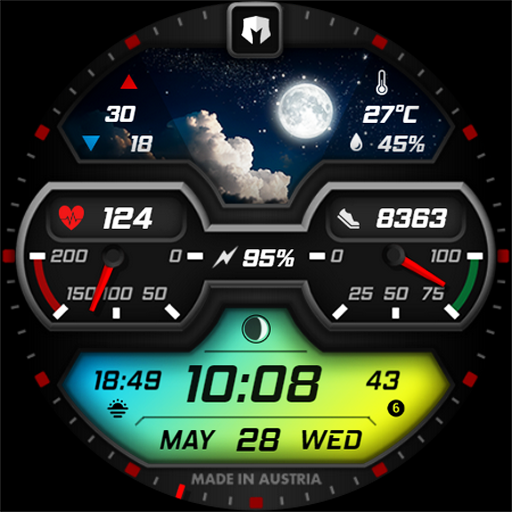
Stylish, Energizing and Modern Watch Face crafted by Dominus Mathias.
4.50
Watch the sharpness of the sky on your wrist..
3.70
A watch face that fuses motorsport precision with contemporary smartwatch design
4.4
Sleek, highly customizable watch face inspired by Galaxy Watch Circle Dashboard.
4.3


