
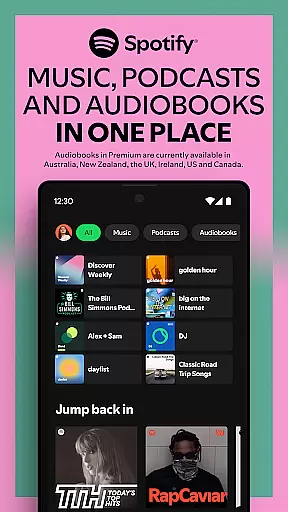


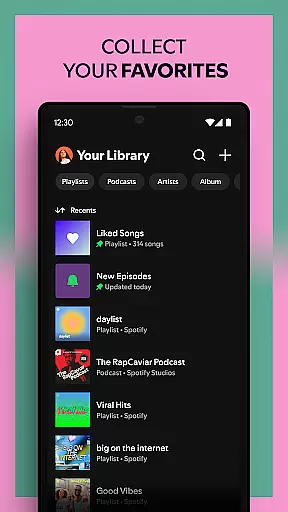
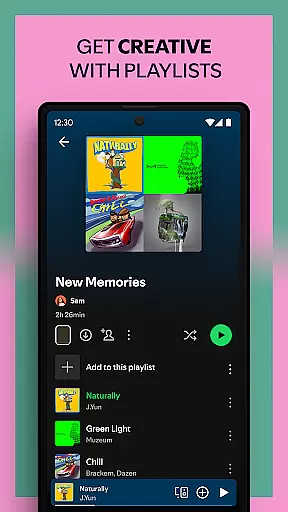
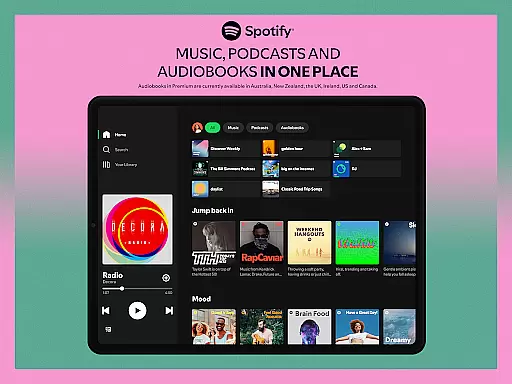

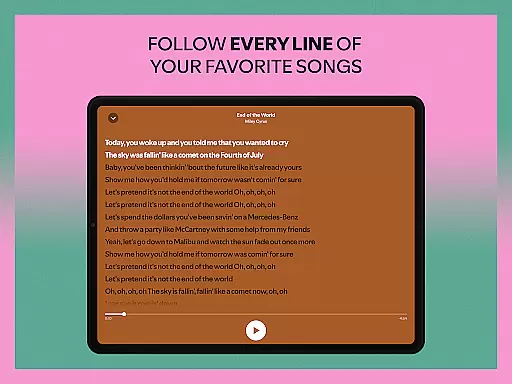
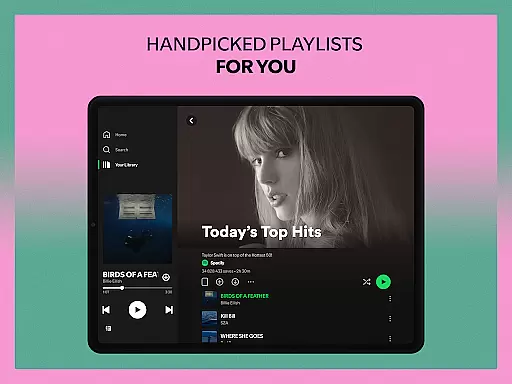
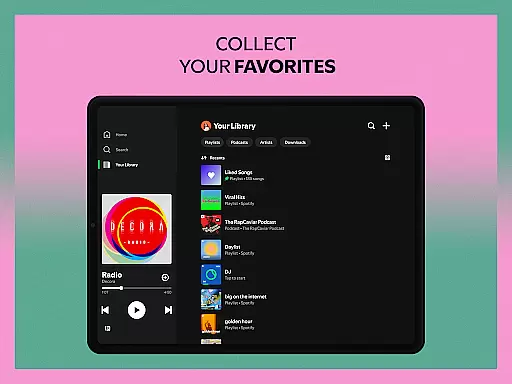
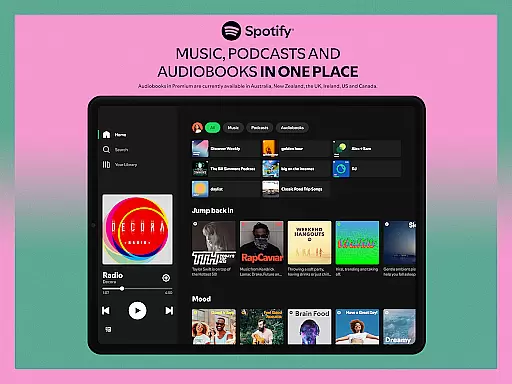

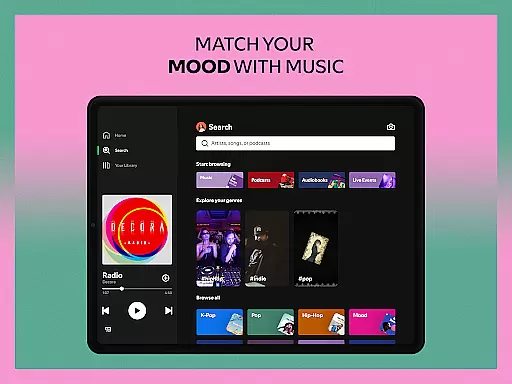
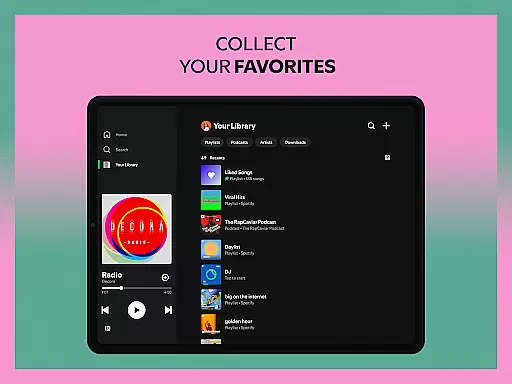
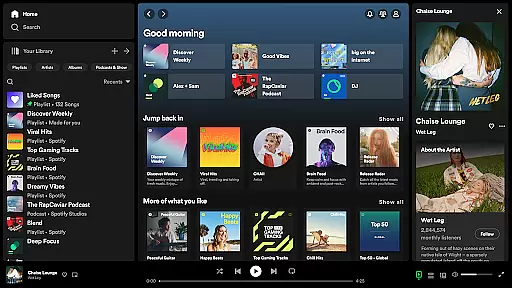
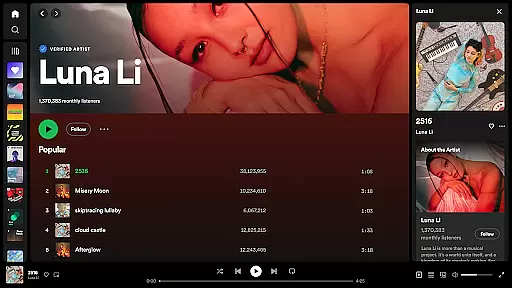
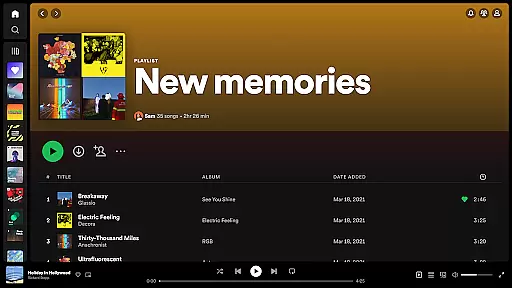


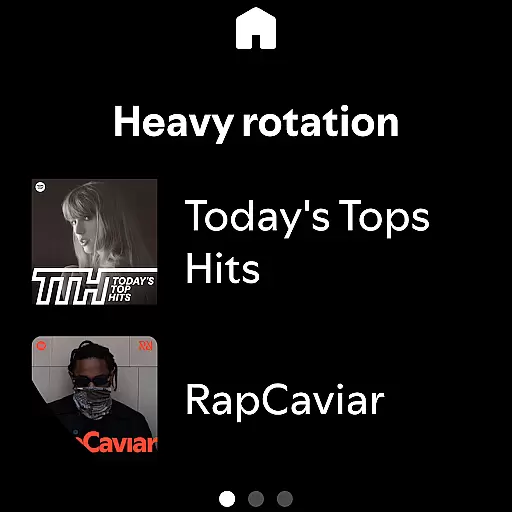
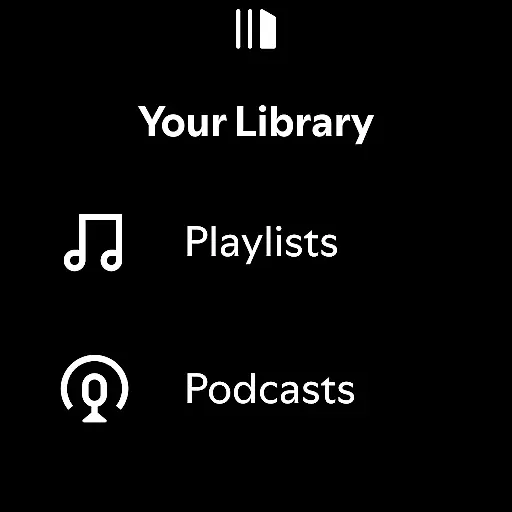
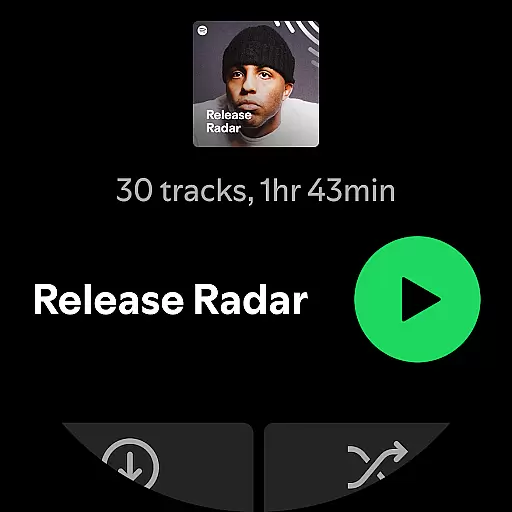

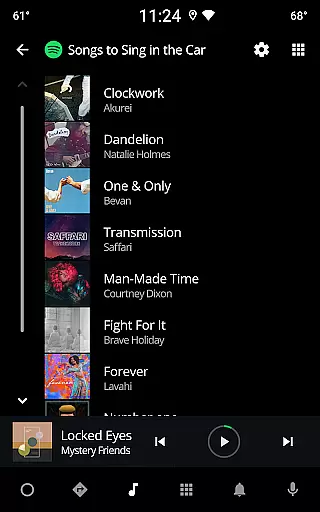
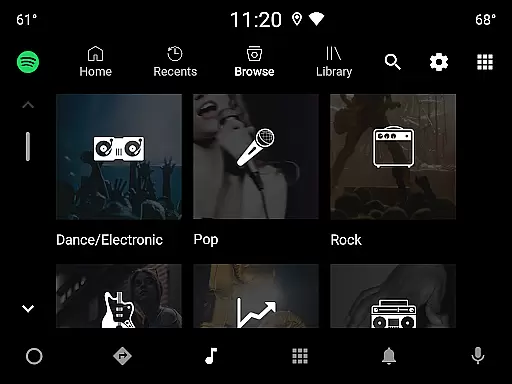

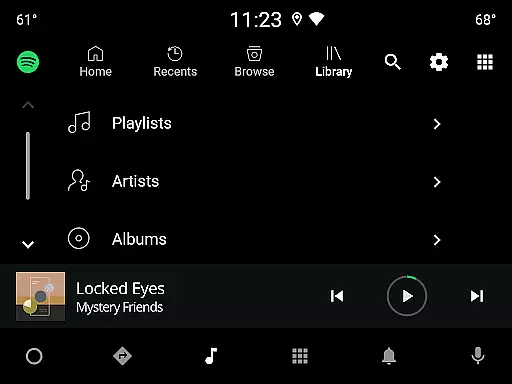
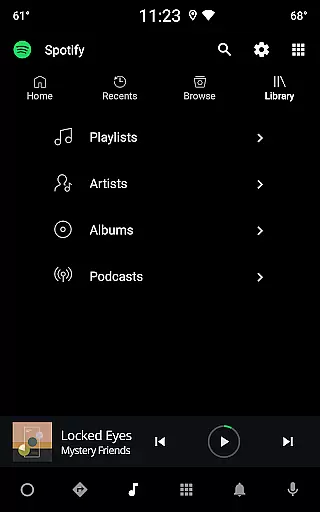
Spotify is a premier music and podcast streaming application that offers users access to millions of songs, albums, and curated playlists. With its Android Wear compatibility, the app allows seamless music control directly from your smartwatch. Users can enjoy an extensive library of over 80 million tracks and 4 million podcasts, with features like offline downloads and high-quality audio playback through Spotify Premium.
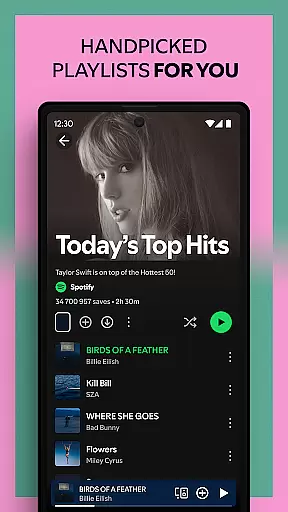
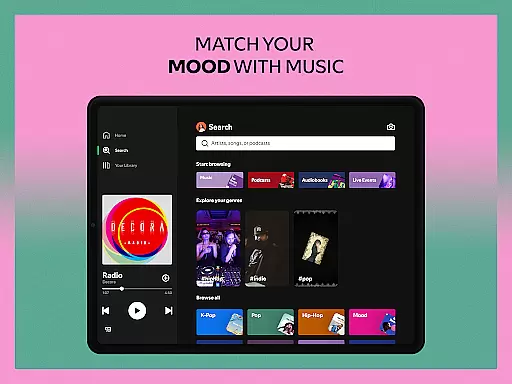
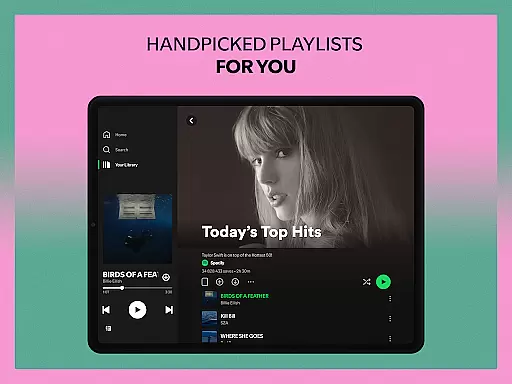
Beyond basic streaming, Spotify provides personalized daily mixes, artist radio stations, and mood-based playlists. The app's intuitive interface makes it easy to discover new music or revisit favorite albums. Whether you're looking for chart-topping hits or niche genres, Spotify delivers a comprehensive audio experience tailored to individual preferences.
The application shines in its ability to sync across multiple devices, including smartphones, tablets, desktops, and wearable tech. This cross-device functionality ensures uninterrupted listening, whether at home or on the go. For audiobook enthusiasts, Spotify now includes over 300,000 titles, expanding its multimedia offerings beyond traditional music and podcasts.
Spotify stands out with its robust feature set designed for diverse listening preferences. The app's recommendation engine uses advanced algorithms to create personalized playlists like Discover Weekly and Daily Mixes. These features analyze user behavior to suggest relevant content, enhancing music discovery.
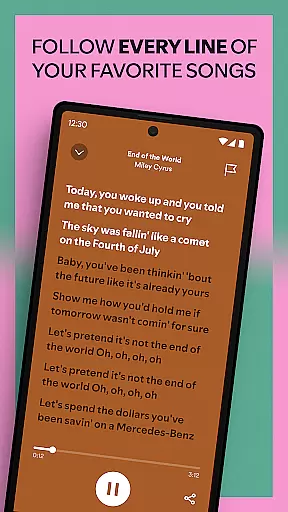
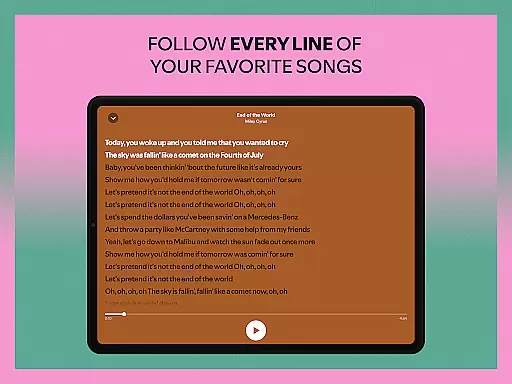
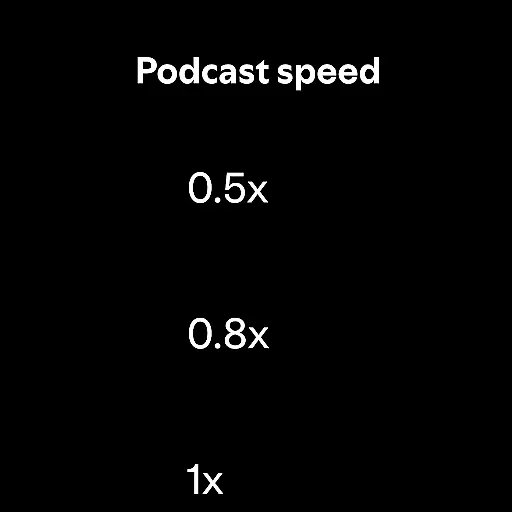
For podcast lovers, Spotify offers exclusive shows and popular series like The Joe Rogan Experience. The app's search functionality extends beyond basic queries, allowing users to find songs by lyrics. Audiobook integration adds another dimension to the platform, with thousands of titles available for Premium subscribers.
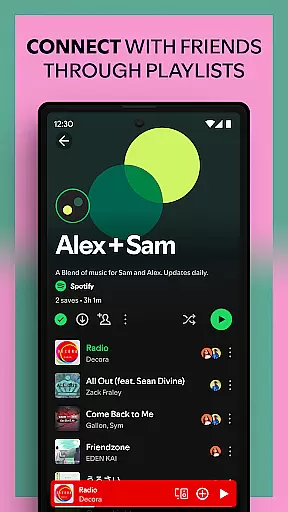
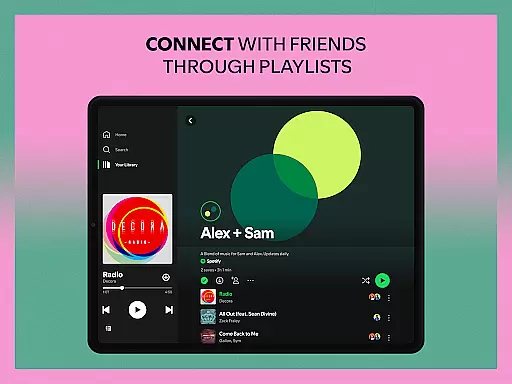
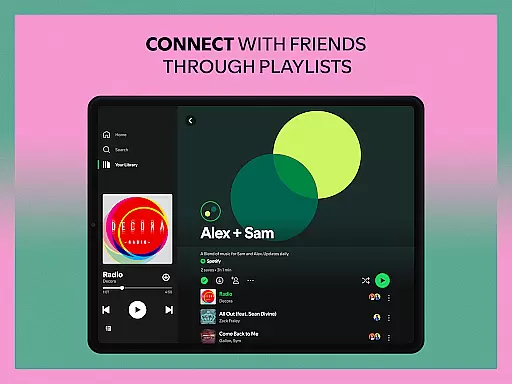
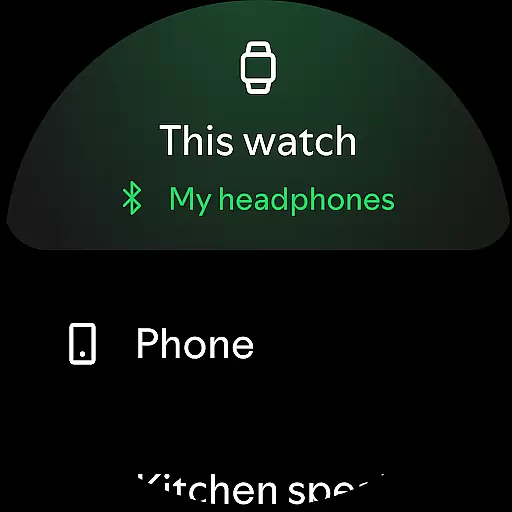
Android Wear support enables convenient playback control and offline listening directly from smartwatches. The app maintains consistent quality across devices, with options for high-fidelity audio streaming. Social sharing features let users collaborate on playlists and share favorite tracks with friends, creating a connected music community.
Companion app integration is essential for a seamless user experience across multiple devices. Spotify excels in this area by offering robust synchronization between its mobile app and Wear OS devices. This ensures that your music, podcasts, and audiobooks are always up-to-date, regardless of the device you're using.
The integration allows users to control playback directly from their wearable device. Whether you're going for a run or doing household chores, you can easily pause, play, or skip tracks without needing your phone nearby. This level of convenience enhances the overall usability of the Spotify ecosystem.
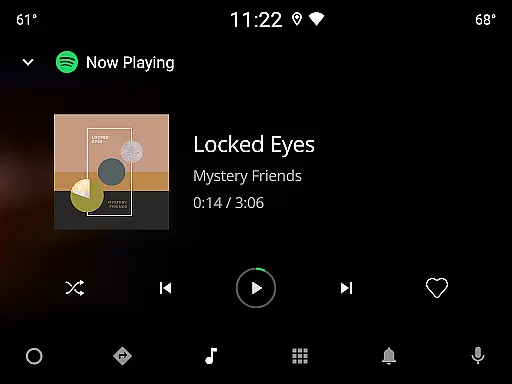
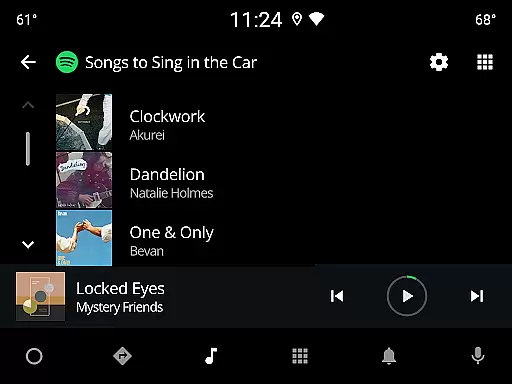
Furthermore, Spotify's companion app integration extends to other platforms like desktops, tablets, and even smart TVs. This interconnected system provides users with unparalleled flexibility in how they consume content. By maintaining consistent functionality and user interface design across all platforms, Spotify ensures a smooth transition between devices.
For Premium subscribers, the benefits are even greater. The ability to download content for offline listening on wearable devices adds another layer of utility. This feature is particularly useful for those who find themselves in areas with limited connectivity but still wish to enjoy their favorite audio content uninterrupted.
Wear OS compatibility is crucial for users who want to enjoy their favorite content on the go without carrying their phones. Spotify offers extensive support for Wear OS devices, ensuring that users can access their music, podcasts, and audiobooks directly from their smartwatches. This compatibility significantly enhances the portability and accessibility of digital content.
The app's optimization for Wear OS ensures that it runs smoothly on various devices, providing a reliable performance regardless of the hardware specifications. Users can browse through playlists, albums, and podcasts with ease, thanks to an intuitive interface designed specifically for smaller screens. This attention to detail makes navigating the app on a wearable device as effortless as on a smartphone.
Spotify also leverages the unique capabilities of Wear OS, such as voice commands and gesture controls, to offer a more interactive experience. These features allow users to interact with the app hands-free, which is especially beneficial during activities like workouts or when multitasking. The integration of these functionalities demonstrates Spotify's commitment to enhancing user engagement through innovative technology.
Moreover, regular updates and bug fixes ensure that Spotify remains compatible with the latest Wear OS versions and devices. This dedication to maintaining high standards of performance and reliability underscores Spotify's position as a leader in the realm of wearable technology integration.
User-friendly interface
Extensive music library
Personalized recommendations
Cross-device syncing
Offline listening option
Free version has ads
Limited offline access
Premium subscription cost
High data usage
Occasional bugs

"PER27 Galaxy Digital" is a digital Wear OS watch face designed by PERSONA
 4.10
4.10
Calming & relaxing sounds for sleeping and stress relief. Stay focused all day!
4.20
Rose gold watch face with festive lights & customizable features.
4.60
Precision analog watch face with 7 complications and style options
4.1
Deck out your Wear OS Watch face with a beautifully decorated pine wreath!
4.50
Get helpful reminders, take progress photos and find answers to your questions.
3.90
Funny animated watch face for Thanksgiving
4.1
Track airplanes and follow flights with our real-time flight tracker
4.50
Back up your contacts & access them anywhere
4.30
WTW M17 is a premium and luxurious hybrid watch face
4.70
Your second brain for organizing your life: to-do, calendar, reminder.
4.70
Connect to your Bluelink equipped Hyundai vehicle from your smartphone.
4.50
Locate your family members by GPS phone location tracker everywhere and anytime
4.30
Animated video-game inspired “secret agent” simulation, right on your wrist!
4.20
Your music, your playlists, and more—offline and unlimited.
4.20
A watch face that fuses motorsport precision with contemporary smartwatch design
4.1
Contemporary digital watch face with five complications
4.1
Sleek, highly customizable watch face inspired by Galaxy Watch Circle Dashboard.
4.3
Minimalistic design modern digital watch face.
4.1


User Reviews