
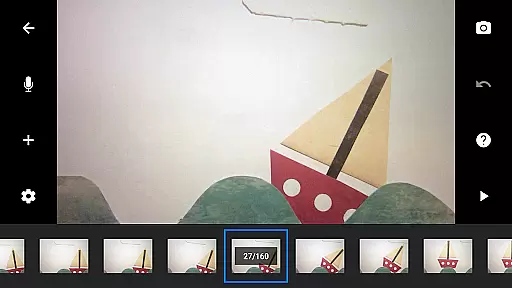
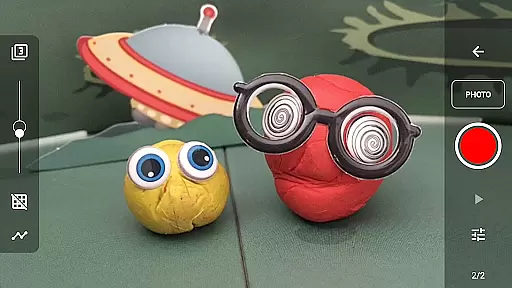
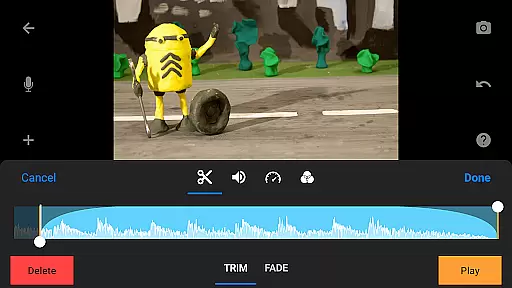
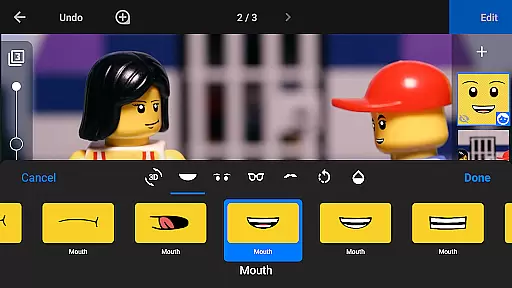
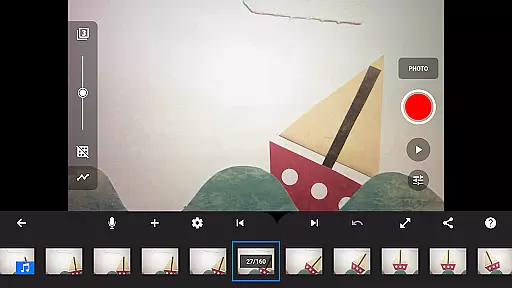
Stop Motion Studio Pro is a comprehensive stop-motion animation app that allows users to create professional-quality animated movies with ease. The app features an intuitive interface and powerful editing tools, making it suitable for both beginners and experienced animators.
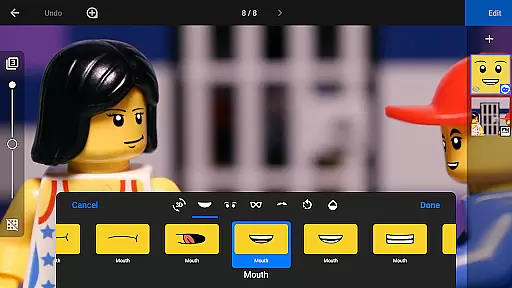
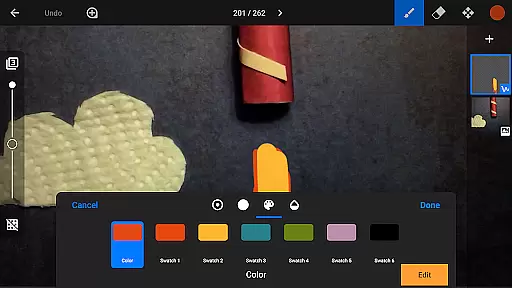
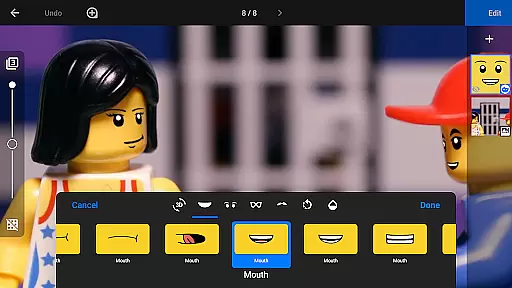
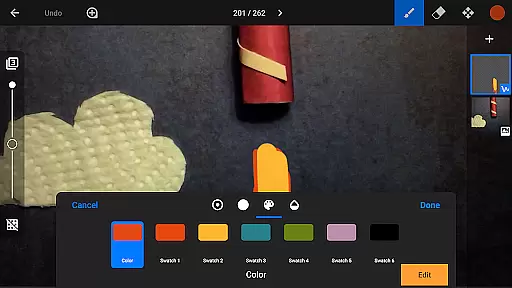
With its robust feature set, the app supports advanced techniques like rotoscoping and green screen effects. Users can capture images using adjustable time intervals, control camera settings manually, and even use a second device as a remote camera. The built-in layer-based image editor enables adding text, speech bubbles, and facial expressions to figures.
This app is ideal for creative professionals, educators, and hobbyists who want to produce high-quality stop-motion animations for YouTube, social media, or personal projects.
Stop Motion Studio Pro offers an extensive range of features that cater to various aspects of stop-motion animation production. The app's overlay mode helps users visualize frame differences, while animation guides assist in positioning objects accurately.
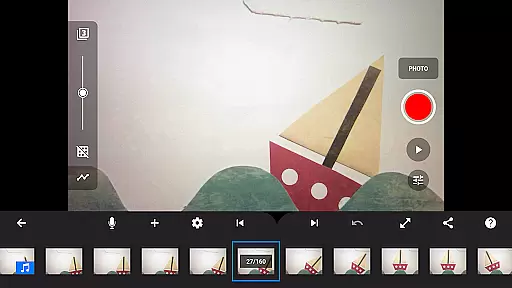
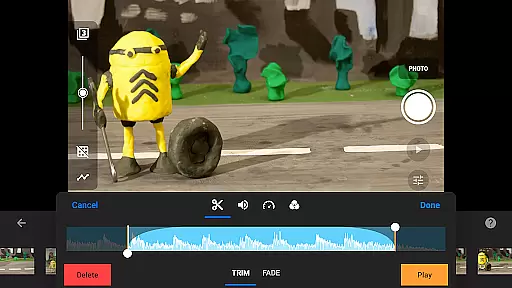
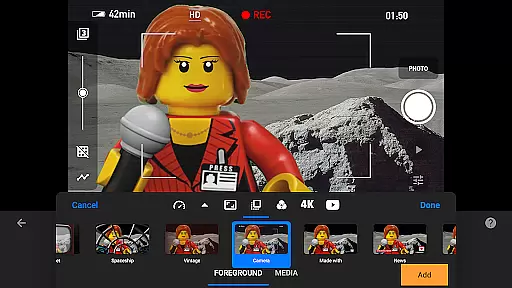
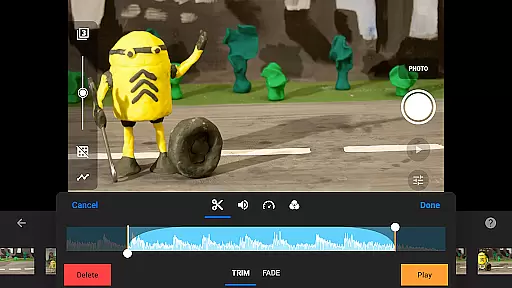
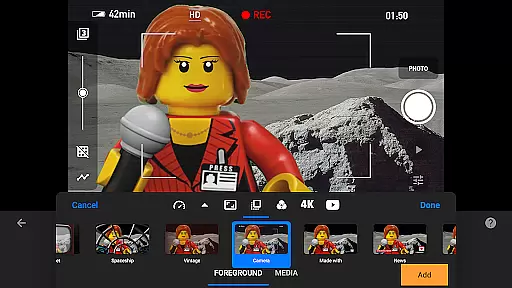
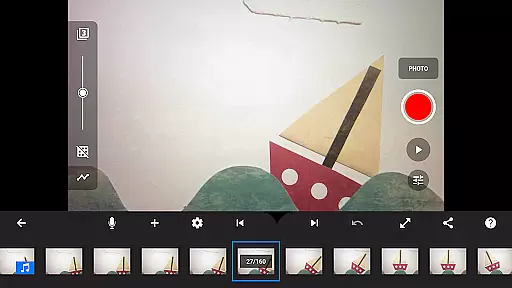
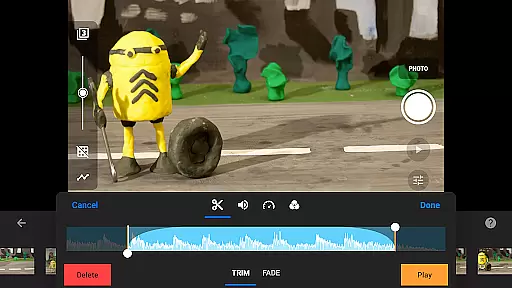
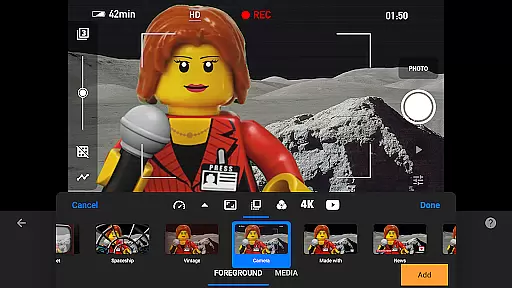
The software includes professional-grade movie editing capabilities such as frame manipulation (copy, paste, cut), interactive timeline navigation, and various visual effects including foregrounds, backgrounds, and fade transitions. Users can create custom soundtracks using multiple audio sources.
Advanced features include rotoscoping for tracing video clips, green screen functionality for background replacement, and a powerful image editor for touch-ups and enhancements. The app also supports project transfer between devices through cloud services and offers tutorial resources for skill development.
Real-time capture and preview functionality is essential for ensuring that every frame of your stop-motion animation is exactly as you envision it. Stop Motion Studio Pro offers a comprehensive set of tools to enhance this process.
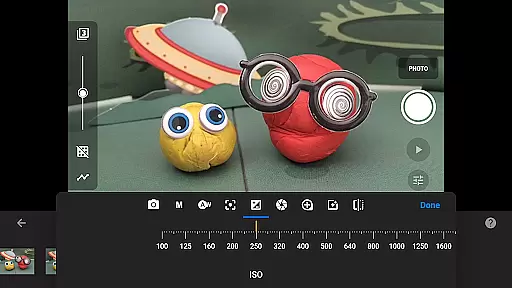
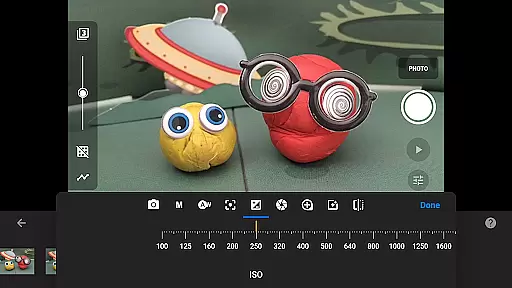
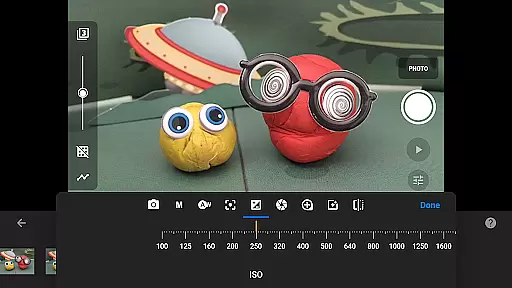
The app provides full camera control, allowing users to adjust settings such as white balance, focus, exposure, ISO, and shutter speed manually or automatically. This ensures optimal image quality for each frame captured. Additionally, the adjustable time interval feature enables precise timing between shots, which is crucial for creating smooth animations.
For those seeking even more control, the ability to use a second device as a remote camera adds another layer of flexibility. This feature allows animators to capture scenes from unique angles without disturbing the setup, enhancing both creativity and precision in their work.
While Stop Motion Studio Pro does not explicitly market itself with AI beauty features, its robust suite of editing tools effectively enhances the naturalness and visual appeal of animations through various means.
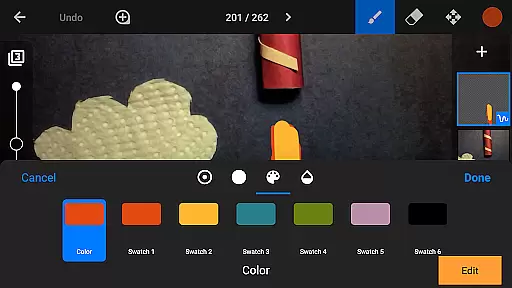
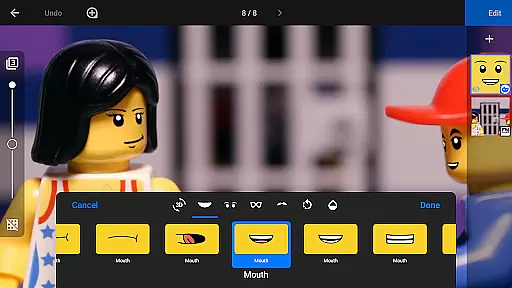
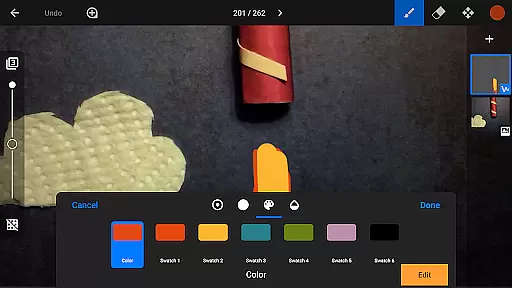
The app includes a powerful, layer-based image editor that lets users add text, speech bubbles, titles, and facial expressions to figures. These enhancements contribute to the storytelling aspect of animations, making them more engaging and lifelike.
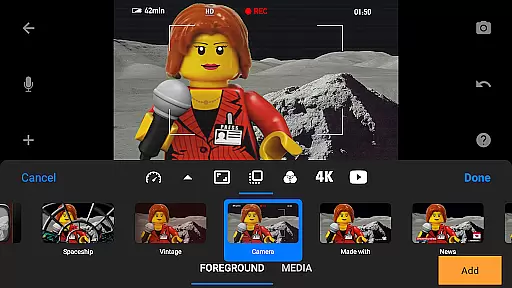
Furthermore, the app offers a variety of video filters, foregrounds, backgrounds, aspect ratios, and fade effects. These features allow creators to give their movies a polished look while maintaining the authenticity of their artistic vision. The inclusion of rotoscoping and green screen capabilities also opens up endless creative possibilities, enabling animators to craft visually stunning scenes that captivate audiences.
User-friendly interface
Comprehensive feature set
Professional-grade tools
Excellent educational resources
Cross-device compatibility
Steep learning curve
High cost for casual users
Resource-intensive operation
Limited free version
Occasional performance issues

Search, tag and rate your way to an organized image gallery
 4.40
4.40
Trendy TikTok time warp scan funny filter app brings you unique photos & videos.
4.40
Viewfinder, Light meter, Reciprocity failure time, DOF & Bellows Extension
4.60
Be your best in every shot! Fix, edit and retouch your face in selfies & photos.
3.70
Create AI Photos, Improve and restore quality of blurry, old or damaged pics.
4.20
Photo editor & gallery. Crop pictures & edit photos offline, no wifi!
4.50
Professional quality photo edits with the new Snapseed.
4.00
Enhance, upscale, and transform your images — on your device, without limits
4.70
Edit photos with the picture generator: PS2 & AI Clay filters, cartoon effects.
4.50
Pro version: AR sun/moon tracker for any date. Tool for photographers & planners
4.90
Photo editor: AI filters, photo enhancer, pic collage maker, AI art generator.
4.80
Photo Exif Editor allows to view, add and modify EXIF data of multiple photos
4.50
Fit multiple photos on one post. Create carousels & scroll layouts for Instagram
4.50
Shooting photos and records video easily and efficient with professional Camera
4.30
A light meter for true photographers.
4.20
Astrophotography with your smartphone, photo live stacking and much more!
3.90
Over 800 film simulation recipes for Fujifilm. Black Friday Offer!
4.2
Add a dreamy vibe to your selfies and videos with soft style filters
4.0
Snap photos remotely using your Garmin watch as the camera trigger
4.2


User Reviews