
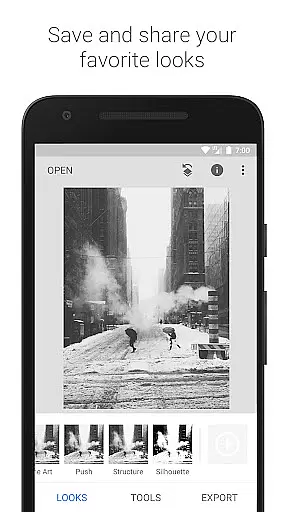
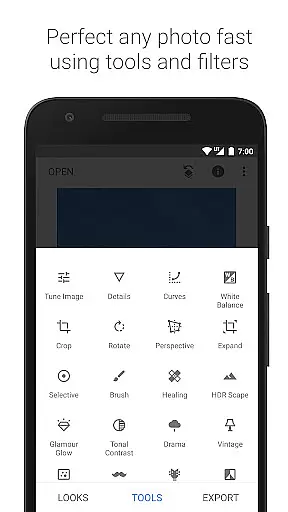
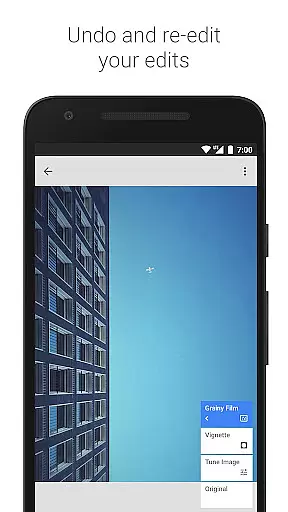
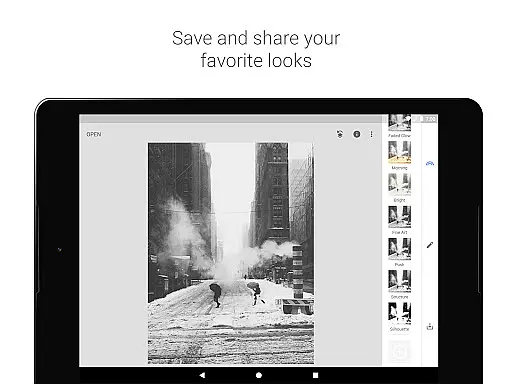
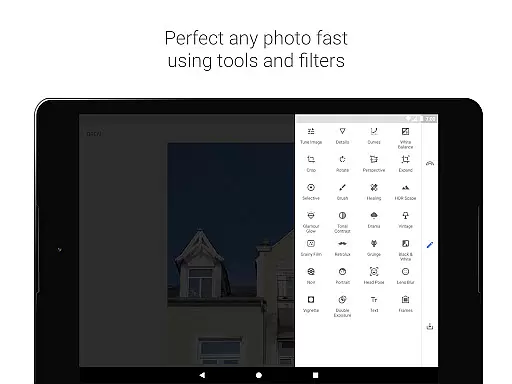
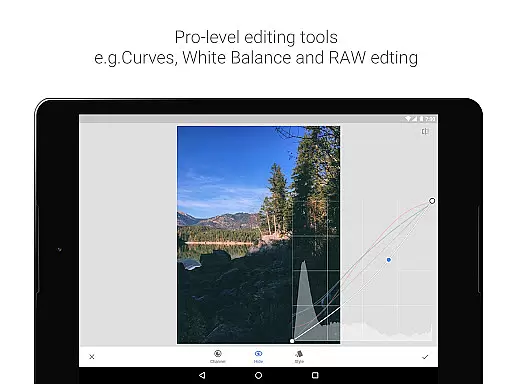
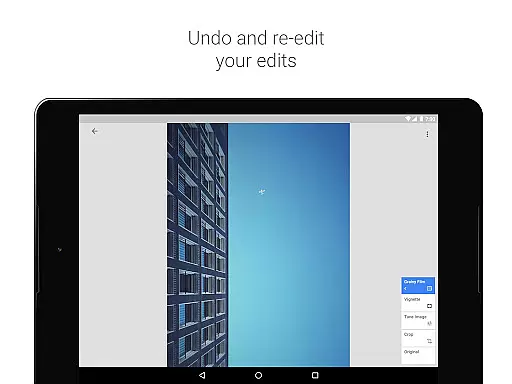
Snapseed is a comprehensive photo editing application developed by Google, offering professional-grade tools for both amateur and expert photographers. The app provides 29 powerful tools and filters, including Healing, Brush, Structure, HDR, and Perspective correction, making it an indispensable tool for photo enhancement.
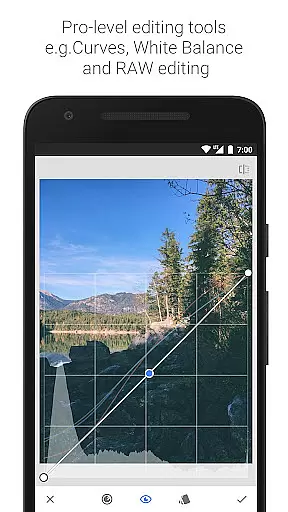
One of Snapseed's standout features is its ability to open and edit both JPG and RAW files, allowing users to work with high-quality images directly on their mobile devices. Users can save personalized editing styles and apply them to future projects, ensuring consistent quality across all their work. Whether you're adjusting exposure, tweaking colors, or applying complex filters, Snapseed delivers precise control over every aspect of photo editing.
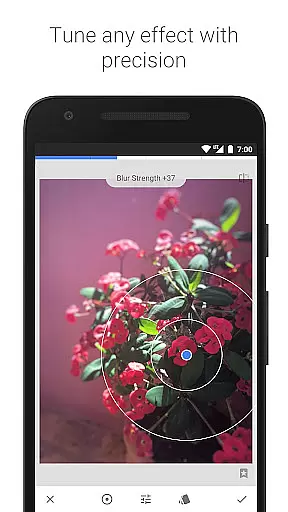
The app is particularly useful for photographers who need to make detailed adjustments to their images. With advanced features like selective filter brushes, curves adjustment, and lens blur, Snapseed enables users to create stunning visual effects that rival desktop editing software. This makes it an ideal choice for anyone looking to elevate their mobile photography to the next level.
Snapseed stands out in the photography category due to its extensive range of sophisticated editing tools. The app includes essential features such as cropping, rotating, and white balance adjustment, alongside more advanced options like perspective correction and glamour glow effects. These tools are designed to give users complete creative control over their images.
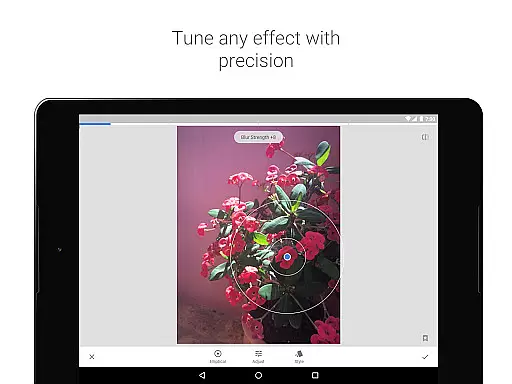
A key innovation in Snapseed is its 'Control Point' technology, which allows users to place up to eight points on an image and assign specific enhancements to each. This feature automatically applies the desired effects across the entire image, creating natural-looking results without manual pixel editing. Additionally, the app's RAW Develop tool enables non-destructive editing of RAW DNG files, preserving original image data while allowing for extensive modifications.
The app also offers unique artistic filters such as Grunge, Vintage, and Retrolux, which replicate various film styles and textures. These filters, combined with precise control over tonal contrast and HDR effects, enable users to create distinctive visual styles. Snapseed's double exposure feature and face enhancement tools further expand creative possibilities, making it a versatile solution for mobile photo editing.
Snapseed offers a powerful real-time capture and preview feature that allows photographers to see adjustments as they are made. This immediate feedback is crucial for making precise edits without guesswork.
The application supports both JPG and RAW file formats, providing flexibility in capturing images with different levels of detail and dynamic range. This ensures that users can work with the highest quality images while maintaining the ability to make non-destructive edits.
With its selective filter brush and control point technology, Snapseed enables users to apply enhancements to specific areas of an image. This level of control ensures that edits are both accurate and visually pleasing, enhancing the overall quality of the photograph.
Photographers benefit from the app's advanced tools like healing, vignette, and lens blur, which add professional touches to images. These features allow for creative expression while ensuring that the final output meets professional standards.
Snapseed incorporates AI-powered beauty and enhancement features that bring out the best in every photo while maintaining a natural look. The AI algorithms intelligently adjust elements such as exposure, color balance, and detail to create stunning yet realistic images.
The Glamour Glow and Tonal Contrast tools exemplify the app's commitment to natural enhancement. These features allow users to add a fine glow or boost details selectively, ensuring that edits enhance the image without appearing artificial or over-processed.
For portrait photography, Snapseed includes face enhancement and pose correction tools. These leverage AI to focus on eyes, adjust facial lighting, and smooth skin, all while preserving the subject's natural appearance and characteristics.
Users appreciate the app's ability to combine powerful editing capabilities with intuitive controls. This ensures that even complex edits, such as double exposure or grainy film effects, maintain their authenticity and contribute to a professional finish.
User-friendly interface
Extensive editing tools
RAW file support
Customizable filters
Professional-grade features
Steep learning curve
Advanced features overwhelming
Occasional processing delays
Limited video editing
Complex UI for beginners

Gallery show photo, video, slideshow, is perfect 3D effect private photo albums.
 4.80
4.80
Trendy TikTok time warp scan funny filter app brings you unique photos & videos.
4.40
All-in-One Editor & AI Photo Enhancer, Collage, Cartoonify, Funny Stickers & BGS
4.10
Natural Beauty, Selfie Retouch
4.30
Create Business Headshots, Polaroid Filter, Retake Photos,Profile Pics,AI Photos
4.50
Gallery Slideshow is slideshow maker app for slideshow from your gallery photos.
3.90
Enhance, retouch & create your story - Share the moment with Photoshop Express.
4.60
Snap photos remotely using your Garmin watch as the camera trigger
4.5
Professional camera app that brings DSLR manual photography controls to Android.
4.20
Perfect body tune & face app - photo retouch, makeup, slim body & beautify face.
4.80
Amazing Photo Effects - The most fun you can have with your photos!
4.70
Enhance, upscale, and transform your images — on your device, without limits
4.70
Take videos and pictures with the popular TikTok TIME WARP SCAN filter.
4.60
AI photo editor with hair editor, retouch tools, hair color changer & filters!
4.50
Photo editor & gallery. Crop pictures & edit photos offline, no wifi!
4.50
Photo editor: face & body editor, beauty cam, filters and quality enhancer.
4.00
Application for remote controlling DSLR
3.00
An interval timer to automate photo taking process for timelapse
2.90
Long exposure camera with computational photography
2.60


User Reviews