
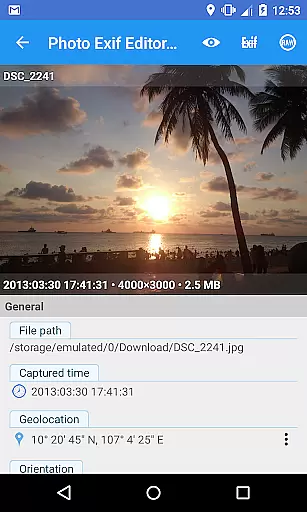
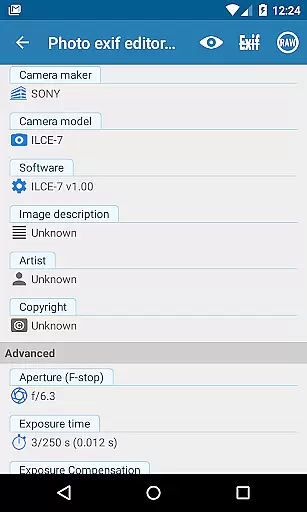
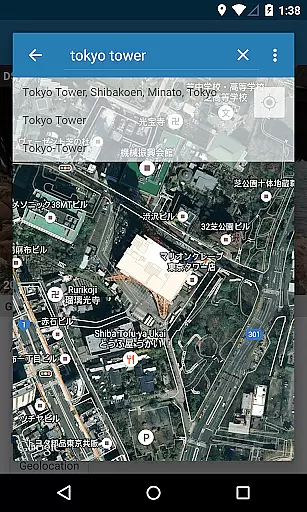
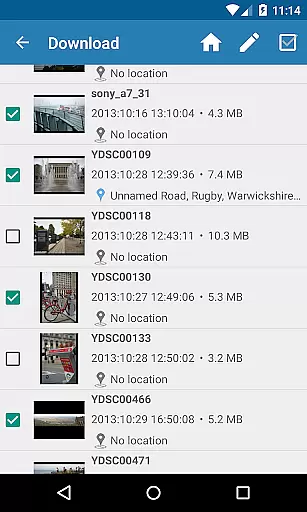
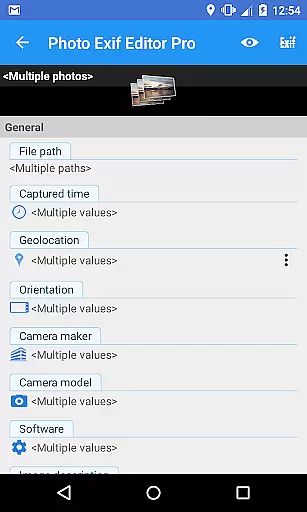
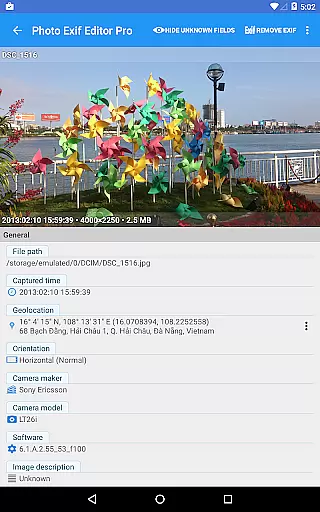
Photo Exif Editor Pro is a powerful tool designed for photographers and enthusiasts who need to manage the metadata of their images. This application allows users to view, edit, and modify Exif data embedded in photos, providing essential details about camera settings and location information.
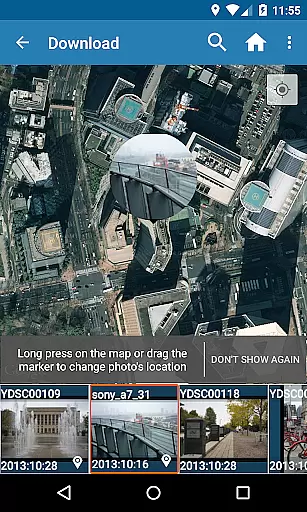
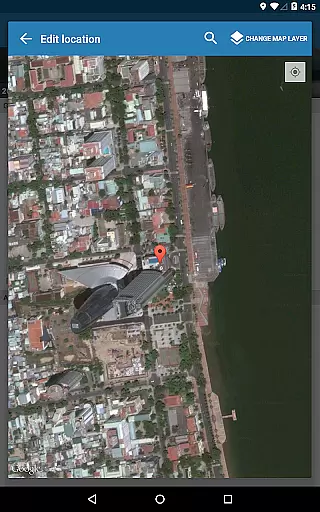
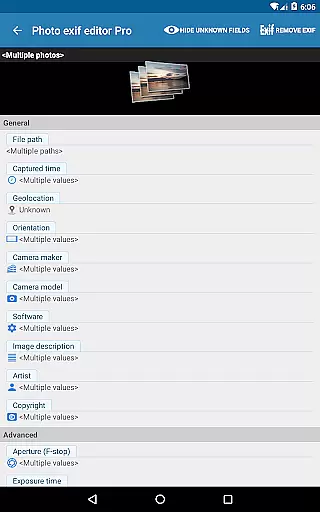
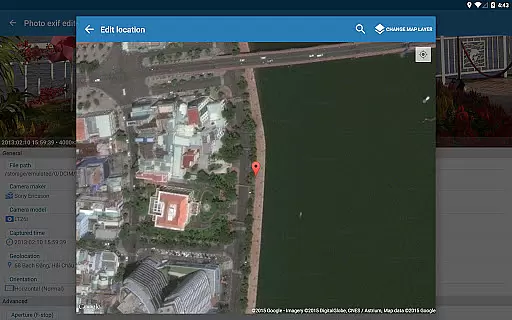
The app features an intuitive interface that makes it easy to correct missing or incorrect information in your favorite photos. With capabilities such as batch editing, Google Maps integration for geotagging, and full raw data display, Photo Exif Editor Pro offers professional-level functionality without compromising usability.
Whether you're organizing a photo library or preparing images for publication, this app ensures your files contain accurate and complete metadata. The pro version removes ads and expands editing options, making it an indispensable tool for serious photographers.
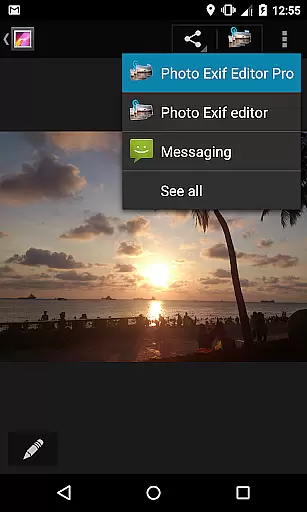
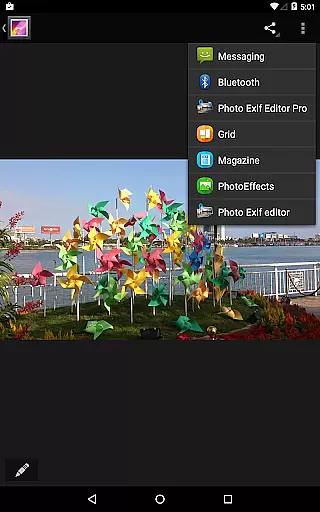
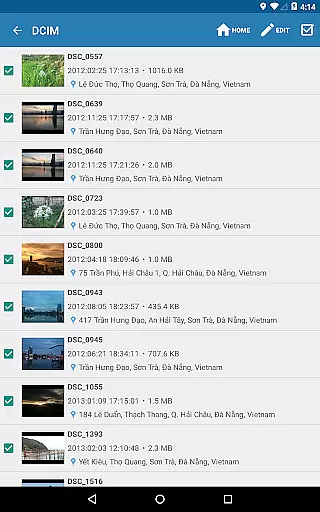
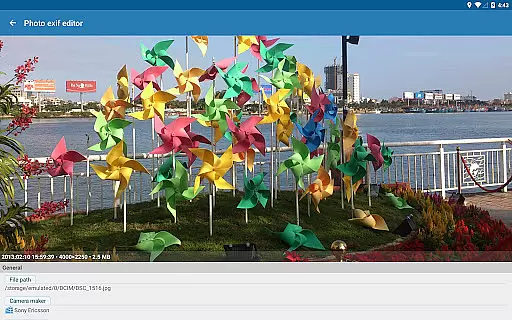
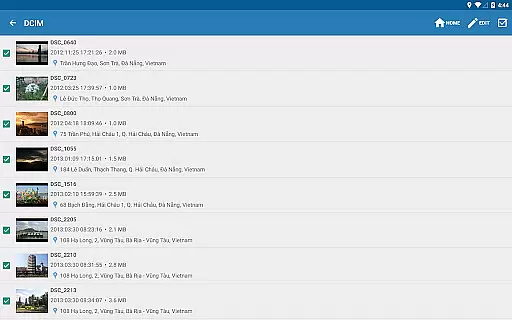
Photo Exif Editor Pro stands out with its comprehensive feature set tailored for detailed image metadata management. Users can browse and view Exif information directly from Android Gallery or through the app's integrated photo browser, streamlining the workflow for managing large photo collections.
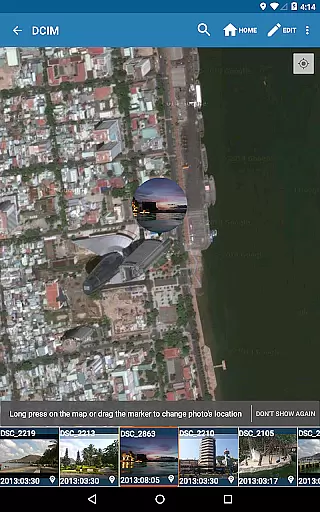
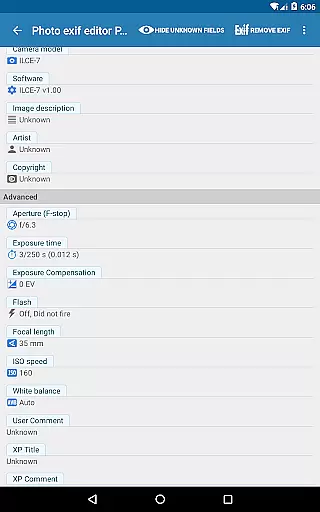
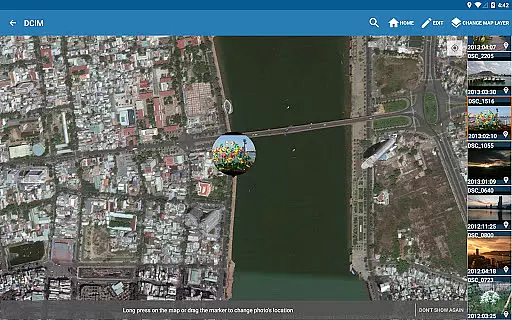
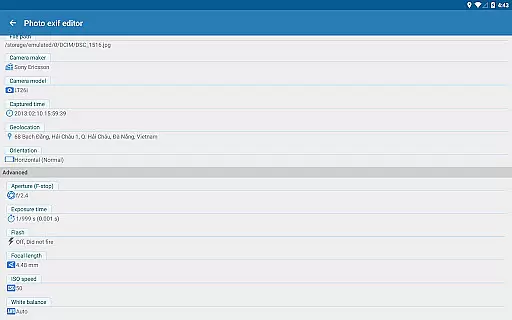
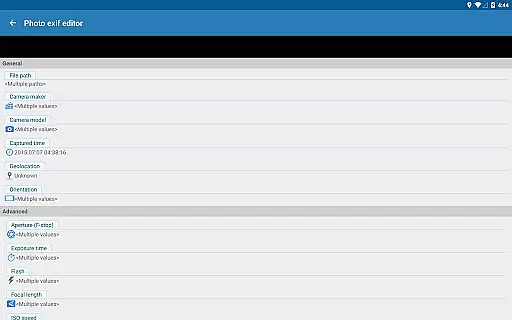
A key advantage is the ability to batch edit multiple photos simultaneously. This saves significant time when processing numerous images. Additionally, the app supports advanced GPS tagging using Google Maps, enabling precise location adjustments. Users can modify crucial camera parameters including aperture, shutter speed, focal length, and ISO settings.
The application maintains compatibility with various file formats (JPG, PNG, RAW) while providing technical details like white balance and metering mode. Its robust editing capabilities combined with a clean user interface make it suitable for both amateur photographers and professionals seeking efficient metadata management solutions.
Real-time capture and preview functionality is essential for photography applications as it allows users to see exactly what the camera sees before taking a shot. This ensures that the framing, lighting, and composition are all to the photographer's liking prior to capturing the image.
Photo Exif Editor Pro provides an interface where users can not only view Exif data but also engage with their images in real time. The application supports the modification of Exif tags which may affect how an image is previewed or captured, such as orientation and white balance settings.
Users benefit from this feature by having greater control over the final output of their photographs. They can adjust settings based on the live feedback from the preview, ensuring that each photo meets their expectations without unwanted surprises after the capture.
The value of real-time capture and preview within Photo Exif Editor Pro lies in its ability to empower photographers with precise adjustments and instant visualization of changes, thus enhancing the overall quality of their work.
AI beauty and enhancement features have become increasingly popular in photography apps, offering tools that automatically improve the aesthetic quality of photos while maintaining a natural look. These enhancements can range from skin smoothing to color correction, aiming to produce visually pleasing yet authentic results.
Although Photo Exif Editor Pro focuses primarily on Exif data management, its potential future updates might include AI-driven enhancements. The app already allows editing of various Exif tags that could influence AI algorithms for beautification, such as ISO speed and white balance, which are crucial for achieving natural-looking enhancements.
For users, AI beauty features mean obtaining professional-grade photo edits without extensive knowledge of photo editing techniques. By preserving the authenticity of the original image while applying subtle improvements, these tools help create stunning visuals that retain their genuine essence.
Incorporating AI beauty and enhancement capabilities into Photo Exif Editor Pro would significantly increase its utility, providing users with advanced tools to effortlessly elevate their photography while ensuring that enhancements appear organic and true-to-life.
User-friendly interface
Batch editing support
Comprehensive EXIF data
No advertisements
Google Maps integration
KitKat write limitations
Premium version cost
Advanced features complex
External SD card issues
Location permission needed

Remote control of the phone camera from your Wear OS smartwatch
 3.70
3.70
Photo editor: face & body editor, beauty cam, filters and quality enhancer.
4.00
How old age camera Gender Swap App Face Shape Hairstyle App Hair Styler App fun!
4.00
Pet Camera
3.70
HD Camera Pro with HD Video shooting, Panorama, Photo editor , Beauty Camera.
4.50
Enhance, retouch & create your story - Share the moment with Photoshop Express.
4.60
Unblur, enhance & restore photos with powerful AI photo enhancer tools.
4.60
Pro version: AR sun/moon tracker for any date. Tool for photographers & planners
4.90
Your Family Calendar + Photos. Manage your Skylight Calendar and Skylight Frame.
4.40
Create funny photos and videos with the popular Time Warp Scan filter.
4.90
AI Photo Editor with 100+ Filters, Effects! Remove BG, Retouch & Photo Enhancer.
4.80
Add Watermark - Sign your pictures with a text or logo. Effective, quick, easy!
4.50
Cut and paste photo editor & eraser to customize photos easy and swap faces fun
4.50
A reflected light meter with spot metering and incident light metering.
4.40
All-in-One Editor & AI Photo Enhancer, Collage, Cartoonify, Funny Stickers & BGS
4.10
Transform Photos: Edit, Beautify and Craft Memories & Make Collages!
4.10
Astrophotography with your smartphone, photo live stacking and much more!
3.90
Superimpose one photo on top of another using the original Superimpose app!
3.20
Application for remote controlling DSLR
3.00


User Reviews