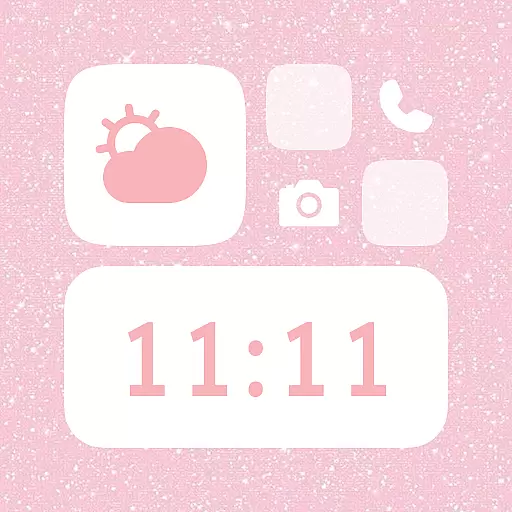
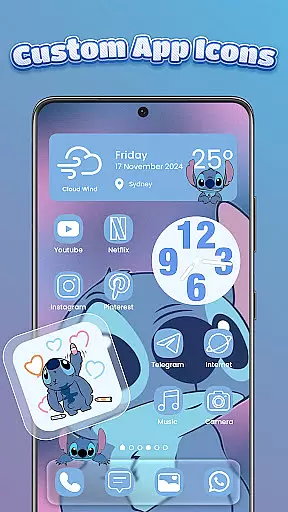
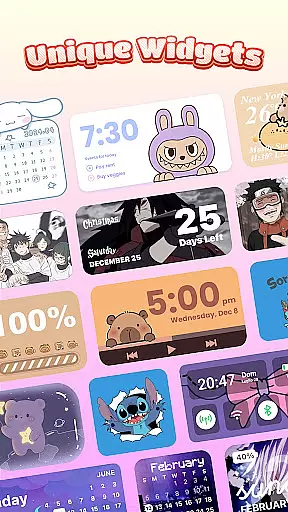
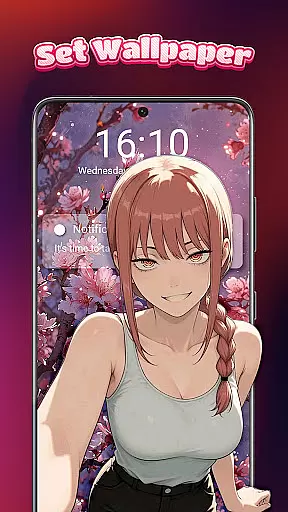
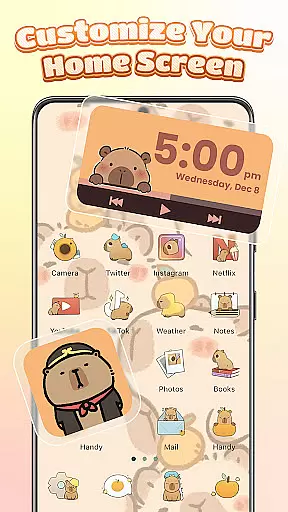
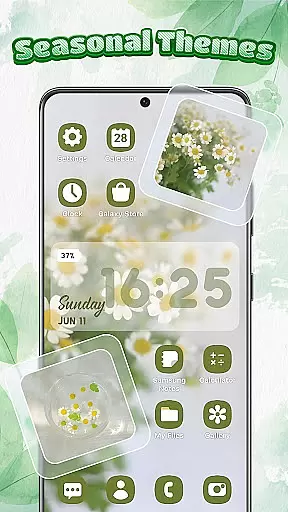
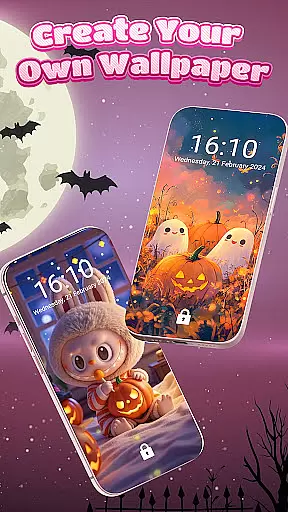
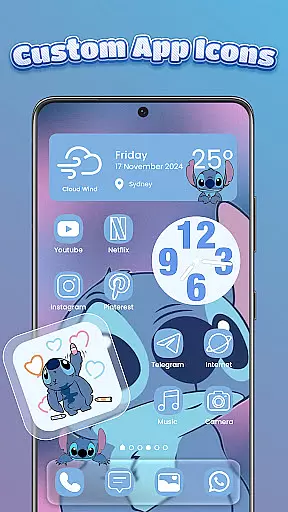
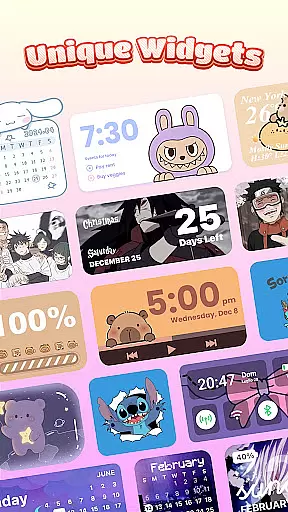
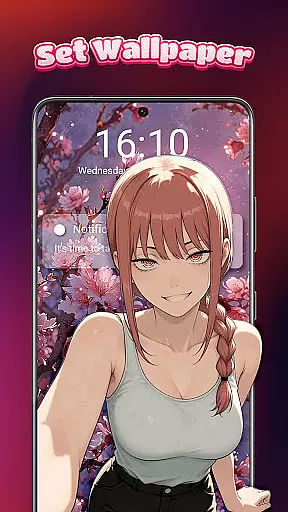
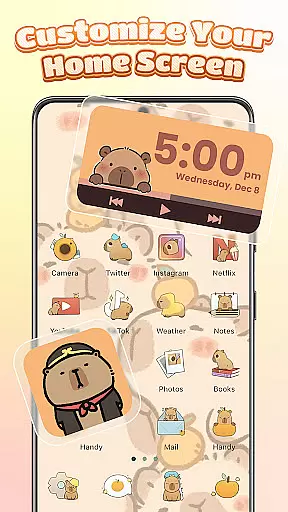
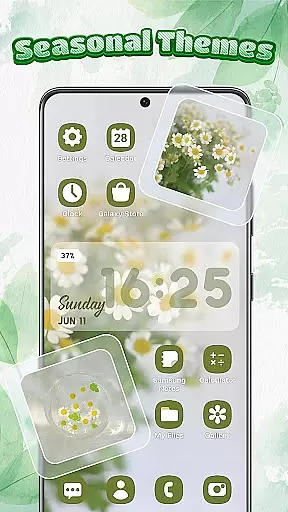
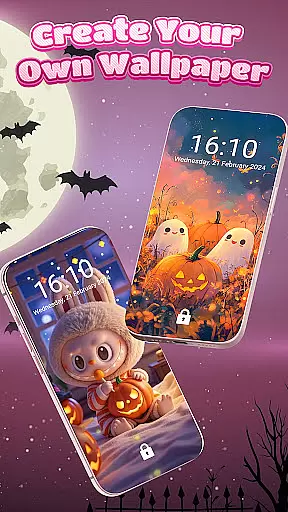
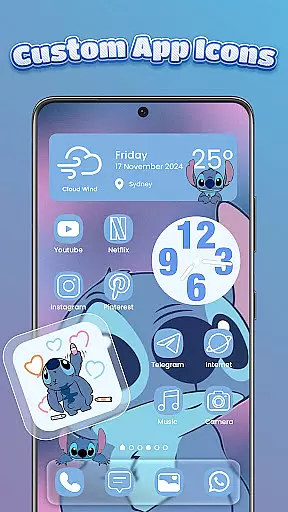
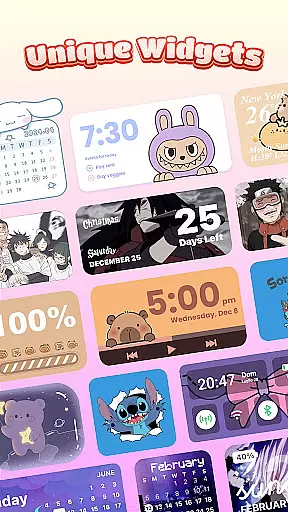
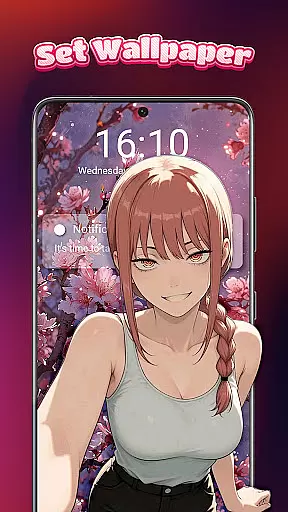
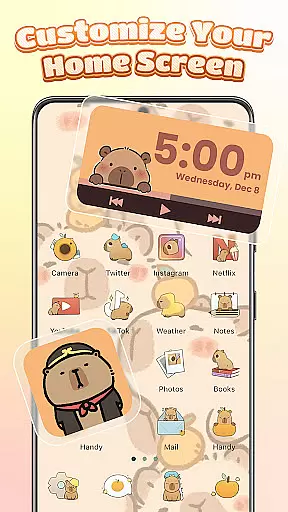
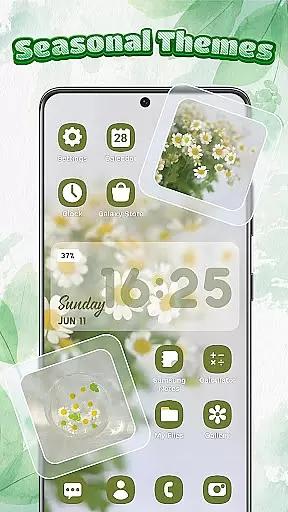
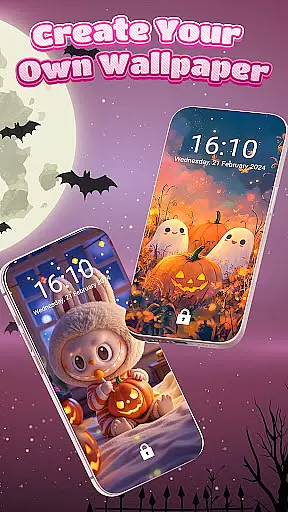
Themebox is a comprehensive personalization app that allows users to fully customize their smartphone's appearance. With over 1000 beautifully designed themes, it provides complete control over app icons, color widgets, wallpapers, and even the phone's control center.
The app's standout feature is its powerful icon changer, which supports customizing every detail of app icons - from colors and fonts to transparency levels. Users can choose from pre-designed icon packs or create their own unique styles. The included smart control center adds practical functionality while maintaining aesthetic appeal.
This level of customization makes Themebox particularly valuable for Android users who want to express their personal style through their device's interface. Whether you prefer minimalistic designs, anime themes, or professional-looking interfaces, Themebox offers tools to create a truly personalized home screen experience.
Themebox distinguishes itself through its extensive customization capabilities. The app icon changer provides multiple options including one-tap changes, DIY customization with font/color/transparency controls, and background modifications. This flexibility enables users to match their app icons perfectly with their chosen theme.
Beyond icon customization, the app offers interactive color widgets for battery status, calendar, weather, and smart control panels. These widgets aren't just functional but also contribute to the overall aesthetic of the home screen. The wallpaper section includes various styles such as anime, neon, minimalist, pastel, and vintage themes, all optimized for different screen sizes.
What sets Themebox apart is its regular content updates and exclusive releases, ensuring users always have fresh material to work with. The app maintains performance efficiency despite its comprehensive feature set, making it suitable for both casual users and serious theme creators.
Themebox stands out in the realm of personalization by offering an extensive array of customization options that cater to every user's unique style and preference. With over 1000 beautifully designed themes, users can transform their device's appearance with just a single tap. These themes span across various aesthetics including pastel vibes, dark mode elegance, neon glow, and minimal anime styles, ensuring there is something for everyone.
Beyond themes, Themebox provides a rich selection of icon packs through its app icon changer feature. Users have the creative freedom to alter their app icons with options ranging from cute and colorful to sleek and modern designs. The level of personalization extends to controlling font styles, colors, transparency, and backgrounds, allowing for truly bespoke home screen setups.
In addition to visual elements, Themebox also includes interactive color widgets that enhance both form and function on the home screen. From battery status to weather updates, these widgets are not only practical but also customizable to match the overall theme of the device. This holistic approach to customization empowers users to craft a cohesive digital environment that reflects their personality and meets their functional needs.
Ensuring seamless integration across all facets of device personalization, Themebox excels in theme compatibility. This means that whether you're looking to apply a full theme or mix individual components like wallpapers, icons, and widgets, everything works together harmoniously. The app supports a wide range of Android devices, making it versatile for users regardless of their hardware.
Themeboxu2019s compatibility extends to its smart control centeru2014a floating panel providing quick access to essential system settings. This feature is made possible through the AccessibilityService API, which ensures smooth operation without compromising security or performance. By leveraging this API responsibly, Themebox delivers a tap-free experience when customizing your phone while maintaining strict privacy standards.
Moreover, daily theme updates and exclusive releases keep the content fresh and engaging for users who love exploring new design possibilities. Whether you prefer anime-inspired visuals, vintage charm, minimalist layouts, or vibrant neons, Themebox guarantees that each element will mesh perfectly with others, creating a unified look that enhances usability as well as aesthetic appeal.
Extensive icon options
Versatile widget library
Regular theme updates
User-friendly interface
Lightweight performance
Limited iOS support
Premium features locked
Occasional bugs
Ads present
Learning curve

Ninja Turtles Cowabunga SE watch face for Wear OS
 4.50
4.50
Customizable screen pets that play, climb, and keep you company.
4.50
100+ Stylish Fonts, Emojis, Symbols keyboard for Instagram & TikTok!
4.80
Customize glowing edges, wallpapers, and caller screen with EdgeAura.
3.50
Vibrant Adaptive Icons with Material You and Enhanced Monet Colors.
4.50
400+ Beautifully crafted widgets inspired by NOTHING.
4.70
Transform your phone with stunning video wallpapers and a unique, personal touch
3.80
Magic fluids wallpaper 4D: Relax with stunning fluid simulation wallpaper app
4.20
Customize phone with anime themes, 3D icons, aesthetic widgets & wallpapers
4.80
Dark icon pack based on One 8
4.80
A launcher for Samsung Good Lock and Good Guardians modules without ads
4.70
Nothing Icon pack with more than 3750+ highly crafted icons.
4.70
Ultimate Gallery Lock App - Hide Pictures, Videos and Lock Apps Instantly!
4.60
300+ Beautifully crafted widgets inspired by OneUI.
4.60
Aesthetic Widgets, HD Wallpapers, Themes in Mico Widget for Home and Lock Screen
4.50
AI-powered Copilot. Personalized keyboard with gifs, stickers & themes
4.40
Crystal-clear, square icon provides a sleek and sophisticated visual upgrade
4.00 3.50
3.50
HappyLighting is a Bluetooth lamp control software.
3.40


User Reviews