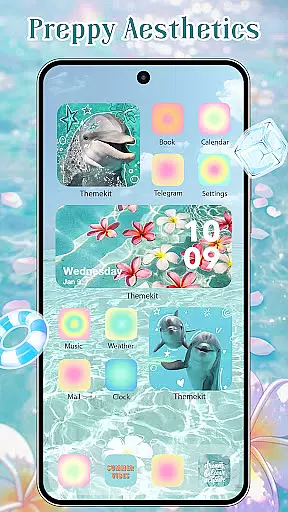
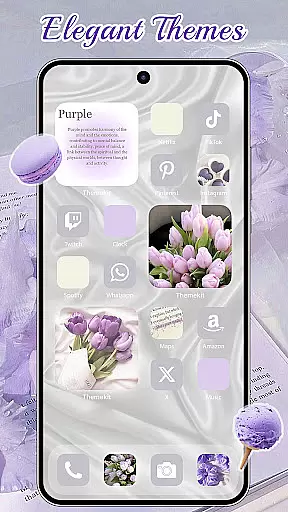
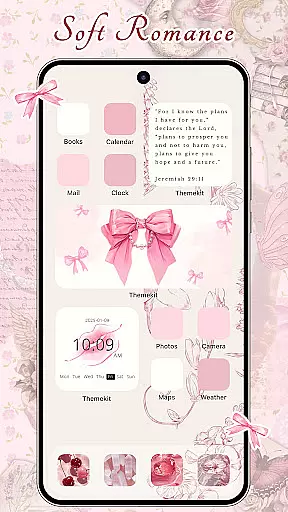
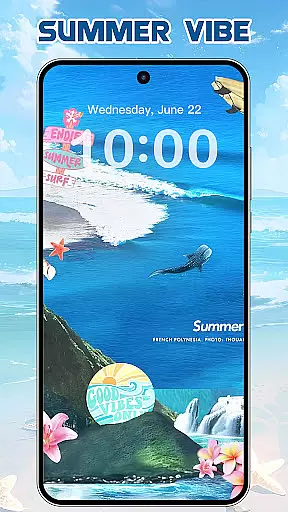
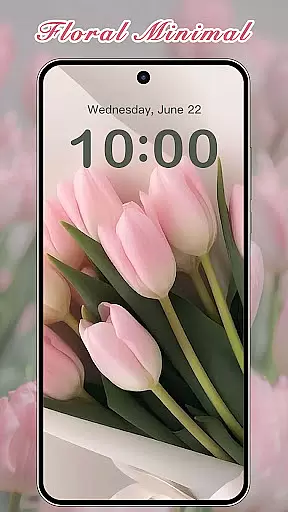
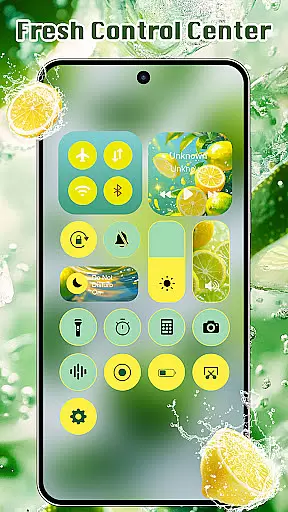
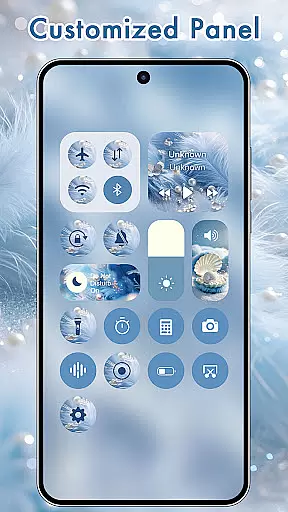
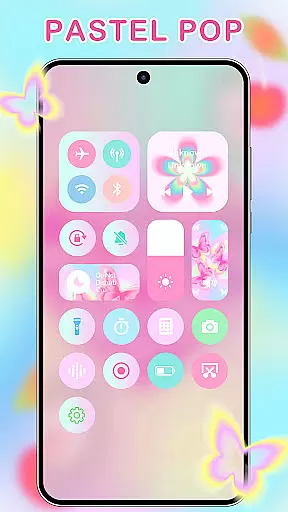
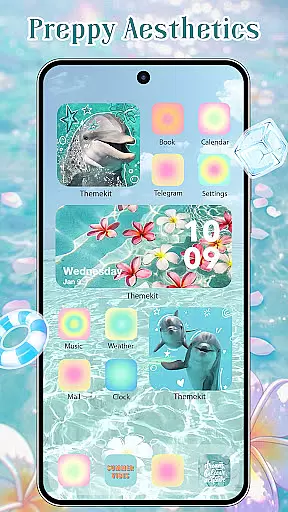
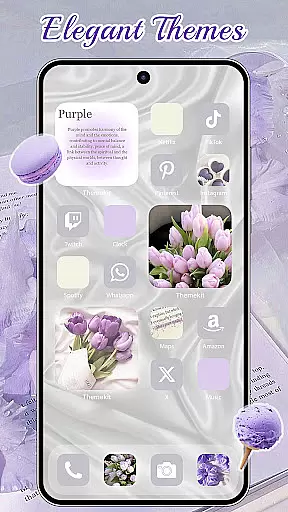
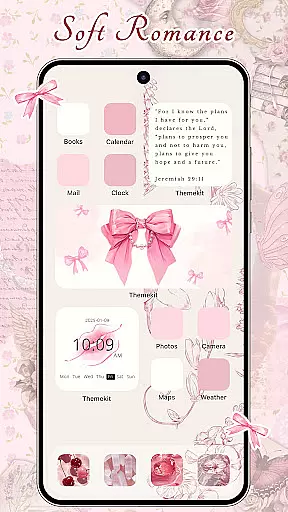
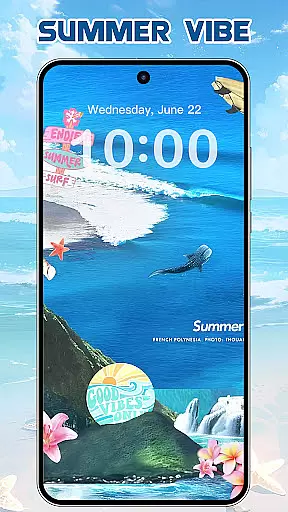
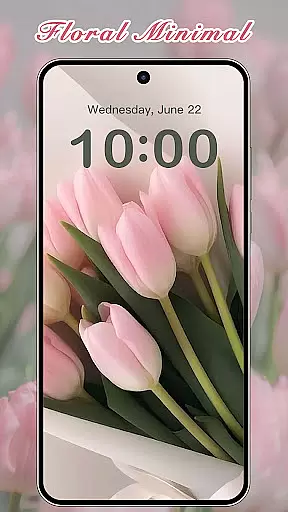

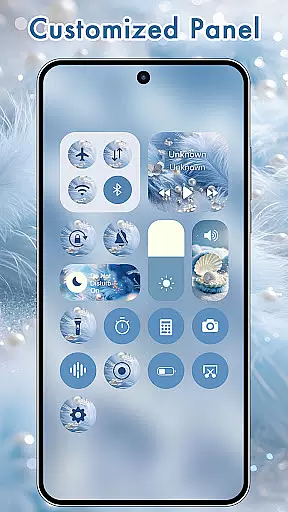
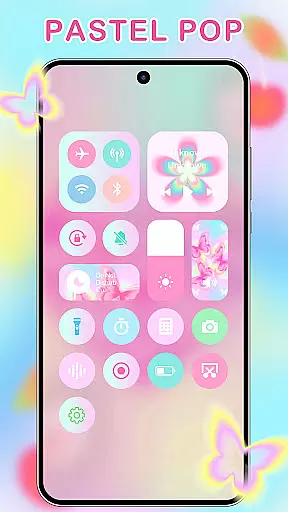
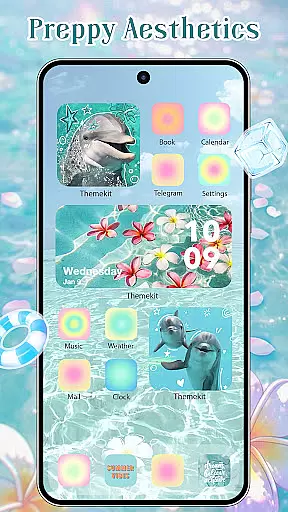
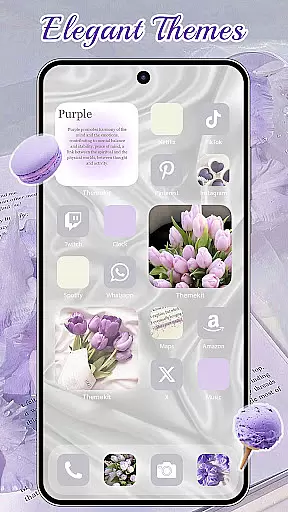
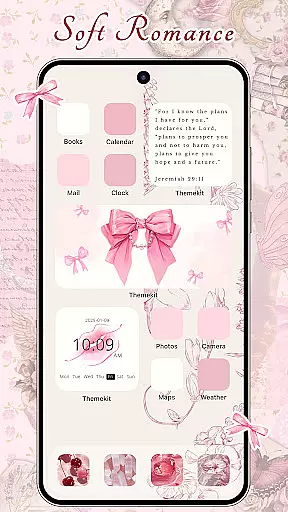
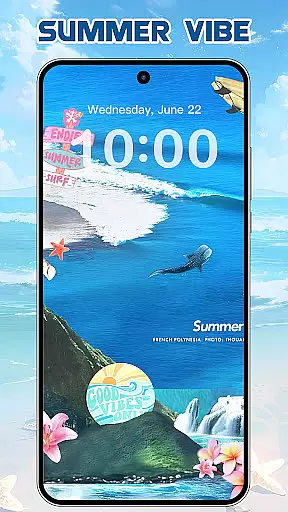
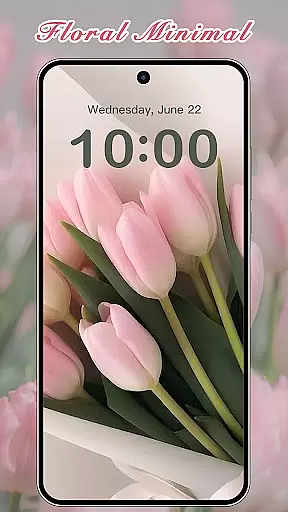
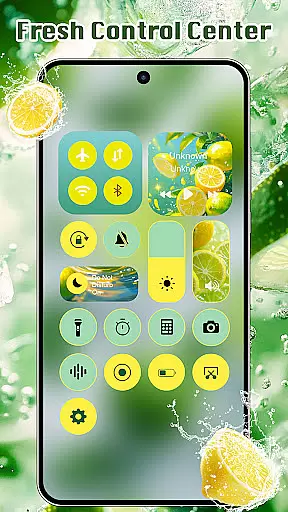
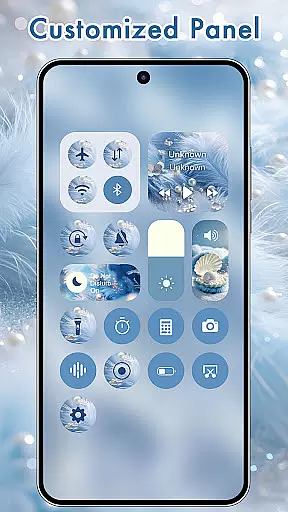
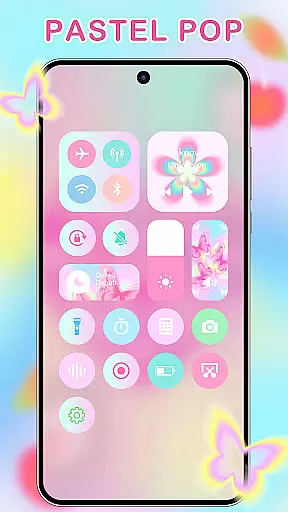
ThemeKit is a comprehensive personalization app designed specifically for Android users who want to enhance their device's aesthetics. This app offers a complete suite of customization tools including icon packs, widgets, and wallpapers, allowing users to create a unique and personalized home screen experience.
The app stands out with its extensive library of over 5000 icons, 3000 themes, and 9000 widgets, alongside thousands of high-quality wallpapers. Whether you're looking to refresh your phone's look seasonally or searching for specific styles like Kpop, Anime, or Neon themes, ThemeKit provides diverse options to suit every taste.
One of the key advantages of ThemeKit is its DIY functionality, enabling users to design custom icons and widgets using personal photos. This feature makes it an ideal choice for those who value both aesthetics and personal expression in their mobile devices.
ThemeKit distinguishes itself through its robust feature set that caters to various customization needs. The app includes a powerful icon changer that works without requiring a separate launcher, allowing users to create shortcuts with custom icons directly on their home screen.
A standout feature is the free widget kit, which functions like a widgetsmith tool, offering hundreds of customizable widget styles. Users can edit and personalize their home screen layout with ease, creating a truly unique interface. Additionally, the app provides a 4K wallpaper changer with daily updates, ensuring access to the latest high-resolution backgrounds.
The app also supports practical widgets such as countdown timers and weather displays, while maintaining compatibility with major Android devices including Samsung, Vivo, OPPO, and Xiaomi. Its user-friendly interface and multilingual support make it accessible to a global audience, enhancing its value as a comprehensive personalization solution.
ThemeKit offers an extensive range of customization options that allow users to personalize their Android devices like never before. With over 5000 aesthetically designed icons, 3000 themes, and 9000 widgets, the app provides a comprehensive suite for home screen personalization.
The app's DIY function empowers users to design unique icons and widgets using personal album pictures and wallpapers. This feature ensures that each user can create a personalized and exclusive look for their device, reflecting individual tastes and creativity.
Users can enjoy daily updates with new trends including Summer Sadness, Festival, Dark, Pink, Fantasy, Cartoon, Gothic, Anime, Aesthetic, Brat Green, Kpop themes, and more. This continuous update cycle keeps the content fresh and engaging, offering something for every user's preference.
ThemeKit ensures seamless theme compatibility across various Android devices such as Samsung, Vivo, OPPO, and Xiaomi. The app is designed to be highly compatible, providing a consistent experience regardless of the device model or brand.
One of the standout features is the icon changer which works without needing a separate launcher. Users can easily change app icons on their home screens from a vast selection of icon packs or even choose images from their gallery.
In addition to its robust compatibility, ThemeKit supports multiple languages, removing language barriers and enhancing accessibility. The app also offers a user-friendly interface that makes it easy to navigate and apply different themes, ensuring a smooth and enjoyable customization process.
Extensive icon library
Diverse theme options
User-friendly interface
Regular content updates
Cross-device compatibility
Limited iOS support
Some features require accessibility permissions
Occasional performance issues
Ads in free version
Learning curve for advanced features

A light in the dark, a unique style and an andless cutomization!
 4.30
4.30
Ultra realistic gold analog watch face with lots of customization options.
4.50
Aesthetic Widgets, HD Wallpapers, Themes in Mico Widget for Home and Lock Screen
4.50
Nothing Icon pack with more than 3750+ highly crafted icons.
4.70
Launcher OS™ Pro without ads help make your phone simple and pretty
4.30
Stylish Pink Cute Hippo keyboard with 10000+ customized keyboard themes!
4.60
Your home screen, just the way you like it.
4.30
set a new experience for the Android mobile phone
4.20
Create stunning widgets with Widget 2026: Aesthetic Widgets for Android!
4.60
Dark icon pack based on One 8
4.80
Vertically oriented rectangular icons
4.70
A launcher for Samsung Good Lock and Good Guardians modules without ads
4.70
Over 28,000 high quality icons to bring color & homogeneity to your phone.
4.60
Zip lock screen with magic wallpaper to decorate your phone with fun zipper lock
4.60
Embrace the Night. Unleash the power of darkness with Raven Dark Icon Pack
4.60
Yandex Browser — stylish and secure, with voice search and data compression
4.40
Themes - Widget & Wallpaper: Customize home screen, icon changer w unique themes
4.30
Unique Fonts, typefaces and stylish text. Fonts for Instagram, Whatsapp & others
4.20
Ultimate widget creator. Design custom widgets for a truly unique home screen!
3.90


User Reviews