
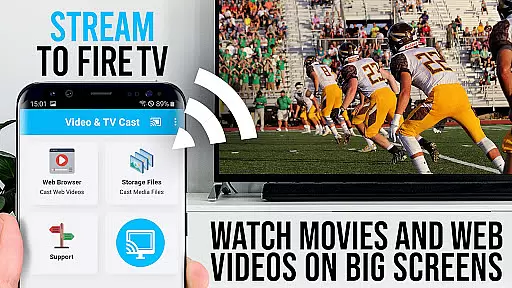
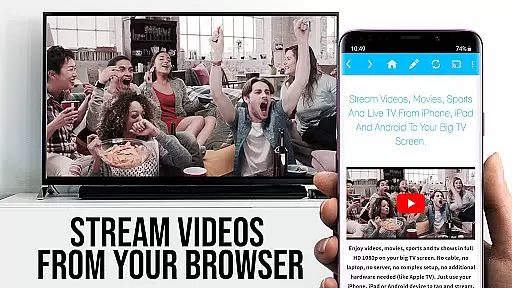
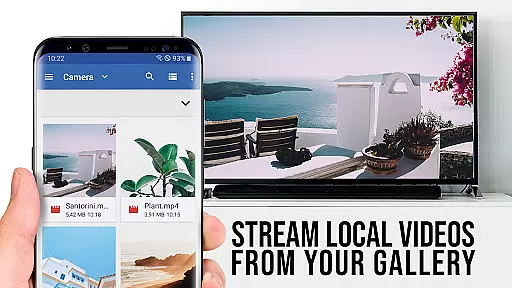
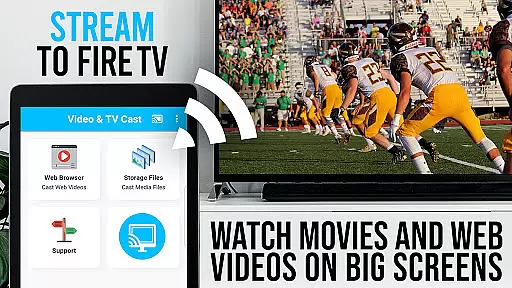
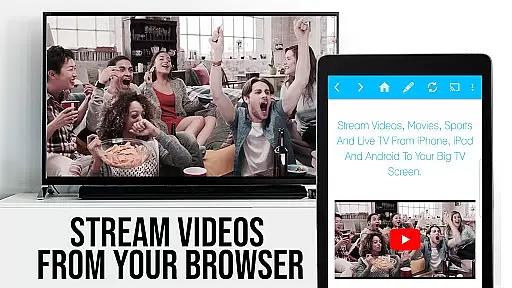
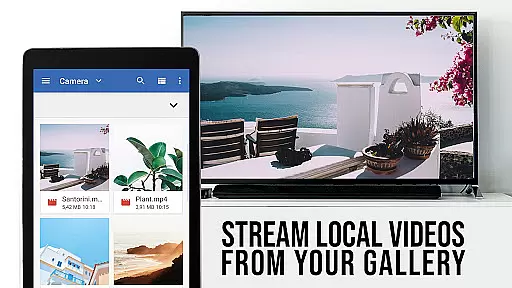
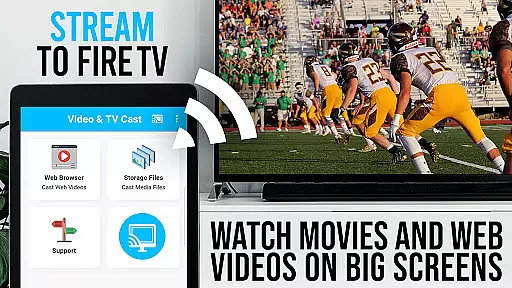
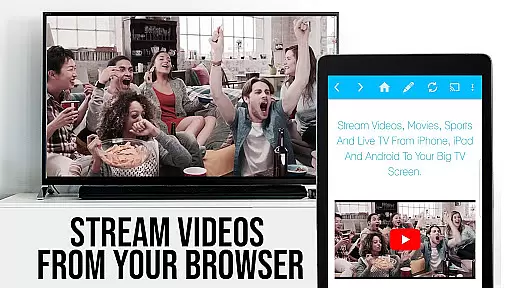
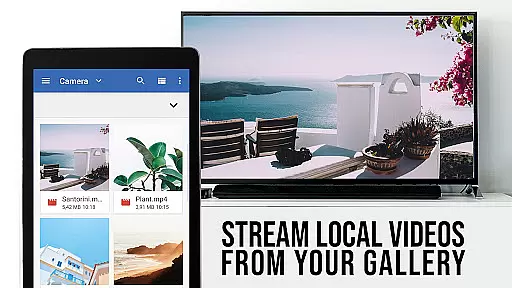
TV Cast Pro for Fire TV is the ultimate solution for streaming web videos, online movies, livestreams, and live TV shows directly to your largest screen. Designed specifically for Amazon Fire TV and Fire TV Stick users, this premium app supports a wide range of video formats including MP4, M3U8, HLS livestreams, and Full HD content over HTTPS.
This PRO edition offers all premium features unlocked, allowing you to browse the web and cast any desired video with a single tap. The app intelligently detects embedded videos on websites and streams them seamlessly to your Fire TV. With its user-friendly interface and advanced functionalities, it provides an unparalleled viewing experience without requiring a complicated media server setup.
Ideal for those seeking high-quality streaming, TV Cast Pro enhances your entertainment options by bringing your favorite online content to the comfort of your living room. Whether you're watching web series or live sports, this app ensures smooth playback and superior video quality on your big screen.
TV Cast Pro stands out with its comprehensive feature set tailored for seamless video streaming. One of its key capabilities is the Remote Playbar, which allows users to control video playback while browsing. This includes essential functions like video scrubbing, forward, rewind, play, pause, and stop. The Playbar syncs across all Android and iOS devices running Video & TV Cast, providing a unified control experience.
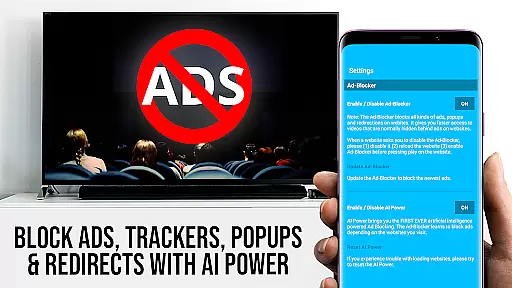
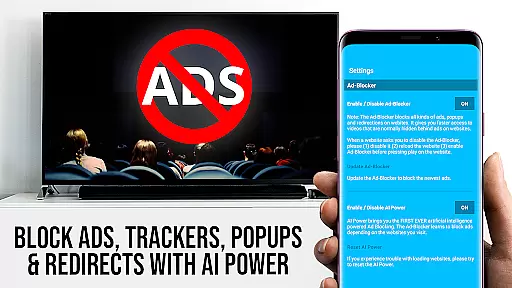
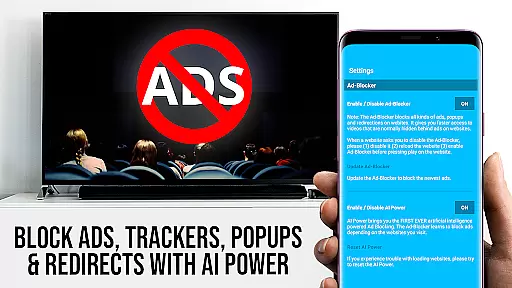
The app also includes an Ad-Blocker that removes ads and popups from most websites, ensuring uninterrupted viewing. Users can enable or disable this feature anytime through the settings. Additionally, the Bookmarks feature lets you save and manage unlimited bookmarks directly within the browser or via the bookmarks menu, making navigation effortless.
For enhanced versatility, TV Cast Pro offers Desktop Mode, allowing users to change the browser's user-agent to mimic a desktop PC. This loads desktop versions of websites instead of mobile ones, although it doesn't support casting Flash videos even in desktop mode. Furthermore, users can personalize their experience by setting a custom homepage in the settings, adding another layer of convenience to their streaming activities.
TV Cast Pro for Fire TV offers extensive video format compatibility, ensuring users can enjoy a wide range of content without technical hindrances. The app supports popular formats such as Mp4, m3u8, and HLS livestreams, allowing seamless streaming of videos over HTTPS.
This compatibility extends to Full HD content, providing crisp and clear visuals on your biggest screen. Whether you're streaming web videos, online movies, or live TV shows, the app ensures that all content is displayed in the highest possible quality.
For users who want to directly play video files on their Fire TV, they simply need to enter or paste the full video URL into the browser's address bar. This straightforward approach eliminates the need for complex media servers or configurations.
The app's ability to detect video links after playing them on an Android device further enhances its versatility. By supporting various formats and simplifying the casting process, TV Cast Pro delivers a comprehensive solution for enjoying multimedia content on Fire TV devices.
While TV Cast Pro for Fire TV doesn't focus on traditional AI-powered editing features, it incorporates advanced functionalities that enhance the viewing experience through intelligent features. The Remote Playbar, exclusive to the PRO version, provides sophisticated video control capabilities while browsing.
This feature allows users to scrub through videos, forward, rewind, play, pause, and stop content with ease. The synchronized nature of the playbar across all Android and iOS devices running Video & TV Cast creates a unified and convenient control experience.
In addition to the Remote Playbar, the PRO version includes an Ad-Blocker that intelligently filters out ads and popups on most websites. This feature not only enhances viewing pleasure by removing interruptions but also optimizes website performance.
These smart features demonstrate how TV Cast Pro utilizes technology to improve user interaction with web-based video content, offering both convenience and enhanced control during the viewing experience.
Seamless casting
No ads
User-friendly
Desktop mode
Remote Playbar
No DRM support
Fire TV only
Limited Flash
Device restarts
WiFi dependency

Online Videos Player
 3.90
3.90
Tik & Story Saver-Download ALL social media videos, photos & reels no watermark.
4.80
KineMaster, Your Ultimate Video Editor!
4.40
Fast video downloader & private browser. Save HD clips to watch offline.
4.40
1)AirPlay/DLNA Mirroring/Streaming, up to 4 connections; 2)Samba/NAS/DMS Player.
4.00
#1 Torrent App on Android ** No Ads Ever + Battery Saver **
4.80
Browser + Remote for Roku to stream webvideos, online movies and livestreams
4.60
Viddo: Generate Action Figure, AI Anime, AI kiss, AI hug Video from image & text
4.40
Photo editor & video maker with music and slideshows.
4.10
Download videos and play them offline
4.70
All in one HD video downloader & player for multiple formats with full privacy
4.70
Find, download, and play torrents with the official BitTorrent® Pro app
4.70
Cast Videos from Web Browser, IPTV to Roku, Chromecast, DLNA, Smart TV +more
4.60
Search & download videos from net with all video downloader, auto-detect & safe.
4.60
Full HD Video mp3 Player, MP4 player play 1080p, File manager, Video Downloader
4.40
Make your own Animations, Video and Photo Edits, Visual Effects, and more!
4.00
Watch full episodes of your favorite Cartoon Network and Cartoonito shows!
3.50
A full editing room to accompany your Insta360 cameras and handheld gimbals.
3.30
Play and download HD videos from all sources — fast, simple, and all-in-one.
4.4


User Reviews