
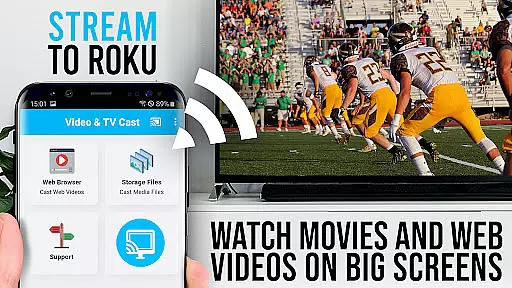
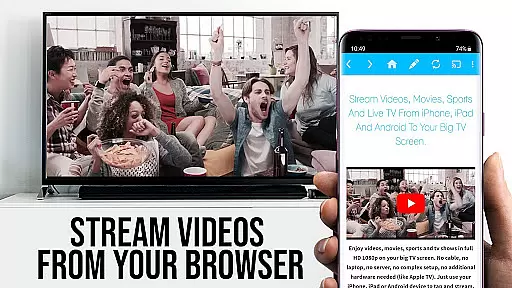
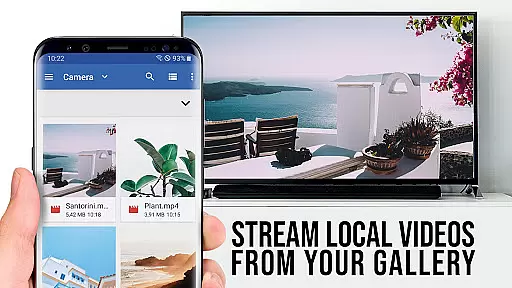
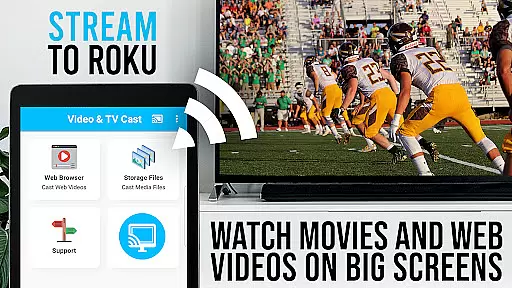
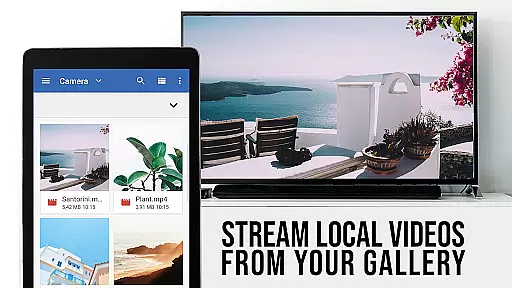
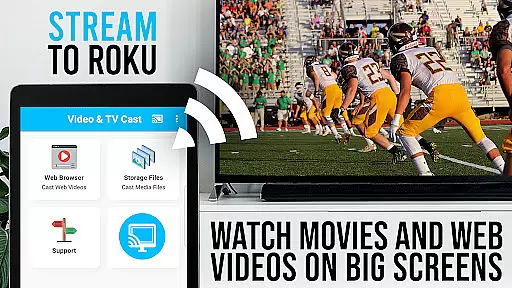
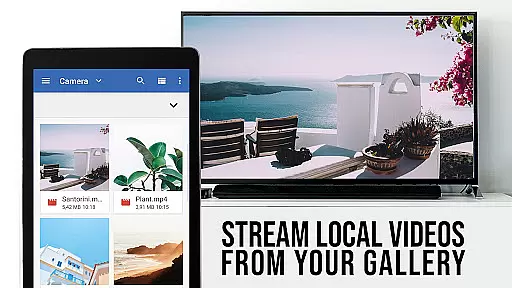
TV Cast Pro for Roku is the premier solution for streaming web videos, online movies, livestreams, and live TV shows directly to your Roku-enabled devices. This application supports a wide range of video formats including mp4, m3u8, hls livestreams, and Full HD content over https.
With an integrated Roku Remote, users can effortlessly control their Roku device. The PRO edition offers all premium features unlocked, providing an ad-free experience with advanced functionalities such as desktop mode, bookmarks, and remote control options for an enhanced streaming experience.
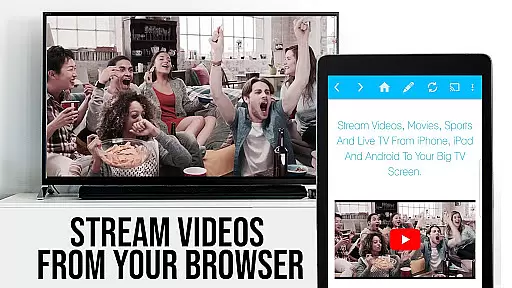
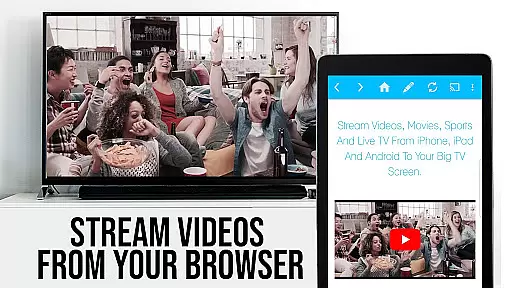
TV Cast Pro for Roku stands out with its ability to cast videos from websites directly to your Roku with just a single tap. It includes an integrated browser that detects video links which can be sent immediately to your Roku device.
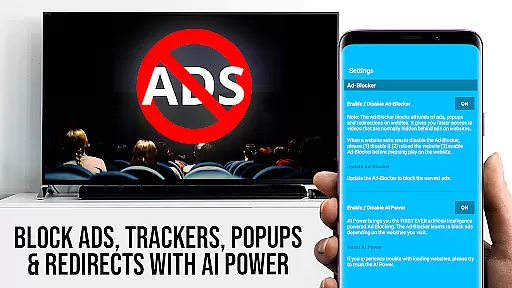
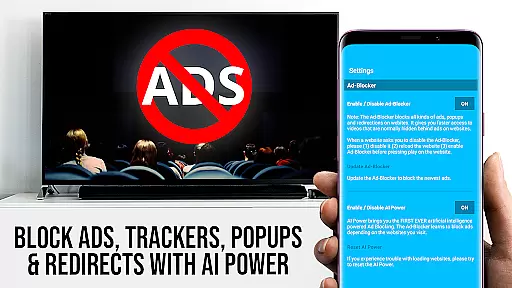
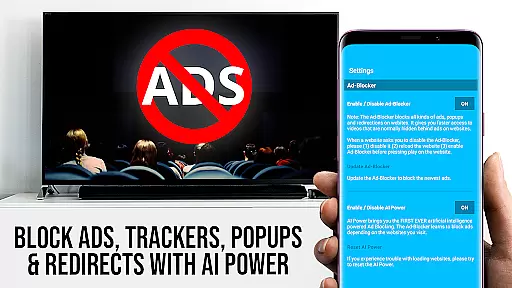
This app also provides PRO features like an Ad-Blocker to enhance your browsing experience, a Bookmark manager for easy access to favorite sites, and Desktop Mode allowing users to view desktop versions of websites. These features collectively ensure a seamless, high-quality streaming experience without interruptions or compatibility issues.
TV Cast Pro for Roku stands out with its extensive video format compatibility, ensuring users can enjoy a wide range of content without limitations. The app supports popular formats such as MP4, M3U8, and HLS livestreams, making it versatile for various streaming needs.
This compatibility is crucial for users who want to cast web videos, online movies, livestreams, and live TV shows directly to their Roku devices. By supporting video over HTTPS and Full HD, the app guarantees high-quality playback that enhances the viewing experience on the biggest screen in your home.
The ability to enter or paste full video URLs directly into the browser address bar simplifies the process of playing MP4, M3U8, or other video files on Roku. This seamless integration empowers users to access their desired content effortlessly, eliminating the frustration of format incompatibility.
While TV Cast Pro for Roku focuses primarily on streaming and casting capabilities, it incorporates features akin to AI-powered editing through its integrated ad-blocking and desktop mode functionalities. These features enhance the user's browsing and streaming experience by removing distractions and optimizing content presentation.
The built-in Ad-Blocker eliminates ads and popups on most websites, providing an uninterrupted viewing session. Users can toggle this feature at any time within the settings, showcasing the app's commitment to delivering a clean, user-friendly interface akin to intelligent content curation.
Additionally, the Desktop Mode allows users to change the browser user-agent, effectively cloaking their Android device as a desktop PC. This feature loads desktop versions of websites, which often offer richer content and better video quality compared to mobile sites. Although it doesn't enable casting of Flash videos, it demonstrates the app's dedication to maximizing content accessibility and quality.
User-friendly interface
Wide format support
Integrated Roku remote
Ad-free browsing
Advanced casting options
Not compatible with all Roku models
DRM protected content not supported
Limited to video casting only
Requires internet connection
Premium version is paid

Search & download videos from net with all video downloader, auto-detect & safe.
 4.60
4.60
All format media Player, no need video converter any more!
4.00
Cast to Smart TV, Fire TV. Cast video, photo - Fast & Stable!
3.90
Manage your IPTV live channels and VOD playlists (no playlist included)
3.80
Livestream, news, & gaming content. Watch, chat, and upload. Join Rumble today!
3.80
Download Hub, easy and private way to download and enjoy your videos offline
4.80
Enjoy your favorite videos and channels with the official YouTube app.
3.90
Photo editor & video maker with music and slideshows.
4.10
Make videos you’re proud to share with Edits, a video editor for creators.
4.70
Watch IPTV on your Android device
4.60
Add date and time watermark to photos and videos
4.50
Auto video maker with music & exclusive filters. Video editing made simple.
4.50
Movie maker & video editing app with AI effects and green screen
4.30
Turn your phone into a wireless camera!
4.20
Video player with 4K & 1080P support, popup play, background play and subtitle.
4.20
Fast private browser with secure, seamless access & supported video downloads!
4.00
Download videos easily & play them all in one smart, powerful video manager.
3.40
A full editing room to accompany your Insta360 cameras and handheld gimbals.
3.30
Powerful HD video player with support for all formats & subtitles.
4.2


User Reviews