
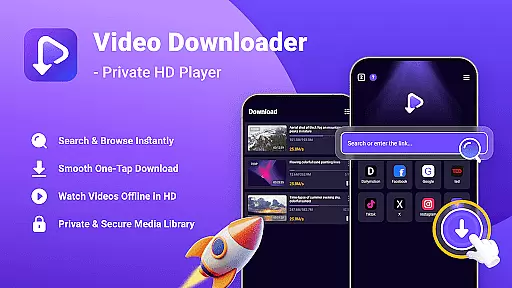
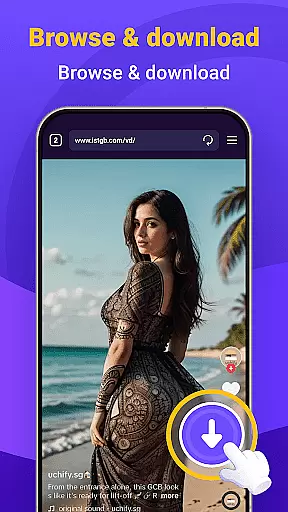
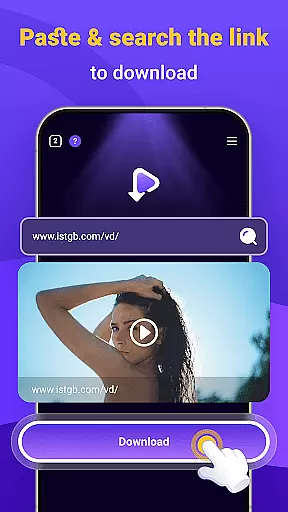
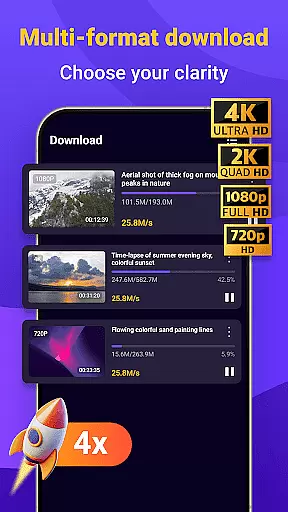
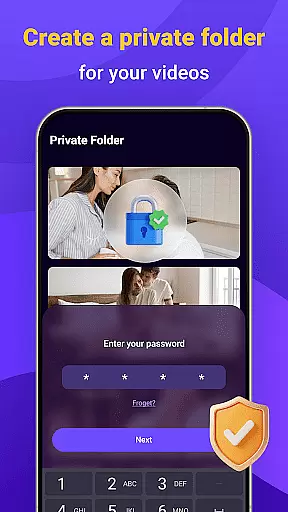
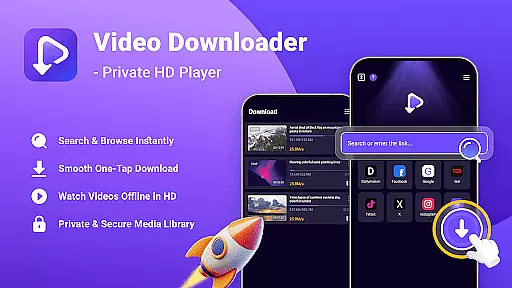
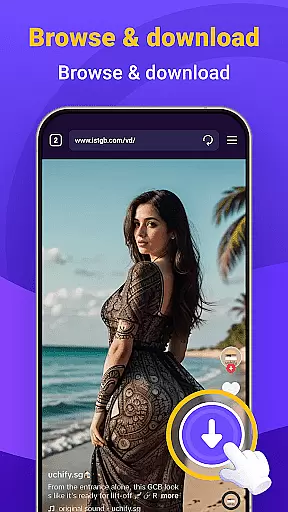
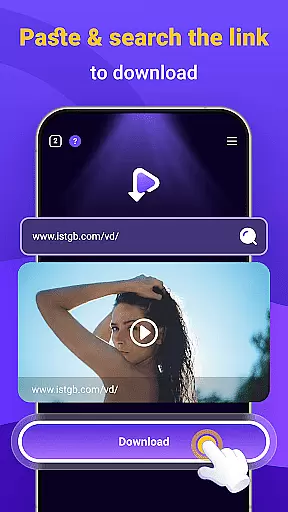
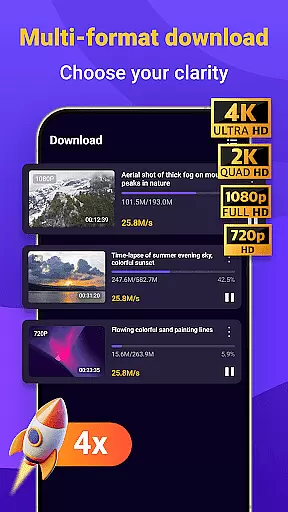
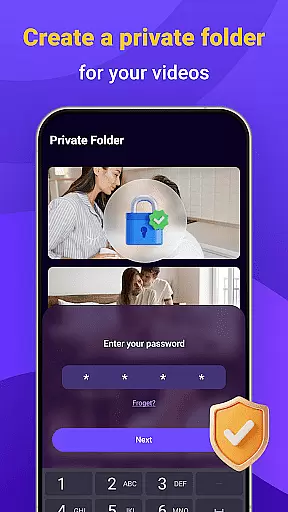
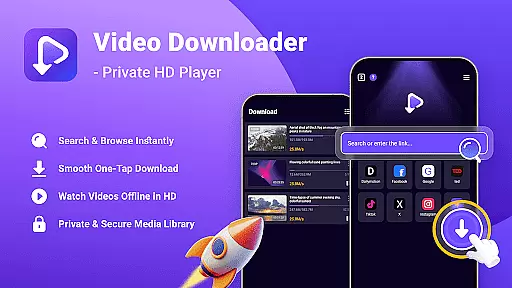
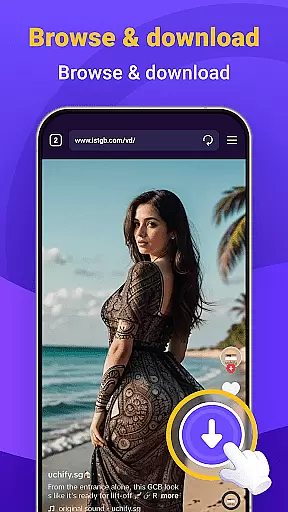
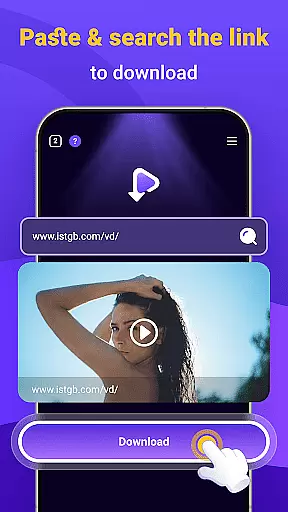
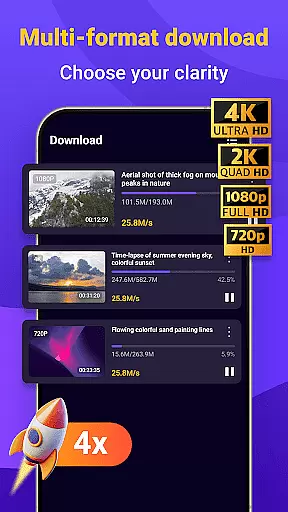
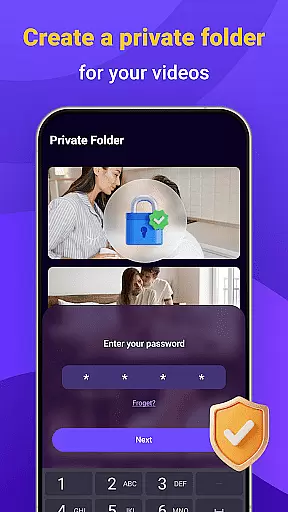
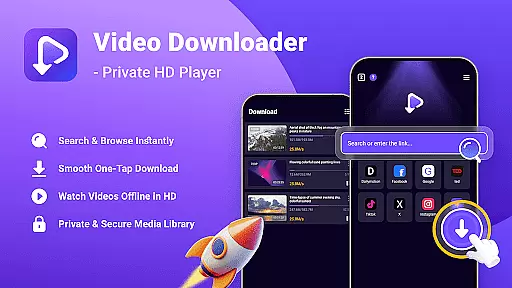
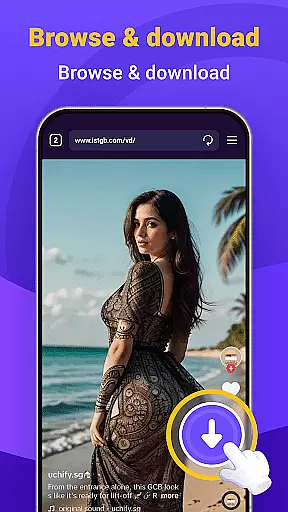
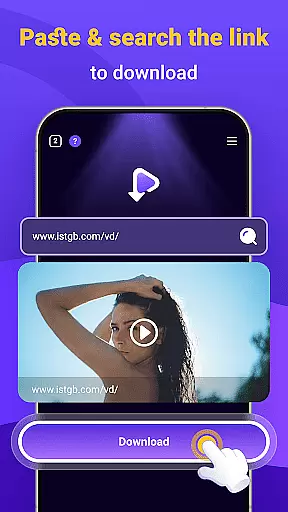
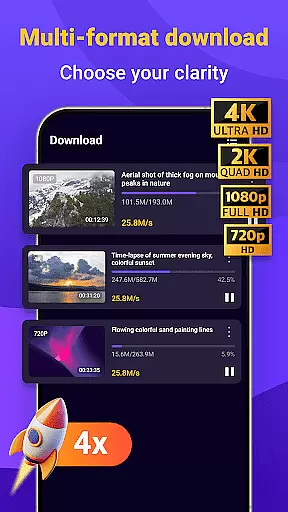
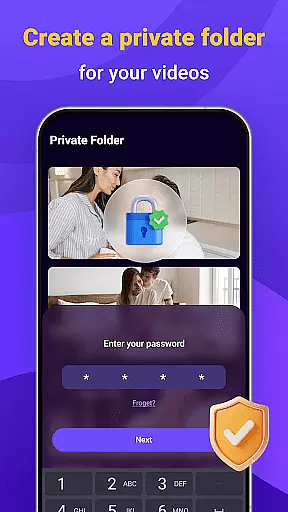
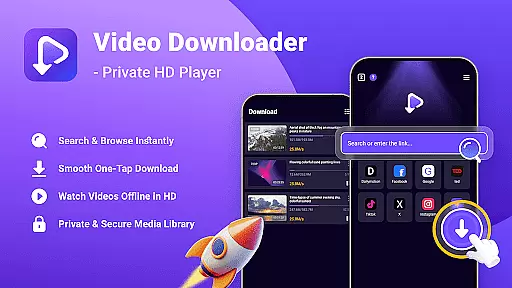
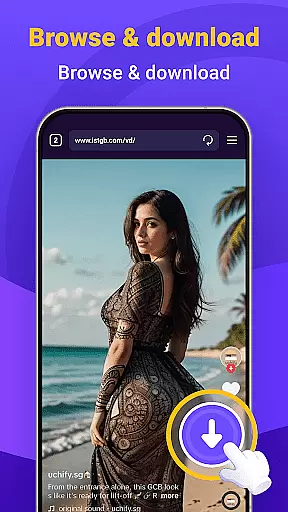
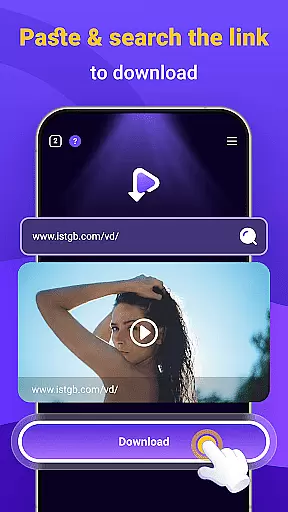
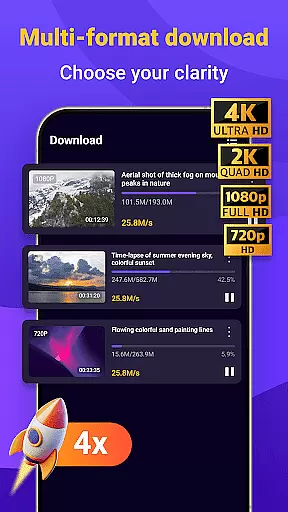
Video Downloader - Private HD Player is a versatile video player and downloader designed for users who want an all-in-one solution for managing their media. This app allows you to search, play, and download HD videos or various file formats (MP4, MP3, etc.) directly within the app. With its built-in search feature, you can easily find content without switching between apps. The one-tap download functionality ensures quick saving of HD videos and audio files, while offline playback lets you enjoy your media anytime, anywhere. Privacy and security are prioritized, with features like password protection and no activity tracking, making it ideal for users who value control over their media library.
The app supports multiple file formats and provides smooth playback for both video and audio files. Whether you're commuting, traveling, or simply want to conserve data, Video Downloader - Private HD Player offers a reliable way to manage and enjoy your favorite content securely and conveniently.
Video Downloader - Private HD Player stands out with its comprehensive set of features tailored for seamless media management. One of its key highlights is the built-in search functionality, which allows users to look for videos or files directly within the app. This eliminates the need to switch between different applications, streamlining the user experience. Additionally, the one-tap download feature enables quick saving of HD videos, MP3s, and other file formats from websites or apps you visit, ensuring that your media library remains organized and accessible at all times.
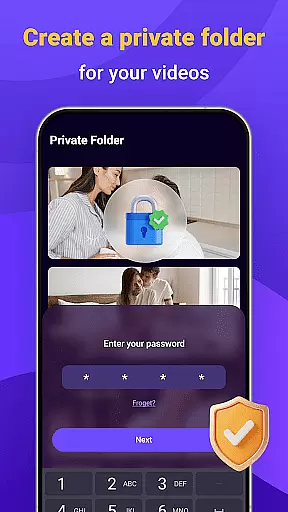
Another notable feature is the offline HD playback capability. Users can watch videos in full resolution or listen to audio files without needing an internet connection. The app supports a wide range of file formats, including MP4, MP3, AVI, and more, providing smooth playback across different types of media. Privacy and security are also top priorities, as the app ensures private playback and downloading without tracking user activity. You can even lock your library with a secure password, keeping your files under your control. These robust features make Video Downloader - Private HD Player a reliable choice for managing and enjoying your media.
Video format compatibility is a crucial feature for any video player, ensuring that users can enjoy content in various formats without technical barriers. Video Downloader - Private HD Player supports an extensive range of file types including MP4, MP3, AVI, and more.
This app allows you to play videos and audio files directly within the application, eliminating the need for additional software or format conversion. Whether you're downloading from websites or transferring files from another device, this comprehensive format support ensures seamless playback.
Users benefit from the ability to manage their media library with ease, knowing that whatever file type they encounter, Video Downloader - Private HD Player will handle it effortlessly. This flexibility enhances user experience by providing uninterrupted access to their favorite content.
AI-powered editing features are revolutionizing how users interact with their video content by offering smart tools that simplify complex editing tasks. Video Downloader - Private HD Player incorporates intelligent algorithms to enhance video playback and organization.
While primarily a downloader and player, the app leverages AI to optimize video quality during playback and categorize downloaded files efficiently. These features ensure that users can easily find and enjoy their content while benefiting from enhanced visual experiences.
The integration of AI technology not only improves usability but also sets a new standard for video player applications. Users can expect smarter management of their media libraries and superior performance when engaging with diverse video formats.
User-friendly interface
Fast download speeds
Wide format support
Secure privacy controls
All-in-one functionality
Limited advanced editing tools
Occasional compatibility issues
No cloud syncing option
Ads in free version
Large file storage needs

Cast to Chromecast, Xbox, Fire Stick, Roku, DLNA, Smart TV & No Feature Limited!
 4.50
4.50
HD video maker with no watermark, no ads & vlog maker with music, PIP, text
4.50
Stream high quality video from your camera over NDI protocol
4.2
This app was created to edit the metadata of music files.
4.20
Play and download HD videos from all sources — fast, simple, and all-in-one.
4.2
Video Downloader, Multiple Resolution Options, Video Player
4.50
IPTV Loader, loads your own Playlist. DOES NOT CONTAIN ANY LIST OR CHANNELS
4.60
Manage your IPTV live channels and VOD playlists (no playlist included)
3.80
Watch IPTV on your Android device
4.60
#1 Torrent App on Android ** No Ads Ever + Battery Saver **
4.80
A Quick and Pro Video Editor
4.70
Browser for Samsung TV to stream webvideos, online movies and livestreams in HD
4.10
Powerful, professional, versatile teleprompter. Developed by an active film crew
4.00
Make your own Animations, Video and Photo Edits, Visual Effects, and more!
4.00
Online Videos Player
3.90
Connect 2 UVC devices for recording and broadcast video/audio stream
3.90
Download videos easily & play them all in one smart, powerful video manager.
3.40
Browser for Sony TV to stream web videos, online movies and live tv
3.20
The smartest M3U IPTV Player your playlists have ever seen.
4.5


User Reviews