
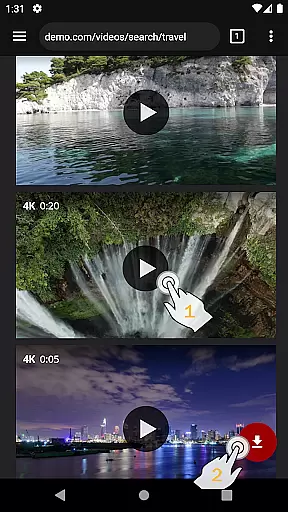
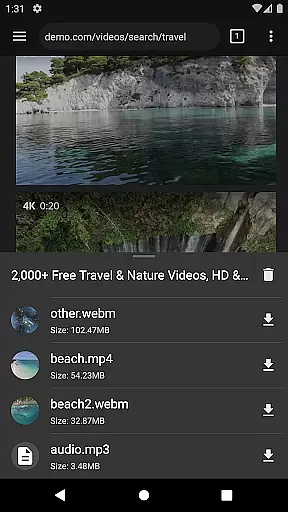
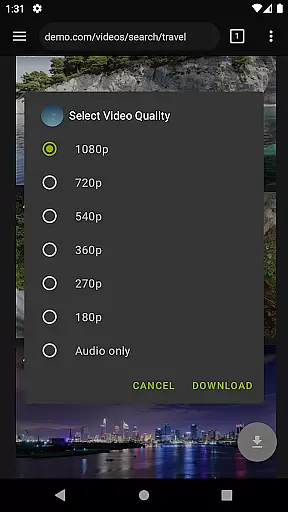
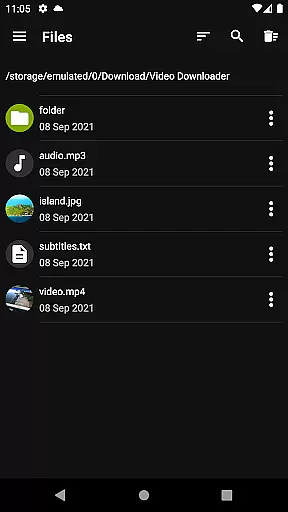
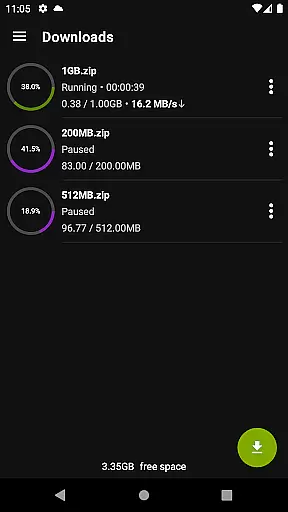

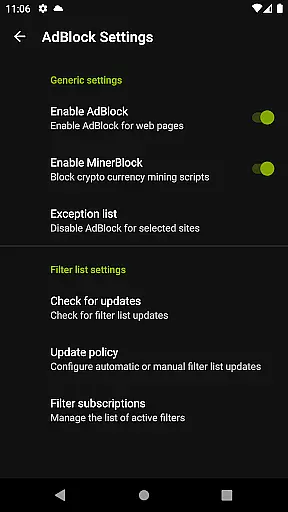
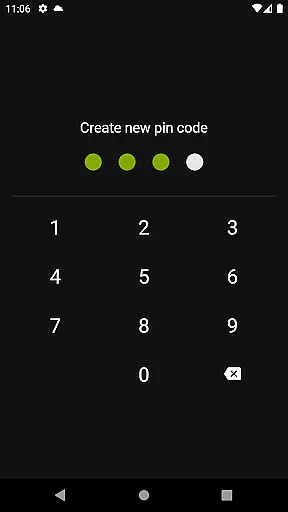
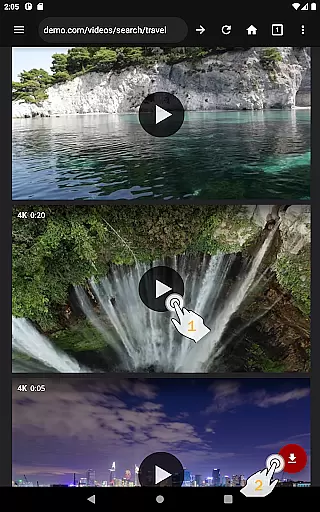
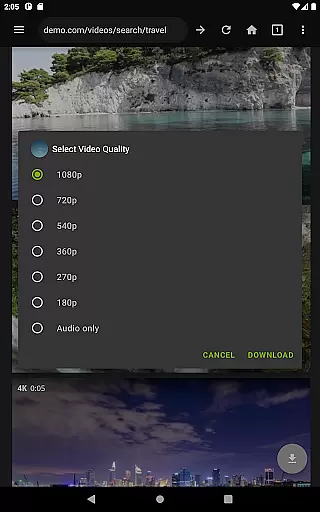
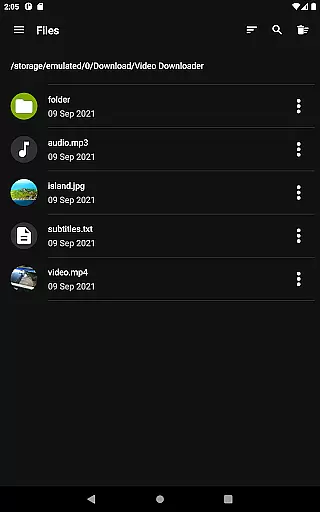
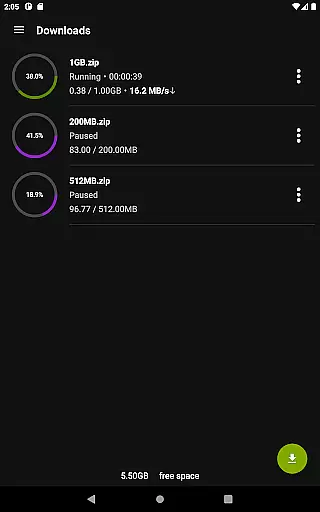
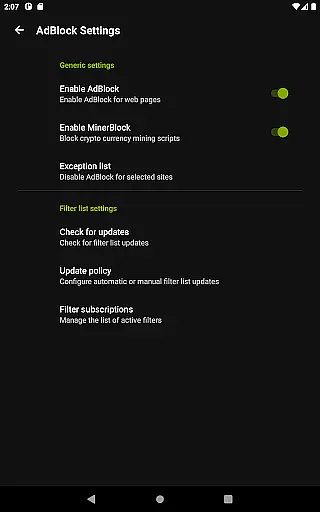
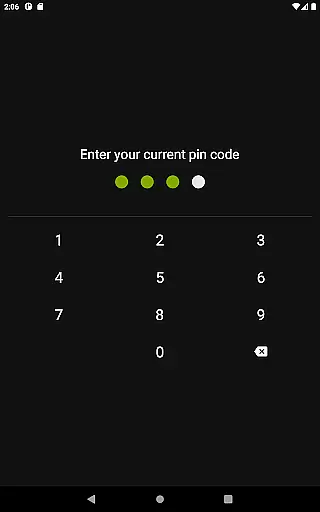
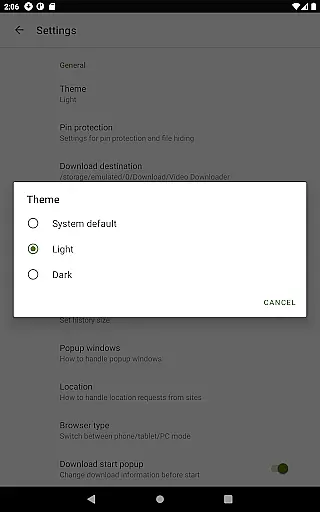
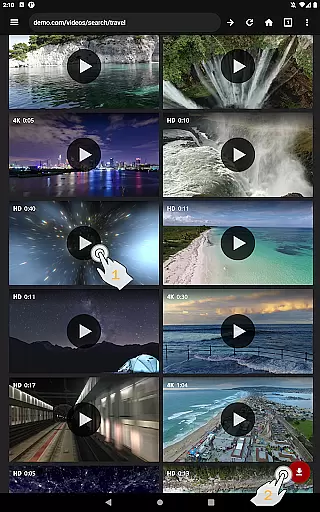
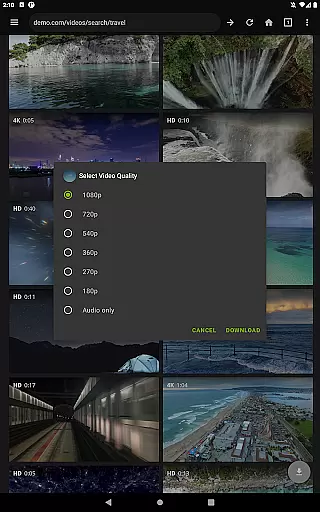
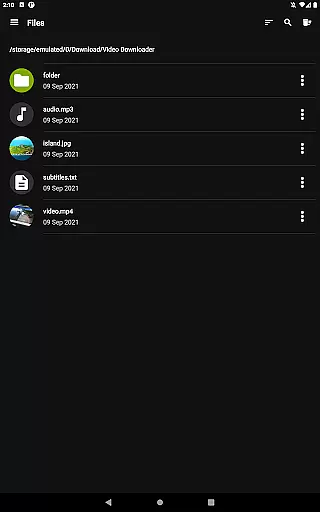
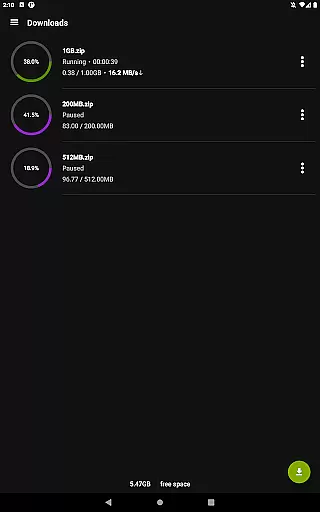
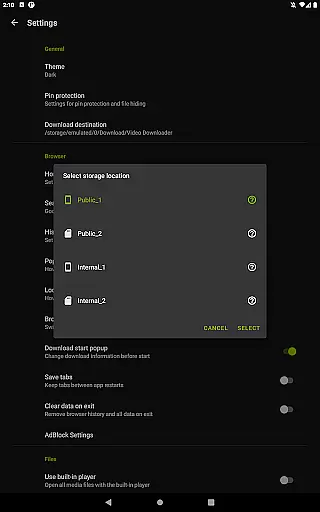
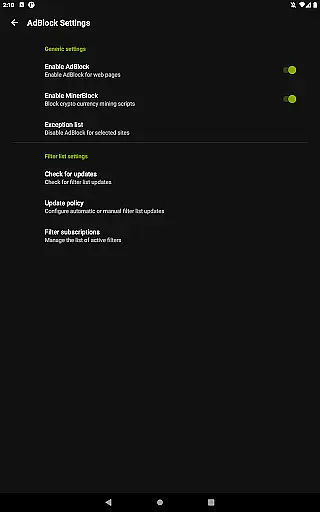
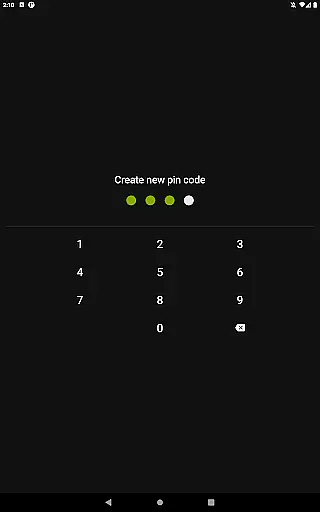
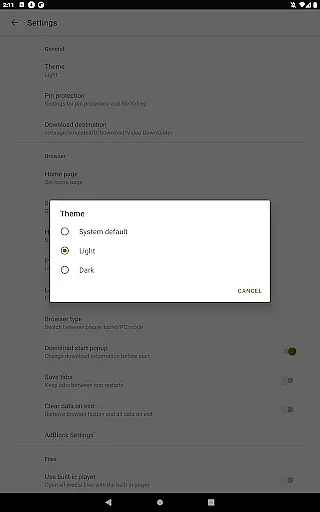
Video Downloader Pro is a premium application designed for users who need an efficient solution to download and manage video content. The app offers the ability to download both static videos and live streams, allowing users to watch their favorite content offline at any time. With its private web browser featuring incognito mode and PIN protection, users can browse securely while enjoying an ad-free experience thanks to the built-in AdBlocker.
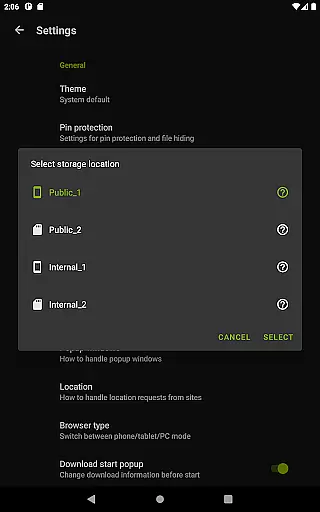
In addition to downloading capabilities, the app provides advanced features such as a multi-connection download manager that significantly accelerates download speeds, support for multiple SD cards, and the option to handle files over 4GB. These functionalities make it a versatile tool for managing large media files. Whether you're commuting or traveling, Video Downloader Pro ensures uninterrupted access to your video library.
Video Downloader Pro stands out with its comprehensive set of features tailored for seamless video management. One of its key highlights is the ability to download live video streams, which is a premium feature not commonly found in standard downloaders. This functionality allows users to capture real-time content for later viewing. Additionally, the app supports multiple file downloads simultaneously, enabling efficient media collection without delays.
The app also includes practical tools like background file downloads, pause-resume functionality, and automatic resumption of failed downloads from the point of failure. Users can organize their favorite websites using page bookmarks, import-export bookmarks across devices, and enjoy priority customer support for any inquiries. With its 48-hour money-back guarantee and lifetime usage after a one-time payment, Video Downloader Pro delivers both reliability and value to its users.
Video Downloader Pro offers extensive video format compatibility, ensuring users can download and play videos in various formats without any hassle. This feature is crucial for a seamless user experience as it eliminates the need for additional conversion software.
The application supports all popular video formats including MP4, AVI, MKV, and more. This wide-ranging support allows users to download content from different sources without worrying about format restrictions. The built-in multi-connection download manager further enhances this capability by accelerating downloads several times.
Users benefit significantly from this feature as they can store and view videos on multiple devices without compatibility issues. Whether you're using a smartphone, tablet, or computer, Video Downloader Pro ensures your downloaded content is accessible and playable.
This comprehensive format support underscores the app's versatility and commitment to delivering a superior user experience. With priority email support and continuous updates, users can rely on consistent performance and new features that enhance video compatibility even further.
Video Downloader Pro incorporates AI-powered editing features that elevate the user's ability to modify and enhance their downloaded videos. These intelligent tools provide an edge in personalizing content according to individual preferences and requirements.
The AI technology integrated into the app allows for smart trimming, cropping, and enhancing of videos with minimal effort. Users can leverage these advanced features to produce professional-quality edits without needing specialized skills or additional software. The intuitive interface makes these powerful capabilities accessible to everyone.
By utilizing AI-driven enhancements, users save time and achieve better results compared to traditional editing methods. The precision offered by AI ensures that edits are accurate and polished, maintaining the original quality of the video while adding personalized touches.
These innovative editing features not only improve productivity but also expand creative possibilities. With ongoing updates and priority support, Video Downloader Pro continues to refine its AI functionalities, ensuring users have cutting-edge tools at their disposal.
Ads removed
Live stream downloads
Lifetime license
Priority support
Multi-file downloads
Paid app
Requires permissions
Complex setup
No free trial
Limited refunds

Photo and Music Video Creator into Stunning Videos—Effortlessly
 4.40
4.40
Cast to Chromecast, Xbox, Fire Stick, Roku, DLNA, Smart TV & No Feature Limited!
4.50
Create photo video with music & template. AI video maker for stunning slideshow.
4.60
This app was created to edit the metadata of music files.
4.20
Turn your phone into a wireless camera!
4.20
AirMirror Receiver - Screen mirroring/cast web videos to Android TV by AirPlay.
4.40
Make your own Animations, Video and Photo Edits, Visual Effects, and more!
4.00
Browser for Sony TV to stream web videos, online movies and live tv
3.20
Find, download, and play torrents with the official BitTorrent® Pro app
4.70
All in one HD video downloader & player for multiple formats with full privacy
4.70
Seamlessly connect and control your smart devices, anytime, anywhere with ease.
4.60
Add date and time watermark to photos and videos
4.50
Powerful video player with advanced hardware acceleration and subtitle supports
4.20
VLC for Android is the best open source video and music player, fast and easy!
4.10
IPTV-Smarters Player Pro M3U - Watch Live Stream TV Channels with Chromecast
4.00
AI Video Editor:AI Music, Text to Video,Text to Speech,Auto Caption,Video Effect
4.00
Connect 2 UVC devices for recording and broadcast video/audio stream
3.90
Cast to Smart TV, Fire TV. Cast video, photo - Fast & Stable!
3.90
This app is an emulator of some specific IPTV boxes
3.50


User Reviews