


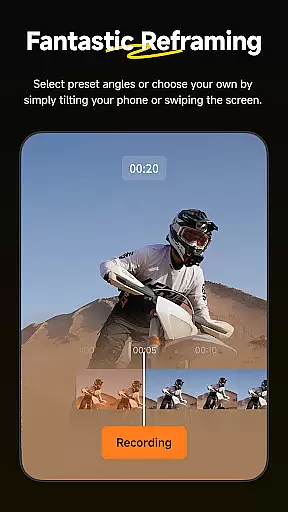


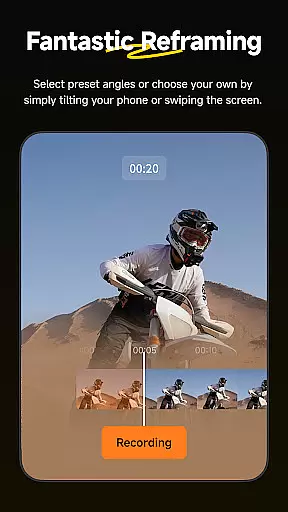


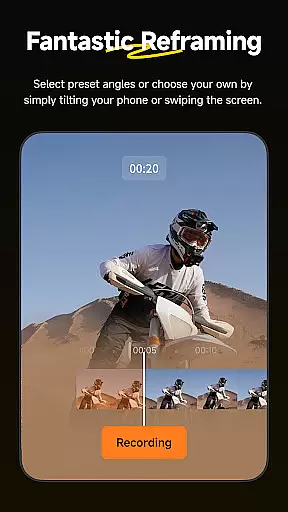
Insta360 is a powerful video editing and camera companion app designed for creators, athletes, and adventurers. It offers advanced AI-powered tools to streamline the editing process while working seamlessly with Insta360 cameras and handheld gimbals. The app provides features like auto-reframing, hyperlapses, and creative templates, making it easy to produce professional-quality videos directly from your phone.
With its intuitive interface, Insta360 allows users to manage files efficiently through an improved album layout and AI-based subject detection. Whether you're reframing 360-degree footage or tracking moving subjects, the app ensures precision and ease of use. Additionally, its download-free editing capability saves phone storage while enabling on-the-go content creation.
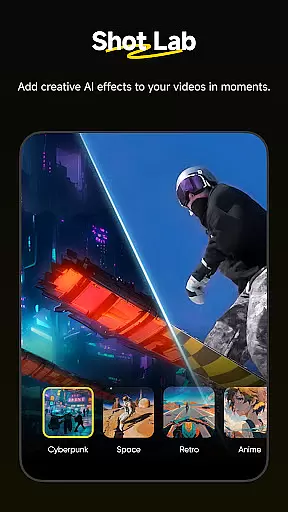
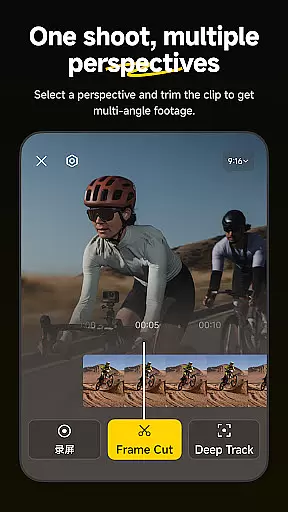
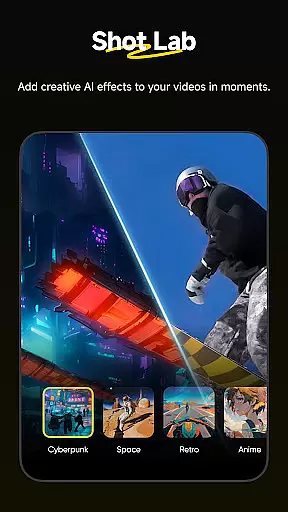
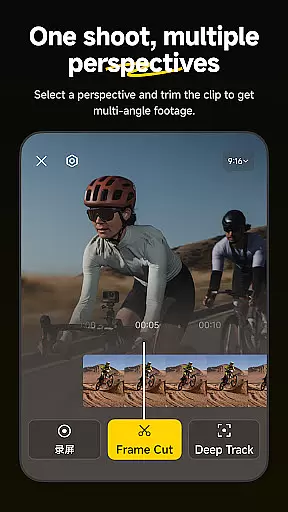
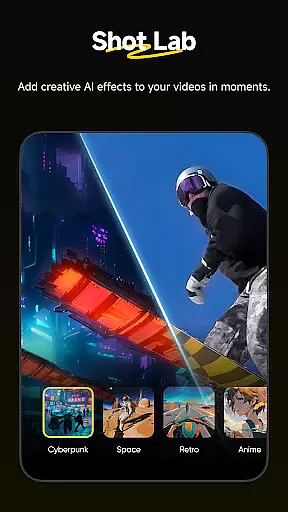
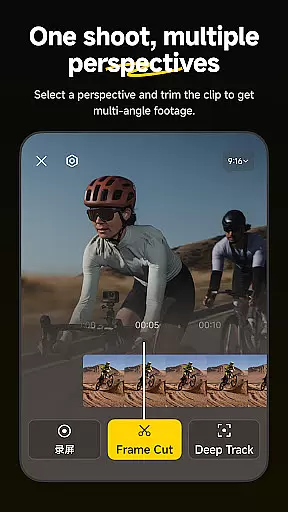
Insta360 stands out with its innovative Shot Lab, which includes over 25 AI-powered templates such as Nose Mode, Sky Swap, and Clone Trail. These tools allow users to create viral-worthy clips in just a few taps. The Deep Track feature ensures that any subject—whether human, animal, or object—remains centered in the frame automatically.
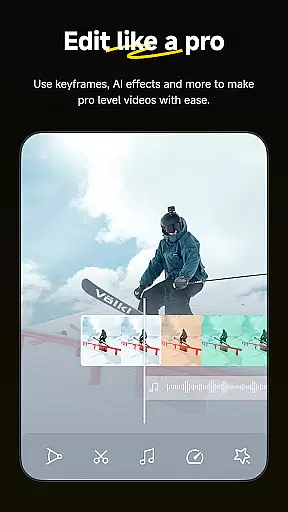
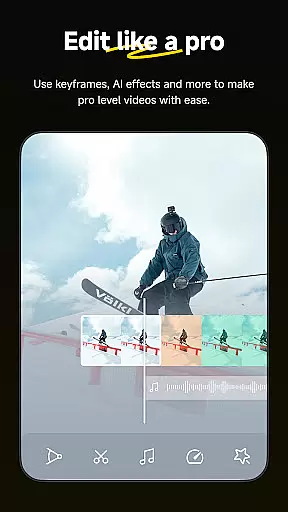
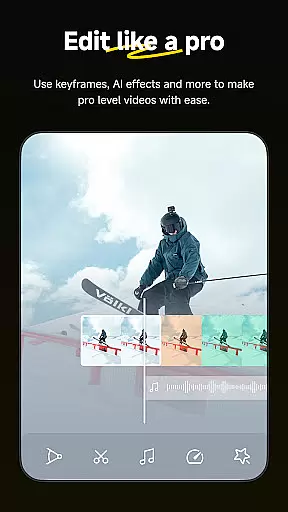
The app also supports hyperlapse creation, adjustable playback speeds, and manual keyframe adjustments for dynamic reframing. Its AI Edit functionality simplifies post-production by automating complex tasks like angle selection and highlight detection. Furthermore, Insta360 integrates with social media platforms, enabling quick sharing without requiring local file downloads.
Insta360 app stands out with its extensive video format compatibility, ensuring that creators can work with a wide array of file types without any hitches. The app supports everything from standard MP4 to more specialized 360-degree video formats, making it an essential tool for adventurers and athletes who use Insta360 cameras.
The application's ability to handle these formats is crucial for seamless editing and sharing experiences. Users can easily import footage directly from their Insta360 cameras or download-free edit clips stored in the cloud, thus preserving their deviceu2019s storage space while maintaining high-quality output.
Moreover, this compatibility empowers users to experiment with creative possibilities such as reframing tools and hyperlapses without worrying about format restrictions. Whether you're adjusting perspectives with keyframes or speeding up videos into stabilized hyperlapses, the robust support ensures your edits are executed smoothly.
By providing comprehensive video format options, Insta360 not only simplifies but also enhances the workflow of content creators worldwide, allowing them to focus on what truly mattersu2014creating stunning visuals.
One of the standout features of the Insta360 app is its AI-powered editing capabilities, which revolutionize how users interact with their video content. With advanced auto-editing tools and templates, the app leverages artificial intelligence to streamline the editing process, making it accessible even for beginners.
Shot Lab offers over 25 AI-driven templates like Nose Mode, Sky Swap, AI Warp, and Clone Trail that enable users to craft viral clips effortlessly. These innovative tools automatically detect subjects and reframe action highlights faster than ever before, thanks to improved subject detection algorithms.
Deep Track technology further enhances this experience by keeping subjects centered in shots with just a single tapu2014whether it's a person, animal, or moving object. This intuitive feature allows creators to maintain focus on dynamic elements within their footage without manual adjustments.
By integrating these sophisticated yet user-friendly AI functionalities, Insta360 empowers creators to produce professional-grade edits quickly and efficiently, significantly boosting productivity while fostering creativity.
User-friendly interface
Advanced AI editing tools
Wide range of creative templates
Efficient download-free workflow
Seamless camera integration
Requires compatible hardware
Steep learning curve for beginners
Limited offline functionality
Subscription fees for premium features
Occasional performance lags

You can play SWF format file!
 2.50
2.50
IPTV-Smarters Player Pro M3U - Watch Live Stream TV Channels with Chromecast
4.00
HD video & music player - All format support with floating & PIP mode!
3.80
Photo and Music Video Creator into Stunning Videos—Effortlessly
4.40
Stream high quality video from your camera over NDI protocol
4.4
Support 1000+ Video Format, Subtitle Download, mp3 & Background Play, Cast On TV
4.60
Cast to Smart TV, Fire TV. Cast video, photo - Fast & Stable!
3.90
Connect EasyCap or UVC devices for recording and broadcast video/audio stream
3.60
Enjoy your favorite videos and channels with the official YouTube app.
3.90
Tik & Story Saver-Download ALL social media videos, photos & reels no watermark.
4.80
Find, download, and play torrents with the official BitTorrent® Pro app
4.70
Watch a large amount of high-definition short drama content
4.60
Add date and time watermark to photos and videos
4.50
This app was created to edit the metadata of music files.
4.20
AI Video Editor:AI Music, Text to Video,Text to Speech,Auto Caption,Video Effect
4.00
Manage your IPTV live channels and VOD playlists (no playlist included)
3.80
All in one multi protocols stream receiver for AirPlay, Cast and DLNA.
3.60
Download videos easily & play them all in one smart, powerful video manager.
3.40
Mix with Virtual DJ directly from your phone or tablet !
3.10


User Reviews