
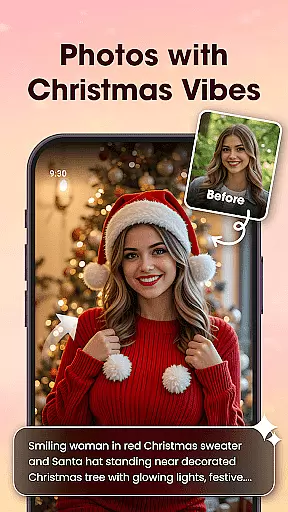

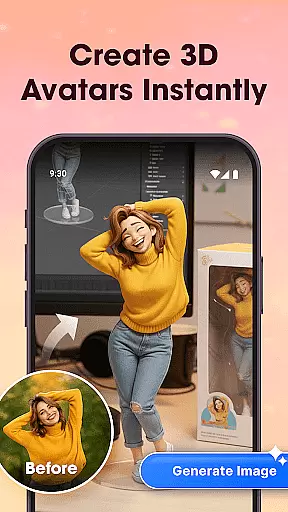
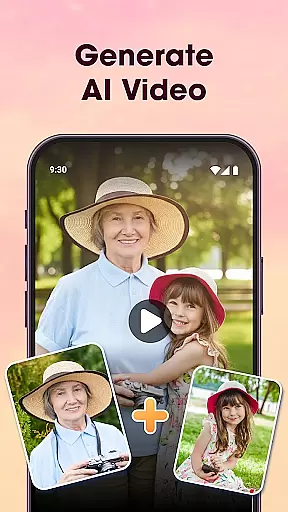
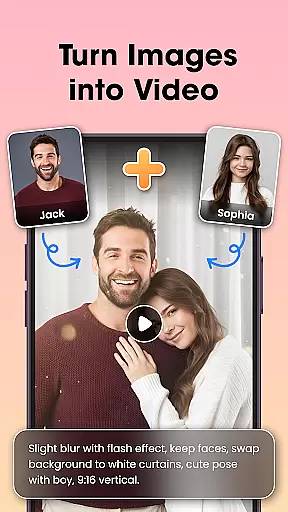
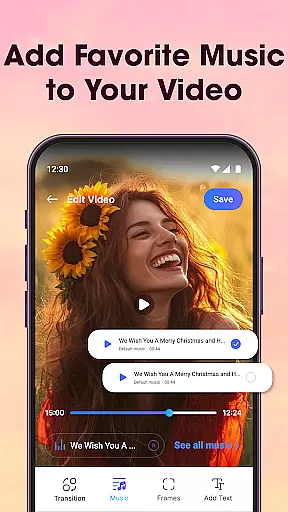
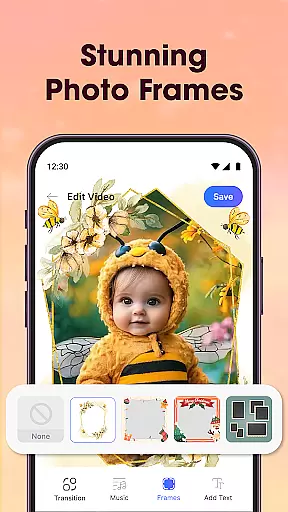
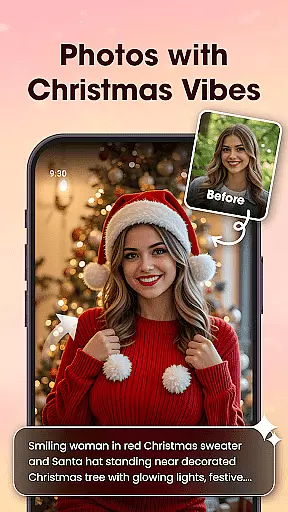

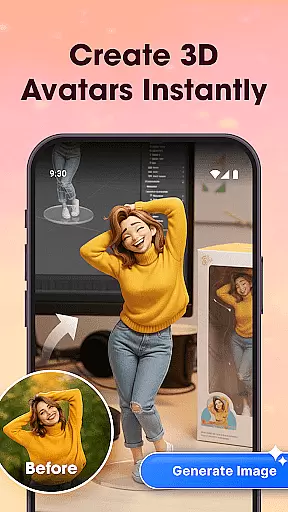
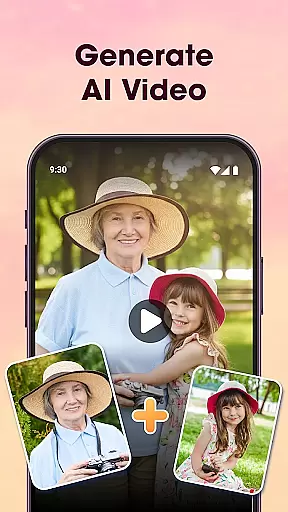
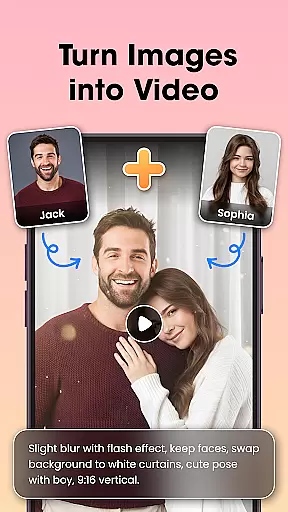
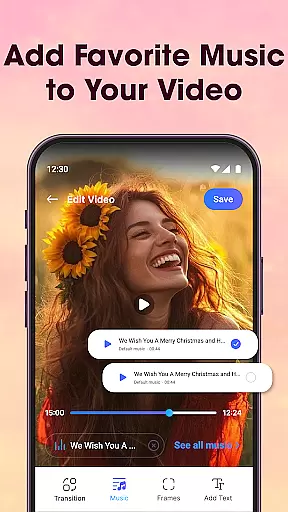
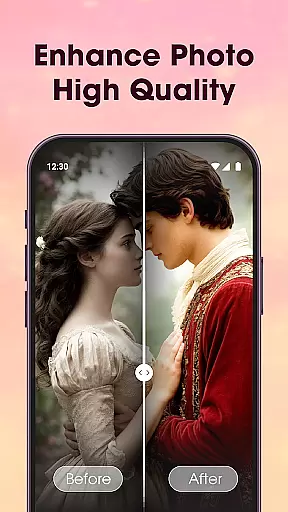
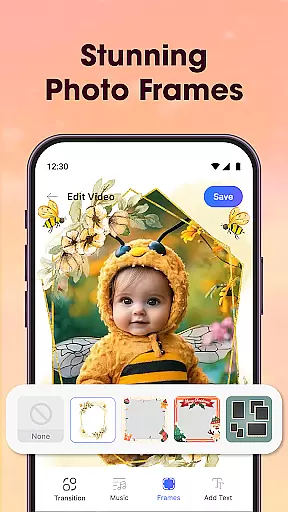
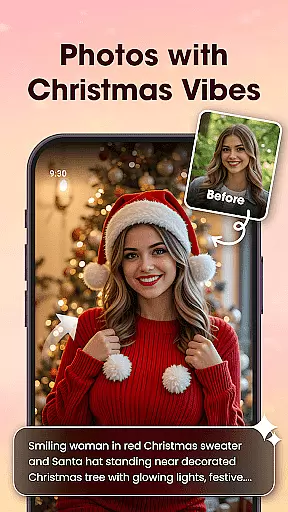

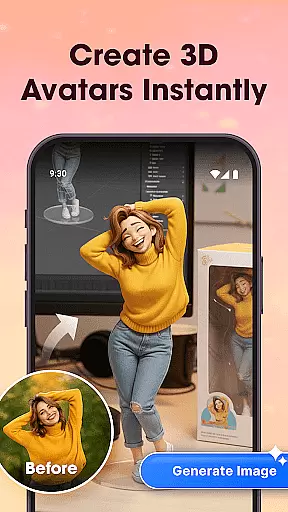
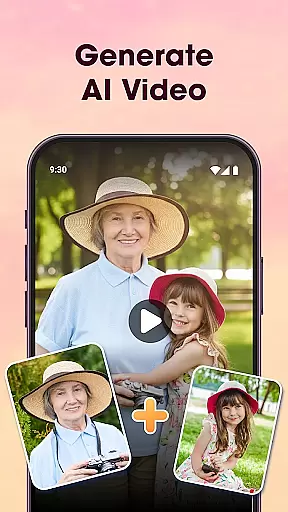
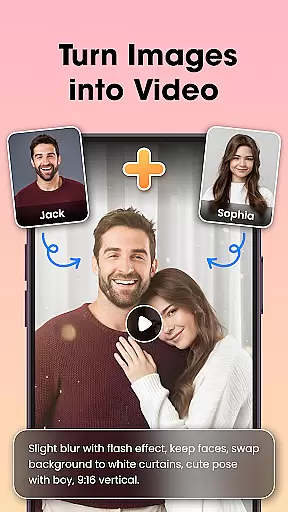
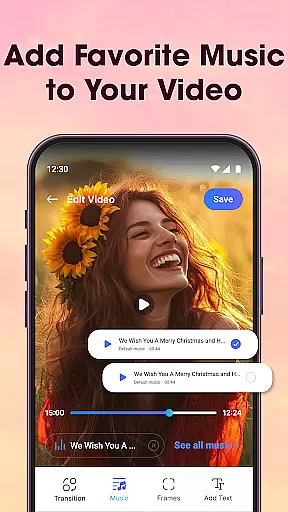
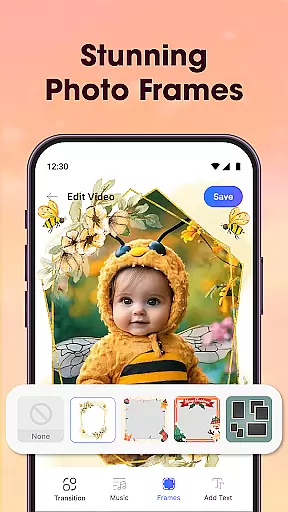
Photo Editor Video Maker Music is a versatile video editing tool that transforms your photos into stunning, emotional videos with music and creative effects. The app offers AI-powered features like the AI Video Generator, which allows users to create dynamic videos using templates such as AI Hug and AI Kiss. With this app, you can add background music, stylish transitions, frames, and custom text to craft personalized video stories.
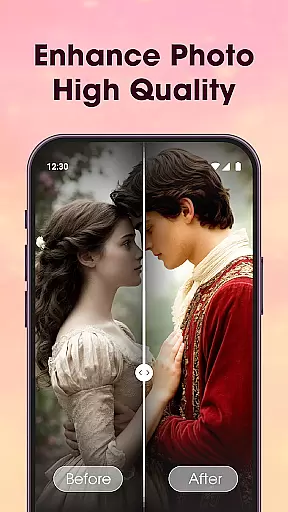
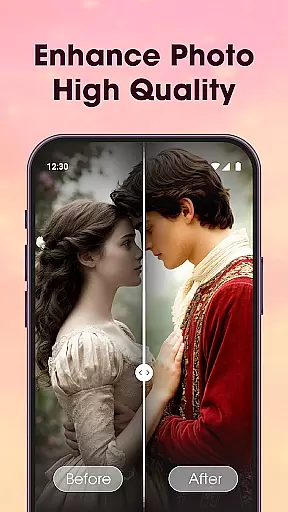
In addition to its core video-making capabilities, the app includes a robust photo editor for enhancing images before incorporating them into videos. Users can apply filters, adjust lighting, crop, and fine-tune details. Whether you're creating content for social media platforms like Reels or Stories, or preserving personal memories, Photo Editor Video Maker Music provides all the tools needed to produce high-quality, visually appealing videos.
One of the standout features of Photo Editor Video Maker Music is its AI Video Generator, which simplifies the process of turning photos into professional-looking videos. Templates like AI Hug and AI Kiss enable users to create unique interactions within their videos, adding an emotional touch. The app also includes an AI Background Remover, allowing users to erase or replace photo backgrounds with a single click, streamlining the editing process.
The app offers a comprehensive suite of editing tools, including filters, stickers, text options, cropping, tone adjustments, and contrast settings. Its Video Maker with Music feature lets users turn photos into dynamic videos by adding trending tracks and background music. Additionally, the Slideshow & Effects feature provides stylish transitions and effects, enabling users to enhance their storytelling with narration or voice-over capabilities.
One of the key strengths of Photo Editor Video Maker Music is its extensive video format compatibility. The app supports a wide range of video formats, ensuring that users can work with their preferred file types without any hassle.
This flexibility in format support allows creators to import and export videos in various resolutions and codecs. Whether you're working with MP4, AVI, MOV, or other common formats, the app maintains the quality and integrity of your video content throughout the editing process.
The comprehensive format compatibility also extends to social media sharing. Users can directly export videos in formats optimized for platforms like Instagram, YouTube, and TikTok, making it easier to reach wider audiences without worrying about conversion issues.
Photo Editor Video Maker Music stands out with its advanced AI-powered editing features that revolutionize how users create and edit videos. The app's AI capabilities go beyond basic editing tools, offering intelligent solutions that enhance creativity and save time.
Through AI technology, the app provides automated background removal, photo enhancement, and smart transitions between clips. These features enable users to achieve professional-looking results without requiring extensive technical knowledge or manual adjustments.
The AI-driven tools also include emotion-based music suggestions, automatic color correction, and intelligent cropping based on content analysis. This combination of artificial intelligence and creative functionality makes video editing more accessible while maintaining high-quality production values.
User-friendly interface
AI-powered video generation
Versatile editing tools
HD quality export
Wide selection of effects
Limited free features
Subscription required
Occasional bugs
Ads in free version
Learning curve

Client application for NextPVR software
 3.00
3.00
HD Video player all format, HD Videos, Cast & Subtitle. No annoying ads.
4.60
IPTV-Smarters Player Pro M3U - Watch Live Stream TV Channels with Chromecast
4.00
?100% FREE! Download & save videos? safely in this app. All formats supported.
4.60
Video Downloader is an utility that can save videos and music from web sites
4.20
Stream high quality video from your camera over NDI protocol
4.5
IPTV Player - Watch live TV from m3m & m3u8 playlist, stream IPTV on mobile
3.30
Browser for Sony TV to stream web videos, online movies and live tv
3.20
Flud is a simple and beautiful BitTorrent client for Android.
4.80
All in one HD video downloader & player for multiple formats with full privacy
4.70
Seamlessly connect and control your smart devices, anytime, anywhere with ease.
4.60
Cast movies, tv shows and live streams to Chromecast, Roku, DLNA, Fire TV & more
4.60
Auto video maker with music & exclusive filters. Video editing made simple.
4.50
HD video maker with no watermark, no ads & vlog maker with music, PIP, text
4.50
Fast video downloader & private browser. Save HD clips to watch offline.
4.40
AirMirror Receiver - Screen mirroring/cast web videos to Android TV by AirPlay.
4.40
All format media Player, no need video converter any more!
4.00
This app is an emulator of some specific IPTV boxes
3.50
The smartest M3U IPTV Player your playlists have ever seen.
4.0


User Reviews