
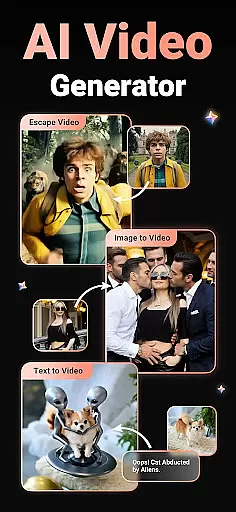
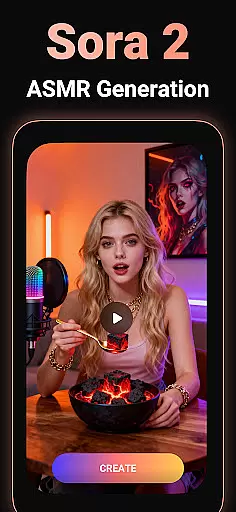
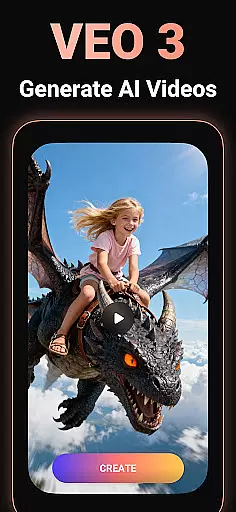
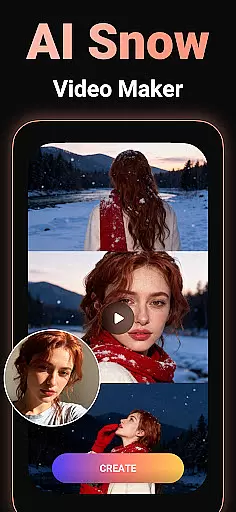
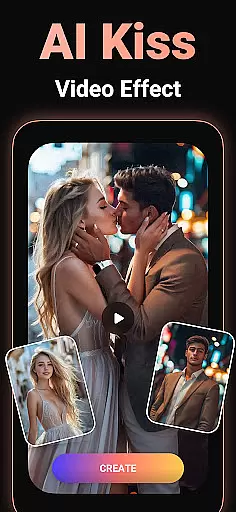

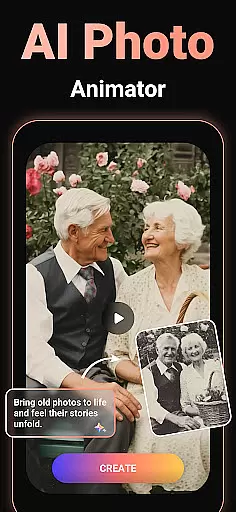
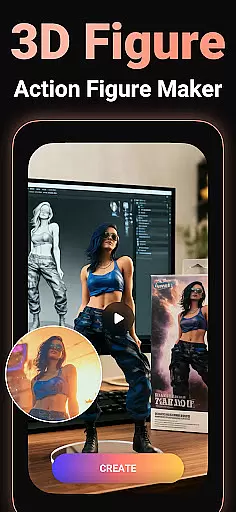
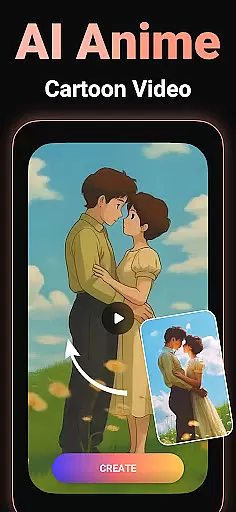
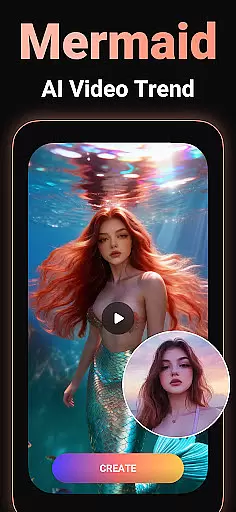
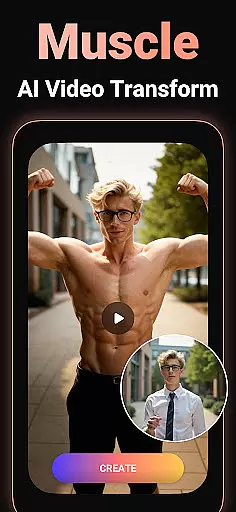
Viddo - AI Video Generator is a revolutionary video creation tool that leverages advanced AI technology to transform images, text, and even simple prompts into stunning, high-quality videos. With features like Image-to-Video conversion, Text-to-Video generation, and unique AI effects such as Action Figure transformations, AI Anime styles, and viral sensations like AI Hug and AI Kiss, the app opens up endless creative possibilities.
Designed for both casual users and content creators, Viddo makes it easy to produce professional-grade videos with minimal effort. Whether you're looking to create imaginative animations, experiment with trendy AI effects, or share your creations directly on social media platforms like Instagram and TikTok, this app provides all the tools needed to bring your ideas to life in minutes.
Viddo stands out with its diverse range of cutting-edge features tailored for modern video creation. The app's Image-to-Video generator allows users to upload photos and turn them into dynamic animations, complete with customizable prompts and lifelike transitions. Its Text-to-Video functionality takes written scripts and converts them into engaging visual stories, perfect for storytelling or marketing purposes.
One of the most innovative aspects of Viddo is its collection of trending AI-powered effects. Users can explore popular trends like AI Anime transformations, AI Dance simulations, and surreal visual experiments such as object morphing and miniature worlds. Additionally, the Keyframe Video Generator enables smooth transitions between frames, allowing creators to craft complex scenes effortlessly.
With seamless integration across social media platforms and an intuitive interface designed for ease of use, Viddo ensures that anyone can create impressive videos regardless of their technical expertise.
Video format compatibility is a crucial feature for any video player and editor, ensuring that users can work with a wide range of file types without conversion hassles. Viddo - AI Video Generator supports an extensive array of video formats, allowing creators to upload and edit videos in their preferred format effortlessly.
The application leverages advanced AI technology to automatically detect and adapt to different video formats. This means whether you're working with MP4, AVI, MOV, or other popular formats, Viddo ensures smooth processing and editing. The system's versatility eliminates the need for prior format conversion, saving valuable time for content creators.
For users, this translates into seamless video creation and editing experiences. You can import videos from various sources, apply AI effects like Action Figure transformations or Anime styles, and export your projects without worrying about compatibility issues. This flexibility empowers creators to focus on their content rather than technical limitations.
Ultimately, Viddo's robust video format compatibility enhances productivity and creativity. By removing barriers related to file type restrictions, it enables users to explore diverse storytelling methods and share their AI-powered videos across multiple platforms effortlessly.
AI-powered editing features represent the cutting-edge evolution of video editing, enabling users to create professional-quality content with minimal effort. Viddo - AI Video Generator incorporates advanced AI tools that automate complex editing tasks, making high-quality video production accessible to everyone.
One standout feature is the AI Keyframe Video Generator, which allows users to create stunning transitions by simply uploading a starting and ending frame. The AI intelligently fills in the intermediate frames, producing smooth animations such as transforming a cat into a tiger or changing outfits instantly. This capability significantly reduces the time and skill required for sophisticated visual effects.
Viddo also offers specialized AI effects like AI Hug, AI Kiss, and AI Dance, inspired by popular trends. These features let users experiment with viral video styles or develop unique content that stands out on social media platforms. Additionally, the Text-to-Video AI Creator converts written scripts into engaging visual narratives, ideal for content creators focused on storytelling.
By integrating these powerful AI-driven tools, Viddo simplifies the video editing process while maintaining creative control. Users can produce impressive, trendsetting videos quickly and easily, enhancing their ability to captivate audiences and grow their online presence.
User-friendly interface
Advanced AI capabilities
Viral trend support
High-quality output
Social sharing options
Limited free features
Subscription costs
Occasional bugs
Learning curve
Internet dependency

Video player, file manager for all formats, 4K/HD media player supports subtitle
 4.30
4.30
Auto video maker with music & exclusive filters. Video editing made simple.
4.50
HD Video player all format, HD Videos, Cast & Subtitle. No annoying ads.
4.60
Your media, on your terms.
4.10
Full HD Video mp3 Player, MP4 player play 1080p, File manager, Video Downloader
4.40
Pro video editor app for Instagram, edit video with song, AI, effect & slowmo.
4.80
Browser for Sony TV to stream web videos, online movies and live tv
3.20
Browser for Fire TV to stream webvideos, online movies, livestreams in HD
4.40
Web Browser for LG TV to stream webvideos, online movies and livestreams in HD
4.20
AI Video Editor with Music, Filter, Slideshow, Effect, Merge & Trim Video.
4.80
High-Quality USB Camera Viewer & HDMI Display
4.70
Screen recorder with audio to take live videos & Screenshot in high quality!
4.70
Fast & easy HD video downloader for all formats, support 4K playback & download.
4.60
IPTV Loader, loads your own Playlist. DOES NOT CONTAIN ANY LIST OR CHANNELS
4.60
Add date and time watermark to photos and videos
4.50
KineMaster, Your Ultimate Video Editor!
4.40
AirMirror Receiver - Screen mirroring/cast web videos to Android TV by AirPlay.
4.40
Create & edit videos with AI
4.30
Livestream, news, & gaming content. Watch, chat, and upload. Join Rumble today!
3.80


User Reviews