

Christmas watch face. For Wear OS devices.
 4.30
4.30
Rose gold watch face with festive lights & customizable features.
4.60
A full-featured Amazon Alexa voice assistant that can show you things.
3.70
Deck out your Wear OS Watch face with a beautifully decorated pine wreath!
4.50
Artistic Digital Watchface
4.0
Stylish digital watch face for Wear OS devices with customizable features
4.2
Ideal for surviving in the wasteland left after nuclear fallout
4.50
To-Do List: daily schedule planner, task organizer, to do reminder app, calendar
4.60
Toyota app currently supports 2010 or newer vehicles (2018 or newer for Hawaii).
4.50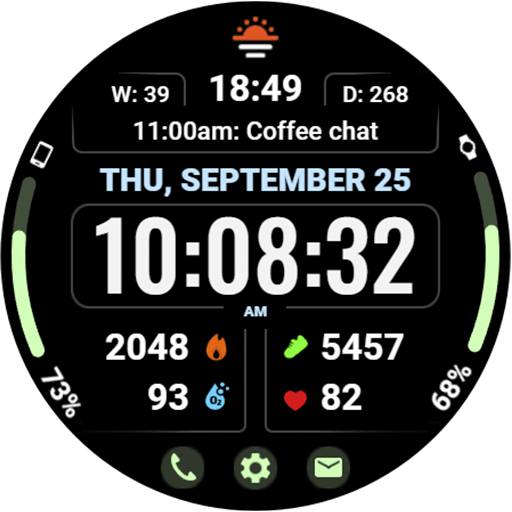
Beautiful, colorful and practical watch face. For Wear OS devices.
5.00
Period, ovulation & pregnancy tracker. Fertility insights & menstrual calendar.
4.90
The most customizable minimal watch face. For Wear OS 5.0, API 34+ and later
4.70
Your second brain for organizing your life: to-do, calendar, reminder.
4.70
Walking app for weight loss: walk & step tracker, pedometer, indoor treadmill
4.60
Monitor health with the stress test and pulse checker in the heart rate app.
4.60
Real-time results, stats, schedules and player profiles for all leagues
4.60
Your local weather forecast, storm tracker, radar maps & live weather news
3.40
3 Complications. All shadow on/off. 30 Themes color palette...
4.2
Fitness interactive virtual pet super fighter boy watch face
4.2


