
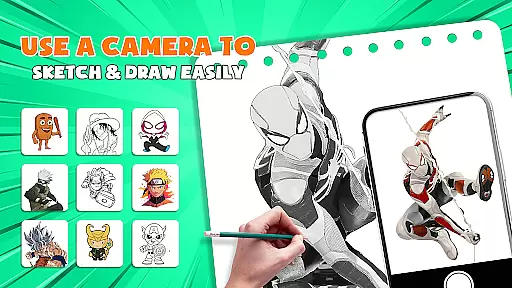
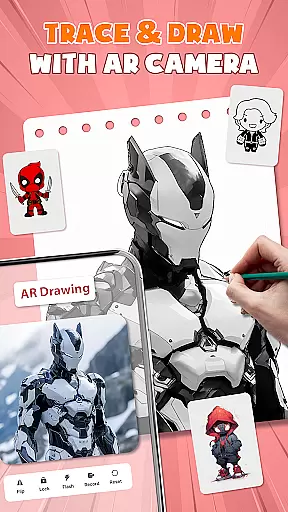
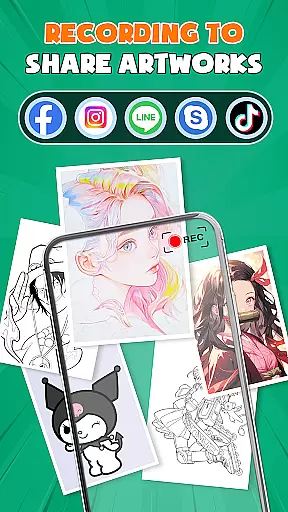
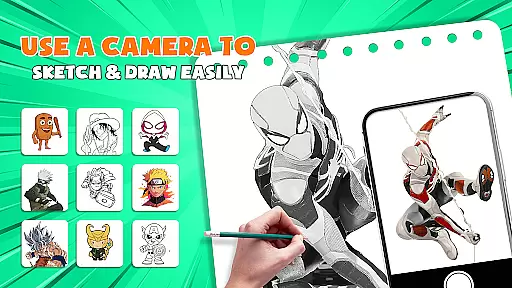
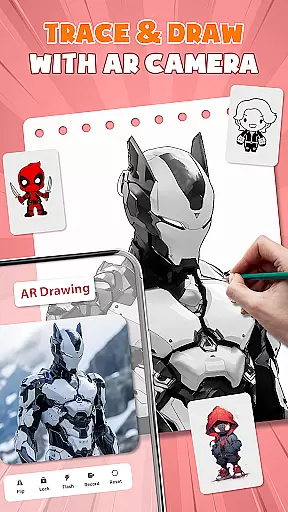
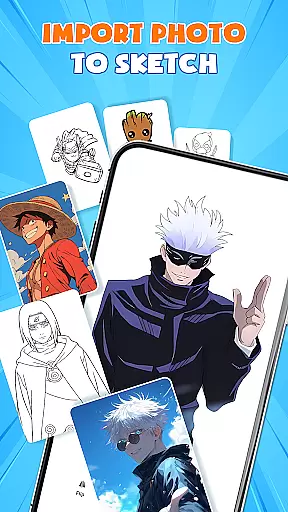
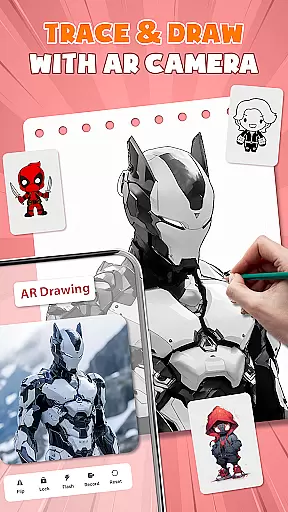
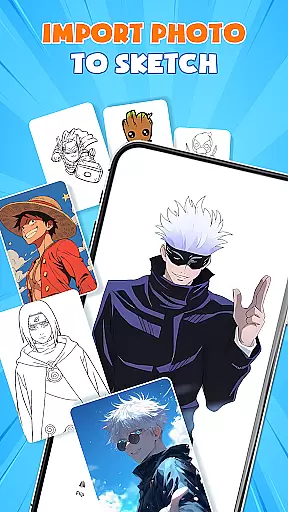
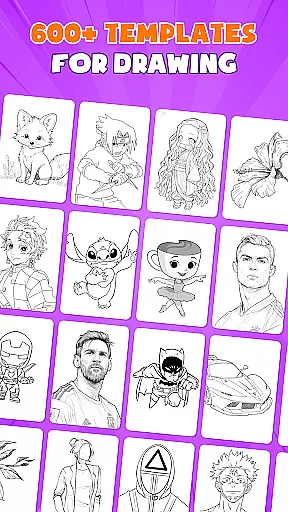
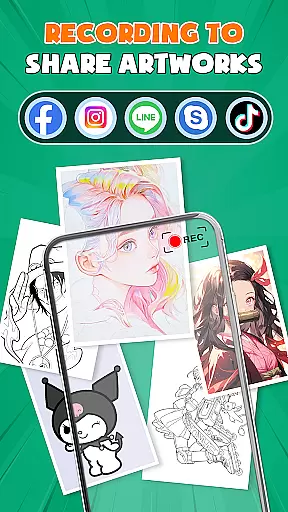
AR Drawing - Paint & Sketch is an innovative art application that combines augmented reality technology with traditional drawing techniques. This app allows users to create anime-style artwork and sketches using advanced AR tracing tools, sketch overlays, and drawing templates. With over 1000 free sketch samples and a comprehensive suite of painting features, it caters to both beginners and professional artists.
The application's core strength lies in its ability to project images onto real-world surfaces for precise tracing, while offering specialized modes for anime creation, pencil sketches, and even tattoo designs. The intuitive interface provides easy shortcuts for new users, while advanced features like layer management and photo import satisfy professional requirements. Whether you're learning to draw or seeking to master complex anime illustrations, this app offers the necessary tools to elevate your artistic skills.
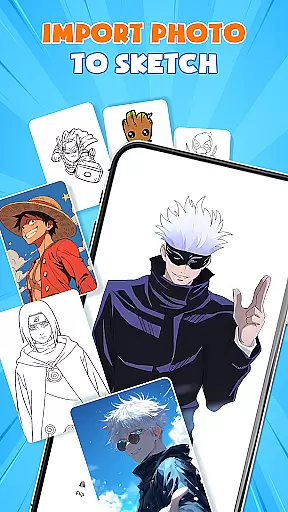
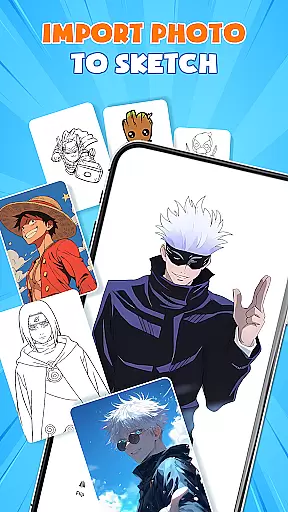
One notable use case is the app's capability to transform any photograph into instant artwork through its AR picture drawing mode. By adjusting opacity and tracing directly from imported images, users can create stunning replicas or artistic interpretations of their favorite photos. This feature makes the app particularly valuable for artists looking to digitize their work or experiment with different styles.
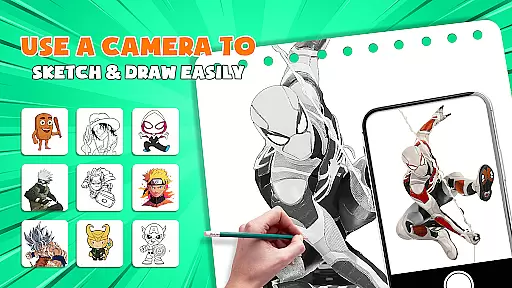
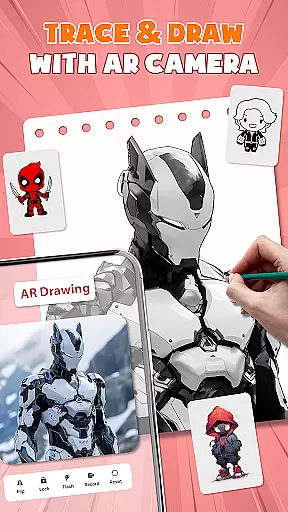
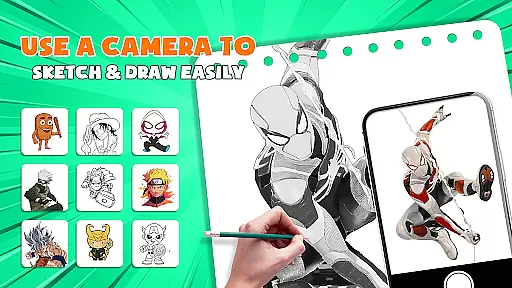
AR Drawing - Paint & Sketch distinguishes itself through its comprehensive set of features designed for various artistic needs. The app's AR projection and tracing functionality turns any mobile device into a portable projector, enabling precise tracing on paper or canvas. This feature is particularly useful for artists who want to maintain accuracy while working on complex projects or large-scale drawings.
The application includes a full studio environment for anime creation, featuring specialized tutorials, preset effects, and sketch overlays specifically designed for anime art. These tools help users master the distinct characteristics of anime-style drawing, including shading techniques and character proportions. Additionally, the app offers multiple drawing modes including pencil sketching, tattoo design, and color painting, each with its own set of customizable brushes and tools.
What sets this app apart is its community integration and competitive elements. Users can participate in drawing tournaments, collaborate with friends, and share their creations with other artists. The app also maintains an extensive library of free templates and drawing samples, providing endless inspiration and learning opportunities. These features, combined with professional-grade tools and an intuitive interface, make AR Drawing - Paint & Sketch a complete solution for digital artists across all skill levels.
AR Drawing - Paint & Sketch offers an extensive suite of creative tools that cater to both amateur and professional artists. The app provides AR projection and tracing features, allowing users to turn their devices into mobile projectors for precise sketching. With a full range of painting functionalities, including vibrant brushes and shading options through AR pencil drawing, it ensures every artistic need is met.
The inclusion of an Anime Studio mode sets this application apart, offering specialized tools for ar drawing anime enthusiasts. Users can explore tutorials, presets, and sketch effects dedicated to anime art. This comprehensive set of features enables the creation of detailed anime pictures with immersive technology, making it an indispensable tool for anime artists.
Additionally, the app supports tattoo and pencil art modes, broadening its appeal to artists focused on realism and detail. These modes allow creators to produce realistic tattoos or finely detailed pencil sketches. Coupled with picture importing capabilities, which enable direct tracing from photos, AR Drawing - Paint & Sketch becomes a versatile platform for all forms of digital art creation.
Flexibility in canvas and format options is crucial for digital artists, and AR Drawing - Paint & Sketch excels in this area. The app allows users to adjust the size, position, and transparency of their artwork within an AR view, providing unparalleled control over the drawing surface. This adaptability ensures that artists can customize their workspace to fit their unique style and project requirements.
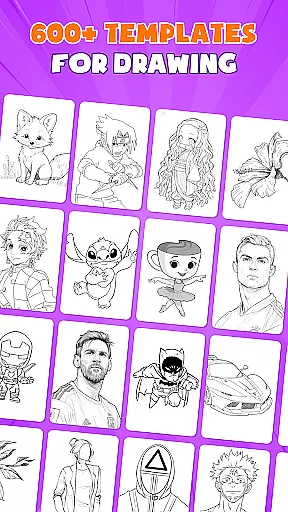
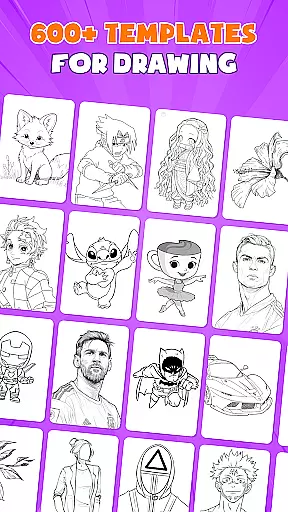
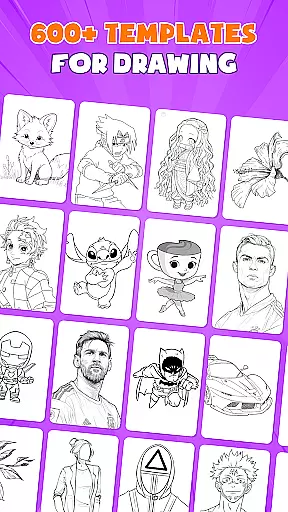
Moreover, the app includes over 1000 free sketch templates, empowering artists with a vast library of starting points for their creations. These templates cover various art styles and patterns, ensuring there's something for everyone. Whether you're looking to draw anime or practice general sketching, the template variety enhances creative possibilities.
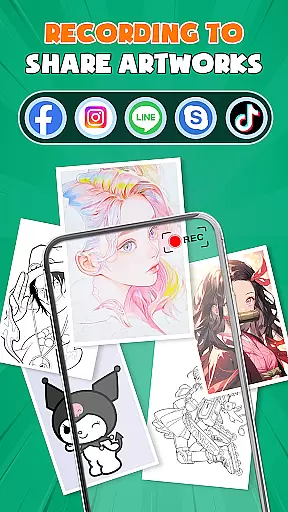
AR Drawing - Paint & Sketch also facilitates easy sharing and exporting of finished works, supporting multiple file formats. Artists can save their masterpieces locally or share them directly with the community, promoting collaboration and feedback. This seamless integration of flexible canvas options with robust format support makes the app an essential tool for modern artists seeking to expand their creative horizons.
User-friendly interface
Extensive template library
Precise AR tracing
Vibrant color options
Active artist community
High system requirements
Occasional lag
Steep learning curve
Limited offline features
Subscription fees

Pose and morph realistic male and female models! 3D poser app
 3.00
3.00
Art of Combination Wear OS Watch faces (for Wear OS 5+ devices)
3.00
Sketch, plan, take notes and illustrate on an infinite canvas.
4.20
Art of Combination Wear OS Watch Faces
4.2
Create stunning video, photo & magic from text with FlixAI GPT video generator.
3.10
Painting, drawing, & sketching
4.50
Image resizer to resize, crop, rotate, flip, change dpi photo or picture in bulk
4.60
Android 14 style widgets and wallpapers app.
4.4
Art of Combination Wear OS Watch faces (for Wear OS 5+ devices)
3.90
Learn how to draw with step-by-step tutorials, fun lessons & multiplayer drawing
4.70
Draw Trace image sketch by, AR art projector app, Easy to trace any image.
4.50
800+ Drawing, Painting Lessons App to Practice, Sketch & Paint Art.
4.30
Floor Plan Creator lets you create, edit and share floor plans.
4.00
Get creative and make art with your Sesame Friends!
4.00
Resize photos and print photos in exact size with our powerful photo printer!
3.80
Create cute cat emojis & PFPs! Fun, custom avatars for cat lovers.
3.70
Apply cartoon, caricature, and portrait effects to make your photos stand out!
3.60
Create trending AI photos & videos with powerful effects and 3D styles.
3.20
Retouch photos. Create or edit images. Endless capabilities.
2.70


User Reviews