
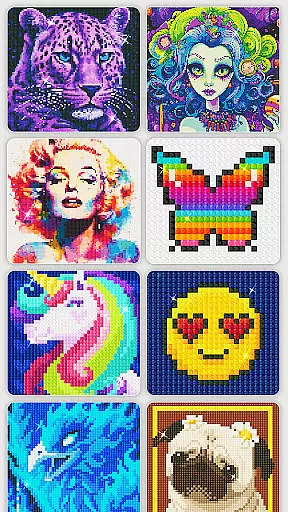
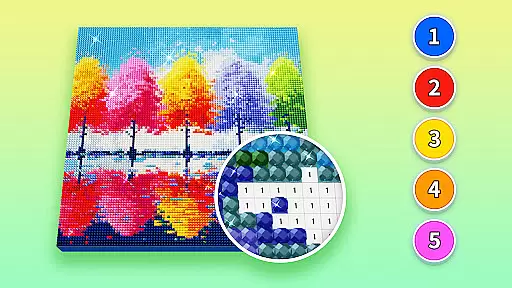
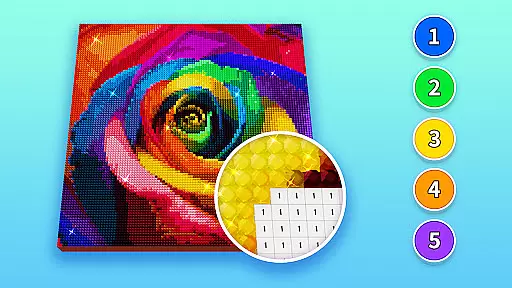
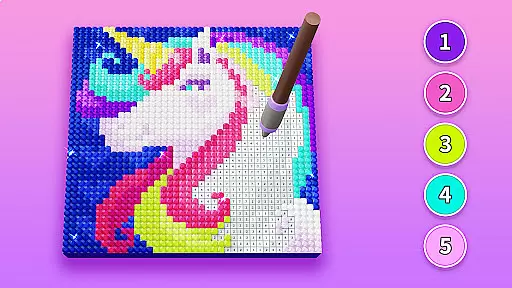
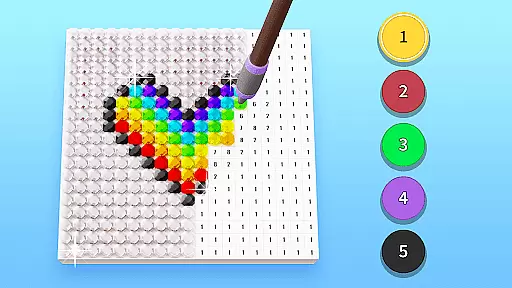
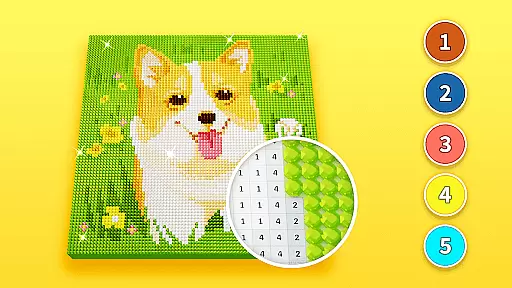
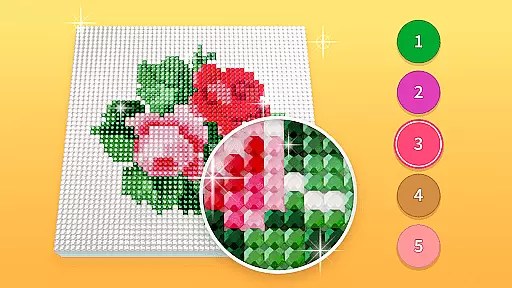
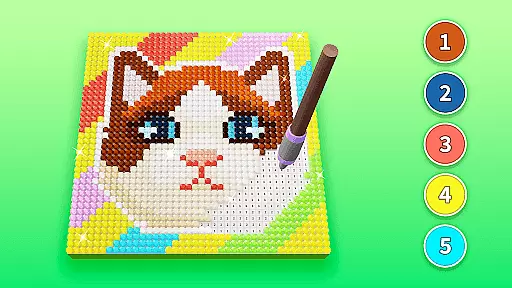
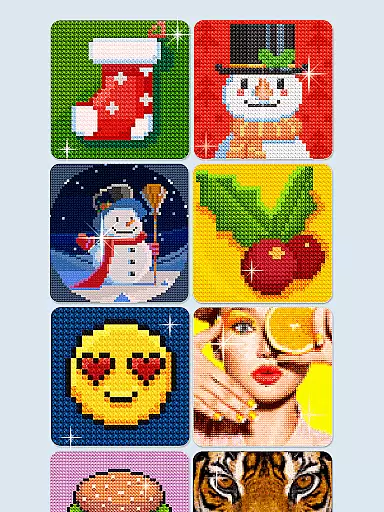
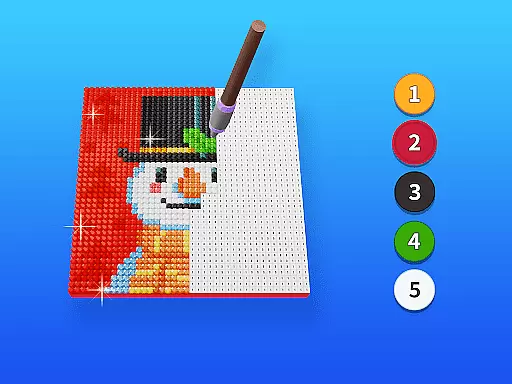
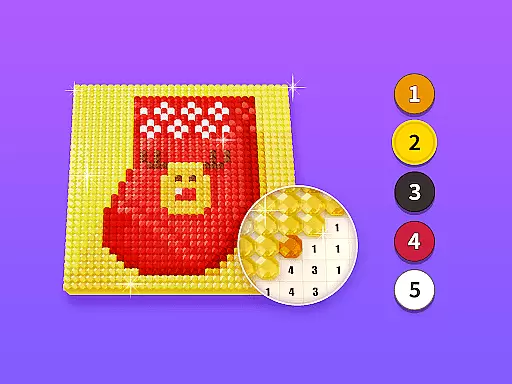
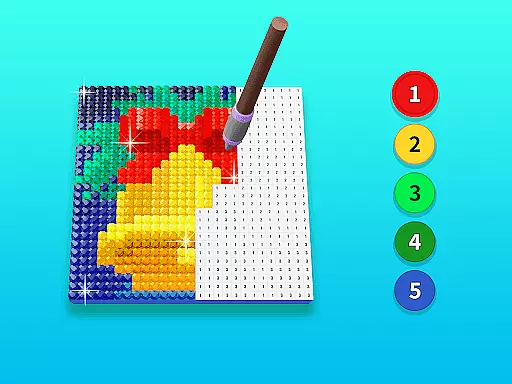
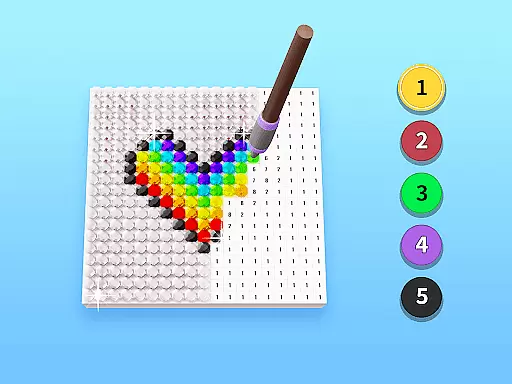
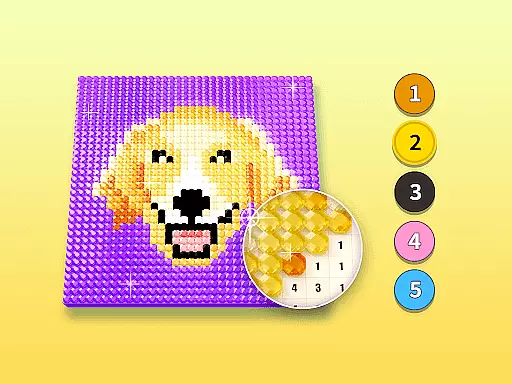
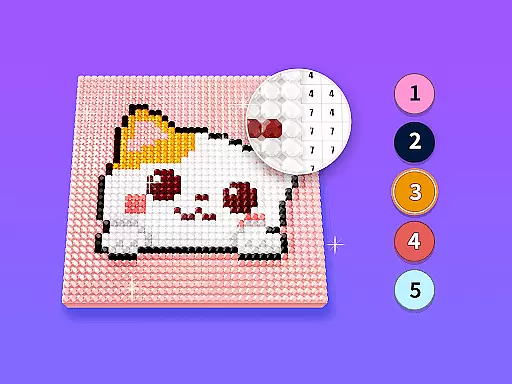
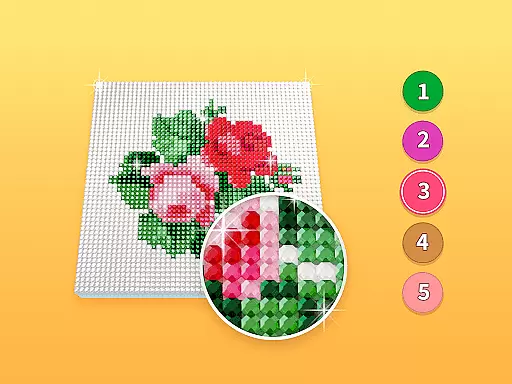
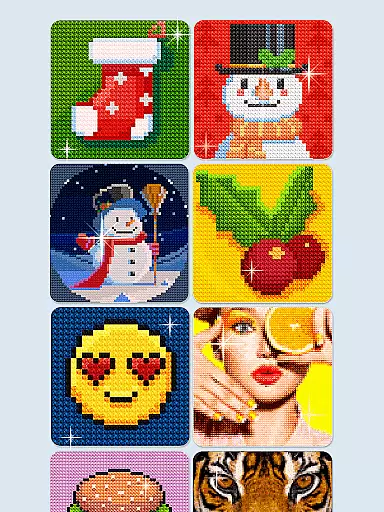
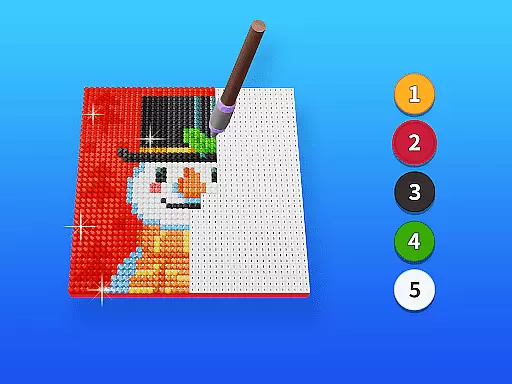
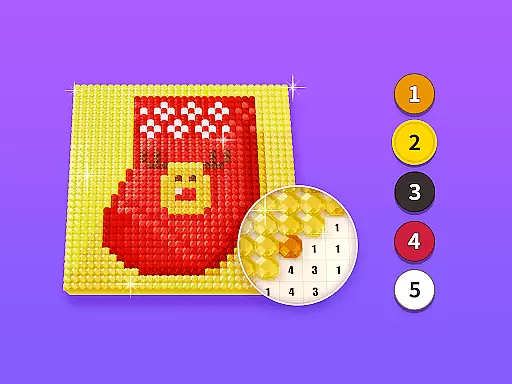
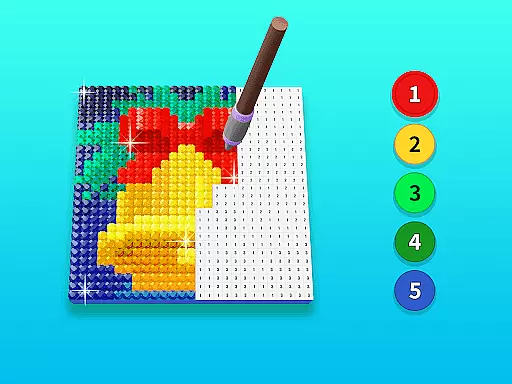
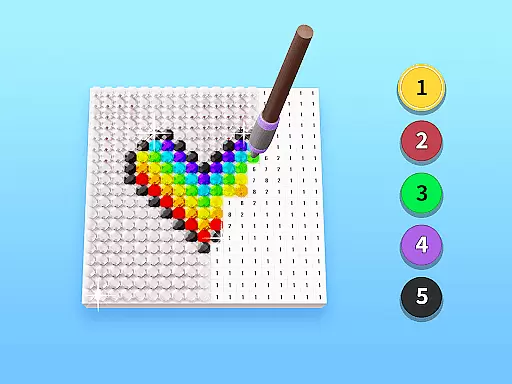
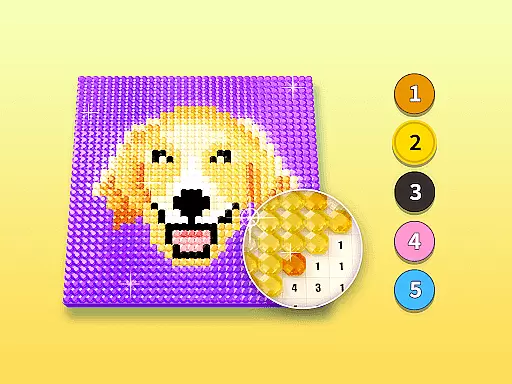
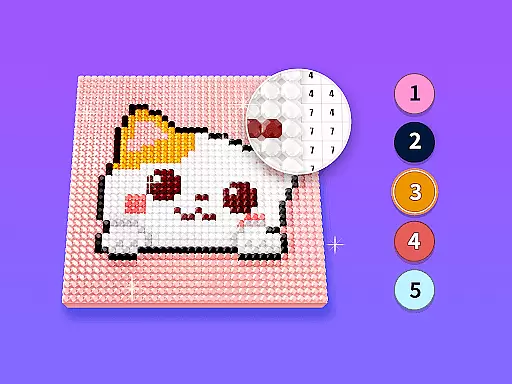
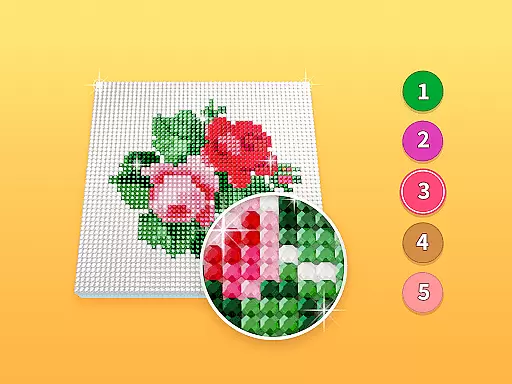
Diamond Painting by Number is a creative art application designed for both beginners and experienced artists. The app allows users to create beautiful diamond paintings by filling numbered areas on a canvas with corresponding diamond colors. With a wide selection of images and themes, the app offers an enjoyable way to improve artistic skills while relaxing. Whether you're looking to unwind or develop your painting abilities, this app provides a fun and engaging experience.
The app features various painting styles, from simple designs to more complex patterns, ensuring there's something for everyone. Users can choose from different image categories and experiment with diverse themes. This makes Diamond Painting by Number not just a tool for creating art, but also a platform for self-expression and relaxation.
Diamond Painting by Number stands out with its intuitive design and user-friendly interface. The app provides a comprehensive collection of images that cater to all skill levels. Each image is divided into numbered sections, guiding users on where to place each diamond color. This approach simplifies the painting process, making it accessible even for beginners.
In addition to its extensive image library, the app includes features such as zoom functionality and auto-save. These tools ensure a seamless experience, allowing users to focus on their artwork without interruptions. The app also tracks progress, enabling users to see their improvement over time. With regular updates and new content additions, Diamond Painting by Number continues to offer fresh and exciting challenges.
Creative tools are essential for any digital art platform, and Diamond Painting by Number excels in this area. The app provides users with a wide array of painting styles and themes to choose from, ensuring that there is something for everyone.
Each tool and feature within the app is designed to enhance the user's ability to create stunning diamond paintings. From an extensive selection of color palettes to various brush sizes, the app equips artists with everything they need to bring their visions to life.
The completeness of these creative tools not only improves drawing ability but also makes the process enjoyable and relaxing. Users can experiment with different techniques and find the perfect match for their artistic expression without any limitations.
Flexibility in canvas and format options is crucial for artists who wish to customize their workspace according to their preferences. Diamond Painting by Number offers remarkable flexibility, allowing users to select from a variety of pictures and themes.
Artists have the freedom to adjust their canvas size and format, catering to both beginners and experienced painters. This adaptability ensures that every user can find a comfortable setup that suits their unique style and method of creation.
By providing such versatility, the app enhances user engagement and satisfaction. Whether you're looking to complete a quick painting session or dive into a detailed masterpiece, Diamond Painting by Number supports your journey with its flexible canvas options.
User-friendly interface
Wide variety of images
Relaxing and engaging
Improves artistic skills
Regular content updates
Limited free options
Some features locked behind paywall
Occasional bugs reported
Ads between sessions
High storage requirements

Download now for a stylish and functional timepiece
 4.3
4.3
Transform photos into amazing monochrome dither art with professional algorithms
4.4
Digital illustration drawing & painting pad app to paint Anime and Manga art
4.50
AI Assistant, powered by ChatGPT GPT-4 & GPT-4o. Your intelligent companion.
3.50
Trace, draw, and create art with AR - from memes to masterpieces!
4.30
AI Face Swap, Video Effects Editor, Realtime Morph, Funny Video FX,AI Filters
3.70
Castle is social media for creating and playing games!
4.60
Create stunning video, photo & magic from text with FlixAI GPT video generator.
3.10
OneUI 8.5 icons ✨ Smooth, modern & based on the latest Play Store design ??
4.10
Passport size photo maker, create ID photo and visa photo in seconds
4.80
Learn how to draw with step-by-step tutorials, fun lessons & multiplayer drawing
4.70
Logo Generator powered by AI: Create stunning logos effortlessly!
4.70
Minecraft & Roblox Clothes
4.70
Digital, Abstract, Classic - all types of color wheels in one app!
4.60
Image resizer to resize, crop, rotate, flip, change dpi photo or picture in bulk
4.60
Sketch, plan, take notes and illustrate on an infinite canvas.
4.20
Sketch and paint on your device with the feel and freedom of drawing on paper
4.00
Retouch photos. Create or edit images. Endless capabilities.
2.70
Art of Combination Wear OS Watch Faces
4.1


User Reviews