
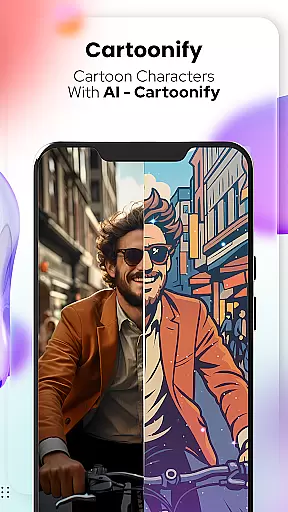
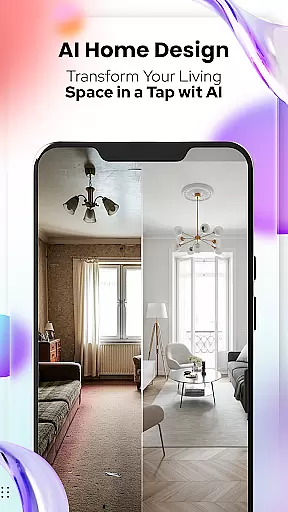
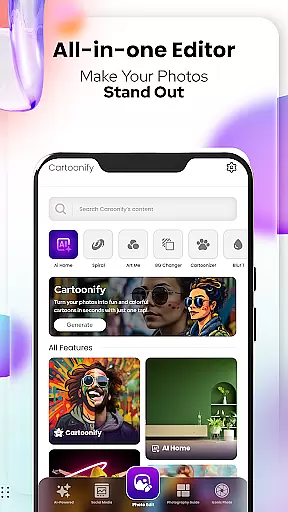
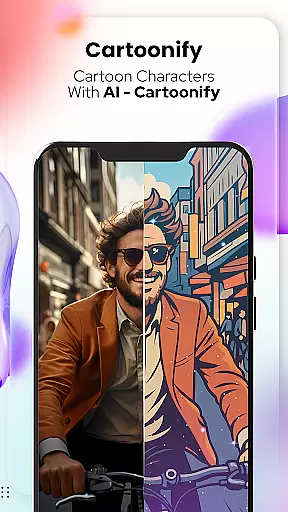
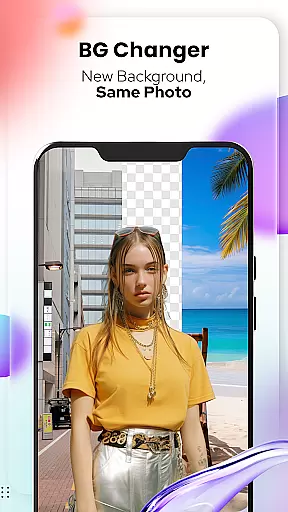
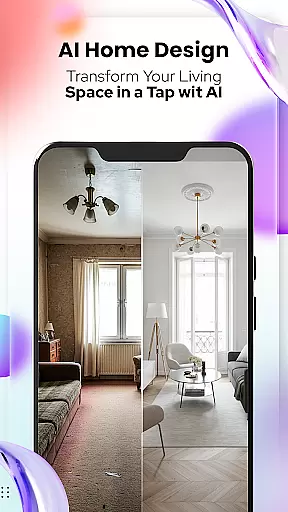
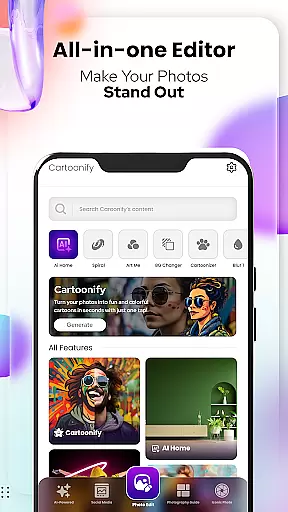
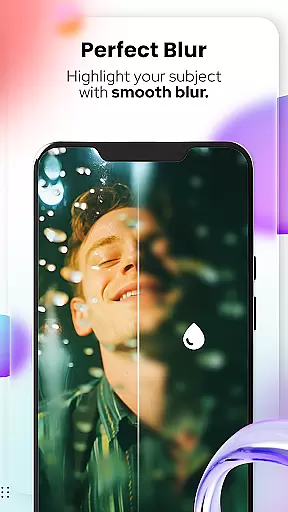
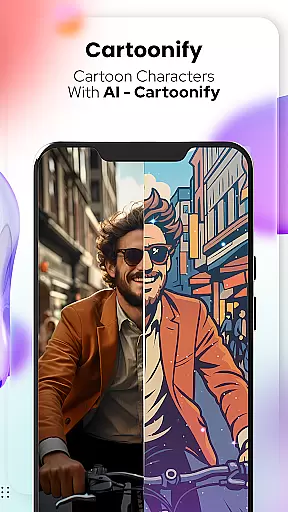
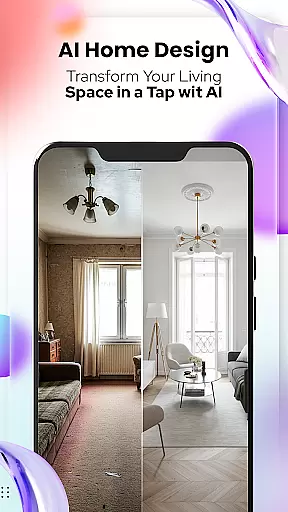
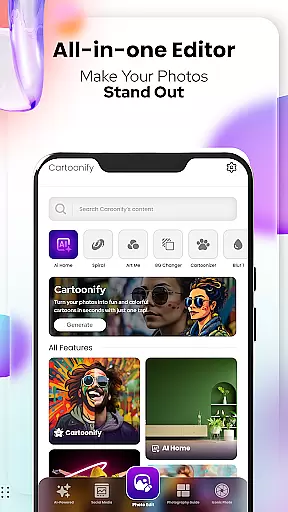
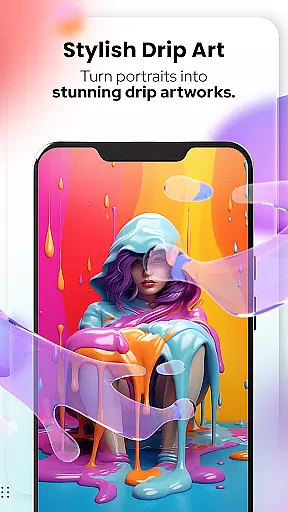
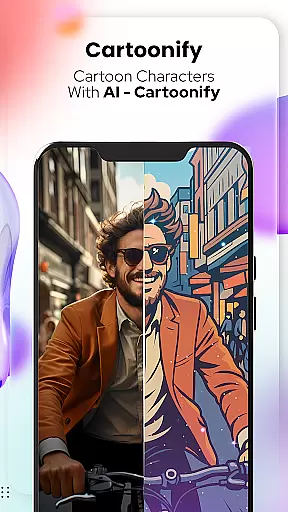
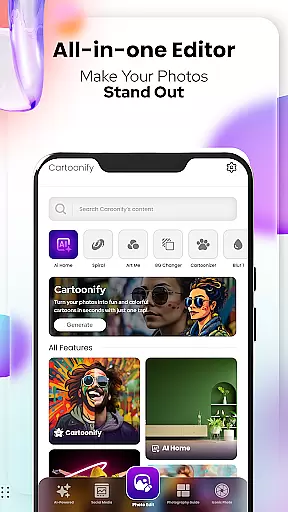
Cartoon Photo Editor - Toon Art is a creative photo editing application designed for art enthusiasts and casual users alike. This app allows you to transform ordinary photos into stunning cartoon-style artworks with just a few taps. The core feature, Cartoonify, converts any image into a cartoon portrait, making it perfect for social media profile pictures or simply for fun.
In addition to the main cartoon transformation feature, the app offers various artistic filters and effects. Users can experiment with different art styles through features like Art Me and Sketching, which provide professional-grade filters and hand-drawn art effects. With dedicated tools such as Background Changer and Pet Cartoonizer, you can customize every aspect of your images while enjoying a user-friendly interface.
Whether you're looking to enhance your personal photos or create unique artwork for commercial purposes, Cartoon Photo Editor - Toon Art provides all the necessary tools in one place. Its powerful editing capabilities ensure that both amateur and professional artists can achieve impressive results effortlessly.
Cartoon Photo Editor - Toon Art stands out with its diverse range of creative features tailored for photo-to-art transformations. The app's signature feature, Cartoonify, uses advanced algorithms to instantly convert uploaded images into cartoon-style portraits. This feature is complemented by Art Me, which offers multiple artistic filters that give photos a professional touch worthy of gallery displays.
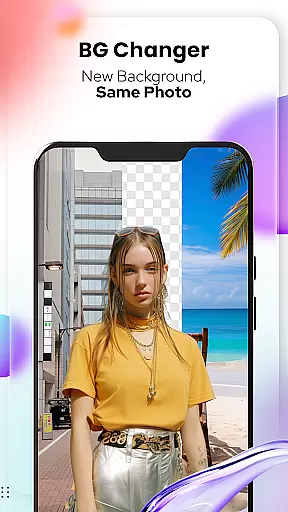
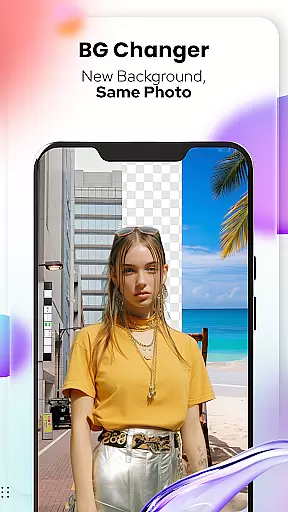
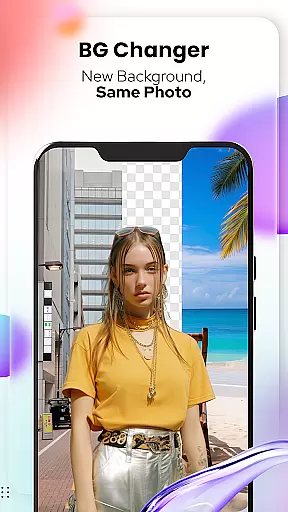
For animal lovers, the Pet Cartoonizer feature applies a charming pastel effect to pet photos, creating adorable caricatures of your furry friends. Meanwhile, the Background Changer tool enables users to easily remove or replace backgrounds, allowing for more dynamic compositions. The Sketching feature transforms photos into detailed pencil drawings, capturing the essence of hand-drawn art without requiring any manual skills.
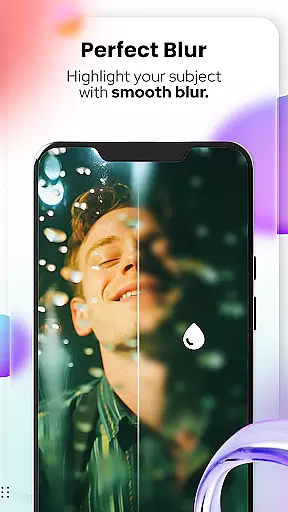
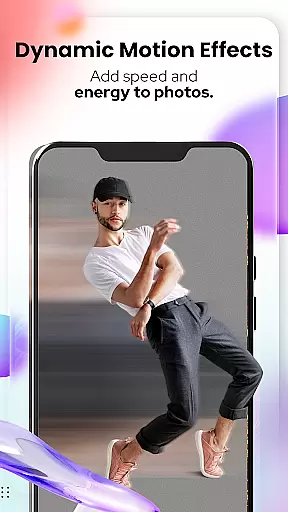
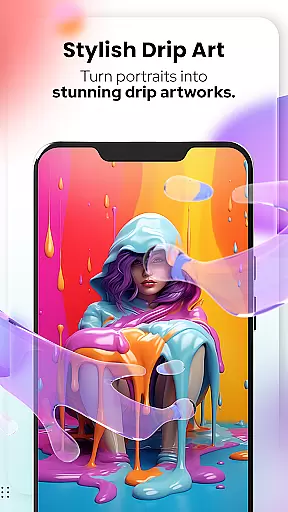
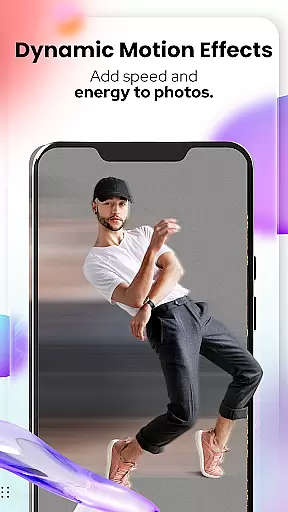
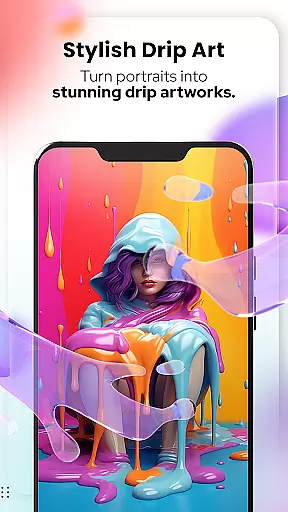
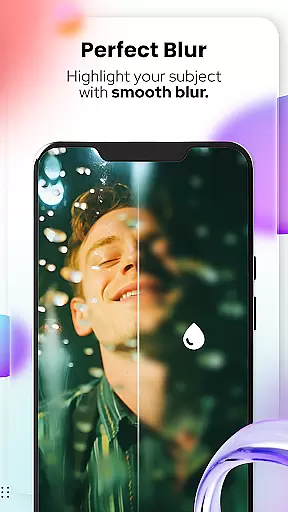
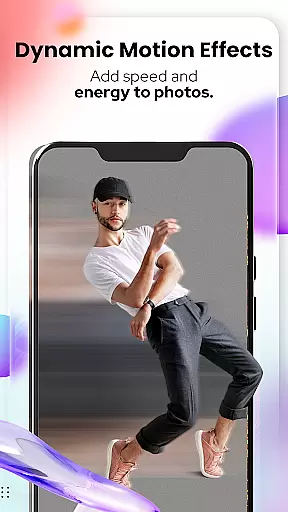
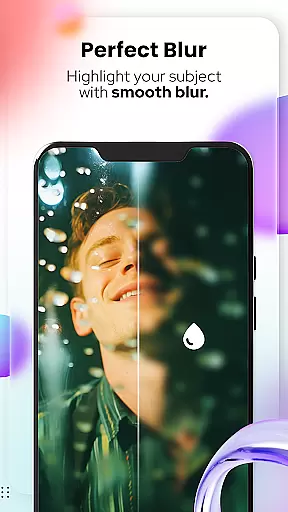
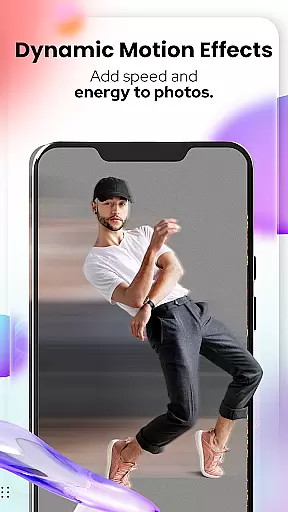
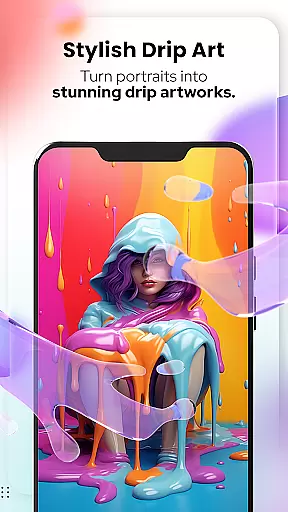
Beyond these specialized tools, the app includes comprehensive photo editing capabilities. Users can access advanced functions like Blur & Motion Effects, Spiral & Drip Effects, and Mosaic tools. These features collectively provide an extensive toolkit for creating professional-quality artwork from simple photographs, making this app suitable for both casual entertainment and serious artistic projects.
In the realm of digital artistry, having a comprehensive suite of creative tools is essential for unleashing one's full artistic potential. Cartoon Photo Editoruff0dToon Art offers an extensive array of features that cater to both amateur enthusiasts and professional artists alike.
From the Cartoonify feature that ingeniously transforms any image into a delightful cartoon-style portrait, to the sophisticated Art Me option which bestows users with the power to apply stunning art styles onto their portraits, this app ensures every creative whim is accounted for.
Additionally, the inclusion of specialized tools such as Pet Cartoonizer for endearing animal caricatures, Background Changer for effortless context manipulation, and Sketching for pencil-drawn aesthetics, amplifies the versatility at your fingertips.
By integrating these advanced photo editing capabilities, Cartoon Photo Editoruff0dToon Art not only enhances artistic expression but also simplifies the process, allowing creators to focus on bringing their visions to life without technical hindrances.
A canvas in the digital space is akin to an artist's blank slate, where ideas take shape and creativity knows no bounds. The flexibility of the canvas and format within an application can greatly influence the creative workflow and output quality.
Cartoon Photo Editoruff0dToon Art understands this need and offers adaptable canvas options alongside a variety of formatting choices. Users can manipulate their workspace with tools like Crop, Adjust & Overlay, ensuring compositions are perfectly framed and visually compelling.
Moreover, the ability to add Text & Fit elements provides another layer of personalization and message conveyance, making each piece not just an image but a communicative artwork.
This harmonious blend of canvas adaptability and format versatility empowers users to experiment freely, crafting unique pieces that resonate with their artistic intent while maintaining high standards of visual presentation.
User-friendly interface
Wide range of artistic filters
Quick processing speed
Pet-specific cartoon effects
Comprehensive editing tools
Some features require payment
Advanced tools may overwhelm beginners
Occasional processing errors
Limited free filter options
Subscription model for premium content

Stylish letters, Stylish Keyboard, Symbols, Emojis, Cool nickname
 4.40
4.40
Design your dream room with AI. Get decor ideas & plan home interiors
3.90
Image/ Text to Video Generator
4.40
Minecraft & Roblox Clothes
4.70
Art of Combination Wear OS Watch Faces
3.30
Turning simple sketches into captivating tales filled with life and motion
3.90
Sketch and paint on your device with the feel and freedom of drawing on paper
4.00
How to draw anime step by step for beginner easily by AR drawing sketch & paint.
3.60
Multiplayer Drawing game, Coloring, Painting・Sketch, Handwriting・Paint, draw
4.30
Create stunning art with AI.
4.80
Learn how to draw with step-by-step tutorials, fun lessons & multiplayer drawing
4.70
Logo Generator powered by AI: Create stunning logos effortlessly!
4.70
Photo editor for art, avatars, filters & fun transformations.
4.60
Unleash your drawing and painting potential
4.50
Video AI: Revolutionize Your Content Creation with Advanced Video Generation
4.50
Photo blender app to create overlay photos & double exposure.
4.40
Just trace a projected picture on paper and color! Draw & Paint with AR drawing
4.40
Create stylish invitation cards using templates for weddings, birthdays & RSVP.
4.20
Get creative and make art with your Sesame Friends!
4.00


User Reviews