

an Analog Watch Face for winter season with freeze winter background for Wear OS
 4.3
4.3
Wear Os Watch Face - Animated Snow - Sesonal for Christmas & Winter
4.1
Beautiful artistic animated digital watch face, with a customizable layout!
4.40
A watch face that fuses motorsport precision with contemporary smartwatch design
4.1
Authentic military-tactical design with ZULU time! Realistic and functional!
3.80
The ultimate destination for kids ages 3-8 to explore the Marvel Universe!
4.30
Professional weather radar and more
3.90
Hyper-Realistic Airplane Dashboard Watch Face With 10 Skins and Custom AOD
4.00
Your music, your playlists, and more—offline and unlimited.
4.20
Kia Access makes getting your vehicle information easier than ever
4.60
Connect to your Bluelink equipped Hyundai vehicle from your smartphone.
4.50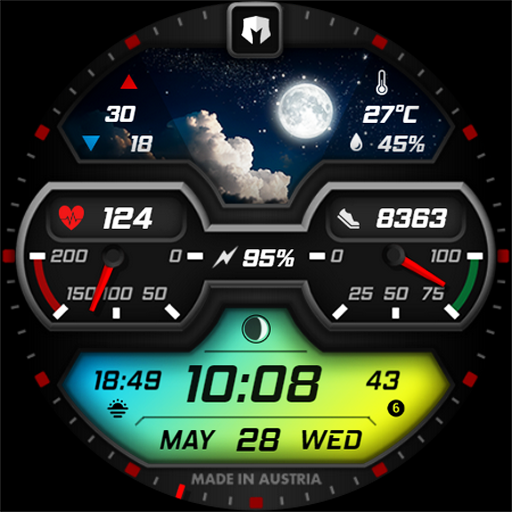
Stylish, Energizing and Modern Watch Face crafted by Dominus Mathias.
4.50
Reliable phone calls with spam protection, caller ID and more helpful features
4.40
A customizable Christmas watch face for Wear OS with a countdown.
4.20
Your local weather forecast, storm tracker, radar maps & live weather news
3.40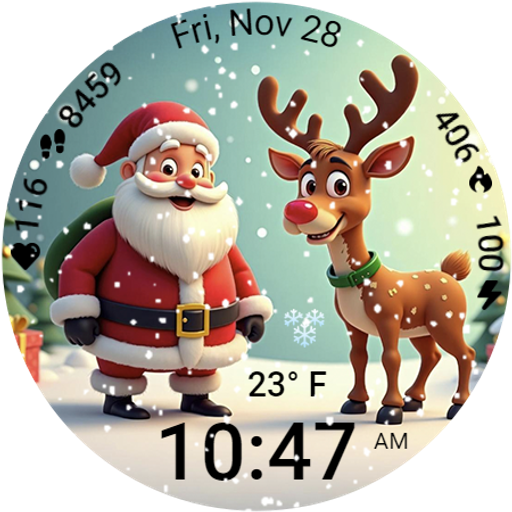
A heartwarming Christmas scene featuring a cute image of Santa and Rudolf
4.4
3 Complications. All shadow on/off. 30 Themes color palette...
4.2
Fitness interactive virtual pet super fighter boy watch face
4.3
Funny animated watch face for Thanksgiving
4.1


