![[KNA017] RETRO logo](https://cdn.linksharehub.com/ocp/?u=https%3A%2F%2Fl1.fancapitalize.com%2Fimages%2F2025%2F12%2Fbcfa0218032e2e821c877c72827d41eb.jpg&t=webp)
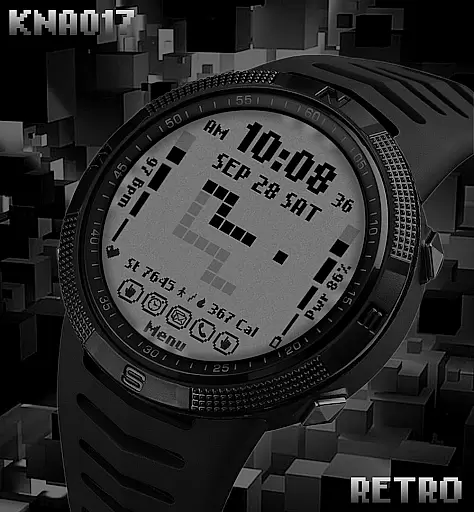
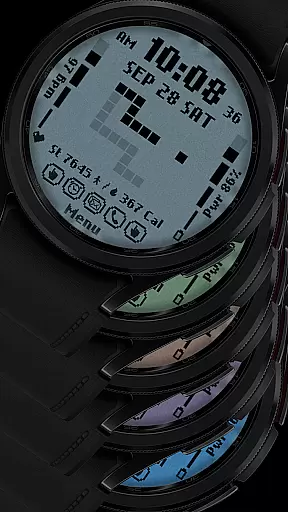
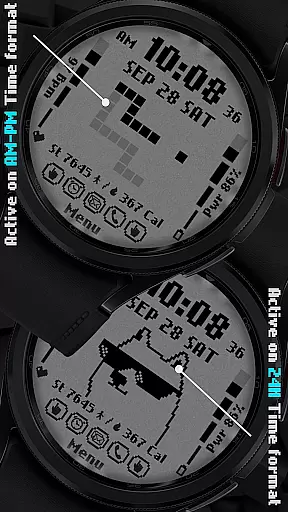
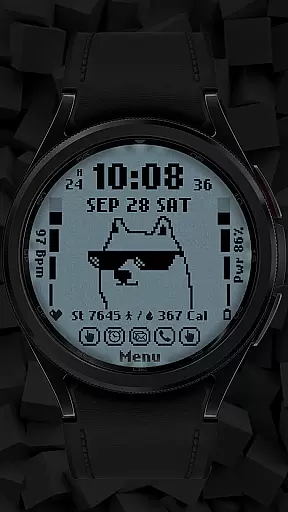
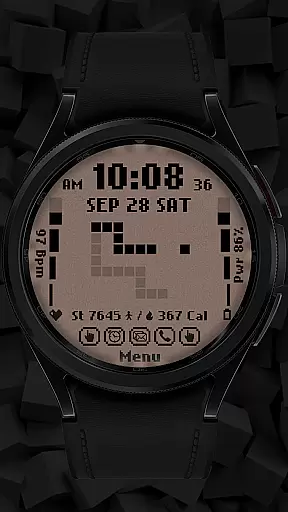
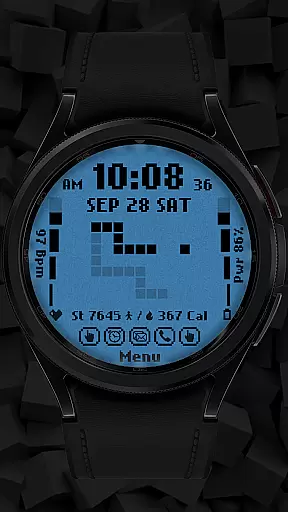
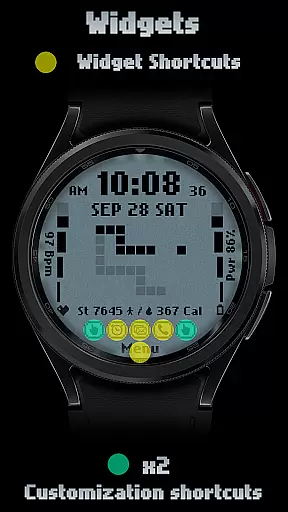
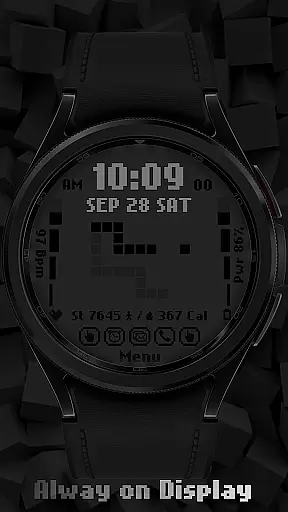
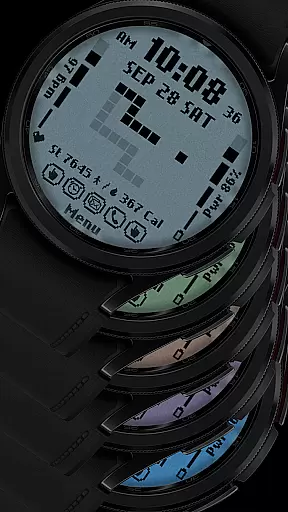
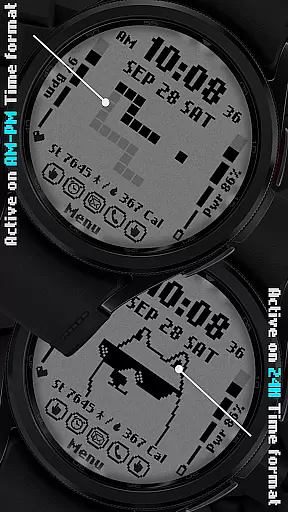
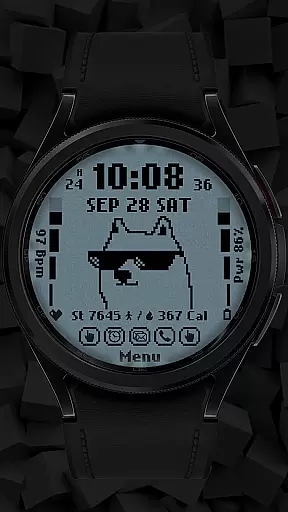
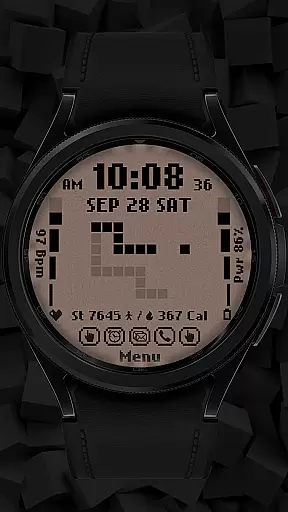
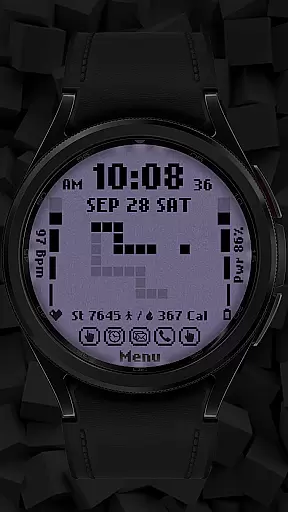
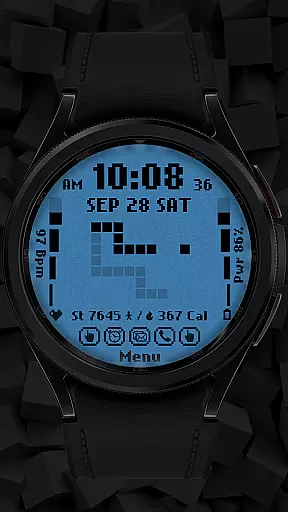
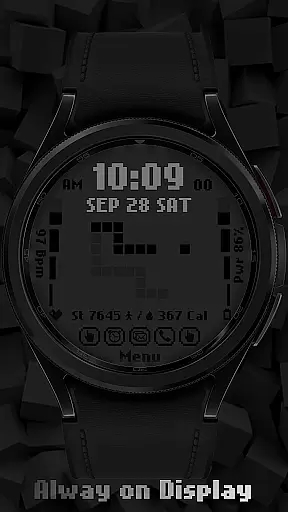
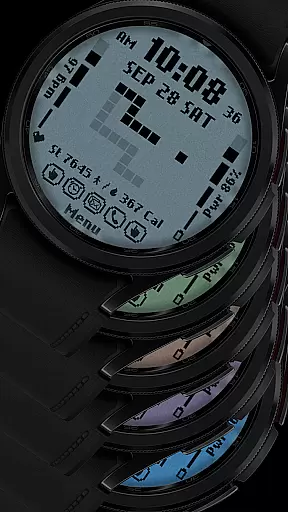
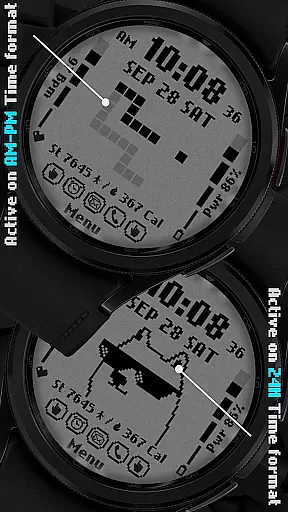
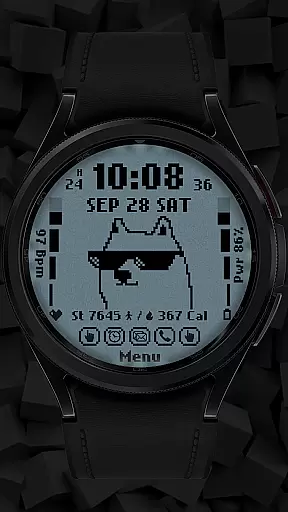
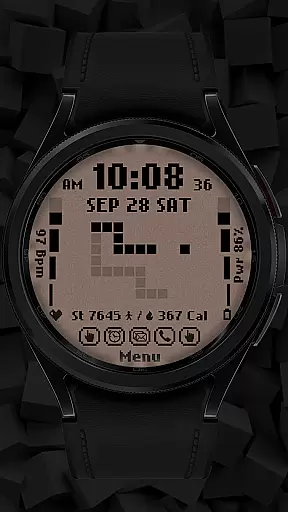
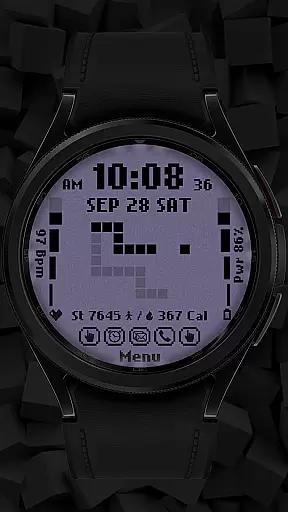
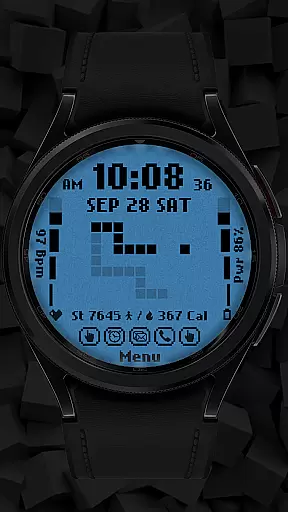
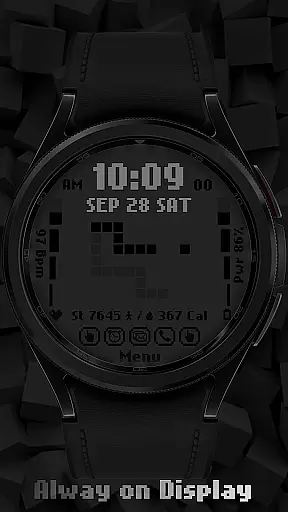
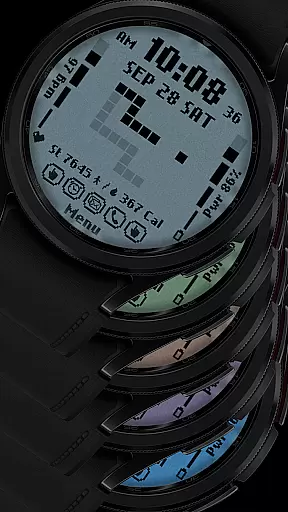
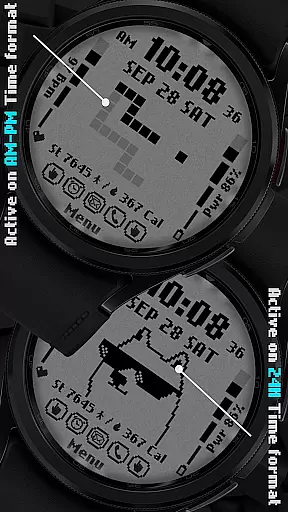
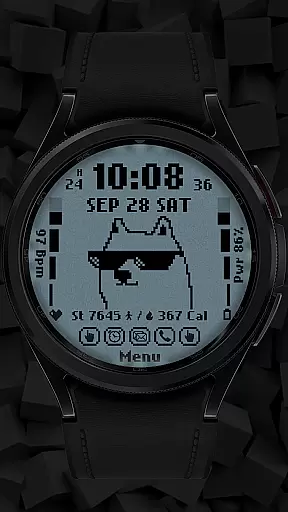
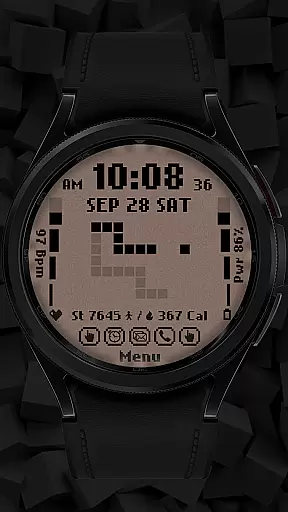
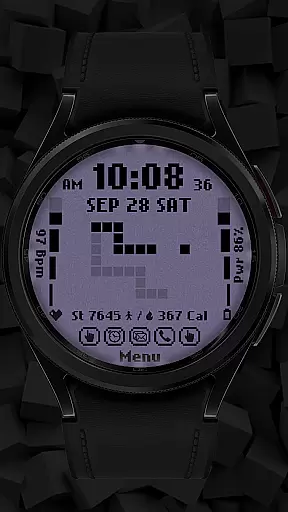
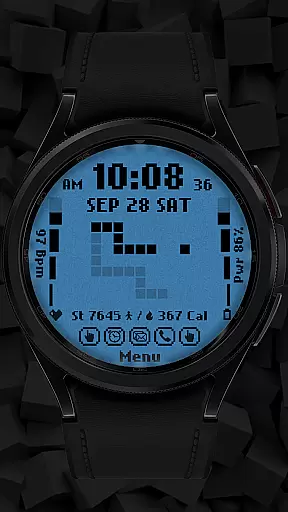
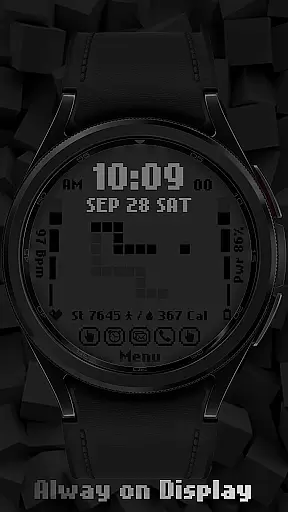
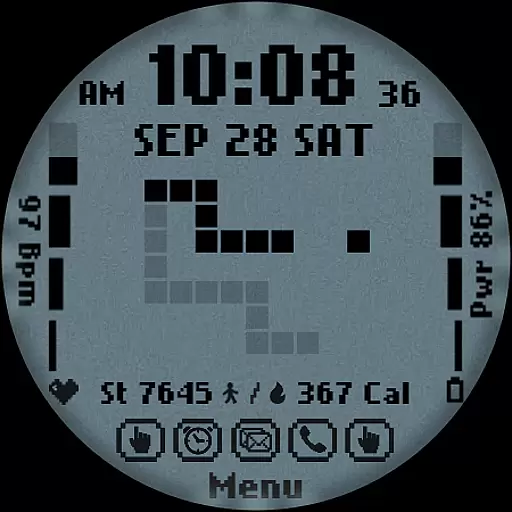
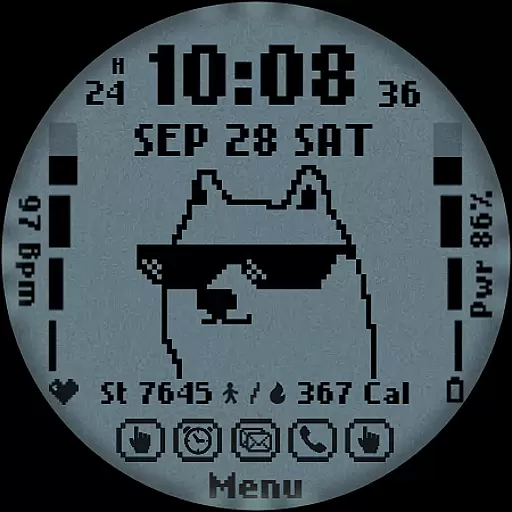
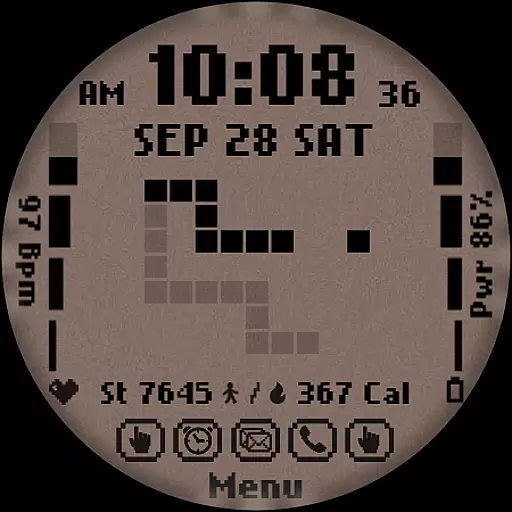
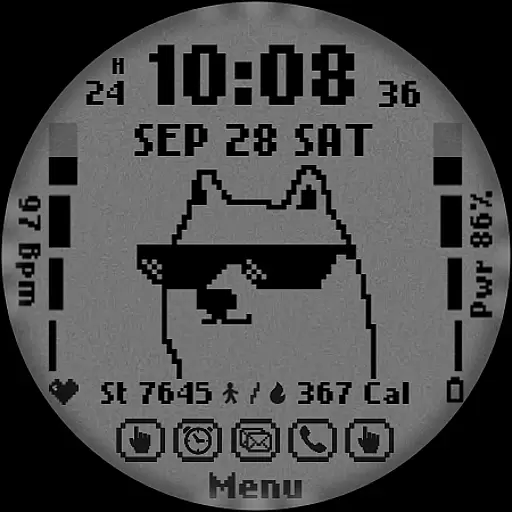
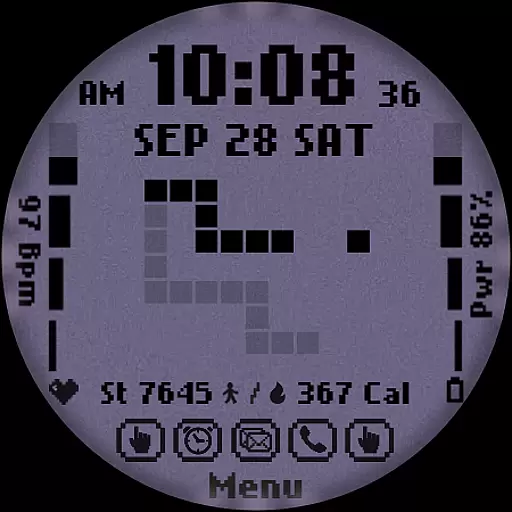
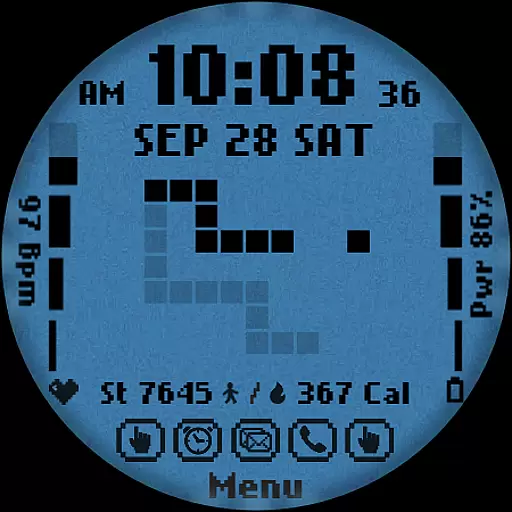
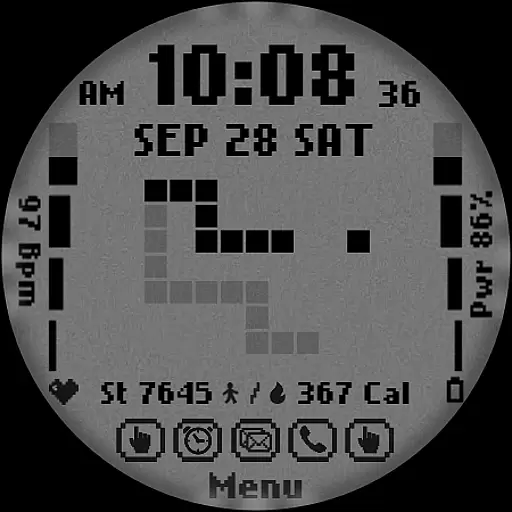
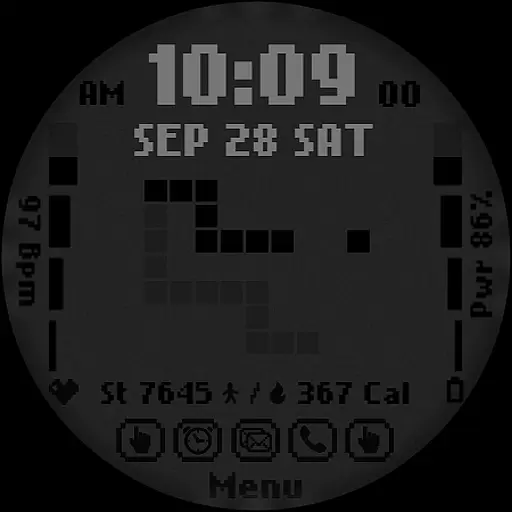
[KNA017] RETRO is a stylish watch face designed for Wear OS devices, offering users the ability to customize their smartwatch display with various complications. Compatible with API level 30+ devices such as Google Pixel and Galaxy Watch series, this app provides a retro-style animated interface that changes based on the time format (12/24 hour). Users can access essential features like step count, heart rate monitoring, battery level, and calorie calculation directly from their watch face.
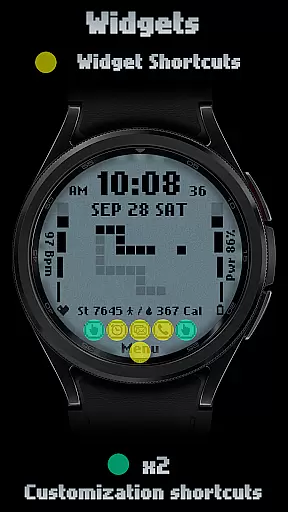
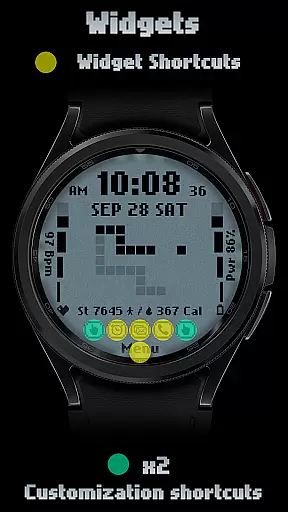
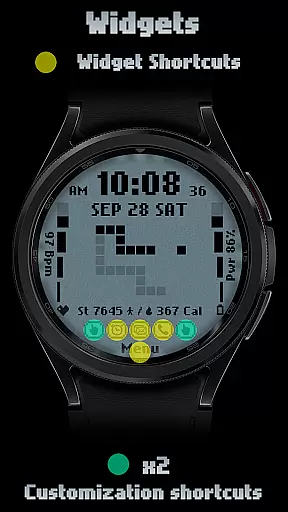
The watch face supports multiple digital styles, date, day of the week, and month display. With two customizable shortcuts and six color/style options, users can tailor the appearance to suit their preferences. The customization process is simple - just touch and hold the display, then tap on the customize option to adjust settings. This makes [KNA017] RETRO not only visually appealing but also highly functional for daily use.
This Wear OS watch face stands out with its unique combination of style and functionality. The retro-style animation adapts to both 12-hour and 24-hour time formats, creating a dynamic visual experience. Users can choose from six distinct colors and styles, allowing for personalization that matches their individual taste. The inclusion of two customizable shortcuts enables quick access to frequently used features or information.
Health and fitness tracking is made convenient with integrated displays for step count, heart rate, calories burned, and battery level. These metrics are easily viewable at a glance, helping users maintain awareness of their daily activities and device status. Additionally, the complications feature lets users select from various data types including weather, world clock, and barometer readings, making the watch face a versatile tool for both practical and aesthetic purposes.
In the realm of digital art and design, having a comprehensive suite of creative tools is essential for unleashing an artist's full potential. The [KNA017] RETRO Wear OS Watch Face stands out by offering a rich palette of features that cater to both aesthetic customization and functional utility.
With its provision of digital styles in 12/24 hour formats, date, day of the week, and month display, users can tailor their watch face to suit personal preferences or specific needs. Additionally, the inclusion of two customizable shortcuts alongside six color and style options ensures that individuality is not only preserved but celebrated.
This application goes beyond mere timekeeping by integrating health and activity tracking features such as steps count, heart rate monitoring, battery level indication, and calorie calculation into its design framework. Such integration highlights the appu2019s commitment to providing a holistic set of tools within a singular platform.
Ultimately, this diverse range of built-in functionalities empowers users to craft unique wearable experiences that reflect their personality while also serving practical purposes. By prioritizing both form and function, [KNA017] RETRO demonstrates how thoughtful design can elevate everyday interactions with technology.
Flexibility in canvas size and format options plays a crucial role when it comes to designing adaptable interfaces like watch faces. For [KNA017] RETRO, this aspect has been carefully considered through its compatibility across various devices running on Wear OS at API level 30+.
The ability to adjust settings based on different screen sizesu2014from Google Pixel watches to Galaxy Watch modelsu2014ensures that every user enjoys an optimal viewing experience regardless of their device choice. Moreover, detailed installation notes provided help guide users through setting up these designs correctly.
Customization doesn't stop at sizing; instead, it extends towards allowing users complete control over what data they wish to display via complications. Whether opting for weather updates, world clocks, or even sunrise/sunset times, individuals have the freedom to mold their interface according to lifestyle demands.
By emphasizing adaptability in both physical dimensions and informational content displayed, [KNA017] RETRO showcases its dedication towards delivering personalized yet versatile solutions tailored specifically for modern smartwatch enthusiasts.
Highly customizable design
Retro-style animations
Health tracking integration
Multiple color options
User-friendly interface
Limited device compatibility
Requires latest Android version
Manual application needed
Some features may be unavailable
No automatic updates

Customizable Outlined Fonts. Watch Face Format. Battery friendly Digital Clock.
 4.20
4.20
Transform photos into amazing monochrome dither art with professional algorithms
4.1
Remove Background, Magic Eraser, Photo Enhancer, Story Templates, Collage Maker
4.30
Novices can also easily complete diamond painting masters
4.70
Powerful home decoration & house design that allows you to design dream home.
3.80
Bring One UI 8.5 Icons to life -elegant dark icons with a modern, premium touch.
4.30
Create Logos, Tattoos, AI Art & more with our AI Photo Generator & Design Editor
4.20
AI Tattoo Generator: Create Tattoo Designs & Get Ideas! Ink & Stencil Maker
4.50
An intuitive, high-performance painting app that lets you focus on creating
4.40
Logo Generator powered by AI: Create stunning logos effortlessly!
4.70
Your AI soulmate — meaningful chats, and unique emotional moments
4.70
2D animation studio for Android tablets - unlimited layers, infinite timeline
4.70
Draw, fidget, and spin glow art! Relax and express your creativity with a finger
4.60
Draw anime & manga drawing, art with templates to create stunning picture!
4.50
Just trace a projected picture on paper and color! Draw & Paint with AR drawing
4.40
Sketch and paint on your device with the feel and freedom of drawing on paper
4.00
AI Face Swap, Video Effects Editor, Realtime Morph, Funny Video FX,AI Filters
3.70
Sketch, trace and master AR drawing with awesome anime art!
3.30
Create stunning video, photo & magic from text with FlixAI GPT video generator.
3.10


User Reviews