
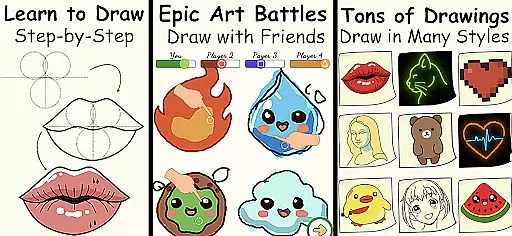
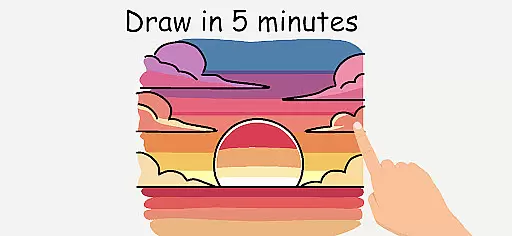
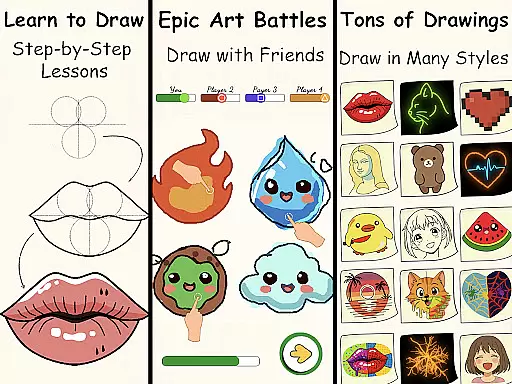
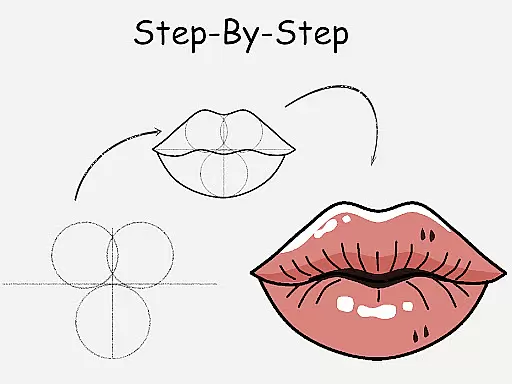
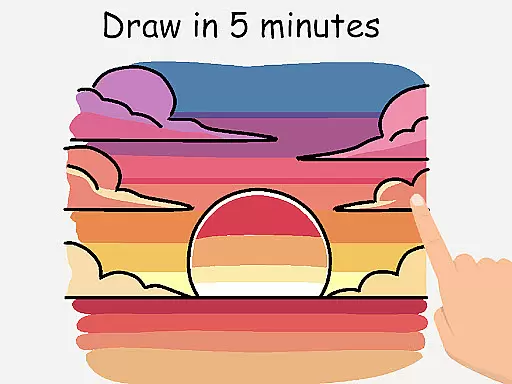
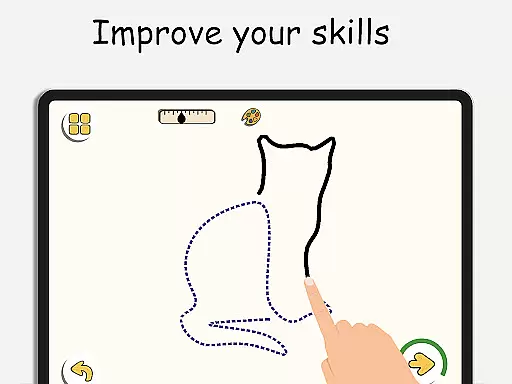
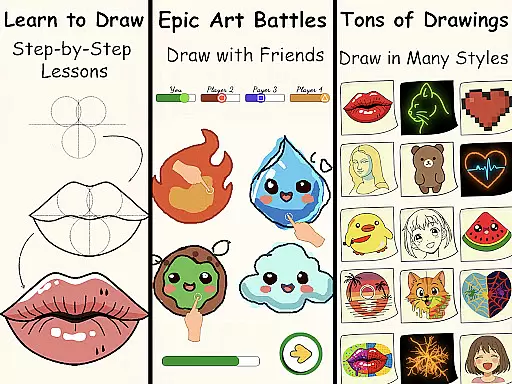
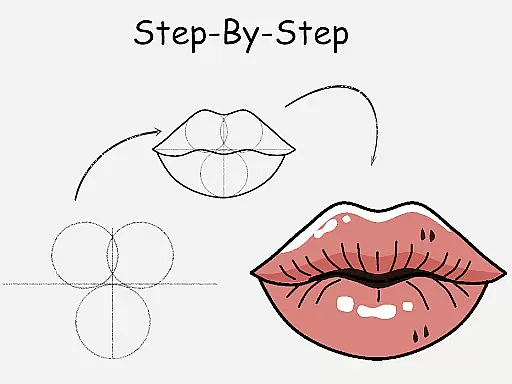
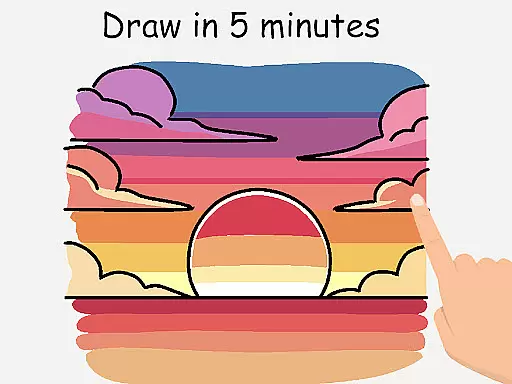
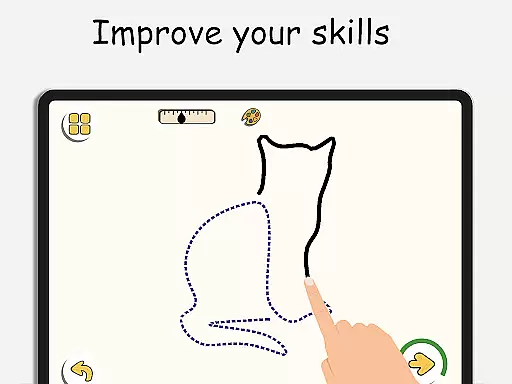
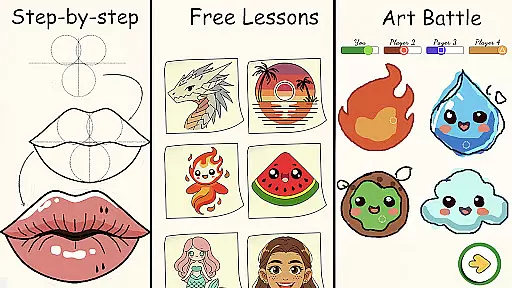
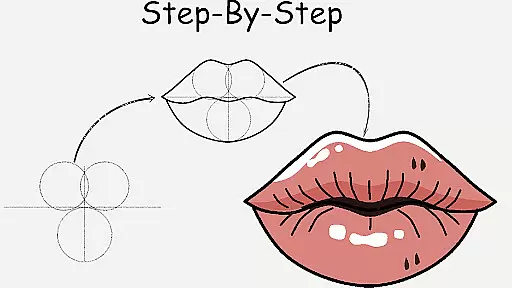
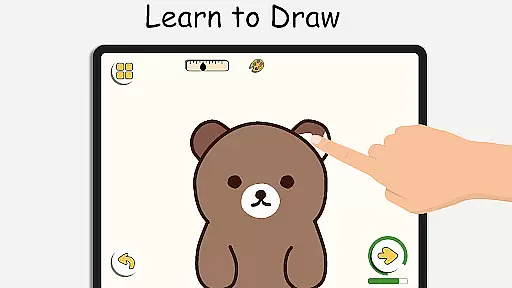
ArtLoop is a comprehensive drawing application designed to help users of all skill levels learn and improve their art techniques. The app offers step-by-step lessons covering various subjects, from basic shapes to complex anime characters. With structured tutorials and daily practice exercises, it provides tailored learning paths for beginners and experienced artists alike.
A standout feature is the multiplayer drawing battles, allowing users to compete with friends or other players worldwide. This interactive element adds a fun, competitive aspect to learning. Additionally, ArtLoop includes intuitive drawing tools, offline functionality, and specialized modes like Pixel Art and Neon Drawing, making it versatile for different artistic styles and needs.
Whether you're a beginner looking to master the basics or an experienced artist wanting to refine specific skills, ArtLoop offers a complete package. Its combination of guided instruction, creative freedom, and innovative features makes it one of the best free drawing apps available today.
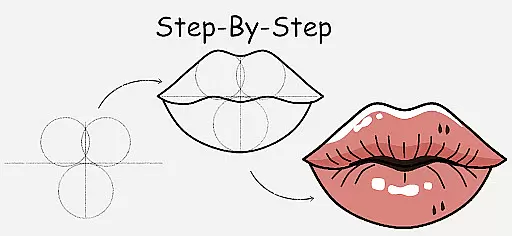
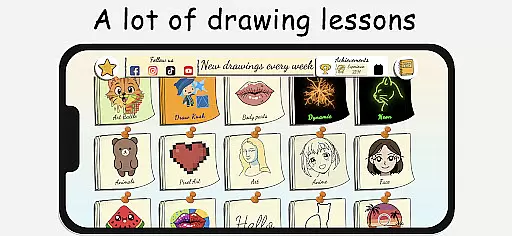
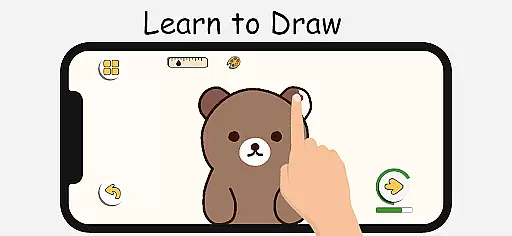
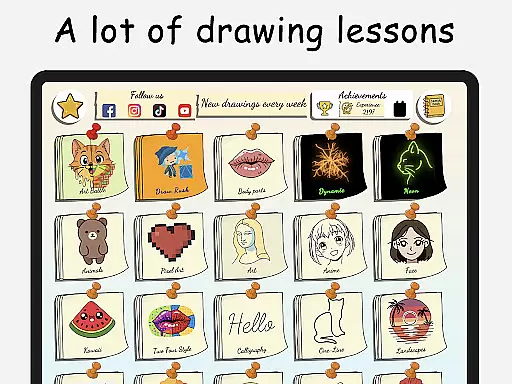
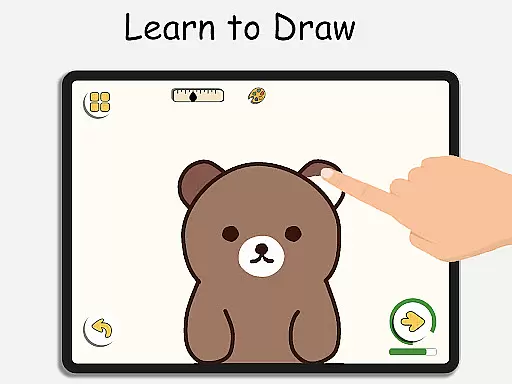
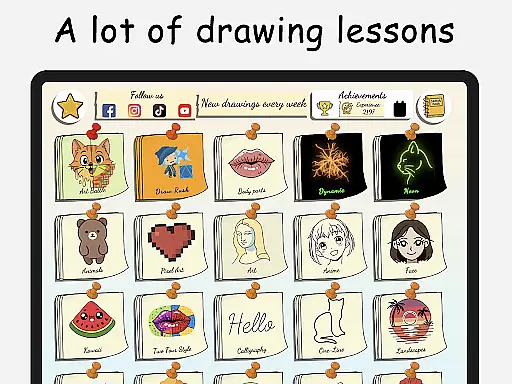
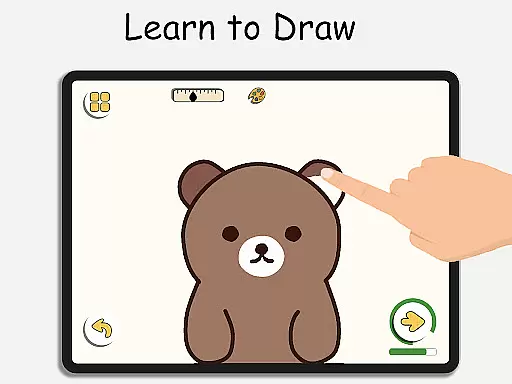
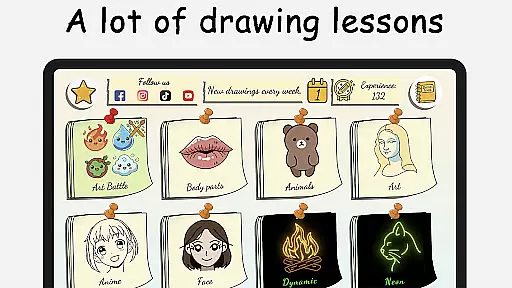
ArtLoop stands out with its diverse range of features that cater to both casual learners and serious artists. One of its core functionalities is the step-by-step drawing lessons, which break down complex drawings into manageable steps. These lessons cover a wide array of topics, including animals, food, people, and anime, ensuring there's something for everyone.
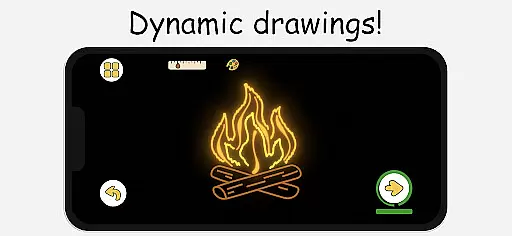
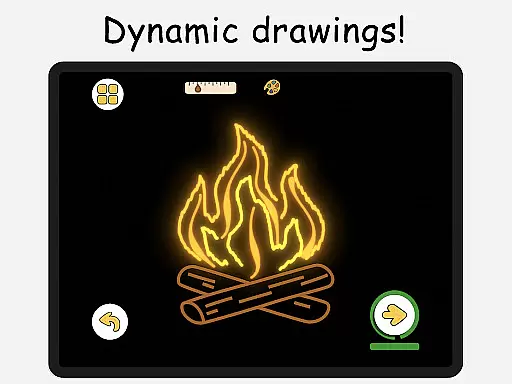
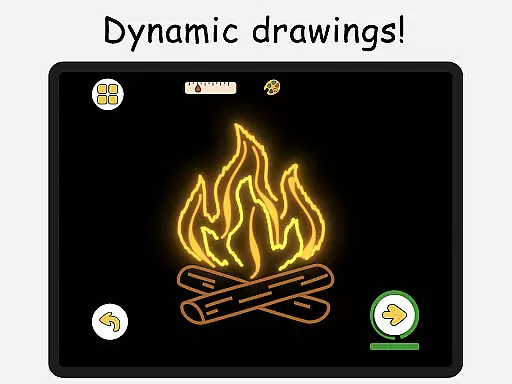
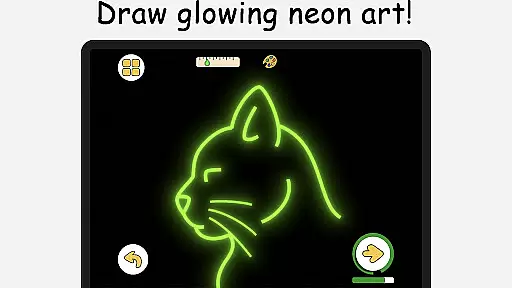
The app also includes unique modes such as Pixel Art and Neon Drawing. Pixel Art Mode offers grid-perfect drawing tools ideal for creating retro sprites and game characters, while Neon Drawing lets users create glowing, vibrant strokes. Quick Draw & Speed Draw Challenges add a timed element, pushing users to improve their speed and accuracy in a fun way.
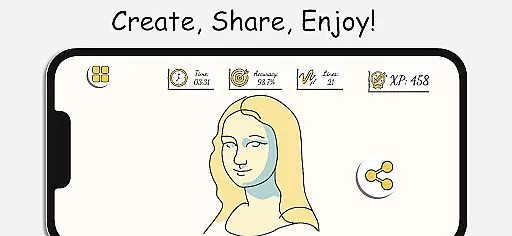
Another notable feature is the Multiplayer Drawing Battles, where users can engage in friendly competitions. Alongside this, the Draw With Friends option allows collaborative sketching in real-time private rooms. With offline capabilities, smart evaluation tools, and an intuitive interface, ArtLoop ensures a seamless and enriching drawing experience.
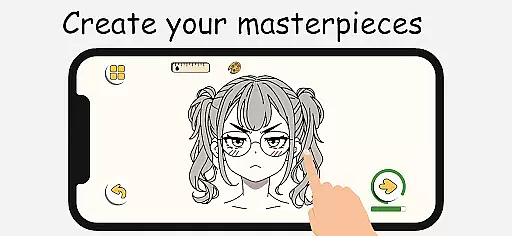
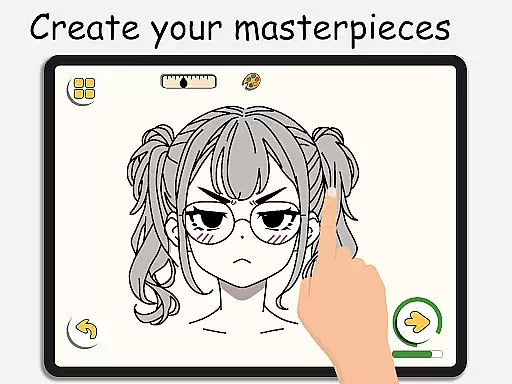
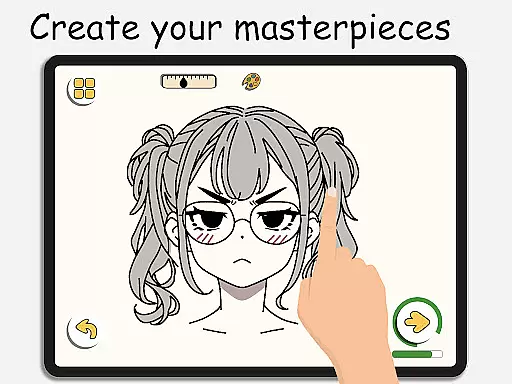
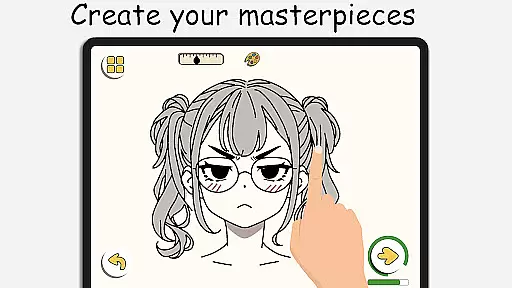
In ArtLoop, the creative tools provided are comprehensive and versatile, ensuring that both beginners and advanced artists can find what they need. The app includes smooth, responsive drawing tools, a virtual sketchpad, and detailed editing features, all designed to help users create amazing digital art with ease.
One of the standout features is the Pixel Art Mode, which offers grid-perfect pixel drawing. This mode includes snap-to-grid tools and quick-fill coloring options, making it ideal for creating retro sprites, icons, and game characters. Additionally, the Neon Drawing feature allows users to create electric strokes with luminous brushes, adding a glowing effect to their artwork.
ArtLoop also provides Quick Draw & Speed Draw Challenges, which are timed sketch rounds pushing users to think fast and refine their accuracy. These challenges serve as excellent warm-ups or competitive sessions. Moreover, the Draw With Friends feature enables real-time collaborative sketching in private rooms, enhancing the social aspect of drawing.
ArtLoop excels in offering canvas and format flexibility, catering to a wide range of artistic needs and preferences. Users can choose from various categories such as drawing cute animals, food, flowers, anime eyes, and more. Each lesson is short, focused, and designed to be ideal for beginners and kids, allowing users to explore different styles and subjects without feeling overwhelmed.
The app supports offline drawing, providing artistic freedom without the need for constant internet access. This ensures that users can sketch on the go, anytime and anywhere. Whether you're at home, commuting, or traveling, ArtLoop's offline functionality keeps your creativity flowing.
Furthermore, ArtLoop's intuitive interface and powerful tools make it suitable for both kids and adults. Its beginner-friendly design does not compromise on functionality, offering one of the best free apps to learn drawing on mobile. The appu2019s flexibility extends to its support for multiple artistic styles, from anime and doodles to realistic art, all within a single creative space.
User-friendly interface
Comprehensive tutorials
Multiplayer drawing
Offline functionality
Versatile art modes
Limited advanced tools
Occasional bugs
Ads in free version
Complex UI for new users
Few premium features

Premium version of Shimeji-ee app with no ads & no limit active shimeji
 4.2
4.2
Customizable Outlined Fonts. Watch Face Format. Battery friendly Digital Clock.
4.20
Remove Background, Magic Eraser, Photo Enhancer, Story Templates, Collage Maker
4.30
Logo Generator powered by AI: Create stunning logos effortlessly!
4.70
Passport size photo maker, create ID photo and visa photo in seconds
4.80
The perfect place to start sketching! Use Sketchbook to draw and paint sketches.
4.50
Draw Trace image sketch by, AR art projector app, Easy to trace any image.
4.50
Powerful home decoration & house design that allows you to design dream home.
3.80
Draw, make movies & animate cartoons easily with our 2D animation maker app
4.40
Convert image to JPG PNG HEIC PDF, support almost all kinds of image formats
4.70
Your AI soulmate — meaningful chats, and unique emotional moments
4.70
Digital, Abstract, Classic - all types of color wheels in one app!
4.60
Photo blender app to create overlay photos & double exposure.
4.40
Sketch, plan, take notes and illustrate on an infinite canvas.
4.20
Create stylish invitation cards using templates for weddings, birthdays & RSVP.
4.20
Easy 3D drawing design maker & creator. Model designing, Sculpting. Create&paint
4.00
AI Face Swap, Video Effects Editor, Realtime Morph, Funny Video FX,AI Filters
3.70
Inky runs Inkscape on Android devices and Chromebooks
2.90
A luxurious gold watch face for an elegant and refined look.
4.5


User Reviews