
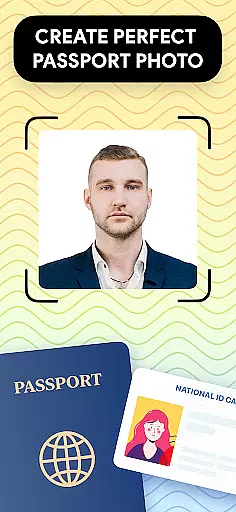
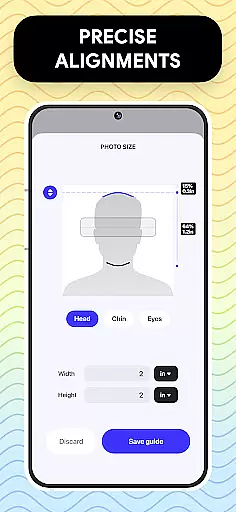
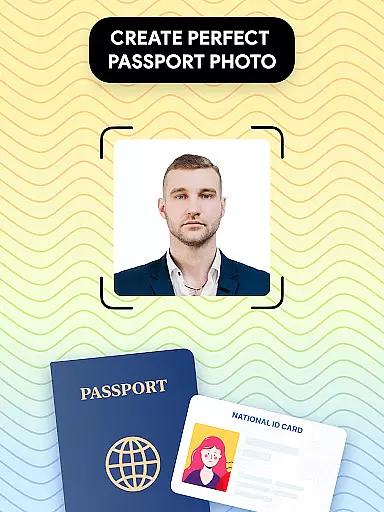
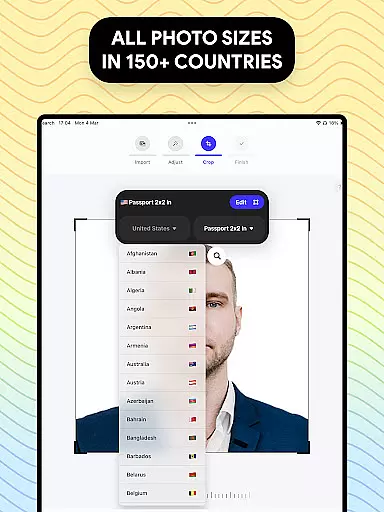
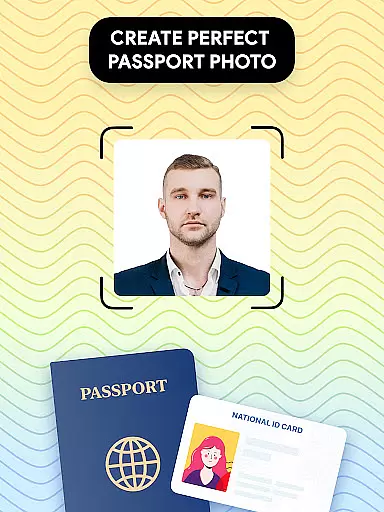
Passport Photo - ID Photo Print is a professional passport photo editor designed to help users create high-quality passport, visa, and ID photos from the comfort of their homes. The app provides an easy-to-use interface that allows you to adjust your photo to meet specific size requirements such as 3x4, 4x4, 4x6, 5x7, or 2x2 inches. It ensures that all government regulations are met, making it a reliable solution for official document photos.
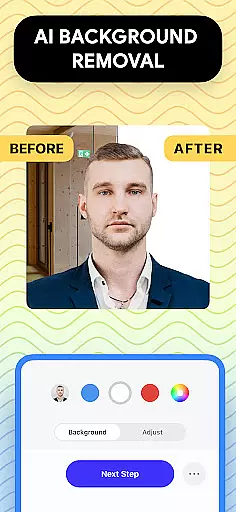
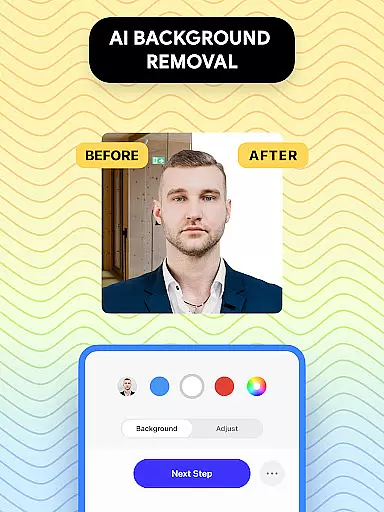
In addition to its resizing capabilities, Passport Photo offers advanced features like background removal, brightness adjustment, temperature control, and photo sharpening. These tools ensure that your photos not only meet size requirements but also look their best. Whether you need a US passport photo or one that complies with another country's regulations, this app has you covered. Its comprehensive database of international requirements makes it versatile and user-friendly.
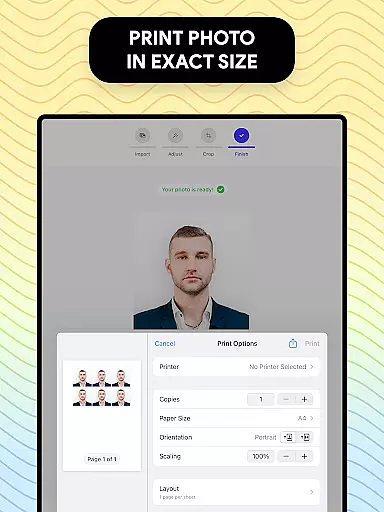
This app is particularly useful for those who need to update their passport photos quickly and efficiently. With the ability to print directly from your phone, Passport Photo - ID Photo Print streamlines the entire process, saving you time and ensuring compliance with various standards.
Passport Photo - ID Photo Print stands out due to its extensive range of features tailored for creating perfect passport and visa photos. One of its key functionalities is the ability to adjust photo sizes instantly, accommodating various formats including 3x4, 4x4, 4x6, 5x7, and 2x2 inches. This flexibility ensures that users can meet the specific requirements of different countries without hassle.
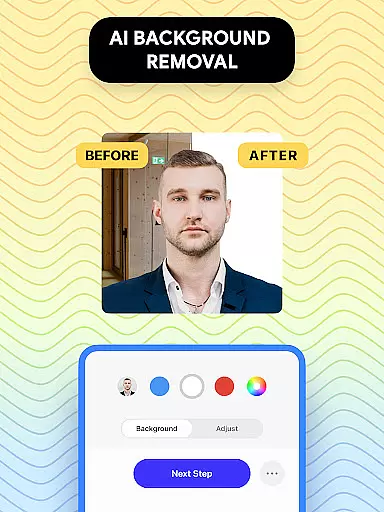
The app includes a powerful background remover tool, allowing users to replace their current background with a white or colored one. This feature is crucial for meeting strict governmental guidelines regarding photo backgrounds. Additionally, the built-in editing tools enable users to enhance their images by adjusting brightness, temperature, and sharpness, ensuring that every photo looks professional and polished.
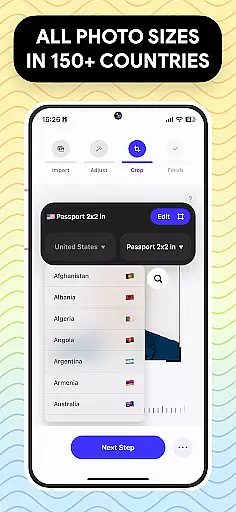
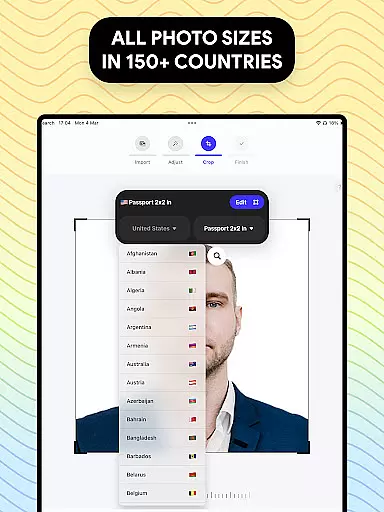
Another notable feature is the comprehensive database of international passport and visa photo regulations. Users can access detailed information about the requirements of various countries, ensuring that their photos comply with local laws. The app's intuitive design and robust functionality make it an indispensable tool for anyone needing to produce high-quality, regulation-compliant photos quickly and easily.
Passport Photo - ID Photo Print offers a comprehensive suite of creative tools designed to meet all your passport and visa photo requirements. The app includes essential features such as background removal, brightness adjustment, temperature control, and sharpening tools, ensuring that your photos comply with government regulations.
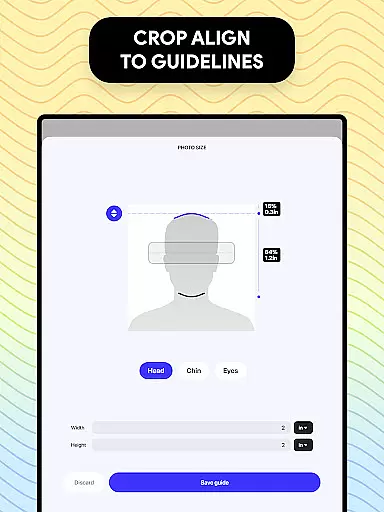
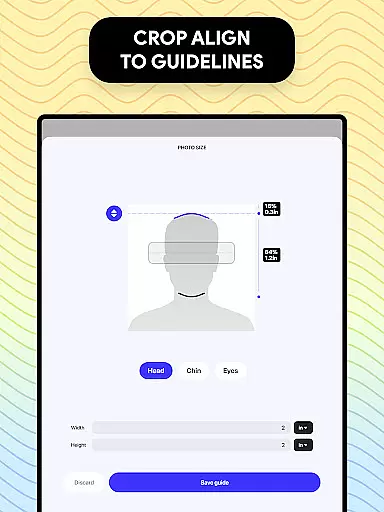
The passport photo editor allows users to customize their photos effortlessly by adjusting the aspect ratio and cropping to exact dimensions. Whether you need a 3x4, 4x6, or 2x2 photo size, this app provides the flexibility to create any size necessary for IDs, visas, or passport pictures.
With an extensive database of US passport requirements and other countries' visa photo regulations, users can be confident that their edited photos will meet international standards. This ensures that whether you're updating your US passport or preparing visa photos for another country, Passport Photo has the tools to make the process seamless.
One of the standout features of Passport Photo - ID Photo Print is its canvas and format flexibility. Users can easily change the aspect ratio and crop their photos to precise dimensions, accommodating various photo size requirements across different countries.
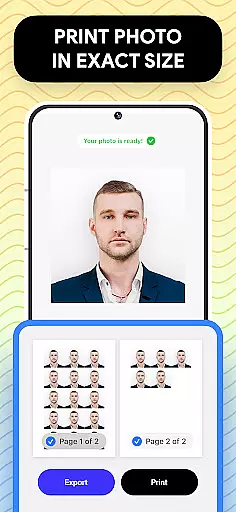
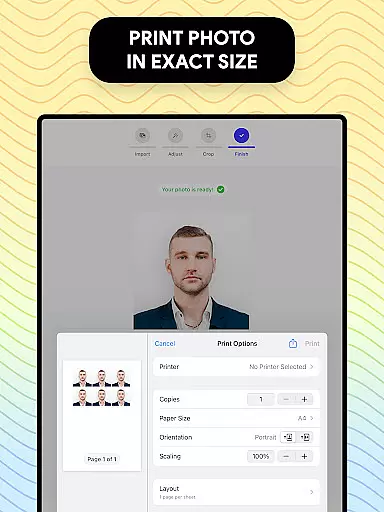
The app supports multiple print sizes including 3x4, 4x4, 4x6, 5x7, and 2x2, allowing users to print their photos directly from their phones. This versatility ensures that no matter what size is needed, Passport Photo can deliver high-quality results every time.
In addition to resizing capabilities, the app also offers export options that enable quick printing from home. With just a few seconds, users can have a print-ready photo that meets all necessary specifications, making it easier than ever to obtain professional-quality passport photos without leaving the house.
User-friendly interface
Comprehensive editing tools
Wide range of size options
Background removal feature
International regulation database
Limited free features
Occasional ads
Premium subscription required
Advanced tools locked
Print quality varies

Floor Plan Creator lets you create, edit and share floor plans.
 4.00
4.00
Apply cartoon, caricature, and portrait effects to make your photos stand out!
3.60
Digital illustration drawing & painting pad app to paint Anime and Manga art
4.50
AI Face Swap, Video Effects Editor, Realtime Morph, Funny Video FX,AI Filters
3.70
Create color palette from Image, RGB & RYB Color wheel harmonies, Color Scheme
4.50
The perfect place to start sketching! Use Sketchbook to draw and paint sketches.
4.50
Minecraft & Roblox Clothes
4.70
Retouch photos. Create or edit images. Endless capabilities.
2.70
AI Tattoo Generator: Create Tattoo Designs & Get Ideas! Ink & Stencil Maker
4.50
Create stunning art with AI.
4.80
Learn how to draw with step-by-step tutorials, fun lessons & multiplayer drawing
4.70
The ultimate tool for creating animations
4.60
Get an overview over all your embroidery threads, projects and more.
4.60
Discover Cartoon Dream : Unleash Your Creativity with CuttingEdge AI
4.50
Draw, make movies & animate cartoons easily with our 2D animation maker app
4.40
Nano Banana AI Image Generator, Anime Filter, AI Portrait, AI Photo Generator
4.30
Easy 3D drawing design maker & creator. Model designing, Sculpting. Create&paint
4.00
Premium version of Shimeji-ee app with no ads & no limit active shimeji
4.2
Your Essential Color Theory Guide: Red, Yellow, Blue (RYB)
4.1


User Reviews