
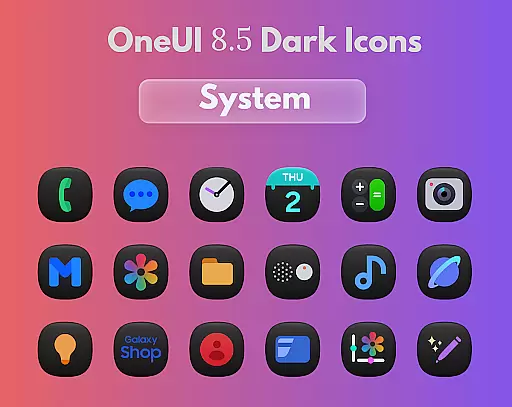
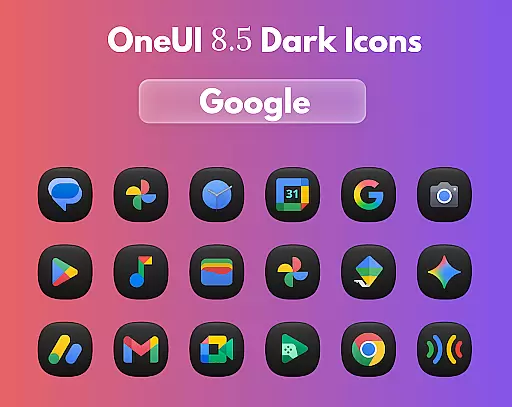
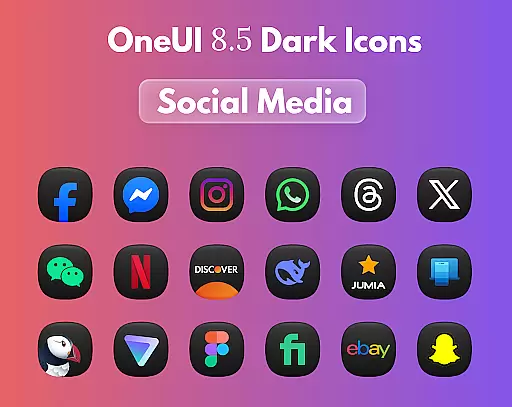
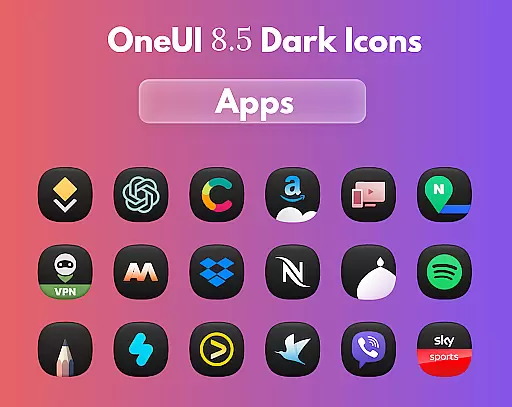
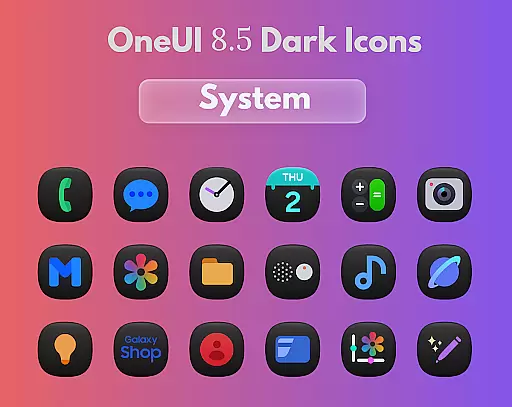
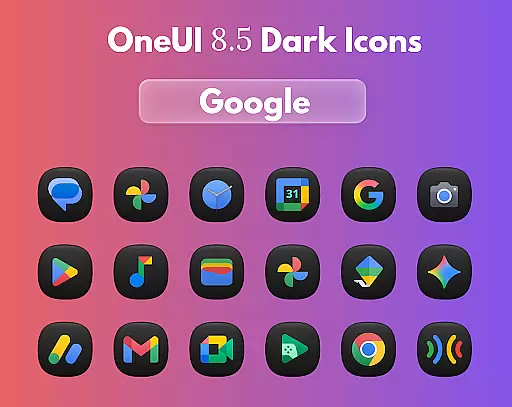
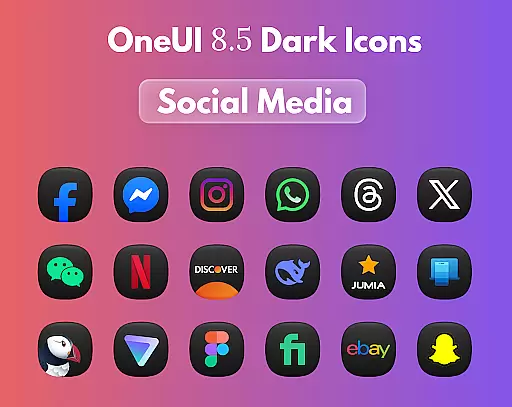
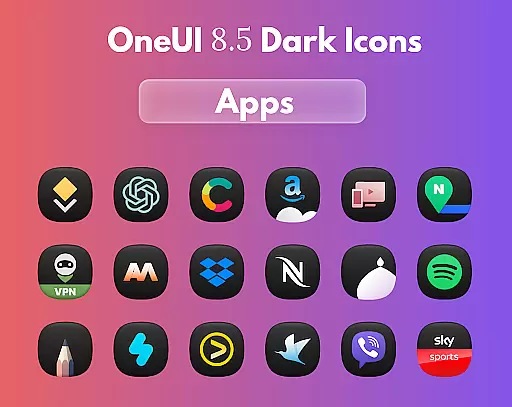
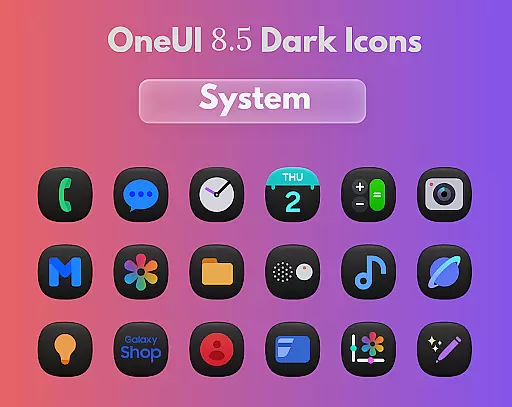
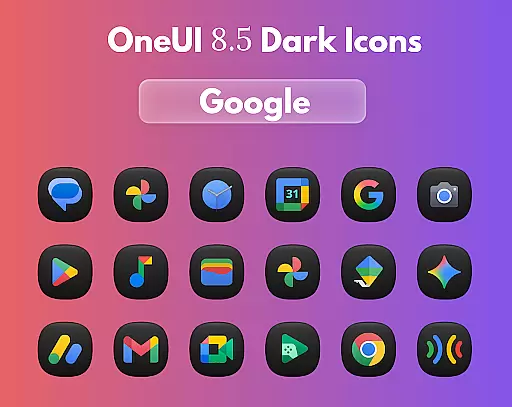
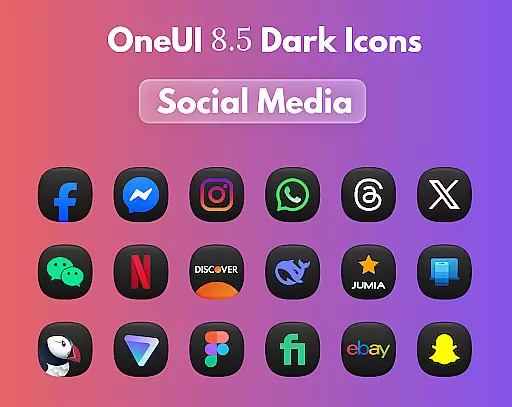
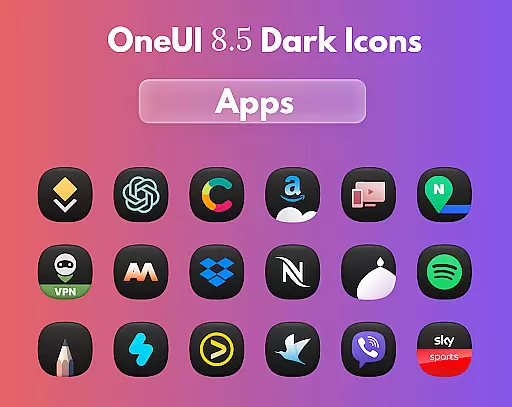
OneUi 8.5 Dark Icons is a premium icon pack designed to elevate your smartphone's aesthetic with its meticulously crafted dark-themed icons. Every icon in this pack features elegant 3D lighting, smooth gradients, and a refined dark finish that looks stunning on any wallpaper. With compatibility across all major launchers, this app ensures a seamless experience for users who value both form and function.
The pack includes 1775 beautifully redesigned icons inspired by One UI 8.5's dark aesthetics. These icons boast unified shapes, subtle gradients, and regular updates, ensuring your home screen remains fresh and stylish. Whether you're using a dark wallpaper or looking to customize your device, OneUi 8.5 Dark Icons offers the perfect blend of simplicity and sophistication.
OneUi 8.5 Dark Icons stands out with its comprehensive set of features tailored for design enthusiasts. The app provides 1775 unique icons, each carefully redesigned to match the dark theme of One UI 8.5. These icons are not only visually appealing but also highly versatile, compatible with all major launcher platforms, making it easy for users to integrate them into their existing setups.
In addition to its extensive icon library, the app offers regular updates, ensuring that users receive new icons frequently. This commitment to continuous improvement guarantees that your home screen remains up-to-date with the latest design trends. Users can also send unlimited icon requests, allowing for a personalized experience that caters to individual preferences.
OneUi 8.5 Dark Icons offers a comprehensive suite of creative tools designed to enhance your home screen aesthetics. With 1775 beautifully redesigned icons, the app provides users with an extensive library that ensures every app on your device can be elegantly represented.
The icons are meticulously crafted with smooth gradients and unified shapes, inspired by One UI 8.5 dark aesthetics. This attention to detail guarantees that all icons not only look visually cohesive but also align perfectly with modern design trends.
Beyond static assets, the app supports regular updates, ensuring that new icons are consistently added. This feature allows users to keep their home screens fresh and up-to-date without losing the stylistic integrity that the OneUi 8.5 Dark Icons set is known for.
Flexibility in design is crucial, and OneUi 8.5 Dark Icons excels in providing canvas and format versatility. Each icon is crafted with elegant 3D lighting and a refined dark finish, making them suitable for any wallpaper, especially enhancing the visual experience on dark backgrounds.
The app's compatibility with all major launchers underscores its flexible application across different devices and platforms. Whether you're using Nova, Apex, or another popular launcher, these icons will seamlessly integrate into your setup.
Additionally, the open request limit for new icons adds another layer of customization. Users can freely send requests for specific icons, ensuring that even less common apps can receive the same level of design attention and integration within the OneUi 8.5 Dark Icons ecosystem.
Stunning 3D lighting
Smooth gradient effects
Regular icon updates
Wide launcher support
Unlimited icon requests
Premium price tag
Limited light themes
Requires launcher support
No widget customization
Dark theme only

Customizable Outlined Fonts. Watch Face Format. Battery friendly Digital Clock.
 4.20
4.20
Art of Combination Wear OS Watch faces (for Wear OS 5+ devices)
3.00
Design your dream room with AI. Get decor ideas & plan home interiors
3.90
Image resizer to resize, crop, rotate, flip, change dpi photo or picture in bulk
4.60
Get an overview over all your embroidery threads, projects and more.
4.60
Experience next-gen icons with a modern liquid glass look.
3.60
Inky runs Inkscape on Android devices and Chromebooks
2.90
Create Logos, Tattoos, AI Art & more with our AI Photo Generator & Design Editor
4.20
Draw, make movies & animate cartoons easily with our 2D animation maker app
4.40
Novices can also easily complete diamond painting masters
4.70
Logo Generator powered by AI: Create stunning logos effortlessly!
4.70
2D animation studio for Android tablets - unlimited layers, infinite timeline
4.70
The perfect place to start sketching! Use Sketchbook to draw and paint sketches.
4.50
Everything you need to create hand drawn animation, anywhere you go!
4.40
Get creative and make art with your Sesame Friends!
4.00
Paint with oils and sketch with natural tools on a realistic virtual canvas.
3.80
AI Face Swap, Video Effects Editor, Realtime Morph, Funny Video FX,AI Filters
3.70
Create stunning video, photo & magic from text with FlixAI GPT video generator.
3.10
Download now for a stylish and functional timepiece
4.0


User Reviews