


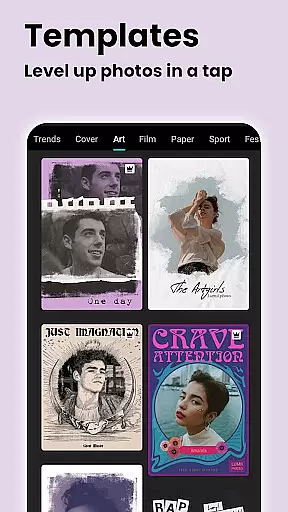

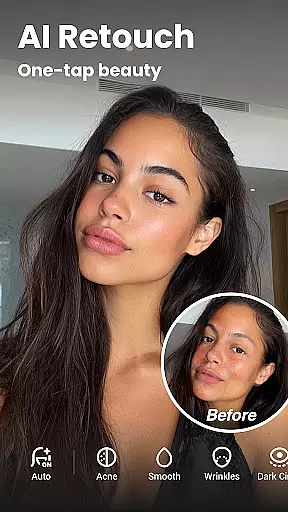

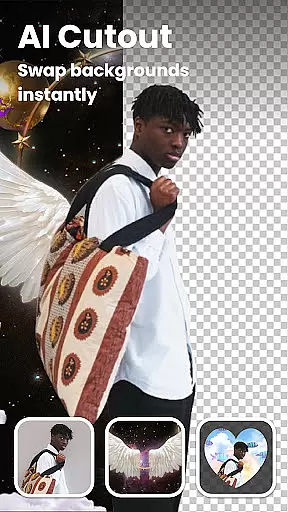
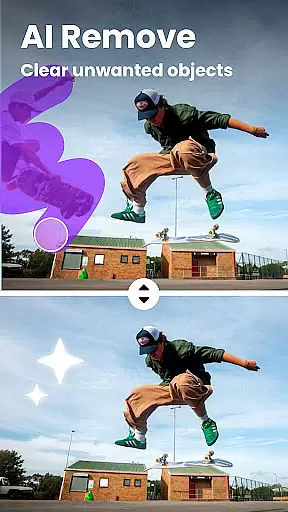

Lumii is a powerful AI Photo Editor that combines professional tools with smart AI editing features. This app allows users to enhance photo quality, remove backgrounds, retouch selfies, and apply over 100 trendy photo filters and effects effortlessly. Designed for both amateur and professional photographers, Lumii makes photo editing simple, fast, and fun without requiring advanced skills.
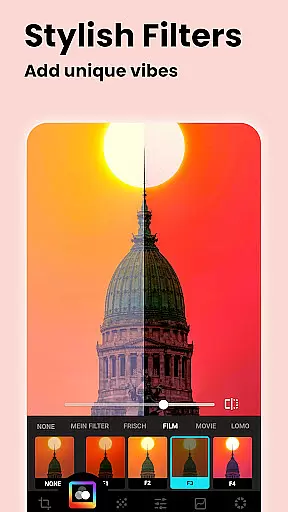
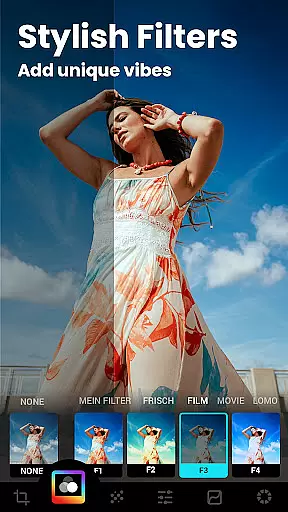
One of the standout features of Lumii is its ability to customize photo filters and effects. Users can choose from exquisitely designed filters for pictures, presets for Instagram, and custom exclusive photo filters such as Film, LOMO, and Retro. Additionally, the app offers an Auto Background Eraser tool, which allows users to erase unwanted parts of an image and mix cutout photos with preset backgrounds in just one tap.
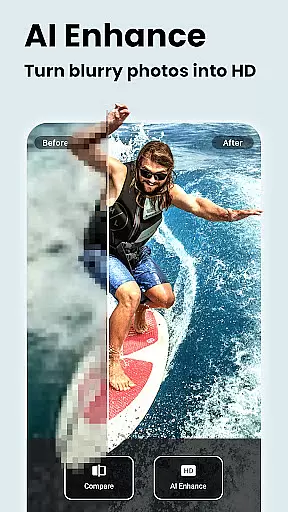
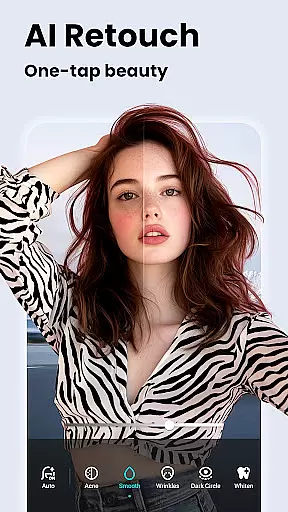
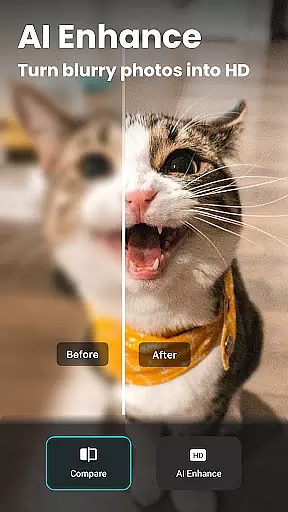
The app also includes useful and fun AI edits like AI Photo Enhancer, AI Avatar, Quick Erase, AI Remove, and Auto Retouch. These features help users unblur or enhance image quality, create 3D Cartoon & Anime Avatars, remove unwanted objects offline, and perform skin retouching with a single tap. With these capabilities, Lumii ensures that users can produce high-quality, artistic photos suitable for various social media platforms.
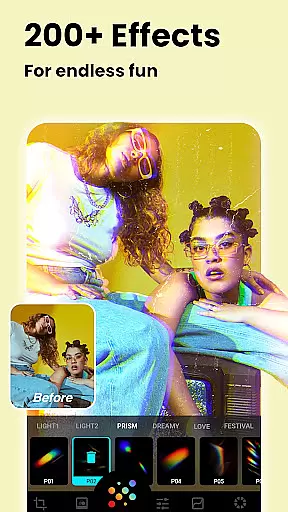
Lumii stands out due to its rich array of features tailored to meet diverse photo editing needs. The app provides more than 100 photo effects, including popular options like Glitch, Light Leak, and Double Exposure. These effects are exquisitely designed to make photos stand out, offering users top-notch photo editing capabilities right at their fingertips.
In addition to its extensive filter library, Lumii offers advanced tools like BG Blur, Bokeh, and Mosaic. The AI background blur feature is perfect for portrait editing, allowing users to focus on the subject by blurring the background. Dreamy bokeh lights can be added to make portraits pop, while the mosaic tool helps blur faces or protect privacy. These features ensure that users have all they need to create visually stunning images.
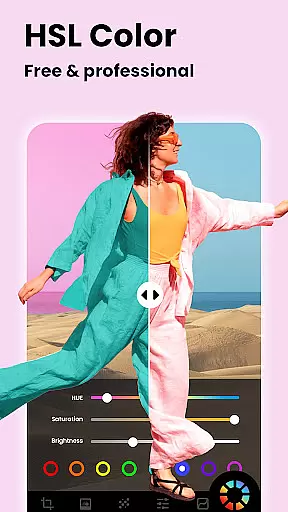
Another remarkable aspect of Lumii is its Free HSL Color adjustment tool, which allows users to control Hue, Saturation, and Luminance across eight color channels. This intuitive lightroom effect photo editor is totally free and provides advanced HSL adjustments. Moreover, the Curves tool offers powerful pro-level photo editing for Instagram, enabling users to adjust pictures with four color options. With these comprehensive features, Lumii empowers users to explore endless creative possibilities in photo editing.
Real-time capture and preview functionality is essential for any photography app, allowing users to see exactly what their photo will look like before taking the shot. Lumii offers a seamless real-time preview experience that ensures every detail is captured as intended.
The app's advanced AI algorithms enhance the live viewfinder feed, providing instant feedback on exposure, color balance, and composition. This allows photographers of all skill levels to make informed decisions about their shots without needing professional expertise.
With Lumii's real-time capabilities, users can apply filters and effects directly in the viewfinder, seeing how different presets will affect their final image. This feature saves time during post-processing and helps create consistent visual styles across multiple photos.
The combination of accurate preview and instant effect application makes Lumii stand out among mobile photo editing applications, enabling both amateur and professional photographers to achieve their desired results efficiently and effectively.
AI-powered beauty enhancement features have become crucial in modern photo editing applications, offering users the ability to refine portraits while maintaining natural-looking results. Lumii excels in this area by providing sophisticated AI tools that intelligently analyze and enhance facial features.
The app's AI algorithms work to smooth skin texture, brighten eyes, and whiten teeth with remarkable precision. Unlike traditional beauty filters that often create artificial-looking results, Lumii's approach preserves unique facial characteristics while subtly enhancing natural beauty.
What sets Lumii apart is its adaptive enhancement technology, which automatically adjusts intensity based on individual facial structures and lighting conditions. This ensures consistent quality across different photos and maintains authenticity in portrait editing.
Users can trust that their edited photos will retain their genuine character while benefiting from professional-grade enhancements, making Lumii an excellent choice for those seeking natural yet polished portrait results.
User-friendly interface
Advanced AI tools
Extensive filter library
Free HSL adjustments
Professional curves tools
Limited advanced options
Occasional lag
Few customer support channels
Ads in free version
Learning curve for new users

Gallery show photo, video, slideshow, is perfect 3D effect private photo albums.
 4.80
4.80
Search, tag and rate your way to an organized image gallery
4.40
Viewfinder, Light meter, Reciprocity failure time, DOF & Bellows Extension
4.60
Virtual makeup, hair filters & body tuner—edit from face to full body!
4.20
Transform photos into videos! Create realistic or anime-style images easily!
4.50
Cartoon and artistic effects for your photos and videos
4.70
Light-weight Media Gallery app for Android made with Jetpack Compose
4.60
Movie camera, supports pro recording settings for filming. Try it and be amazed!
4.50
Raw Image Viewer. Gallery with support of raw images (.cr3, .cr2, .nef, .raf).
2.00
A collection of tools and reference tables for DPs, ACs, DITs and Operators.
4.70
Take videos and pictures with the popular TikTok TIME WARP SCAN filter.
4.60
A must-have app for landscape photographers
4.60
Photo Exif Editor allows to view, add and modify EXIF data of multiple photos
4.50
AI photo enhancer with Sora 2! Enhance, descratch, and colorize your old photos.
4.50
Fit multiple photos on one post. Create carousels & scroll layouts for Instagram
4.50
Turn your phone into a professional camera - full DSLR manual photography
4.30
Catch sunlight, sunrise sunset times and sun phases with the AR sun tracker.
4.10
Create amazing frames with up to five photos. Rounded corners, effects and more!
3.60
Long exposure camera with computational photography
2.60


User Reviews