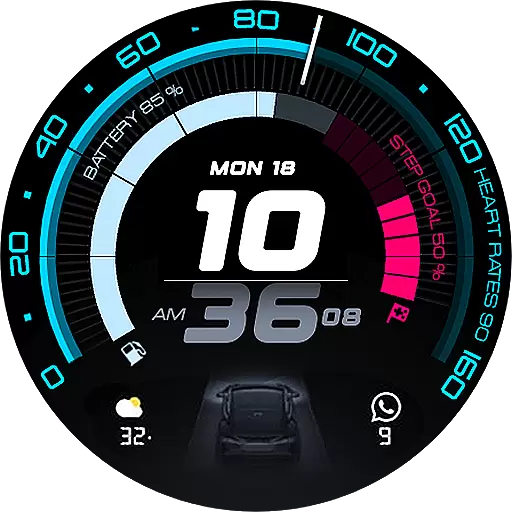
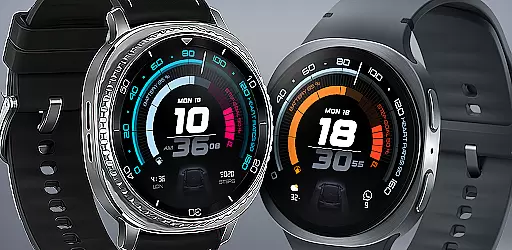
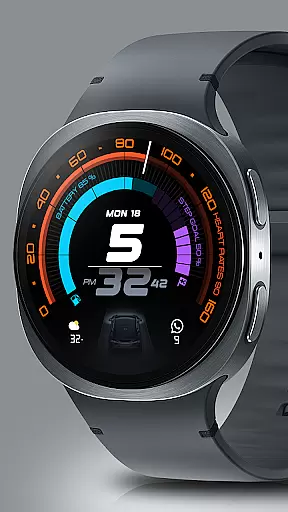
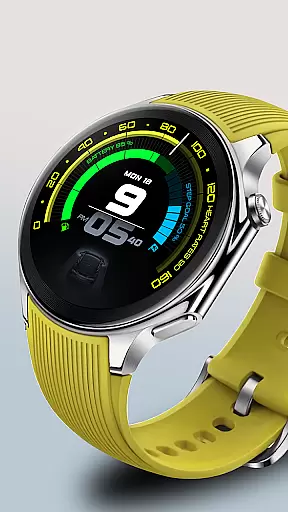
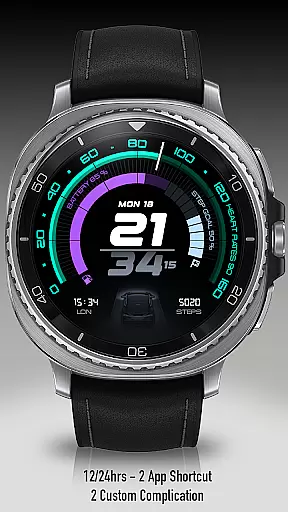
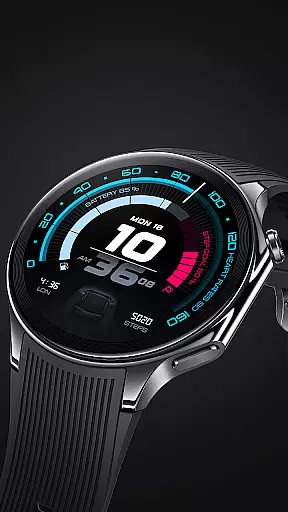
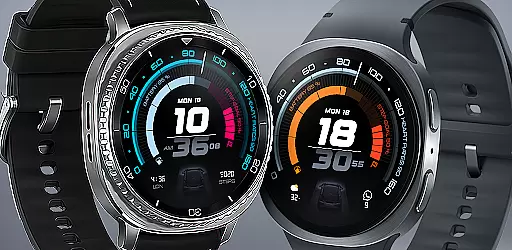
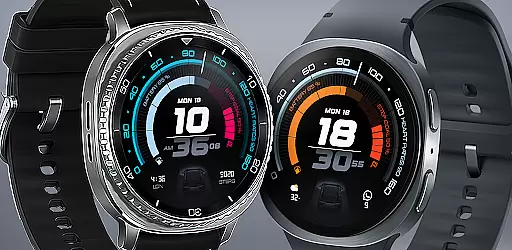
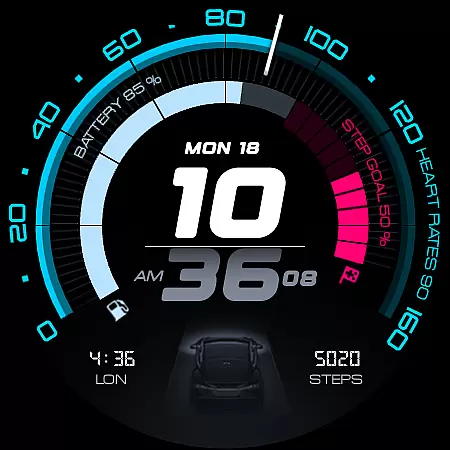
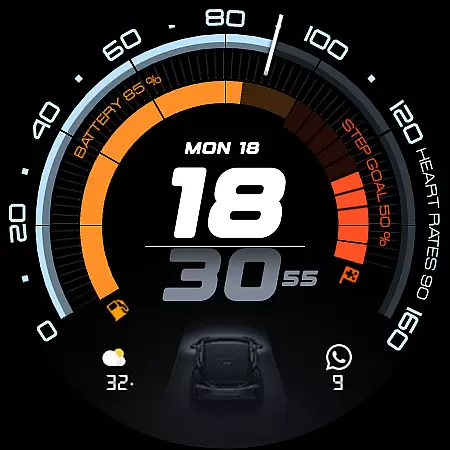
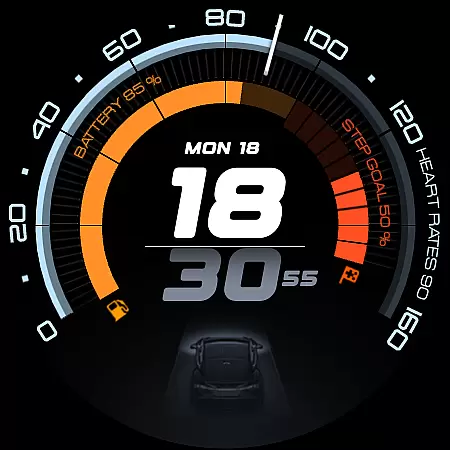
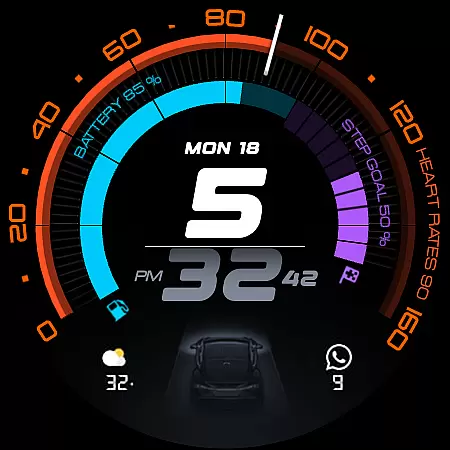
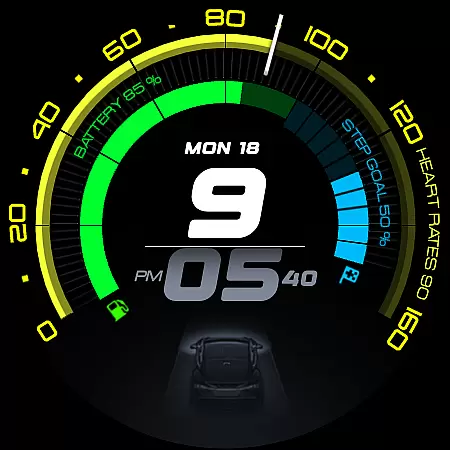
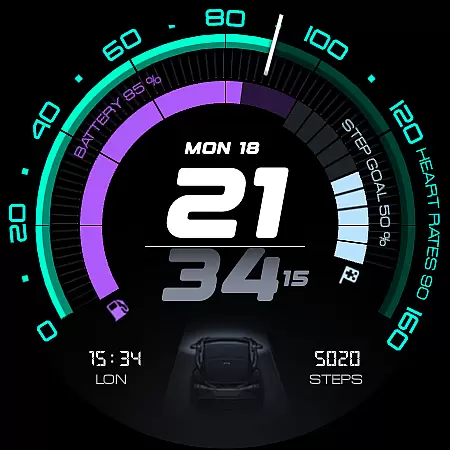
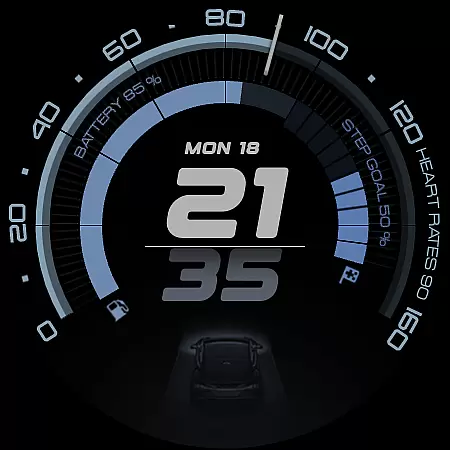
ARS Acceleration is a high-performance watch face designed for smartwatch users who value both style and functionality. This app transforms your wearable into a precision instrument, offering a sleek automotive-inspired interface with bold digital time display and vibrant activity arcs.
The watch face provides essential health and fitness tracking features such as real-time heart rate monitoring, step counting, battery level display, and weather updates. With customizable complications and dual app shortcuts, it ensures maximum convenience while adapting to various lifestyles and preferences.
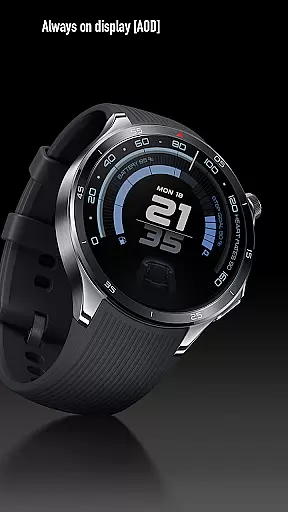
ARS Acceleration stands out with its dynamic and modern design elements. The vibrant color-coded activity arcs provide an instant visual representation of your daily progress, while the Always-On Display offers both bold daytime visibility and subtle nighttime functionality.
Users can enjoy advanced customization options including dual app shortcuts, 12/24-hour time formats, and personalized complications. The integration of real-time health metrics like heart rate and step count with weather updates makes this watch face a comprehensive tool for fitness enthusiasts and professionals alike.
Companion app integration is essential for a seamless wearable experience. ARS Acceleration ensures that your smartwatch and smartphone work in perfect harmony, providing real-time synchronization of data such as heart rate, battery level, step count, and weather updates.
The watch face design allows users to access critical information at a glance, while deeper insights and customization options are available through the companion app. This dual functionality enhances usability by offering both quick-access features on the watch and advanced settings via the app.
By integrating with the companion app, ARS Acceleration enables users to personalize their watch faces with customizable complications and dual app shortcuts. This flexibility ensures that each user can tailor their device to match their unique lifestyle and preferences.
Device compatibility is crucial for ensuring that your smartwatch performs optimally across various devices. ARS Acceleration is designed to be fully compatible with Wear OS, providing a consistent and reliable experience regardless of the paired device.
This watch face supports both 12/24-hour time formats and adapts seamlessly between bold daytime looks and subtle Always-On Displays. Such versatility ensures that it caters to diverse user preferences and environments, enhancing both style and functionality.
With its automotive-inspired design and vibrant color-coded activity arcs, ARS Acceleration transforms any Wear OS-powered smartwatch into a high-performance tool. Users can enjoy not only an elegant aesthetic but also essential health and fitness tracking features, making it a comprehensive solution for everyday performance.
High-performance design
Real-time health tracking
Vibrant activity arcs
Customizable complications
Automotive-inspired aesthetics
Limited to Android Wear
Design may not suit all
Battery usage concerns
Feature-heavy interface
Premium look but paid

an Analog Watch Face for winter season with freeze winter background for Wear OS
 4.2
4.2
Christmas is near, let's count together the days left until Santa comes
4.1
Contemporary digital watch face with five complications
4.5
Sleek, highly customizable watch face inspired by Galaxy Watch Circle Dashboard.
4.0
Hyperlocal rain alerts by MyRadar using patent-pending technology, radar & more
4.80
Gym & home workout plans with strength training, exercise tracking, HIIT & more.
4.60
Stay in touch with your friends and family using LINE!
3.40
Bold weather Digital watchface with forecast & optional animated background
4.40
Minimalistic design modern digital watch face.
4.1
Christmas - Festive - Christmas Village - Winter - Christmas lights
5.00
Monitor health with the stress test and pulse checker in the heart rate app.
4.60
Ideal for surviving in the wasteland left after nuclear fallout
4.50
Find EV charging stations
4.30
Animated video-game inspired “secret agent” simulation, right on your wrist!
4.20
Embrace the festive spirit with our Christmas Countdown watchface for Wear OS
4.10
Wear Os Watch Face - Animated Snow Effect & Magic Spark - 6 Scenes
4.10
A digital watch face that celebrates Christmas.
4.00
Stunning modern digital watch face with 7 complications and strong contrast
4.2
Simple Analog-Digital Watchface For Wear OS 3.0 and Up Smartwatches
4.5


User Reviews