

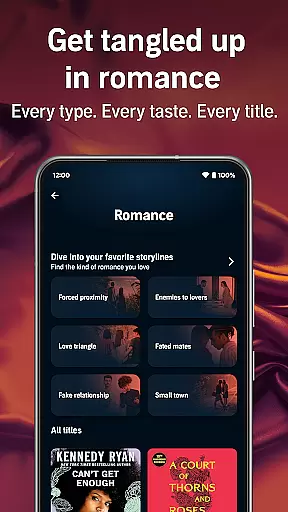
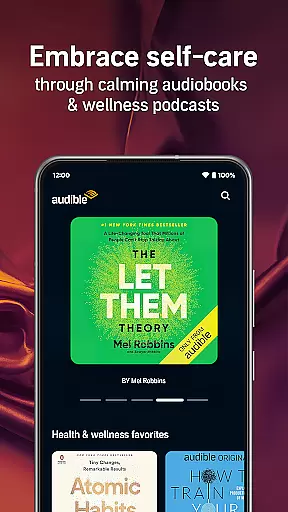
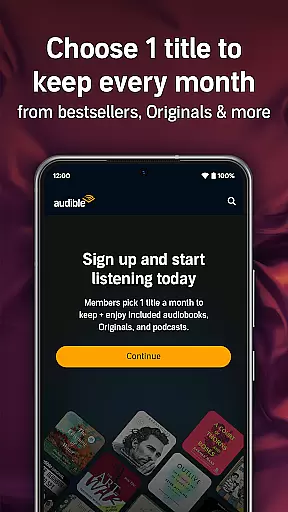
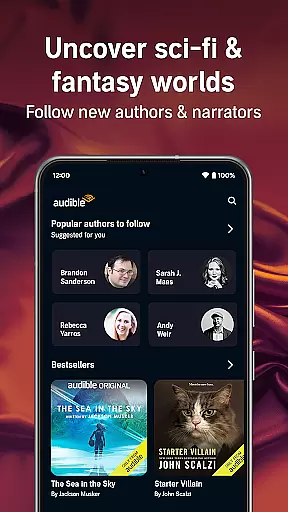
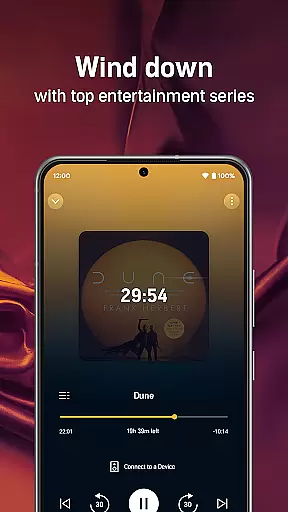
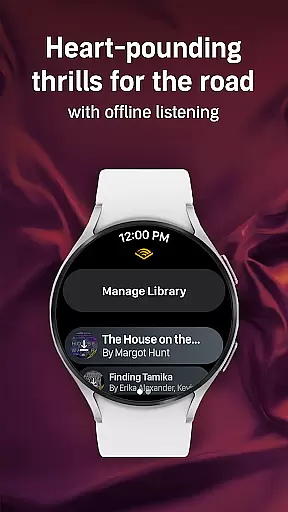
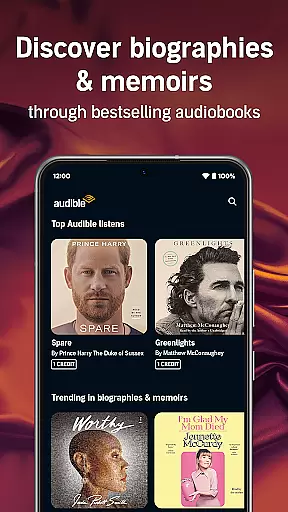
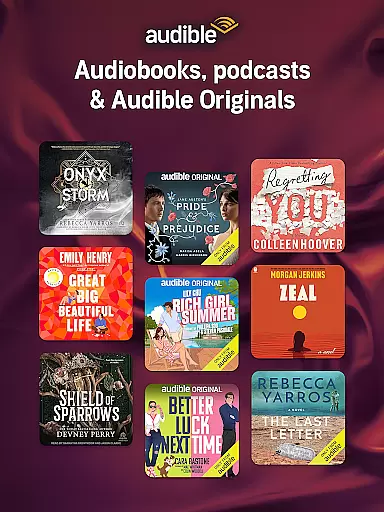
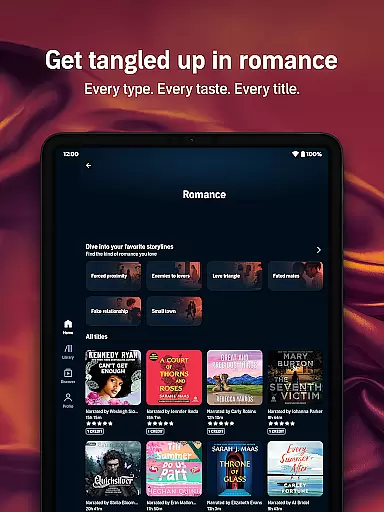
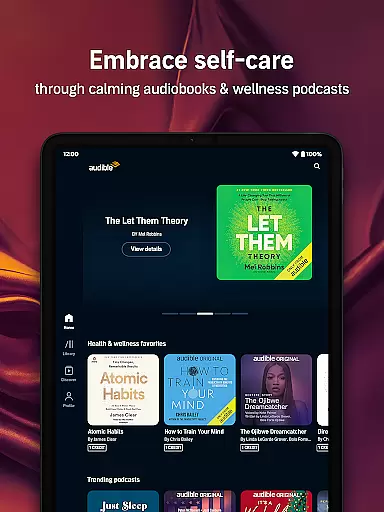
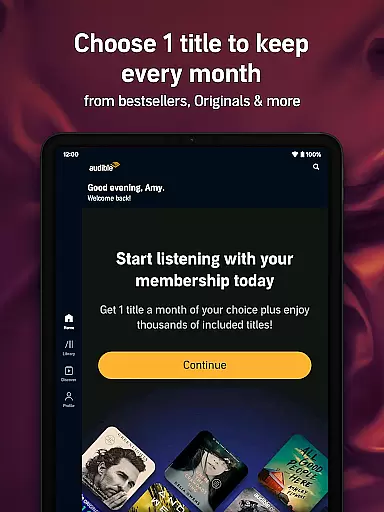
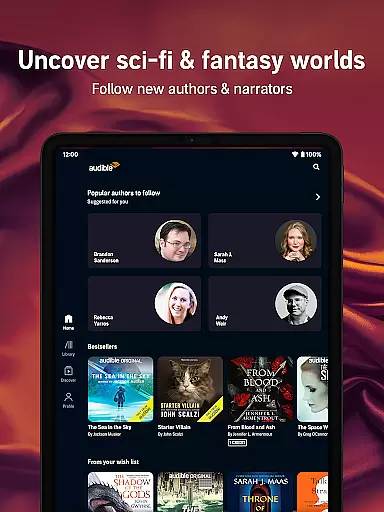
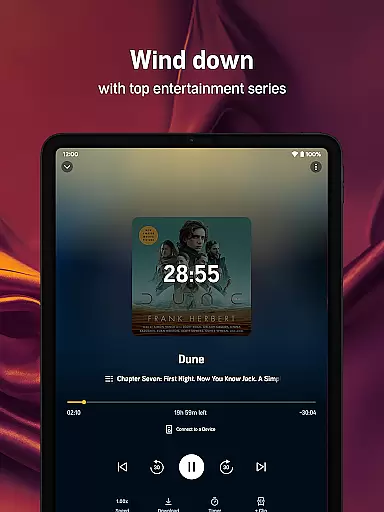
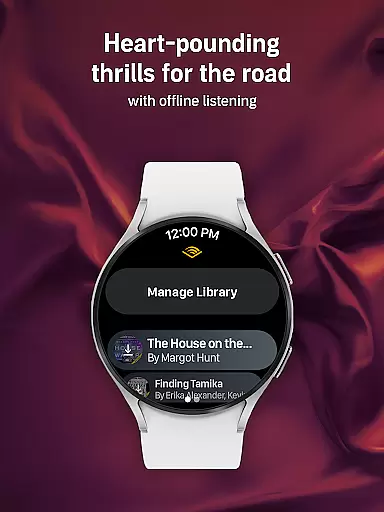
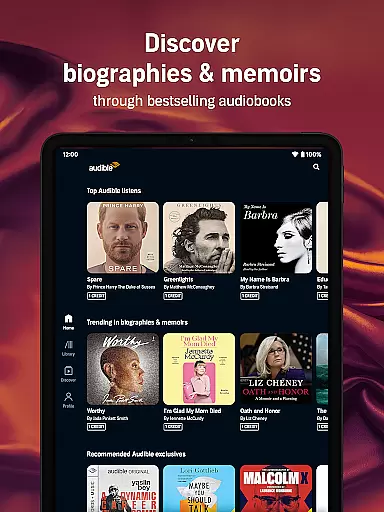
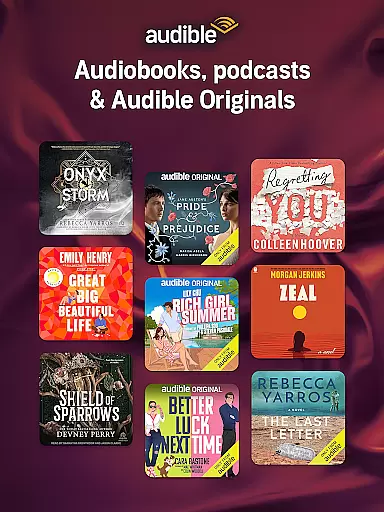
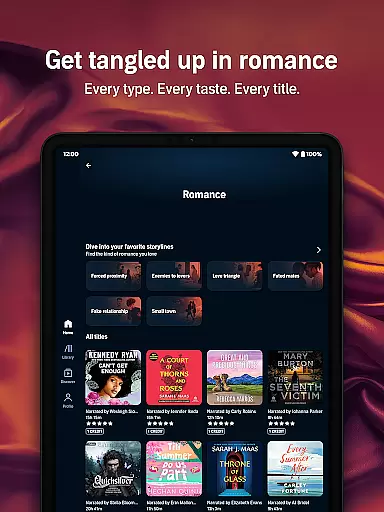
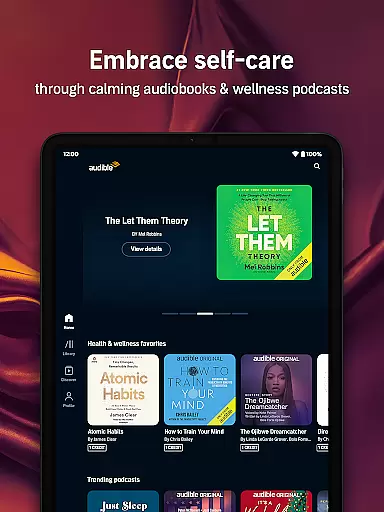
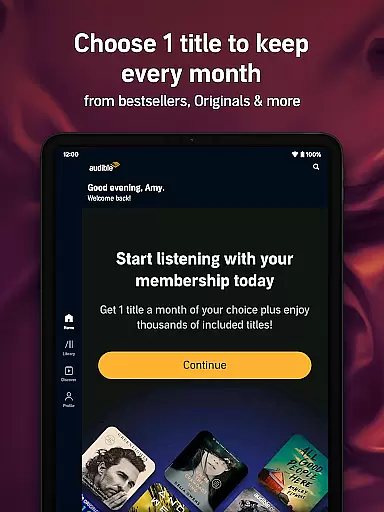
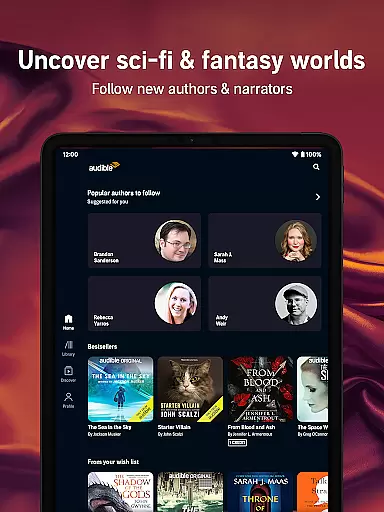
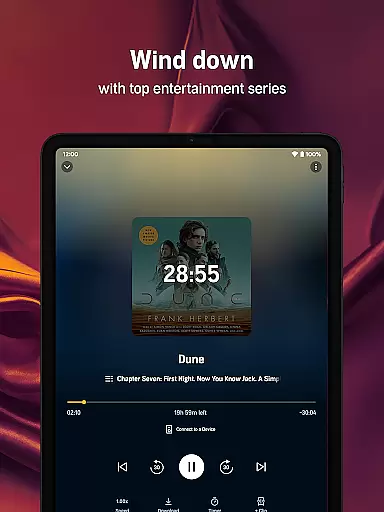
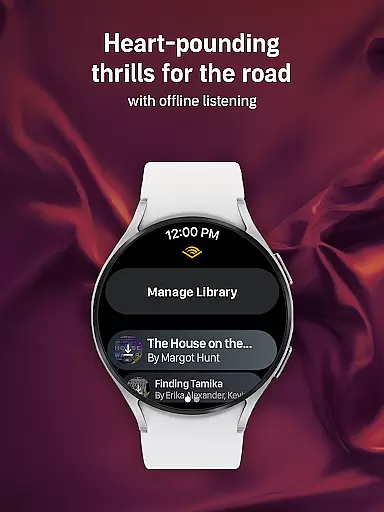
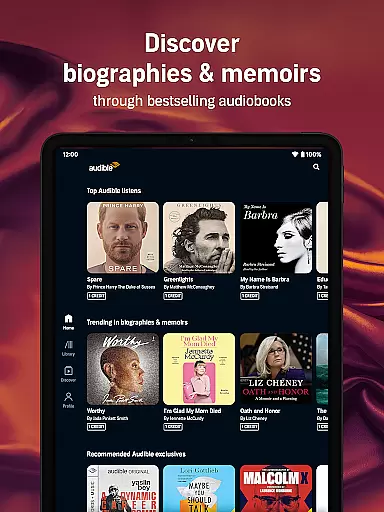
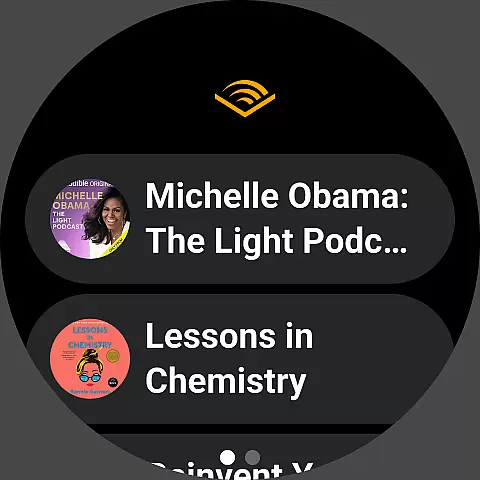

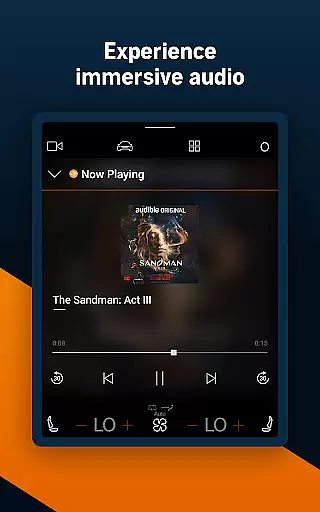
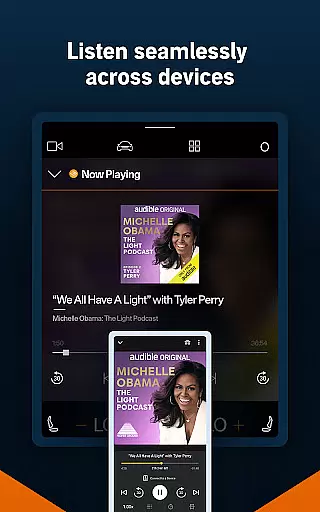

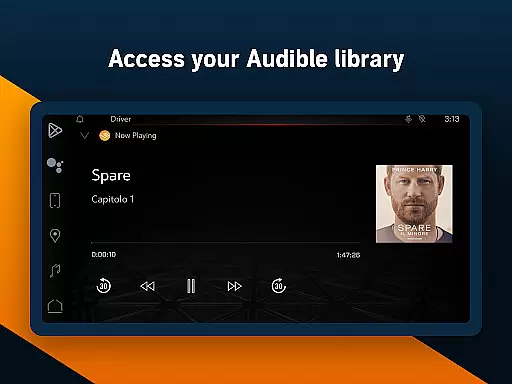
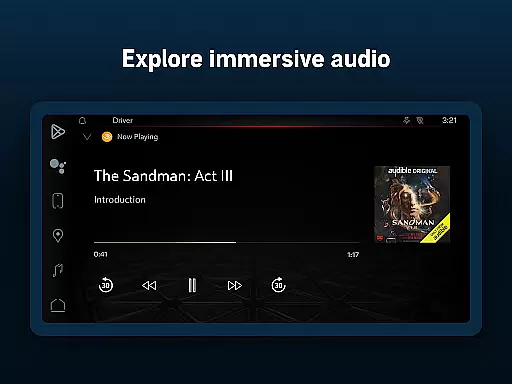
Audible is the premier destination for immersive audio content, offering a vast library of audiobooks, exclusive podcasts, and original programming. Designed for Android Wear, this app allows users to escape into stories they love while on the go. With features like adjustable narration speed, offline downloads, and Car Mode, Audible ensures you're never without your favorite listens.
Whether you're commuting, working out, or winding down, Audible transforms daily routines into opportunities for discovery. The Plus Catalog provides access to thousands of titles, including bestsellers and Audible Originals, while Premium Plus membership offers monthly credits for even more listening flexibility. From health and wellness content to family-friendly options through Kids Profiles, Audible caters to every listener's needs.
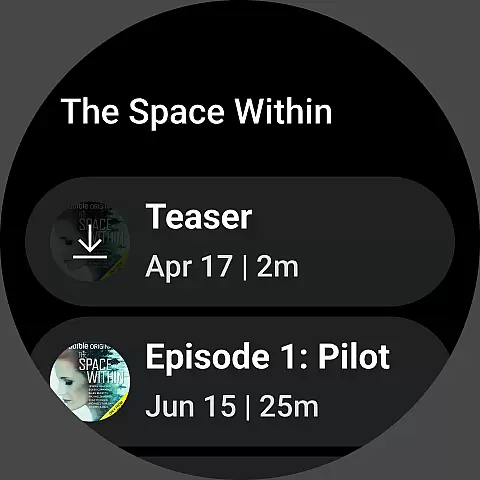
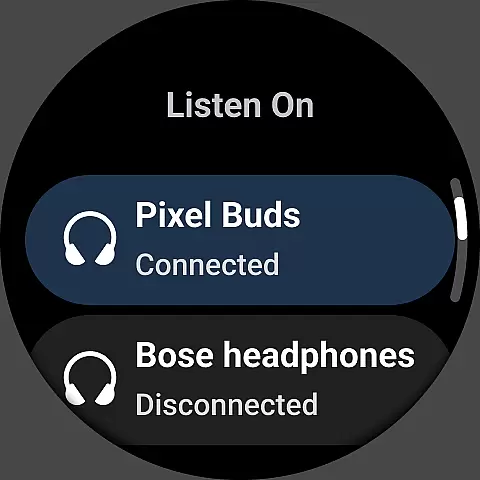
Audible stands out with its robust feature set tailored for audiobook enthusiasts. The app supports offline listening by allowing users to download titles, ensuring uninterrupted access without Wi-Fi. Its integration with Wear OS and Bluetooth devices enables hands-free playback, perfect for multitasking or long journeys.
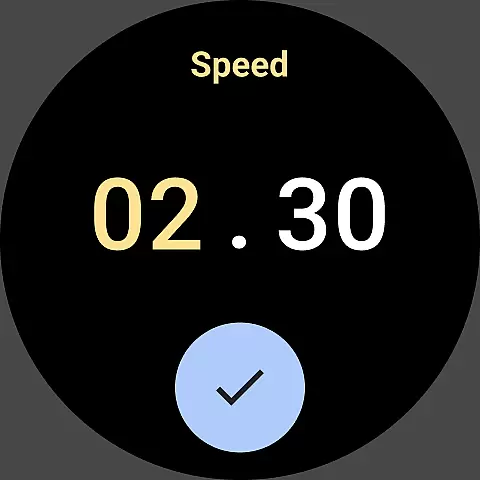
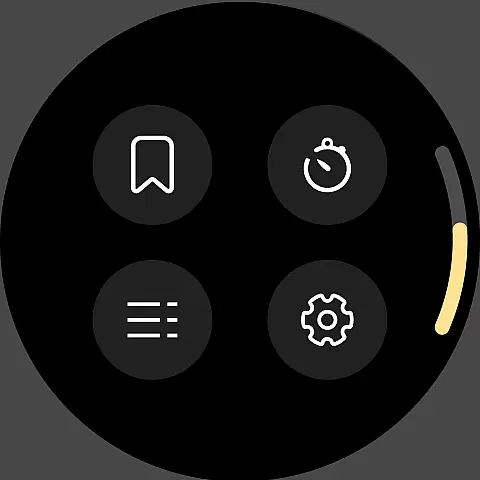
Customization is key: listeners can adjust narration speeds up to 3.5x, set sleep timers, and create personalized playlists combining audiobooks and podcasts. The Plus Catalog grants unlimited access to a rotating selection of content, while Premium Plus members enjoy permanent libraries with purchased titles. With Car Mode for road trips and compatibility across Kindle, tablets, and smartphones, Audible makes storytelling seamless and adaptable to any lifestyle.
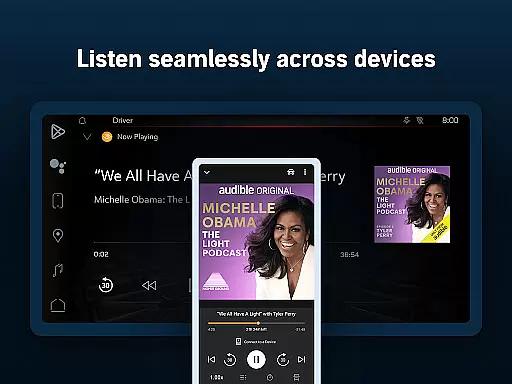
Companion app integration is essential for users who want a seamless experience between their mobile devices and wearable technology. Audible ensures that its Android Wear application works in harmony with the main Audible app on your smartphone, providing an uninterrupted listening experience.
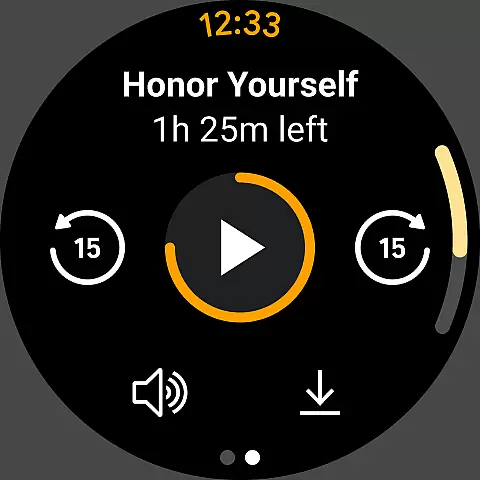
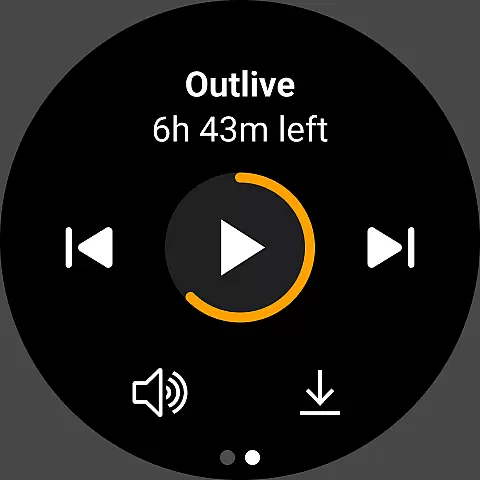
The Audible app allows you to control your audiobooks and podcasts directly from your Wear OS device. This means you can play, pause, and skip through your audio content without needing to take your phone out of your pocket. Such functionality is crucial when you're on the move and need quick access to your stories.
Furthermore, the synchronization between devices ensures that your listening progress, bookmarks, and preferences are always up-to-date across all platforms. Whether you're listening at home on your phone or on a run with your smartwatch, you can pick up right where you left off.
This level of integration not only enhances user convenience but also enriches the overall storytelling experience by making it more accessible and flexible, catering to the dynamic lifestyle of modern users.
Device compatibility is a cornerstone of the Audible app's design, ensuring that users can enjoy their favorite audiobooks and podcasts on a wide range of Wear OS devices. The ability to operate smoothly across different hardware is what makes Audible stand out in the Android Wear ecosystem.
Audible has been optimized to support various Wear OS smartwatches, which means regardless of your watch model, you'll likely be able to use Audible's features without issue. This broad compatibility ensures that more users can access their library without worrying about technical limitations.
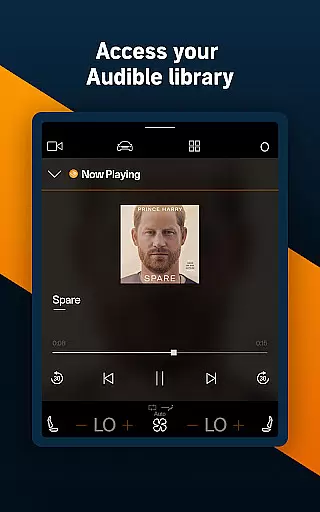
In addition to supporting multiple devices, Audible also offers features like Car Mode for epic journeys and Bluetooth connectivity for hands-free playback. These options provide flexibility and adaptability to different listening environments, whether you're driving or working out.
By focusing on extensive device compatibility, Audible guarantees that its powerful storytelling reaches users wherever they are, maintaining high-quality sound and reliable performance on every supported Wear OS device.
User-friendly interface
Extensive audiobook library
Offline listening support
Adjustable playback speed
Premium membership benefits
Limited free content
Subscription cost
Occasional syncing issues
Heavy storage usage
Regional restrictions

Christmas is near, let's count together the days left until Santa comes
 4.5
4.5
A heartwarming Christmas scene featuring a cute image of Santa and Rudolf
4.0
Be an elegant and classy secret agent, with this carefully detailed watch face
4.70
To-Do List: daily schedule planner, task organizer, to do reminder app, calendar
4.60
The #1 source of faces for your smartwatch!
4.00
The Chevron App allows you to pay for fuel from the comfort of your car!
4.80
Stay in touch with your friends and family using LINE!
3.40
Funny animated watch face for Thanksgiving
4.1
The most customizable hybrid watch face. For Wear OS 5.0, API 34+ and later
4.70
Christmas - Festive - Christmas Village - Winter - Christmas lights
5.00
Digital, flexibly customizable watch face. For Wear OS 5.0, API 34+ and later.
5.00
Hyperlocal rain alerts by MyRadar using patent-pending technology, radar & more
4.80
Real-time weather radar with temperatures, warnings, hurricanes, and widgets
4.80
Walking app for weight loss: walk & step tracker, pedometer, indoor treadmill
4.60
Monitor health with the stress test and pulse checker in the heart rate app.
4.60
Gym & home workout plans with strength training, exercise tracking, HIIT & more.
4.60
A watch face that fuses motorsport precision with contemporary smartwatch design
4.0
Contemporary digital watch face with five complications
4.1
Minimalistic design modern digital watch face.
4.3


User Reviews