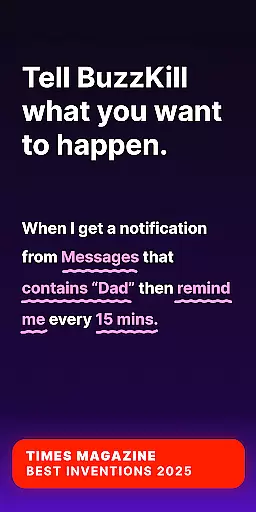
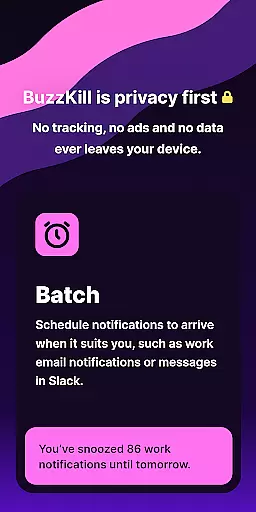
BuzzKill Notification Manager represents a breakthrough in notification management for Android Wear devices. This innovative application empowers users to take complete control over their notification experiences by filtering out unnecessary alerts while prioritizing important messages. The app's intelligent system allows for contextual delivery of notifications, ensuring users receive alerts exactly when needed.
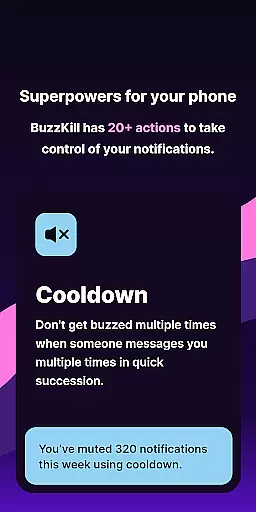
Core functionalities include unique features like Cooldown mode that prevents repeated buzzing from multiple messages, custom alert patterns for specific contacts, and automatic dismissal of unwanted notifications. Users can also benefit from automated replies, reminder systems, and the ability to undo accidental swipes. These capabilities make BuzzKill an indispensable tool for anyone seeking to optimize their wearable device's notification system.
The application particularly shines in professional environments where managing interruptions is crucial. For instance, during important meetings or focused work sessions, BuzzKill ensures only priority notifications break through, maintaining productivity while staying connected. This sophisticated approach to notification management demonstrates why BuzzKill has been recognized by major tech publications as a must-have application for Android Wear users.
BuzzKill distinguishes itself through an impressive array of specialized features designed specifically for Android Wear devices. The application's most notable capability is its advanced rule-based system that allows for unprecedented customization of notification behaviors. Users can create complex scenarios combining time, location, and notification type to precisely control how and when alerts are delivered.
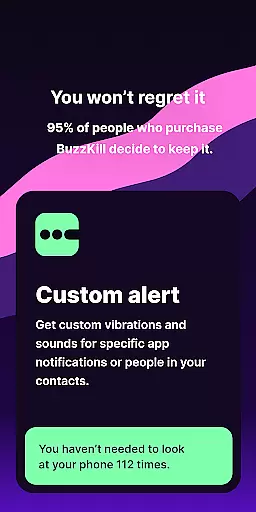
Among its innovative features is the Custom Alert function, enabling users to assign unique sound patterns or vibration sequences to different contacts or message types. The application also includes a powerful Automation Suite that can handle tasks such as automatically dismissing irrelevant notifications while preserving important ones, sending automated responses to unread messages, and even triggering alarms for critical alerts. These automation features significantly enhance user convenience while maintaining strict privacy standards.
What sets BuzzKill apart from other notification managers is its commitment to privacy and security. Unlike many applications, BuzzKill operates entirely offline, ensuring that no user data ever leaves the device. The optional Accessibility Service API enables advanced automation capabilities while maintaining this strict privacy policy. Additionally, the companion Wear OS application extends these powerful features to smartwatches, creating a seamless notification management experience across all Android Wear devices.
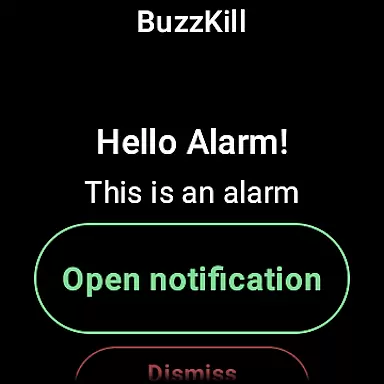
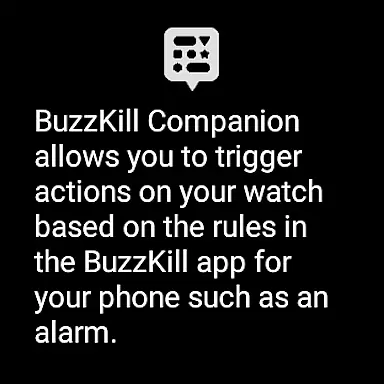
BuzzKill's companion app integration is a standout feature for users who want seamless connectivity between their mobile devices and Wear OS smartwatches. This integration allows specific actions triggered by the phone to be mirrored on the watch, enhancing user experience across devices.
The functionality extends BuzzKill's powerful notification management capabilities to wearable technology. For instance, if a rule set on the phone triggers an alarm for a particular notification, this same alert can appear on the user's Wear OS device. This ensures that important notifications are not missed, whether the user is engaged with their phone or relying on their smartwatch for updates.
Users benefit from having consistent control over their notifications regardless of the device they are using. The ability to receive batched notifications, custom alerts, or reminders directly on their smartwatch adds convenience and personalization to their daily routines.
This level of integration demonstrates BuzzKill's commitment to providing comprehensive solutions for managing digital interruptions effectively. By extending its feature set to include wearables, BuzzKill ensures that users maintain mastery over their notification environment in a multi-device ecosystem.
BuzzKill excels in Wear OS and device compatibility, ensuring that its sophisticated notification management system works seamlessly across different Android devices. This compatibility is crucial for users who rely on multiple devices throughout their day.
The application supports a wide range of Android devices, allowing users to manage notifications effectively regardless of their chosen hardware. Whether it's a smartphone or a Wear OS smartwatch, BuzzKill adapts its features to fit the unique capabilities of each device type.
For Wear OS specifically, BuzzKill offers tailored functionalities that respect the limitations and strengths of wearable technology. Users can enjoy essential features like alarms and reminders without compromising the performance or battery life of their smartwatches.
This dedication to broad device support highlights BuzzKill's versatility and user-centric design philosophy. By prioritizing compatibility, BuzzKill guarantees that all users can benefit from its advanced notification tools, creating a cohesive and reliable experience across the entire Android ecosystem.
Highly customizable
Privacy-focused design
Comprehensive automation
Offline functionality
Wear OS integration
No free trial option
Limited call customization
Premium price point
Complex setup process
Device compatibility issues
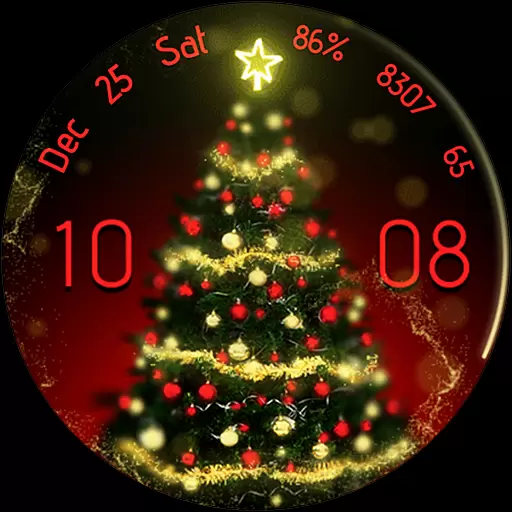
Embrace the holiday spirit with this magical animated watch face!
 4.40
4.40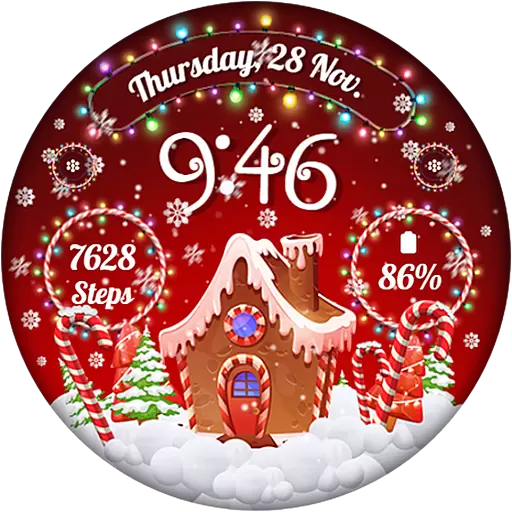
Wear Os Watch Face - Animated Snow - Sesonal for Christmas & Winter
4.3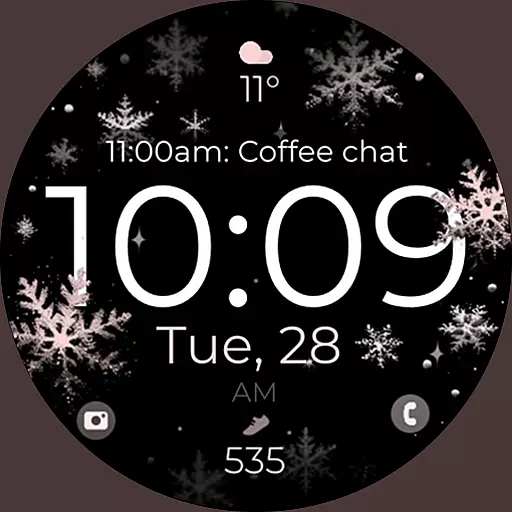
Snowflake Rose Gold Watch Face - Digital, modern, & sleek with GYRO effect.
4.10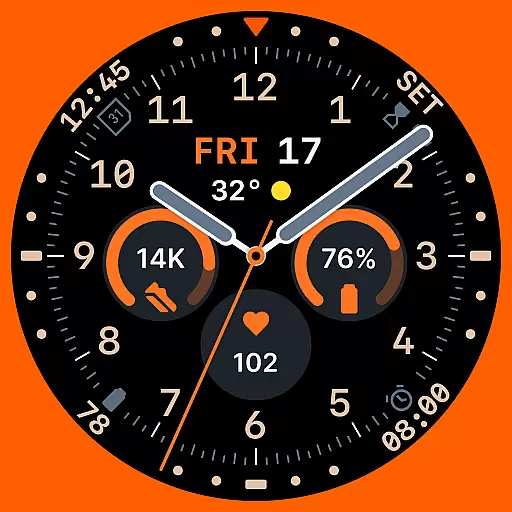
Analog watch face with 8 complications and expedition styling
4.3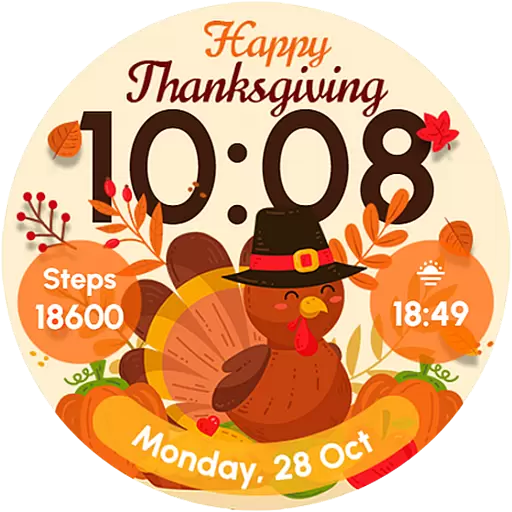
Let's celebrate Thanksgiving - Wear Os watch face
4.20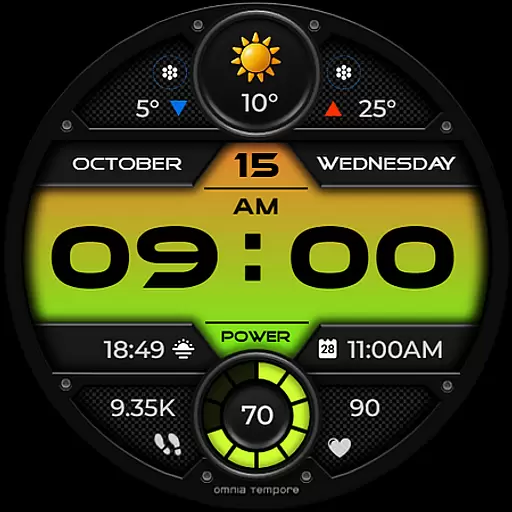
Stylish digital watch face for Wear OS devices with customizable features
4.0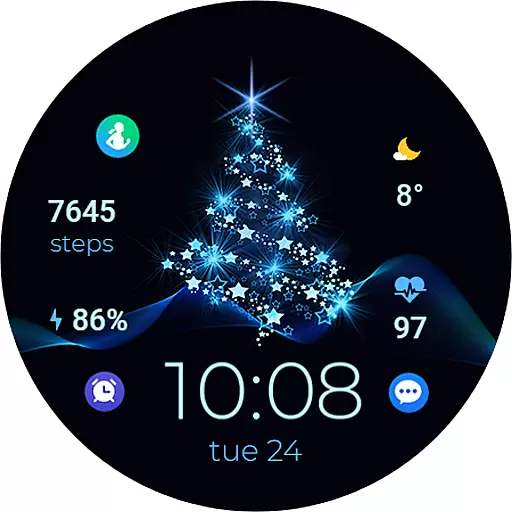
A digital watch face that celebrates Christmas.
4.00
Want to take charge of your health? Let Google Fit help you reach your goals.
3.50
Track your active life in one place and share the journey with friends.
4.40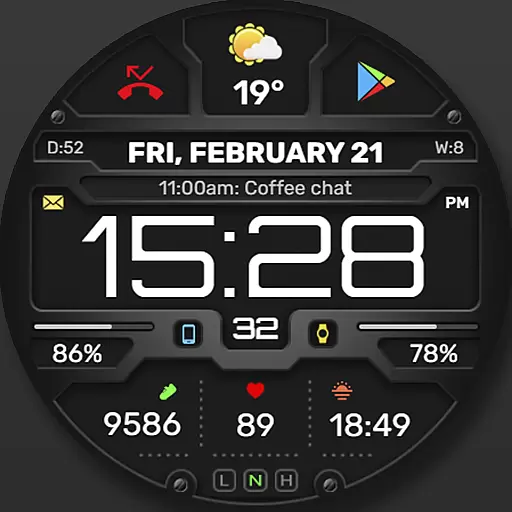
Digital, flexibly customizable watch face. For Wear OS 5.0, API 34+ and later.
5.00
Hyperlocal rain alerts by MyRadar using patent-pending technology, radar & more
4.80
Your second brain for organizing your life: to-do, calendar, reminder.
4.70
Gym & home workout plans with strength training, exercise tracking, HIIT & more.
4.60
To-Do List: daily schedule planner, task organizer, to do reminder app, calendar
4.60
Get helpful reminders, take progress photos and find answers to your questions.
3.90
A full-featured Amazon Alexa voice assistant that can show you things.
3.70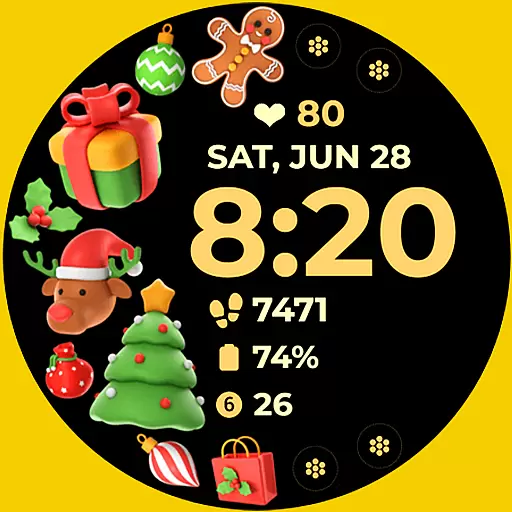
Christmas and New Year - Themed Watchface
4.0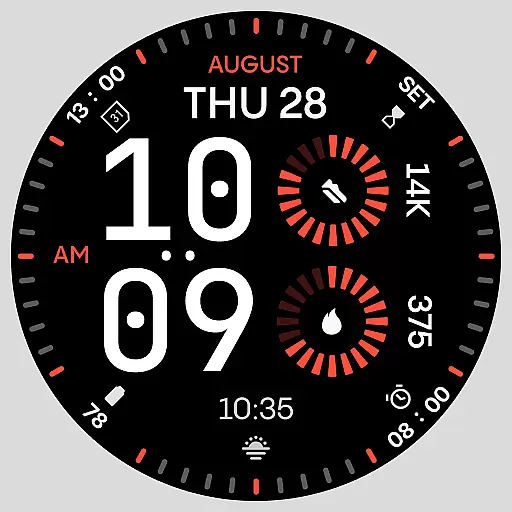
Stunning modern digital watch face with 7 complications and strong contrast
4.4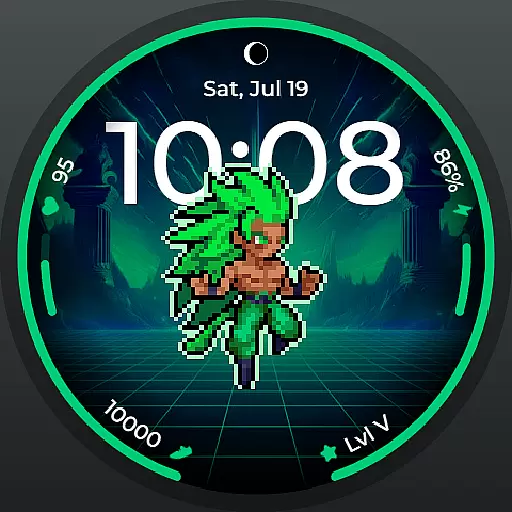
Fitness interactive virtual pet super fighter boy watch face
4.1


User Reviews