

A customizable Christmas watch face for Wear OS with a countdown.
 4.20
4.20
Contemporary digital watch face with five complications
4.4
Watch face for Wear OS.
4.20
Stylish digital watch face for Wear OS devices with customizable features
4.3
Period, ovulation & pregnancy tracker. Fertility insights & menstrual calendar.
4.90
A modern hybrid informative watch face for Wear OS designed by BALLOZI
4.80
Premium hybrid watch face with many customizations for Wear OS devices.
4.40
Fast and smart typing with Emojis, GIFs, and more
4.50
Control your Samsung Smart TVs, appliances, and SmartThings-compatible devices
4.60
Monitor health with the stress test and pulse checker in the heart rate app.
4.60
Embrace the holiday spirit with this magical animated watch face!
4.40
Current temperature, weather hourly, weather radar by the weather forecast app
4.40
Christmas watch face. For Wear OS devices.
4.30
The ultimate destination for kids ages 3-8 to explore the Marvel Universe!
4.30
Calming & relaxing sounds for sleeping and stress relief. Stay focused all day!
4.20
Elegant animated Christmas tree with multiple customization options
4.20
Connect, create, and collaborate with Gmail, part of Google Workspace.
4.10
A full-featured Amazon Alexa voice assistant that can show you things.
3.70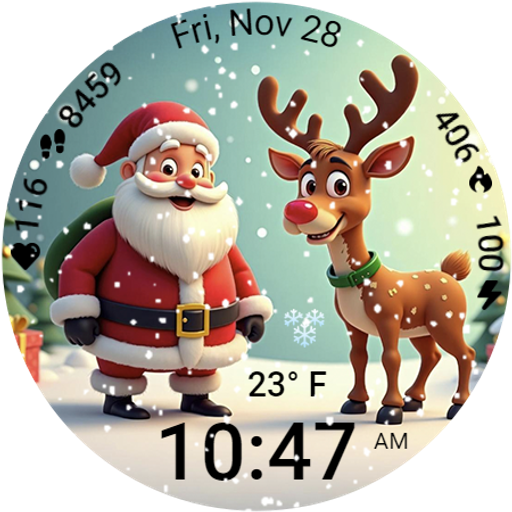
A heartwarming Christmas scene featuring a cute image of Santa and Rudolf
4.5


