
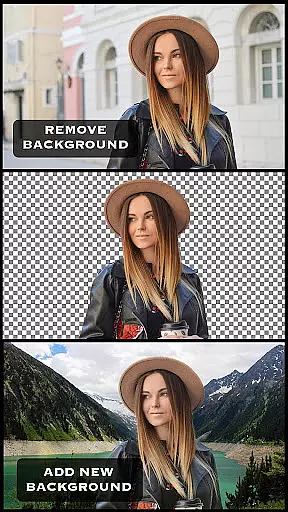
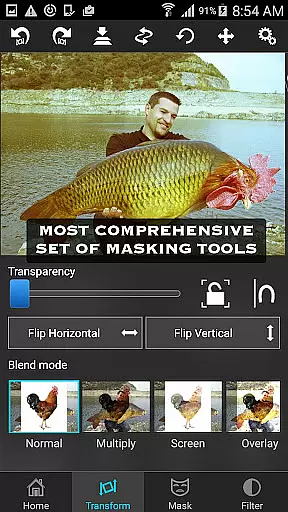
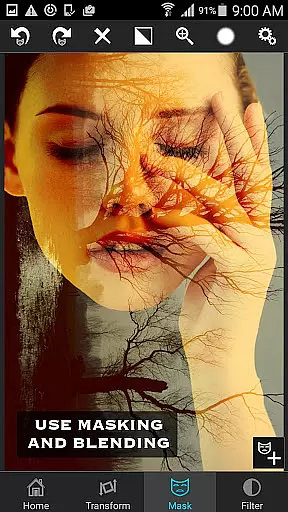
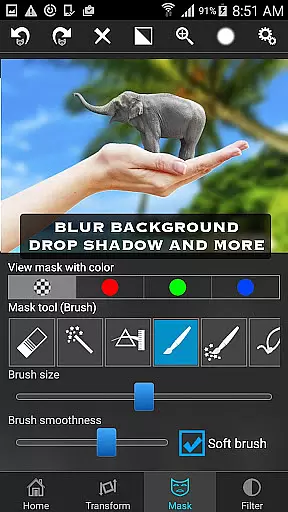
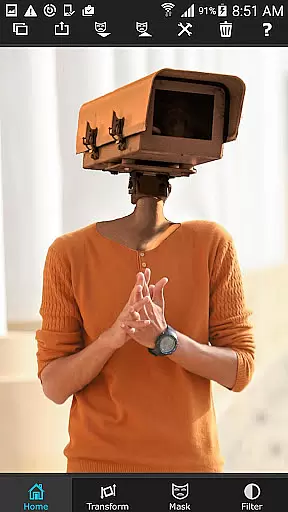
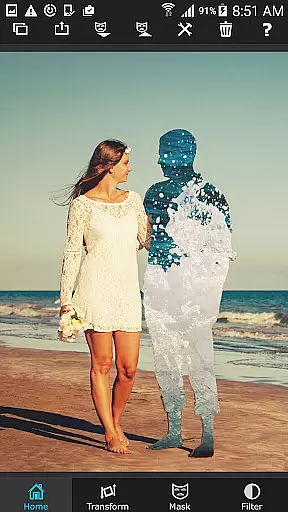
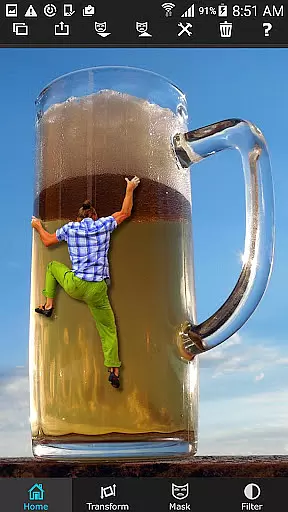
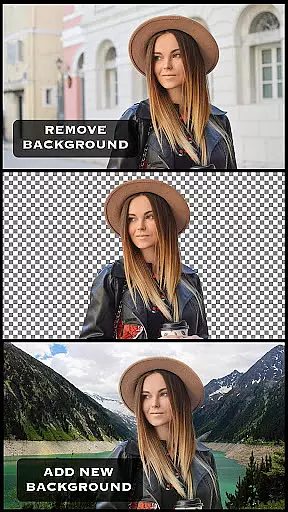
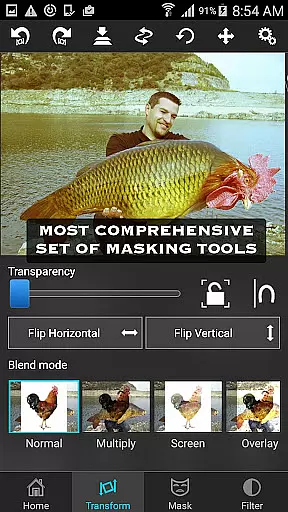
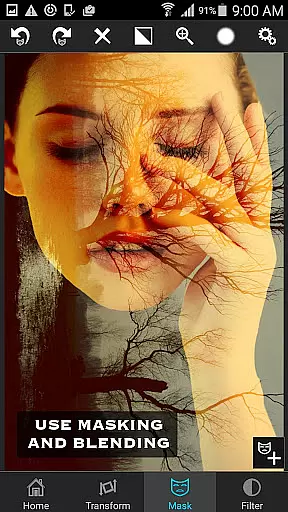
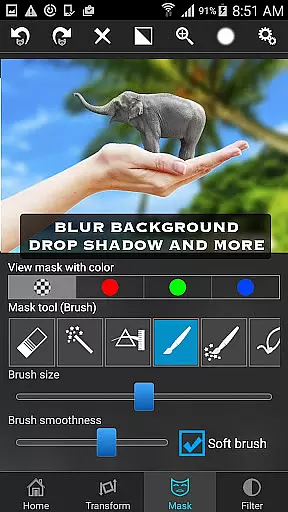
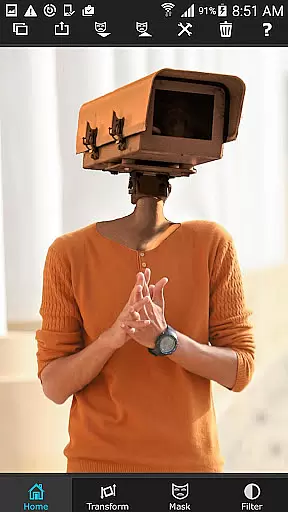
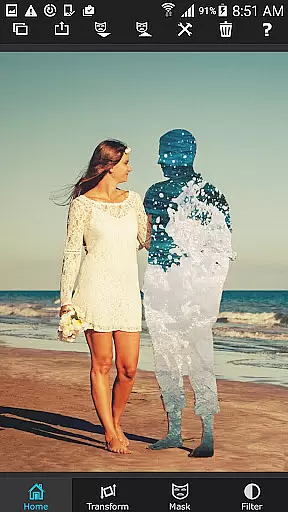
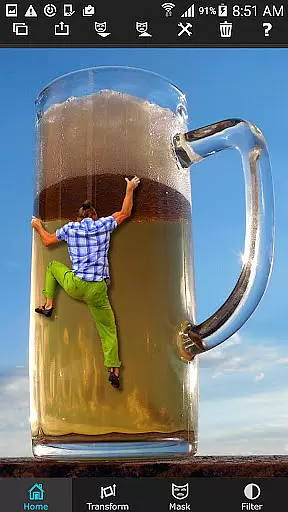
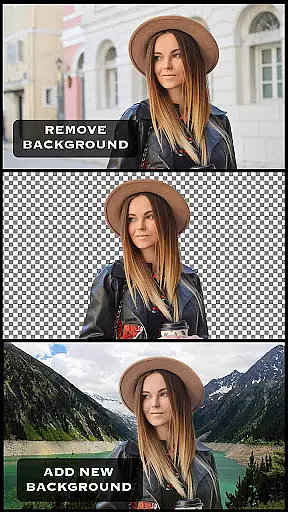
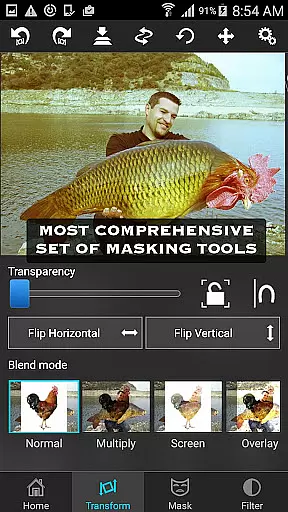
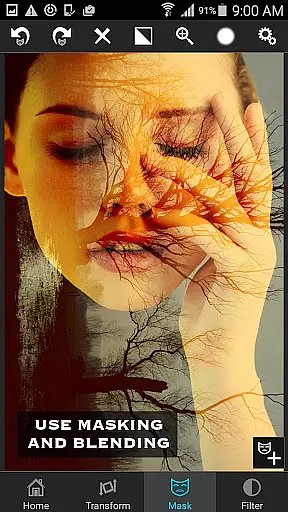
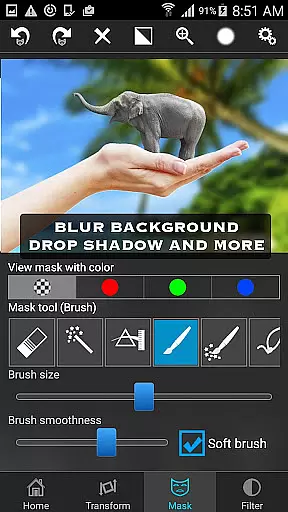
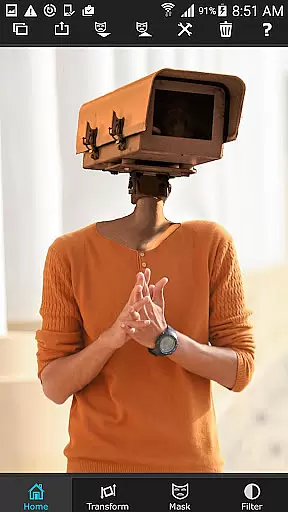
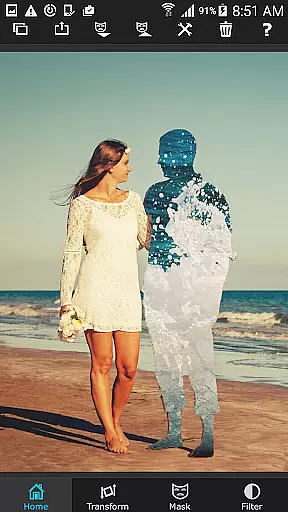
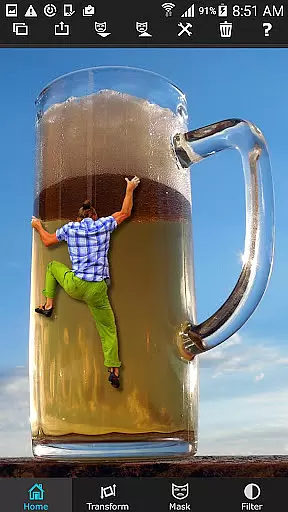
Superimpose is a powerful mobile application designed for photography enthusiasts who want to create professional-grade superimposed or juxtaposed images directly on their iPhone. With just a few taps, users can seamlessly blend two photos together without the need for a computer or expensive software.
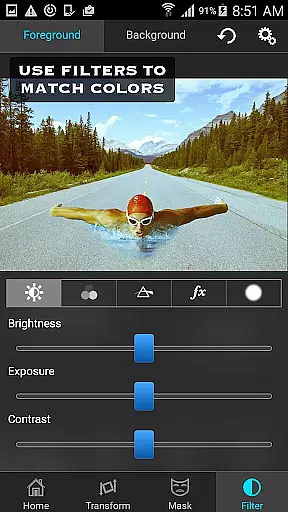
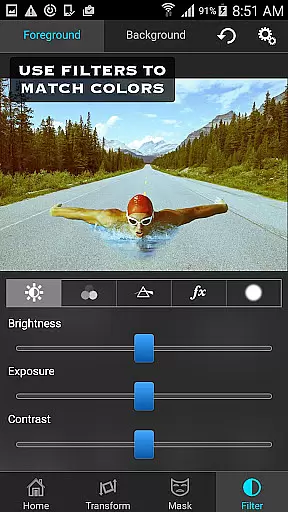
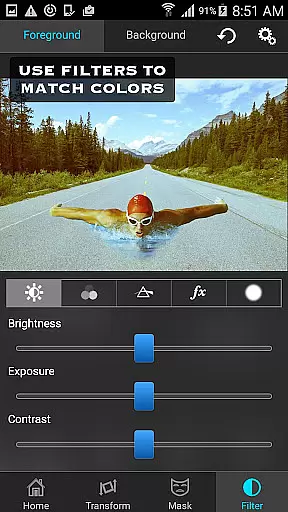
The app offers an extensive range of masking tools that allow you to remove unwanted portions of the foreground image and adjust its position, scale, rotation, and colors to perfectly match the background. Whether you're looking to create artistic double exposures or blend textures and overlays, Superimpose provides all the necessary features in one intuitive package.
Ideal for both casual hobbyists and serious photo editors, this app enables creative expression through advanced editing capabilities such as adjustable transparency and 18 blending modes. Share your stunning creations with friends and leave them amazed by your skills.
Superimpose stands out with its comprehensive suite of photo editing tools tailored specifically for creating high-quality superimpositions. The app includes various masking options like brush, lasso, global color similarity, rectangle, ellipse, linear, bi-linear, and radial gradient masking tools.
Users can refine their edits further using the smoothen tool to soften edges and adjust colors, exposure, contrast, hue, and saturation levels to ensure both images blend seamlessly. Additionally, the ability to move, scale, resize, rotate, and flip the foreground image ensures precise placement over the background.
With support for double exposure techniques and adjustable transparency across 18 blending modes, Superimpose caters to diverse creative needs. Its user-friendly interface makes it accessible even to beginners while offering enough depth for experienced photographers to explore complex compositions.
Real-time capture and preview functionality is essential for ensuring that users can see immediate results of their photo editing actions. In the Superimpose app, this feature allows users to witness the changes they make to their images instantly, providing them with a seamless editing experience.
The app offers a variety of masking tools which enable users to cut out and manipulate parts of their foreground image in real time. As users adjust these elements over their chosen background, they receive instant visual feedback, allowing for precise positioning and manipulation.
This instant feedback loop enhances user satisfaction by reducing the guesswork involved in photo editing. Users can experiment with different effects, overlays, and adjustments while observing the outcomes live, thus refining their creative process without delay.
AI beauty and enhancement features are increasingly popular in photography apps, aiming to improve image quality while maintaining a natural look. The Superimpose app employs advanced algorithms to enhance photos without making them appear overly processed or artificial.
With options to adjust colors, exposure, contrast, hue, and saturation, users can fine-tune both foreground and background images to achieve a balanced and aesthetically pleasing result. These adjustments help in blending textures or overlaying borders smoothly, preserving the authenticity of the original images.
By offering eighteen different blending modes with adjustable transparency, the app ensures that enhancements complement the natural aesthetics of photographs. This approach not only elevates the visual appeal but also retains the genuine essence of the captured moments, delighting users with professional-grade outputs.
User-friendly interface
Extensive masking tools
Advanced color adjustments
Supports double exposure
Multiple blending modes
Limited to iOS devices
No Android version available
Some features may require practice
Occasional performance issues
Premium pricing model

Effortlessly organize, view and share your photos & videos with Gallery app!
 4.40
4.40
Find time and duration of different sunlight phases at any location
4.90
How old age camera Gender Swap App Face Shape Hairstyle App Hair Styler App fun!
4.00
Over 800 film simulation recipes for Fujifilm. Black Friday Offer!
4.4
Photo editor & gallery. Crop pictures & edit photos offline, no wifi!
4.50
GCamera allows all GCam features on all phone models! Better photos with GCamera
3.30
AI-powered video creator by MiniMax - Where ideas meet cinema
4.20
RAW video capture with advanced controls
4.40
Snap photos remotely using your Garmin watch as the camera trigger
4.4
Photo prints, cards, & gifts at Walgreens. Easy ordering & fast local pickup !
4.80
HD Camera Pro with HD Video shooting, Panorama, Photo editor , Beauty Camera.
4.50
Use AI Video Generator to turn your words to ai generated videos.
4.50
[3DSteroid Pro] is a stereoscopic application for Android.
4.30
Smart, light, and fast photo and video gallery
4.30
Professional photography on your mobile phone
4.20
Create & Edit with AI: AI Remove, Enhance, Retouch, Filter
4.10
USB Storage Access for Photos, Videos, Music and Documents
3.80
Be your best in every shot! Fix, edit and retouch your face in selfies & photos.
3.70
Long exposure camera with computational photography
2.60


User Reviews