
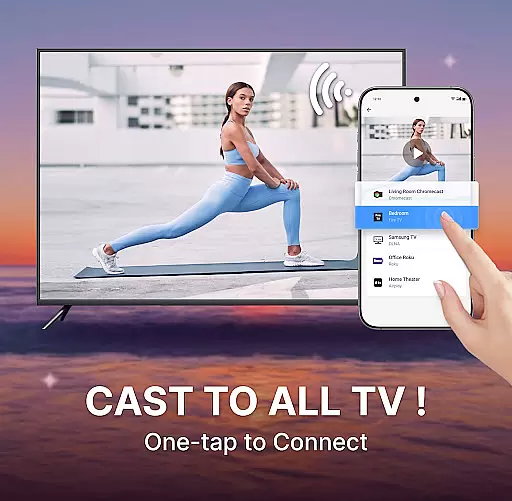
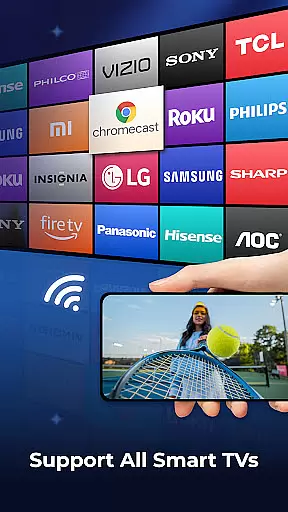
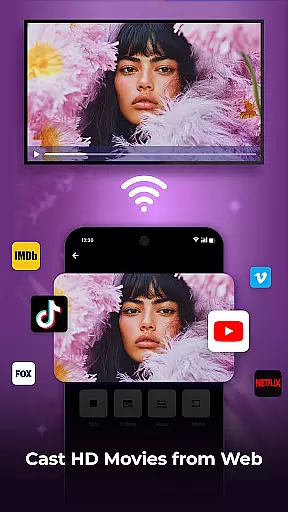
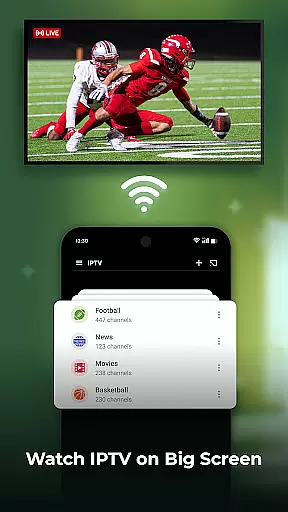
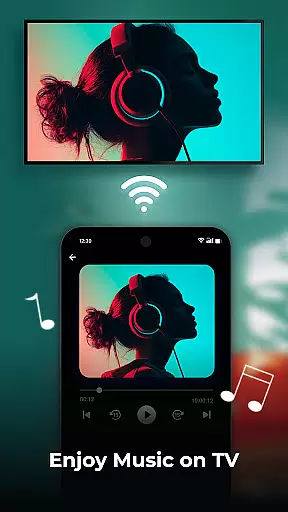
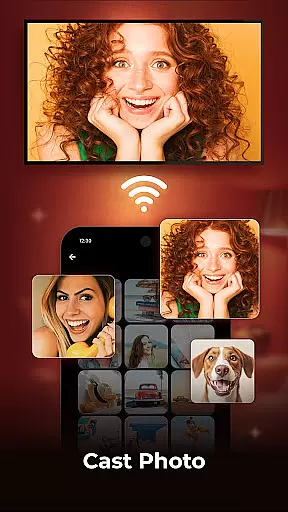
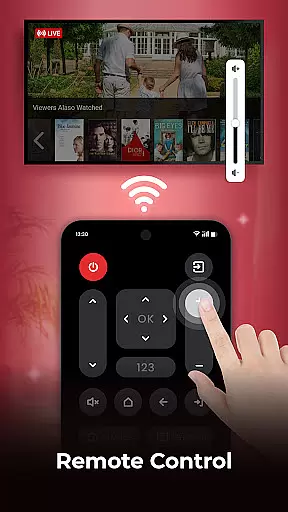
Cast to TV is a versatile application designed for users who want to stream and mirror content from their mobile devices to larger screens. The app allows you to cast videos, photos, and music directly to smart TVs with ease. Supporting a wide range of popular streaming devices, it ensures high-quality streaming in real time. Whether you're looking to enjoy your favorite TV shows or share holiday photos, Cast to TV provides an effortless solution.
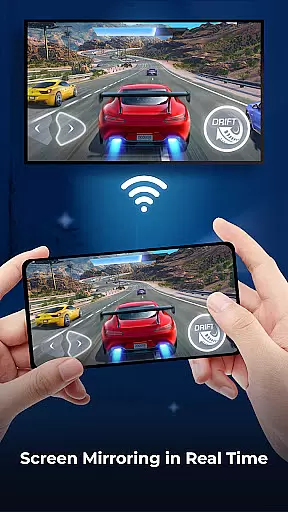
One of the standout features of this app is its screen mirroring capability, which mirrors your phone's display onto a bigger screen. This feature is perfect for presentations, gaming, or sharing media with friends and family. Additionally, the built-in web browser enables casting of online videos while offering useful functions like playback history and ad blocking. With intuitive controls for managing playback and volume, Cast to TV enhances your viewing experience significantly.
Cast to TV offers a rich set of features that cater to diverse user needs. The primary functionality includes casting various types of media such as movies, web videos, and photo slideshows to smart TVs. Users can also control their TV directly through the app by pausing, fast forwarding, adjusting volume, and even managing subtitles.
The screen mirroring feature stands out by providing real-time mirroring of your phone's display onto a larger screen. This is particularly beneficial for gamers and professionals needing to present work. Moreover, the app supports playlists, allowing users to shuffle, loop, or repeat media. A built-in HD video player ensures superior quality viewing. Lastly, the remote control function and support for multiple streaming devices make it a comprehensive tool for all your casting needs.
One of the core strengths of Cast to TV lies in its exceptional video format compatibility. The application supports a wide range of video formats, ensuring that users can cast virtually any media file to their smart TV without worrying about format restrictions.
The app's adaptive transcoding technology automatically detects and converts incompatible formats in real-time, providing seamless playback experiences. This feature significantly expands the range of playable content, from standard MP4 files to high-definition MKV videos.
For users who frequently work with professional video formats, the app maintains support for both common and specialized codecs. This includes H.264, H.265 (HEVC), and VP9, enabling smooth streaming of 4K and even 8K content when supported by the hardware.
The comprehensive format support extends to subtitle files as well, allowing users to enjoy their media with preferred language tracks or custom subtitles. This versatility makes Cast to TV an ideal solution for both casual viewers and professional content creators.
While primarily a casting application, Cast to TV incorporates several AI-powered editing features that enhance the user's media management experience. The built-in video editor utilizes machine learning algorithms to optimize video quality during transmission, ensuring the best possible visual presentation on larger screens.
The application's AI engine automatically analyzes video content and adjusts parameters such as brightness, contrast, and color balance to suit big-screen viewing. This intelligent optimization process helps maintain consistent quality across different types of content and display devices.
Cast to TV also implements smart cropping and resizing algorithms that preserve the original aspect ratio while adapting to various screen dimensions. This ensures that content always appears correctly formatted, regardless of the target device's resolution or aspect ratio.
Additionally, the app's AI capabilities extend to content organization, where it automatically categorizes and tags media files based on their content. This feature simplifies navigation and search within large media libraries, making it easier for users to find and cast their desired content quickly.
User-friendly interface
High-quality streaming
Wide device compatibility
Real-time screen mirroring
Built-in web browser
Limited free version
Occasional connectivity issues
Ads in free version
Requires stable Wi-Fi
Premium subscription cost

Powerful, professional, versatile teleprompter. Developed by an active film crew
 4.00
4.00
IPTV-Smarters Player Pro M3U - Watch Live Stream TV Channels with Chromecast
4.00
Photo and Music Video Creator into Stunning Videos—Effortlessly
4.40
A Quick and Pro Video Editor
4.70
Create & edit videos with AI
4.30
Full HD Video mp3 Player, MP4 player play 1080p, File manager, Video Downloader
4.40
Download videos easily & play them all in one smart, powerful video manager.
3.40
Browser + Remote for Roku to stream webvideos, online movies and livestreams
4.60
Video&Drama Player All Format is a HD video player, music player
3.00
#1 Torrent App on Android ** No Ads Ever + Battery Saver **
4.80
Screen recorder with audio to take live videos & Screenshot in high quality!
4.70
Cast Videos from Web Browser, IPTV to Roku, Chromecast, DLNA, Smart TV +more
4.60
Create photo video with music & template. AI video maker for stunning slideshow.
4.60
IPTV Loader, loads your own Playlist. DOES NOT CONTAIN ANY LIST OR CHANNELS
4.60
Fast, private downloading, video saving, social media
4.50
Add date and time watermark to photos and videos
4.50
Your media, on your terms.
4.10
AI Video Editor:AI Music, Text to Video,Text to Speech,Auto Caption,Video Effect
4.00
HD video & music player - All format support with floating & PIP mode!
3.80


User Reviews