
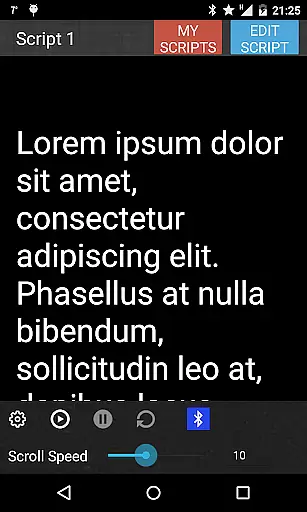
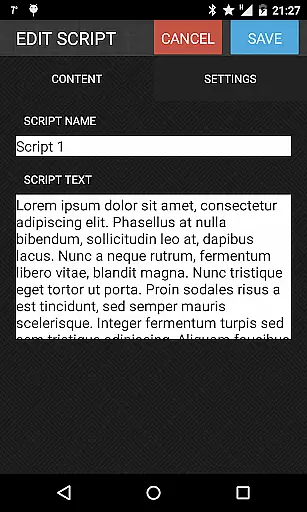
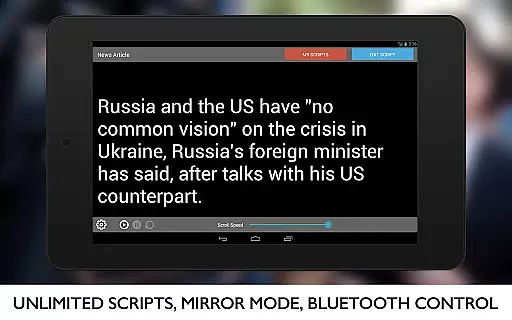
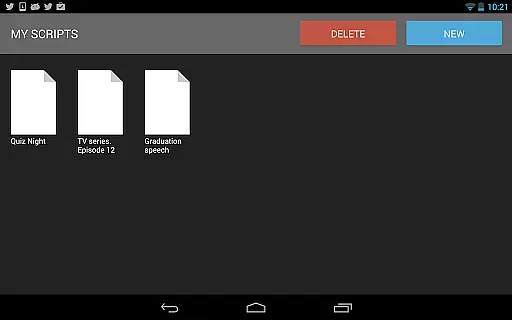
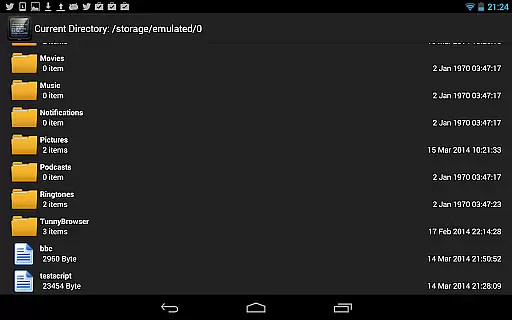
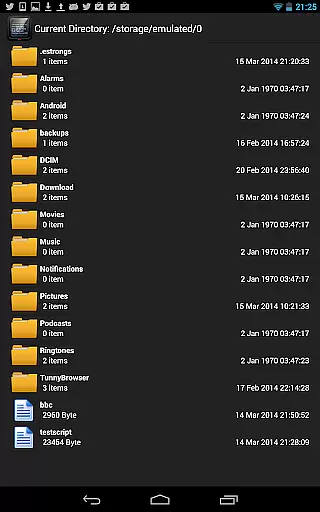
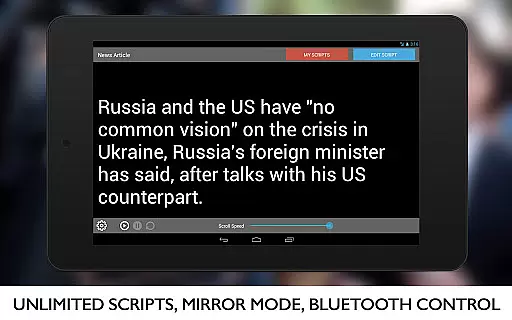
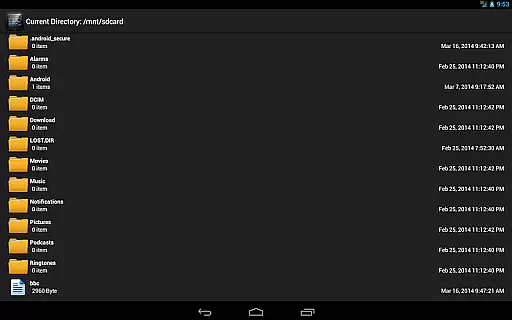
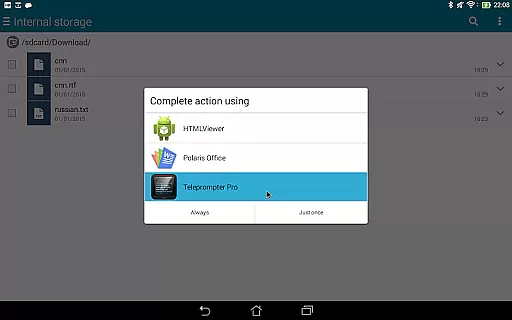
Teleprompter Pro is a professional teleprompter system designed for Android devices, offering users an efficient way to manage scripts during presentations or broadcasts. The app supports unlimited scripts and allows importing from text files, making it versatile for various use cases.
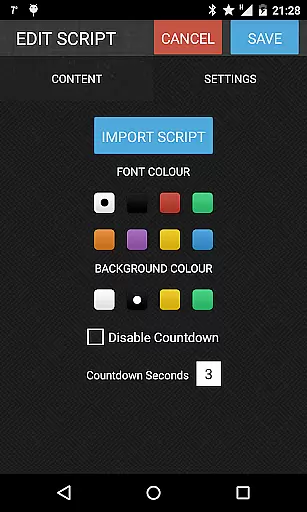
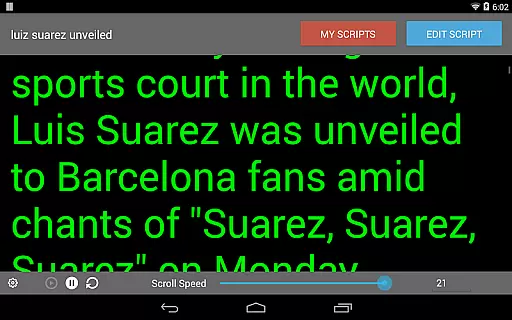
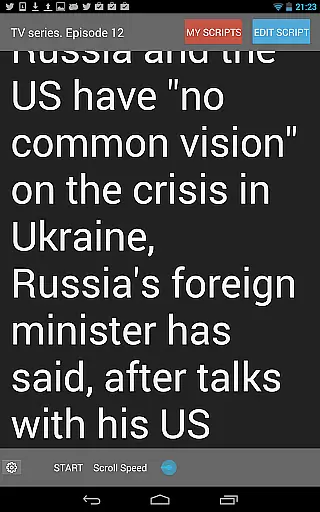
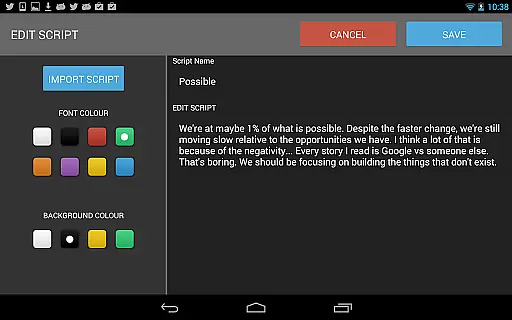
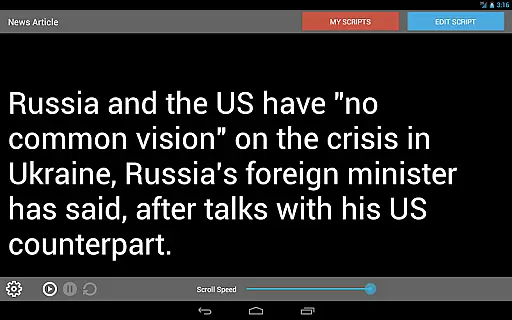
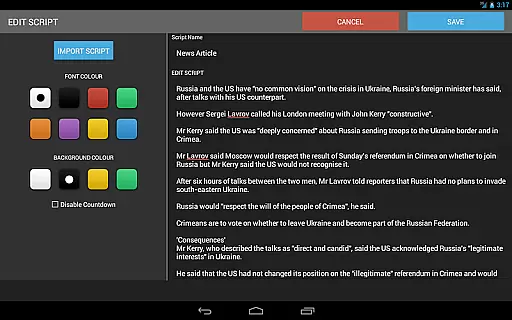
Key features include mirror mode for teleprompter rigs, full screen display, and remote control via Bluetooth keyboard. Users can customize font and background colors, adjust scrolling speed and text size, and control brightness directly within the app. These capabilities make it ideal for broadcasters, filmmakers, musicians, and public speakers.
Whether you're delivering a lecture, performing on stage, or recording a video, Teleprompter Pro ensures smooth script reading with its intuitive interface and customizable settings, enhancing your presentation experience significantly.
Teleprompter Pro stands out with its comprehensive feature set tailored for professional use. The app allows users to import scripts from text files and offers unlimited storage, ensuring flexibility for different scenarios. Its mirror mode is specifically designed for use with teleprompter rigs, while full screen mode maximizes visibility.
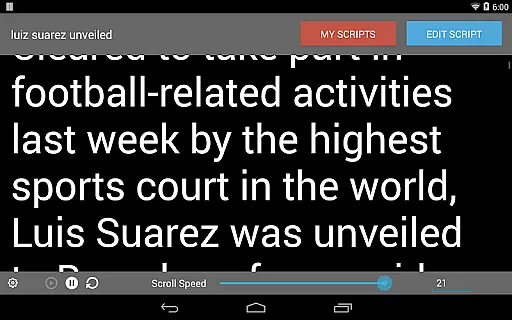
Advanced customization options include font and background color selection, adjustable text size, and speed control for scrolling. The app also supports remote control through a Bluetooth keyboard, providing hands-free operation. Additionally, in-app brightness control helps optimize readability under various lighting conditions.
These features collectively enable seamless integration into professional workflows, whether for broadcasting, filmmaking, or live performances. By combining practical functionality with user-friendly controls, Teleprompter Pro delivers a reliable solution for anyone needing a high-quality teleprompting system on their mobile device.
Video format compatibility is a crucial feature for any video player or editor, ensuring that users can work with a wide range of file types without conversion hassles. Teleprompter Pro supports various formats, allowing users to import scripts directly from text files and use them seamlessly within the app.
The application's support extends to essential features like mirror mode for teleprompter rigs and full-screen viewing, which are vital for professional presentations and broadcasting scenarios. This flexibility ensures that whether you're a filmmaker, musician, or business professional, your content will display correctly without formatting issues.
With additional functionalities such as font and background color selection, in-app brightness control, and adjustable text size, users can customize their experience according to their specific needs. These options make it easier to read scripts under different lighting conditions and viewing angles.
Ultimately, the app's comprehensive format support and customization capabilities provide a versatile tool for all public speaking needs, making Teleprompter Pro an invaluable asset for anyone requiring a reliable teleprompting solution.
AI-powered editing features represent the cutting edge of video editing technology, enabling users to enhance their content through intelligent automation. While Teleprompter Pro focuses primarily on script management, its advanced features like speed adjustment for the teleprompter and remote control via Bluetooth keyboard incorporate elements of smart technology.
These smart capabilities allow users to fine-tune their presentation delivery with precision. For instance, adjusting the teleprompter speed ensures that speakers can maintain a natural pace, while remote control functionality offers seamless operation during live broadcasts or recordings. Such tools help create a more engaging and professional final product.
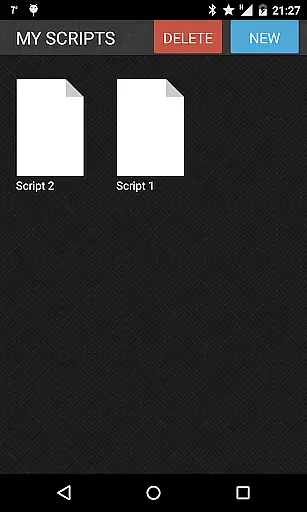
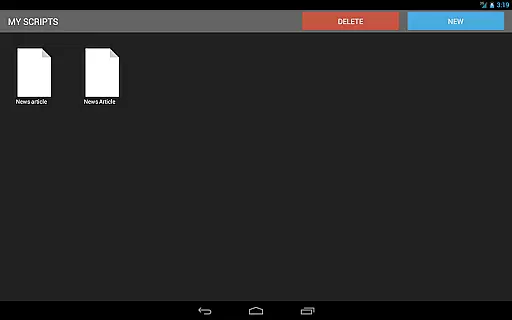
Including practical functionalities like script deletion and unlimited script storage further enhances the user experience by keeping the workspace organized and efficient. Users can manage their content effectively without clutter, focusing on delivering high-quality performances.
By integrating these intelligent features, Teleprompter Pro not only simplifies the technical aspects of presenting but also empowers users to deliver polished and confident presentations across various fields such as broadcasting, education, and corporate communications.
User-friendly interface
Customizable settings
Remote control support
Versatile script management
Ideal for professionals
Limited to Android
No iOS version
Premium features may require payment
Complexity for beginners
Bluetooth dependency

Video player, file manager for all formats, 4K/HD media player supports subtitle
 4.30
4.30
Support 1000+ Video Format, Subtitle Download, mp3 & Background Play, Cast On TV
4.60
Video player with powerful streaming playback and various convenient features.
2.10
High-Quality USB Camera Viewer & HDMI Display
4.70
Fast & Private Video Downloader App. Save all videos easily from the Internet.
4.40
Download videos and play them offline
4.70
Add date and time watermark to photos and videos
4.50
Viddo: Generate Action Figure, AI Anime, AI kiss, AI hug Video from image & text
4.40
Photo editor & video maker with music and slideshows.
4.10
HD Video player all format, HD Videos, Cast & Subtitle. No annoying ads.
4.60
Fast, private downloading, video saving, social media
4.50
Video Downloader, Multiple Resolution Options, Video Player
4.50
Create & edit videos with AI
4.30
This app was created to edit the metadata of music files.
4.20
Turn your phone into a wireless camera!
4.20
Stream Web Videos to Chromecast, Samsung, LG, Sony, Roku, Fire TV, DLNA + more
4.00
Client application for NextPVR software
3.00
Stream high quality video from your camera over NDI protocol
4.3
Powerful HD video player with support for all formats & subtitles.
4.2


User Reviews