
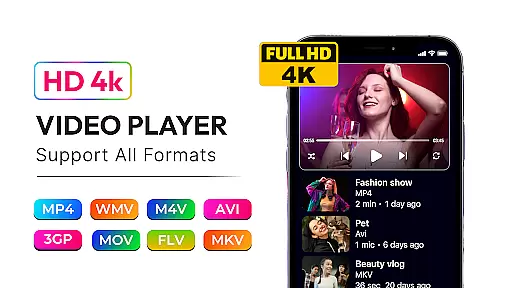
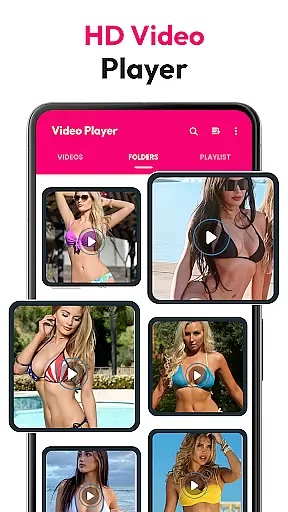
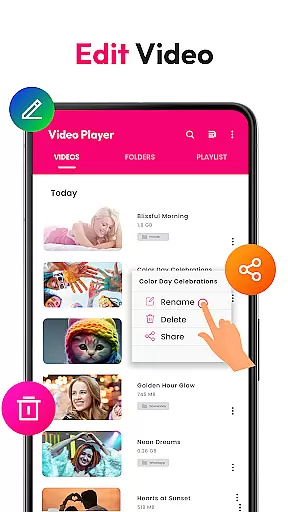
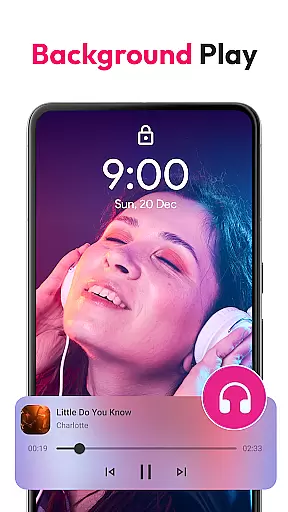
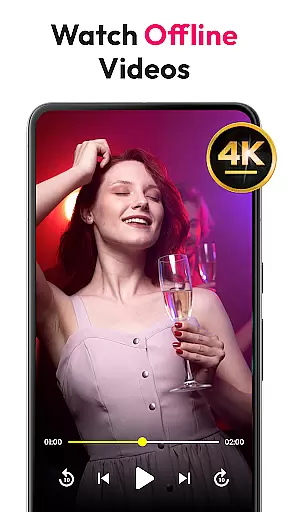
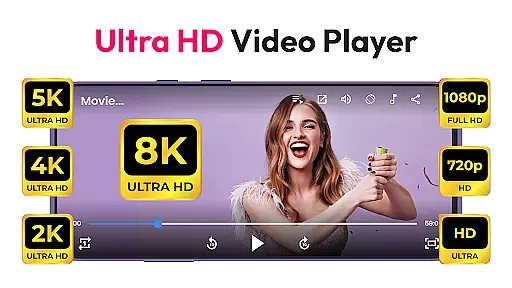
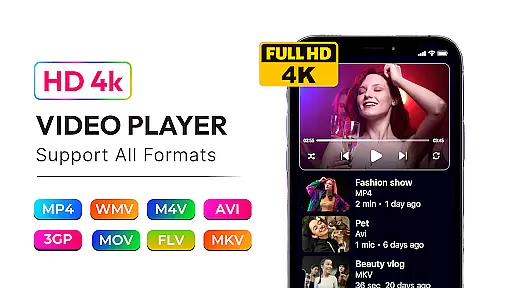
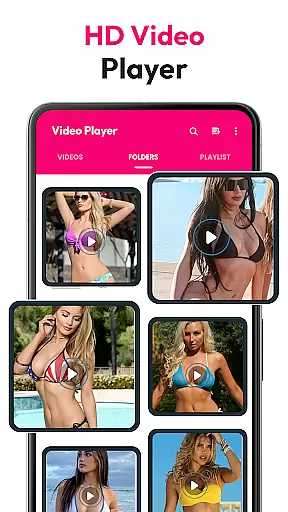
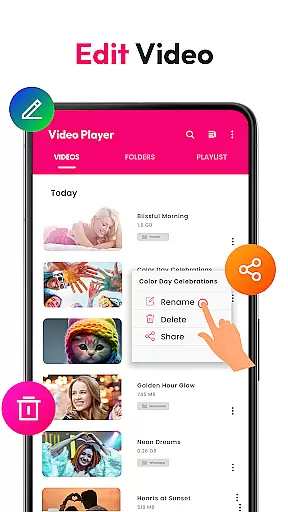
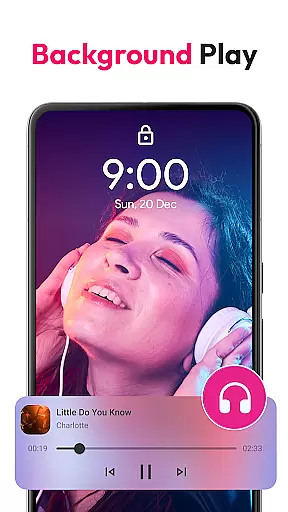
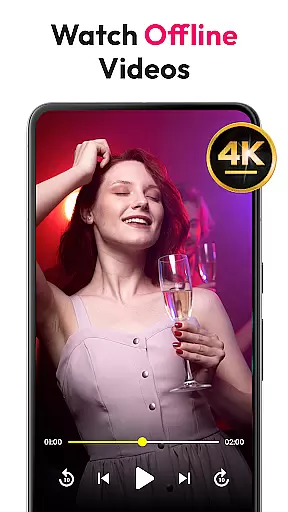
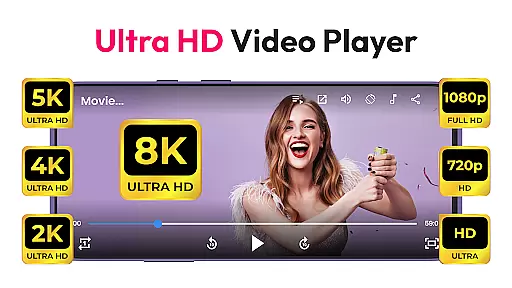
HD Video & Music Player is a versatile media player for Android that supports all video and audio formats. Whether you're watching 4K, Ultra HD, or Full HD videos, this app delivers smooth playback with advanced controls. It also functions as an mp4 player, mp3 player, and offline video player, making it an all-in-one solution for your media needs.
This app stands out with its floating player and Picture-in-Picture (PIP) mode, allowing users to multitask while enjoying their favorite content. With features like auto-rotate, screen aspect ratio adjustment, and lock screen support, it ensures a seamless viewing experience. The built-in file manager helps organize and manage media files efficiently, enhancing user convenience.
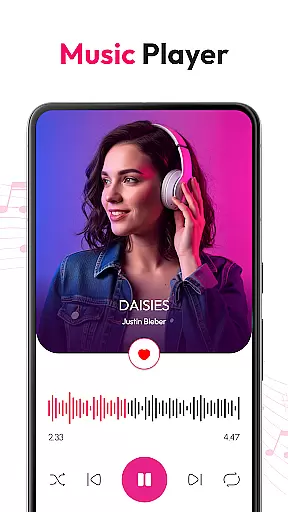
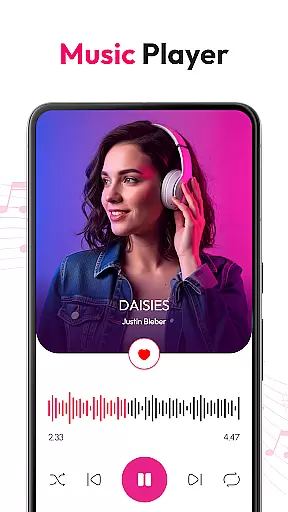
For music enthusiasts, the app offers a powerful equalizer with bass boost and 3D sound effects. Users can create custom playlists, browse songs by album or artist, and control playback from the lock screen. Whether you need a video player for high-quality movies or a music player for your daily commute, HD Video & Music Player provides a comprehensive entertainment solution.
HD Video & Music Player boasts an array of features designed to enhance your media experience. One of its standout capabilities is the support for all video formats including MP4, AVI, MKV, and more. This ensures that no matter what type of video file you have, the app will play it smoothly, even in 4K or Ultra HD quality.
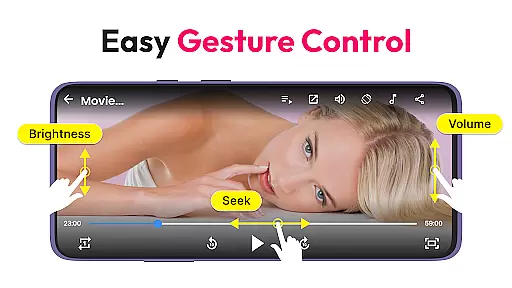
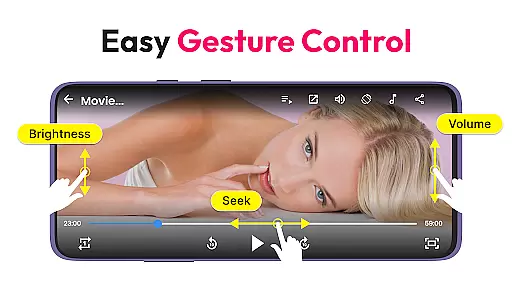
The app's advanced movie player functionality includes sharp visuals and crisp sound, complemented by gesture controls for volume, brightness, and seek operations. Additionally, the auto-scan feature detects video files from internal storage and SD cards, while the built-in file manager allows for easy organization. These tools make managing large media libraries straightforward and efficient.
As a music player, it supports major audio formats such as MP3, WAV, FLAC, and AAC. The powerful equalizer comes with bass boost, 3D sound, and reverb settings, providing a customizable audio experience. Users can enjoy features like shuffle, loop, and playlist management, ensuring a personalized and enjoyable listening session every time.
Video format compatibility is a critical feature for any media player, ensuring that users can enjoy content in various formats without technical limitations. HD Video & Music Player excels in this area by supporting an extensive range of video formats including MP4, AVI, MKV, 3GP, FLV, MOV, WMV, and TS.
This versatile video player provides smooth, high-quality playback for all types of videos, from standard definition to 4K Ultra HD. Whether you're watching Full HD movies or lower resolution clips, the app delivers sharp visuals and crisp sound, making it an ideal choice for users with diverse video libraries.
The application's auto-scan feature detects video files from both internal storage and SD cards, organizing them for easy access. With advanced controls like screen rotation, aspect ratio adjustment, and gesture-based volume and brightness settings, users can customize their viewing experience effortlessly.
By offering such comprehensive video format support, HD Video & Music Player ensures that users never have to worry about file compatibility again. This makes it a reliable tool for enjoying multimedia content on Android devices, whether offline or through its Picture-in-Picture mode for multitasking.
AI-powered editing features are revolutionizing how users interact with their media, providing intelligent tools that enhance both video and audio content. While HD Video & Music Player primarily focuses on playback, it incorporates several smart functionalities that improve the overall media experience.
The built-in file manager not only organizes video files but also optimizes them for better performance. The app's advanced equalizer demonstrates AI capabilities by analyzing audio tracks and offering optimized sound profiles, including bass boost, 3D effects, and reverb settings tailored to different genres.
Gesture controls represent another form of intelligent interface design, allowing users to adjust volume, brightness, and playback position through intuitive swipes. These AI-driven enhancements make media consumption more interactive and personalized, adapting to individual preferences seamlessly.
Although not a traditional video editor, HD Video & Music Player's smart features create a more engaging entertainment experience. From managing playlists to optimizing playback settings, these AI-powered tools help users get the most out of their media collection while maintaining the simplicity of a dedicated player application.
User-friendly interface
Comprehensive format support
Advanced playback controls
Efficient file management
Customizable equalizer settings
Occasional bugs in PIP mode
Ads in free version
Limited premium features
High storage requirement
Complex settings for beginners

Fast, private downloading, video saving, social media
 4.50
4.50
Powerful, professional, versatile teleprompter. Developed by an active film crew
4.00
All format media Player, no need video converter any more!
4.00
Capture images & record videos for USB Camera, Webcam, Microscopes, Endoscopes
3.80
Support 1000+ Video Format, Subtitle Download, mp3 & Background Play, Cast On TV
4.60
Stream Web Videos to Chromecast, Samsung, LG, Sony, Roku, Fire TV, DLNA + more
4.00
Turn your phone into a wireless camera!
4.20
The essential companion to your Blue Iris PC software
2.50
Powerful video player with advanced hardware acceleration and subtitle supports
4.20
Play ALL formats in 4K & HD. Video downloader, MP3 player, Chromecast & more.
4.80
All in one HD video downloader & player for multiple formats with full privacy
4.70
Find, download, and play torrents with the official BitTorrent® Pro app
4.70
Search & download videos from net with all video downloader, auto-detect & safe.
4.60
Create photo video with music & template. AI video maker for stunning slideshow.
4.60
IPTV Loader, loads your own Playlist. DOES NOT CONTAIN ANY LIST OR CHANNELS
4.60
Watch IPTV on your Android device
4.60
Web Browser for LG TV to stream webvideos, online movies and livestreams in HD
4.20
Mix with Virtual DJ directly from your phone or tablet !
3.10
You can play SWF format file!
2.50


User Reviews