
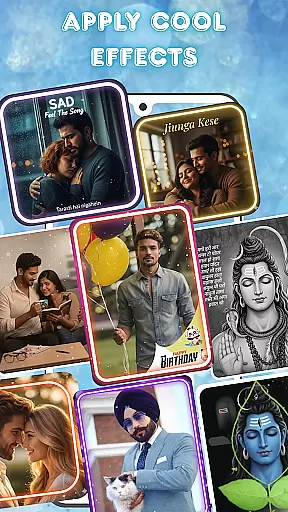

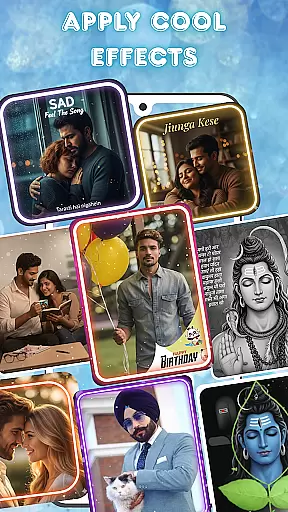

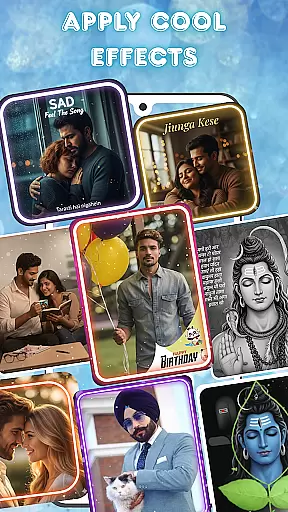

Photo and Music Video Creator is a versatile video editing app designed to transform your photos into stunning videos with ease. The app offers an intuitive interface that allows users to convert their favorite images into dynamic video presentations effortlessly. Whether you're creating a slideshow for family memories or designing quick social media content, this app provides all the necessary tools.
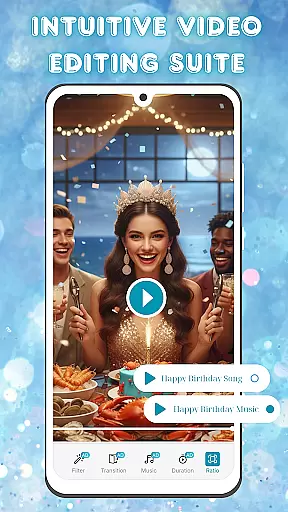
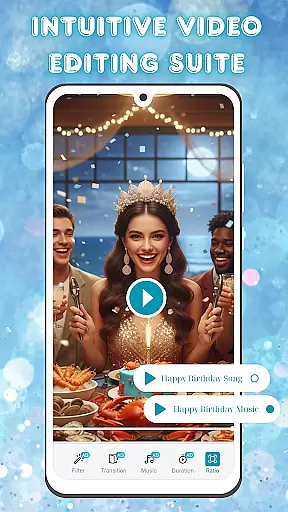
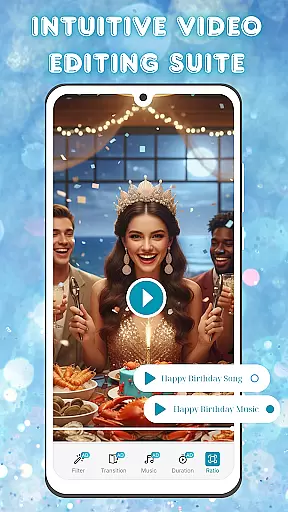
With advanced photo editing features like brightness, contrast, and saturation adjustments, users can enhance their images before incorporating them into videos. Additionally, the app includes a complete video editing suite with smooth transitions, stylish filters, and customizable background music options. These features ensure that every project achieves a polished, professional look while maintaining simplicity in the editing process.
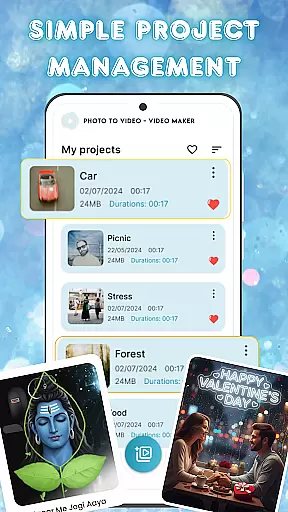
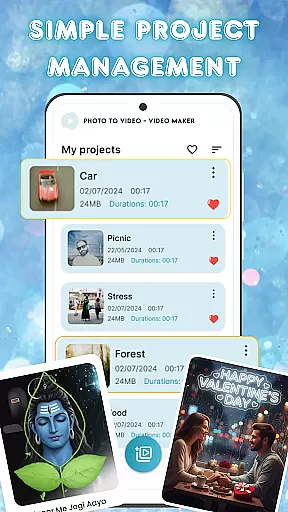
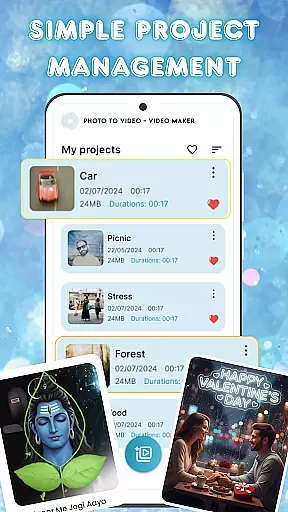
Ideal for both casual creators and more experienced video editors, Photo and Music Video Creator helps bring visual stories to life. Its seamless project management system ensures easy access and organization of multiple projects, making it perfect for anyone looking to create engaging video content quickly and efficiently.
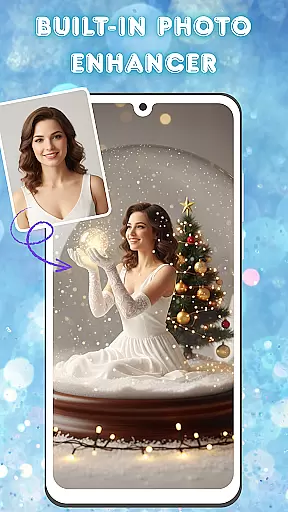
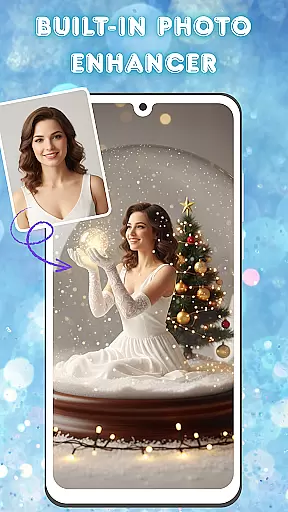
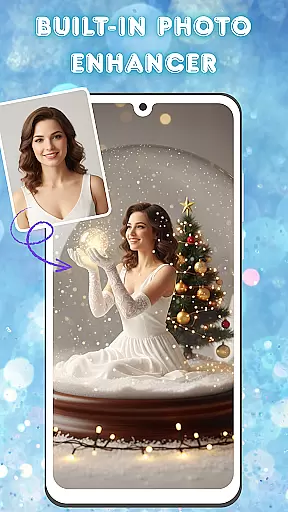
Photo and Music Video Creator stands out with its comprehensive set of features tailored for effortless photo-to-video conversion. One of its key highlights is the built-in photo enhancer, which allows users to adjust various image parameters such as brightness, contrast, and saturation. This ensures that every photo used in your video is picture-perfect before transitioning into the final product.
The app also boasts an intuitive video editing suite, enabling users to customize their creations with smooth transitions, stylish filters, and professionally curated background music tracks. These features collectively help achieve a high-quality finish that enhances the storytelling aspect of each video. Furthermore, the app simplifies project management by offering an organized workspace where users can easily store, access, and manage all their ongoing and completed projects.
Designed for efficiency and ease of use, Photo and Music Video Creator caters to a wide range of users—from beginners crafting simple slideshows to more advanced editors working on complex visual narratives. By combining powerful editing tools with user-friendly functionality, the app empowers creators to produce captivating videos that resonate with their audience.
Video format compatibility is a crucial feature for any video editing tool, ensuring that users can work with a wide range of file types without conversion hassles. Photo and Music Video Creator supports an extensive array of video formats, allowing creators to import and export projects in their desired resolutions and codecs.
This app ensures seamless integration with various devices and platforms by supporting popular formats such as MP4, AVI, and MOV. Whether you're looking to create content for social media or personal archives, the flexibility in format options guarantees that your videos will be accessible and shareable across multiple channels.
By removing technical barriers related to format restrictions, users can focus on unleashing their creativity. The app's robust compatibility empowers both amateur and professional creators to produce high-quality visual stories without worrying about format limitations.
AI-powered editing features revolutionize the way users enhance their video projects by automating complex tasks and offering intelligent suggestions. Photo and Music Video Creator incorporates advanced AI tools that simplify the editing process, making it accessible even to beginners while still providing depth for experienced editors.
From smart cropping that identifies focal points in your footage to automated color correction that enhances visual appeal, the app leverages artificial intelligence to deliver professional-grade results effortlessly. These features save time and elevate the overall quality of your projects by ensuring every frame is optimized for maximum impact.
Additionally, AI-driven music recommendations and audio syncing enable users to craft immersive experiences with minimal effort. By integrating these cutting-edge capabilities, Photo and Music Video Creator sets a new standard for intuitive yet powerful video editing software.
User-friendly interface
Advanced photo editing
Smooth video transitions
Stylish filter options
Easy project management
Limited free features
Occasional ads
Premium subscription cost
Basic tutorial support
Device compatibility issues

Kodi media center, a free and open source cross-platform entertainment hub
 3.60
3.60
Fast, private downloading, video saving, social media
4.50
Save photos and videos from social apps in one tap.
3.60
Your media, on your terms.
4.10
Video Downloader is an utility that can save videos and music from web sites
4.20
Video Trimmer, Video to MP3 Converter. Extract music from video, Easy & Fast.
4.80
Live TV, anywhere in your home
3.80
Video player with powerful streaming playback and various convenient features.
2.10
Turn your phone into a wireless camera!
4.20
#1 Torrent App on Android ** No Ads Ever + Battery Saver **
4.80
Play ALL formats in 4K & HD. Video downloader, MP3 player, Chromecast & more.
4.80
Support 1000+ Video Format, Subtitle Download, mp3 & Background Play, Cast On TV
4.60
Create & edit videos with AI
4.30
Powerful video player with advanced hardware acceleration and subtitle supports
4.20
1)AirPlay/DLNA Mirroring/Streaming, up to 4 connections; 2)Samba/NAS/DMS Player.
4.00
Manage your IPTV live channels and VOD playlists (no playlist included)
3.80
AirMirror is Receiver for Screen Mirroring and Casting from Apple Devices.
3.60
IPTV Player - Watch live TV from m3m & m3u8 playlist, stream IPTV on mobile
3.30
The smartest M3U IPTV Player your playlists have ever seen.
4.0


User Reviews