
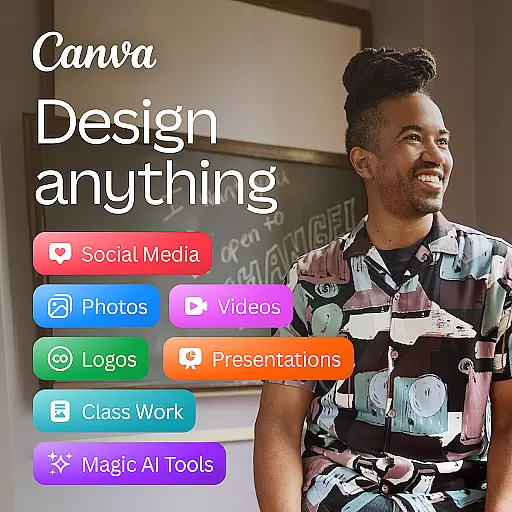

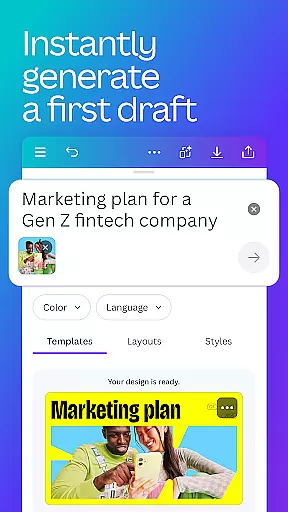
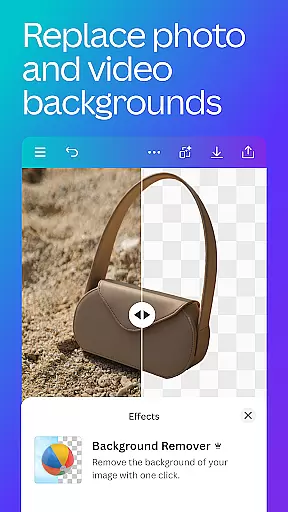
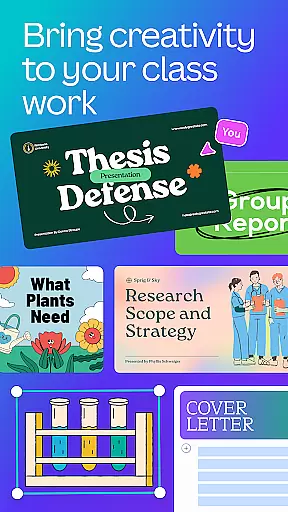
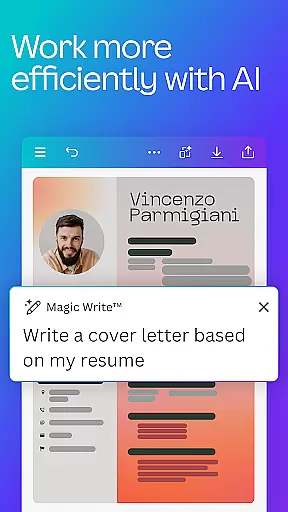
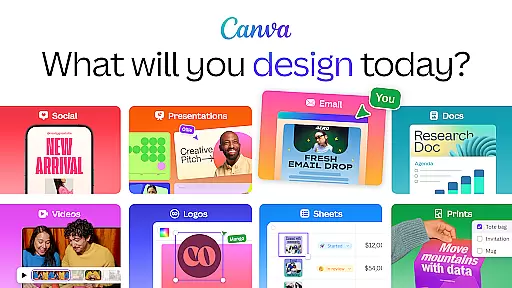
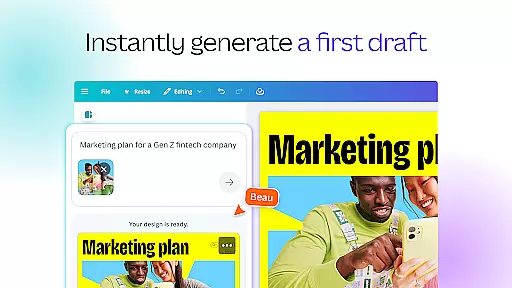
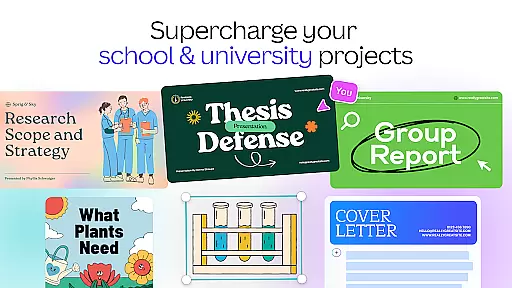
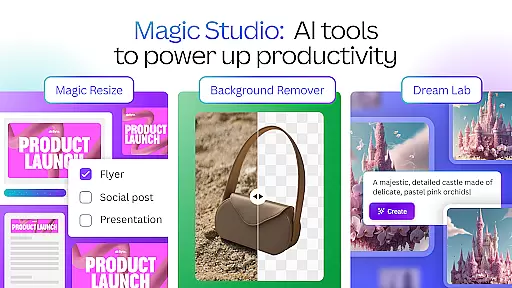
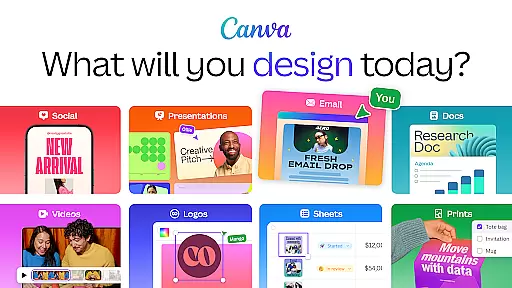
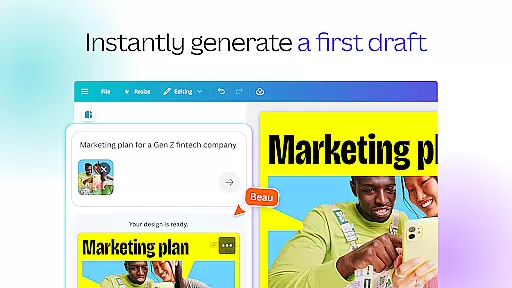
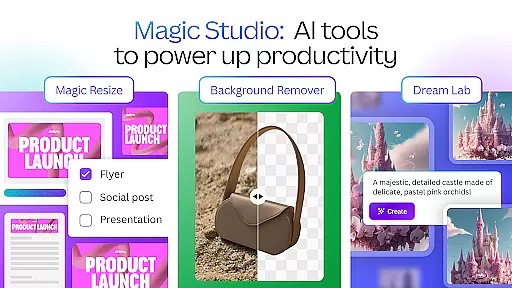
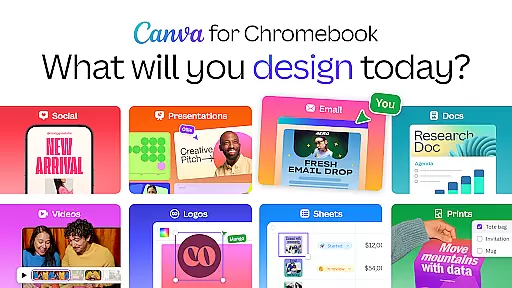
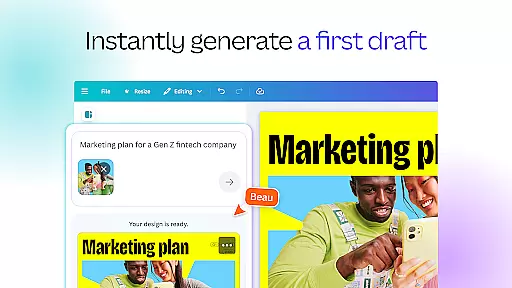
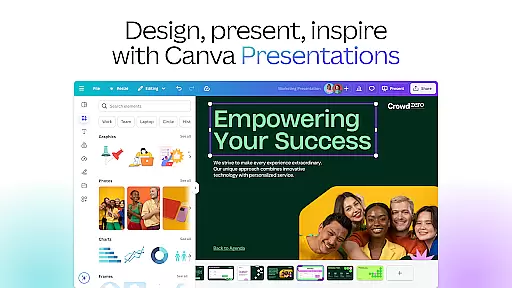
Canva is a versatile design application that combines photo editing, logo creation, collage making, and video editing into one powerful platform. The app features built-in AI tools like the AI image generator, which allows users to transform text into images quickly. With customizable templates for social media posts, presentations, and more, Canva enables users to create professional-quality designs effortlessly.
The app's capabilities extend to creating logos, CVs, photo collages, and video collages. Whether you're designing for personal use or business needs, Canva offers a comprehensive suite of tools to enhance creativity and productivity. Its intuitive interface and extensive content library make it an ideal choice for anyone looking to produce visually appealing content without extensive design experience.
Canva boasts a wide array of features designed to cater to various creative needs. One standout feature is the AI art generator, which simplifies the design process by allowing users to create stunning visuals with minimal effort. The app also includes a robust photo editor with functionalities such as cropping, flipping, and adjusting brightness, contrast, and saturation.
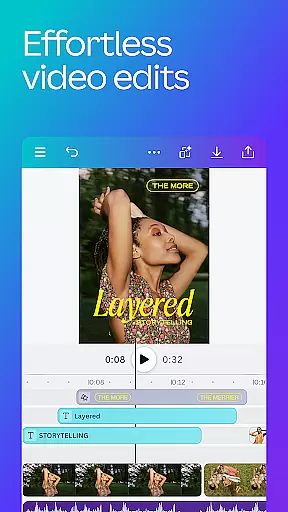
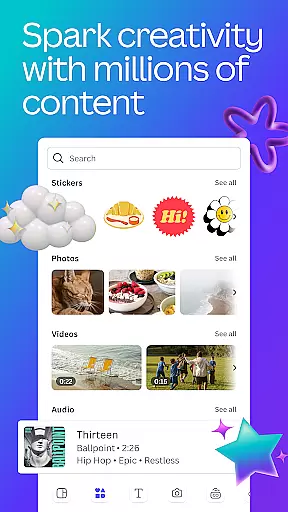
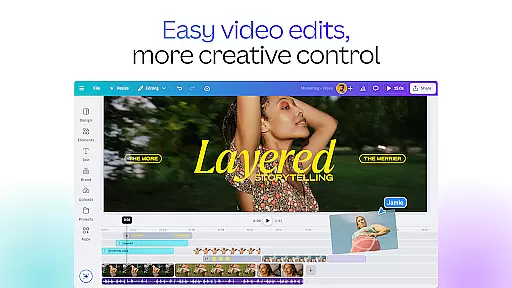
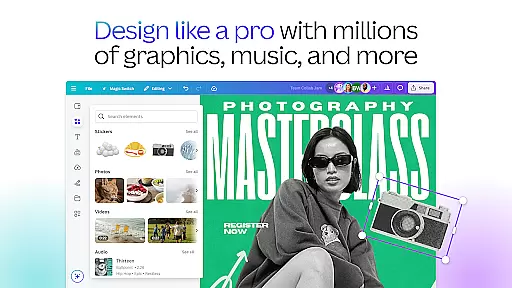
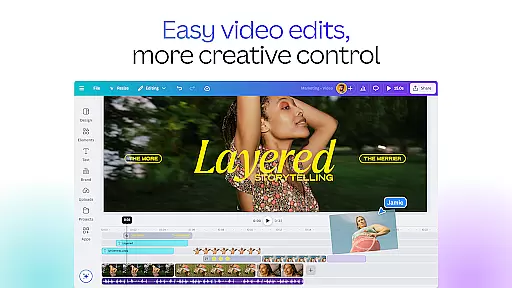
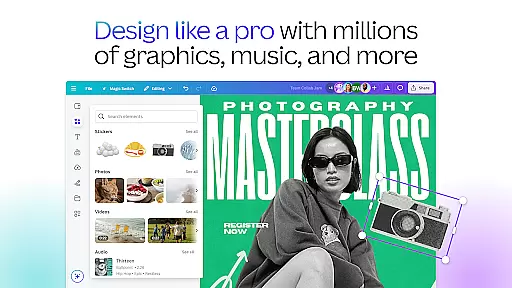
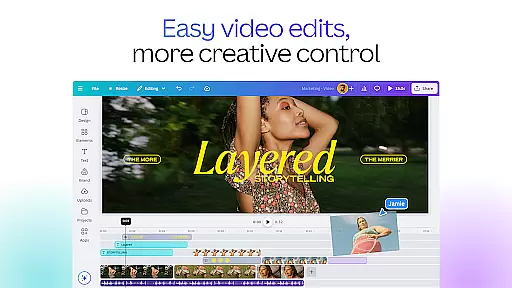
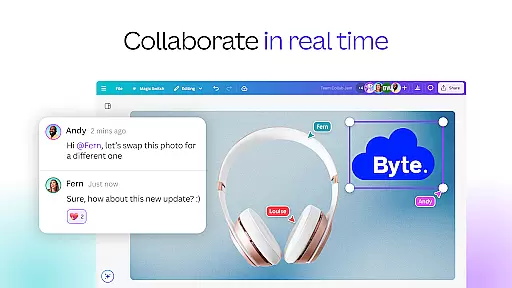
In addition to its photo editing capabilities, Canva offers a powerful video editor. Users can produce professional videos with ease, thanks to features like real-time collaboration, one-tap animations, and effects such as slow motion and reverse playback. The app's extensive content library provides over 2 million royalty-free images, thousands of watermark-free videos, and a vast selection of audio tracks, ensuring that users have all the resources they need to bring their ideas to life.
In the realm of graphic design and content creation, having access to comprehensive creative tools is essential. Canva addresses this need by offering an extensive suite of features that cater to various design requirements. From its AI-powered art generator to its robust photo editor, Canva provides users with everything needed to create professional-quality designs.
Canva's toolkit includes functionalities such as image cropping, flipping, and detailed photo adjustments like brightness, contrast, and saturation. The platform also offers unique capabilities like Auto Focus, which sharpens the subject of a photo while blurring the background, and an array of text effects that can be added to images. These features ensure that users have the flexibility and control necessary for creating engaging visual content.
Moreover, Canva extends its creative offerings into video editing, allowing users to produce high-quality videos with ease. With 5GB of cloud storage and real-time collaboration, users can seamlessly work on projects together. The video editor supports animations, transitions, and special effects such as slow motion and reverse playback, making it a versatile tool for multimedia content creation.
The availability of over 2 million royalty-free images, thousands of watermark-free videos, and 25,000+ pre-licensed audio tracks further enhances Canva's creative capabilities. Users can leverage these resources alongside advanced AI features like Magic Design and Magic Edit to elevate their projects. This complete set of tools empowers both beginners and professionals to bring their creative visions to life efficiently and effectively.
Flexibility in canvas and format options is crucial for adapting designs to different platforms and purposes. Canva excels in providing versatile canvas solutions that accommodate a wide range of design needs. Whether you're creating social media posts, presentations, or marketing materials, Canva's adaptable canvas sizes ensure your designs are optimized for any context.
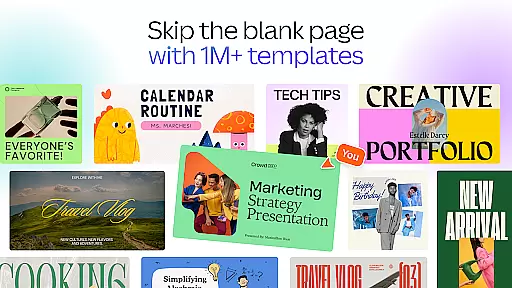
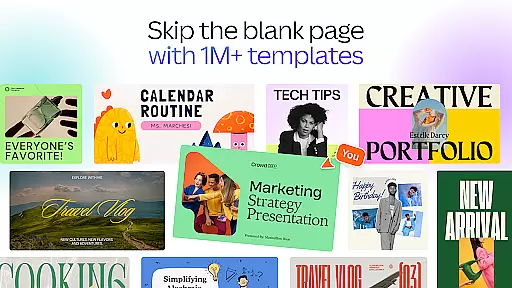
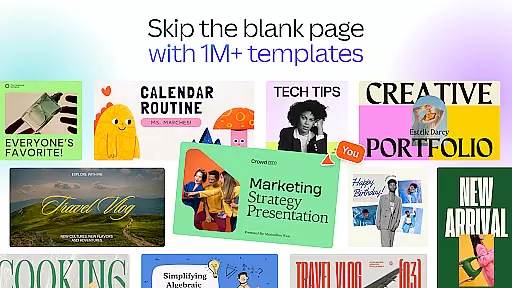
Canva offers customizable templates for popular platforms like Instagram, Facebook, and LinkedIn, enabling users to tailor their designs specifically for each platform's specifications. This adaptability extends to professional documents such as resumes, flyers, and invitations, where precise formatting is key. By providing these tailored templates, Canva simplifies the design process and ensures consistency across various outputs.
In addition to static designs, Canva supports dynamic content creation through its flexible video editing capabilities. Users can easily crop, resize, and flip videos and images within the editor, ensuring that multimedia elements fit perfectly within their chosen format. The platform's one-tap animations and page transitions further enhance the flexibility of video projects, allowing creators to experiment with different styles and effects.
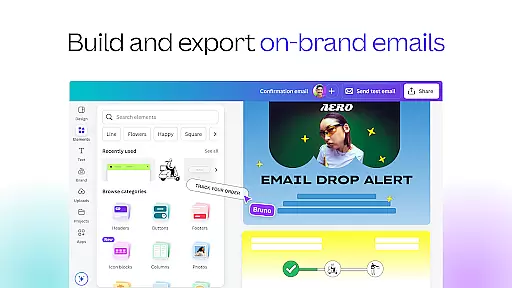
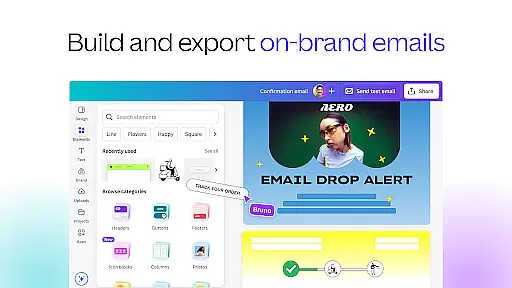
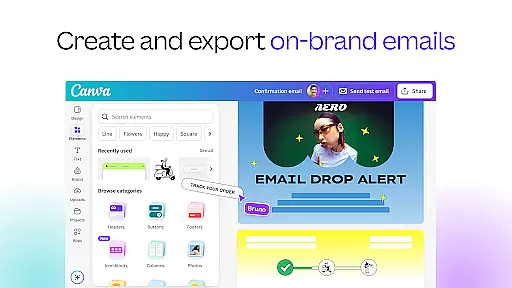
For businesses and individuals seeking to maintain brand consistency, Canva's Brand Hub feature allows users to store logos, fonts, and color palettes. This centralized resource ensures that all designs adhere to brand guidelines regardless of the canvas or format used. With such comprehensive flexibility, Canva empowers users to create diverse content types while maintaining professional standards and brand integrity.
User-friendly interface
Extensive template library
Powerful AI tools
Versatile design options
Free version available
Limited free features
Pro subscription costly
Occasional bugs
Internet connection required
Advanced tools need learning

Pose and morph realistic male and female models! 3D poser app
 3.00
3.00
Your Essential Color Theory Guide: Red, Yellow, Blue (RYB)
4.3
Castle is social media for creating and playing games!
4.60
Painting, drawing, & sketching
4.50
Minecraft & Roblox Clothes
4.70
Video AI: Revolutionize Your Content Creation with Advanced Video Generation
4.50
Draw, fidget, and spin glow art! Relax and express your creativity with a finger
4.60
An intuitive, high-performance painting app that lets you focus on creating
4.40
Unleash your inner artist! Sketchar: AR Drawing for Limitless Creativity
4.40
Create stunning art with AI.
4.80
Get an overview over all your embroidery threads, projects and more.
4.60
Create neon drawing with magic doodle and fun doodle art effects!
4.50
Photo blender app to create overlay photos & double exposure.
4.40
Sketch, trace and master AR drawing with awesome anime art!
3.30
Art of Combination Wear OS Watch Faces
3.30
Create trending AI photos & videos with powerful effects and 3D styles.
3.20
Art of Combination Wear OS Watch faces (for Wear OS 5+ devices)
3.00
Retouch photos. Create or edit images. Endless capabilities.
2.70
A luxurious gold watch face for an elegant and refined look.
4.0


User Reviews