![[KNA002] SHINE logo](https://cdn.linksharehub.com/ocp/?u=https%3A%2F%2Fl4.fancapitalize.com%2Fimages%2F2025%2F12%2F6b4444f70ba4adf547a7e7a451942042.jpg&t=webp)
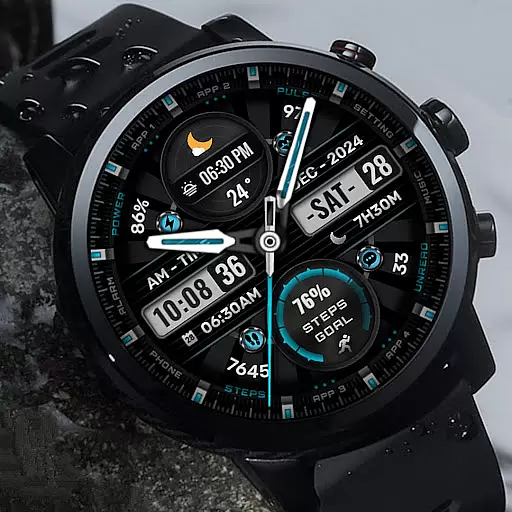
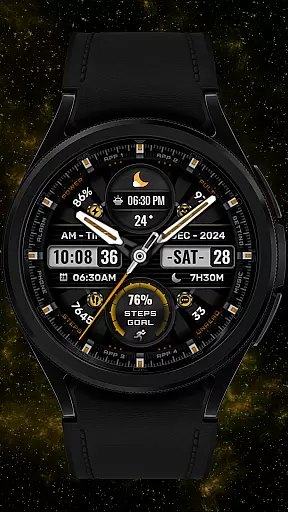

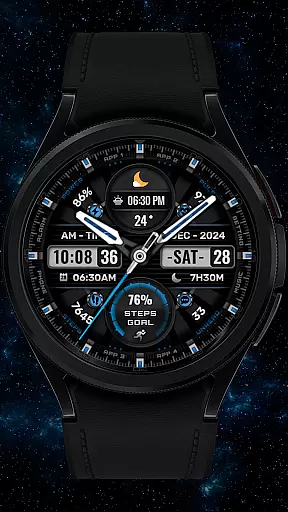
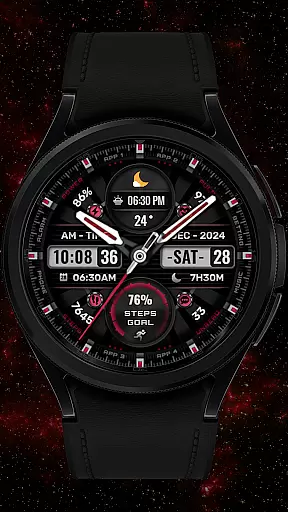
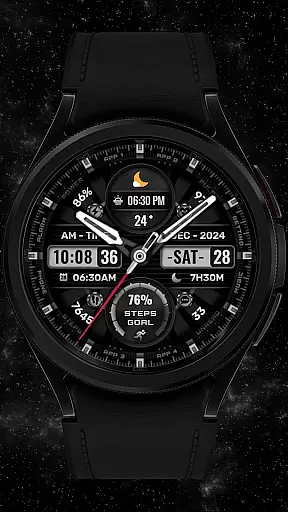
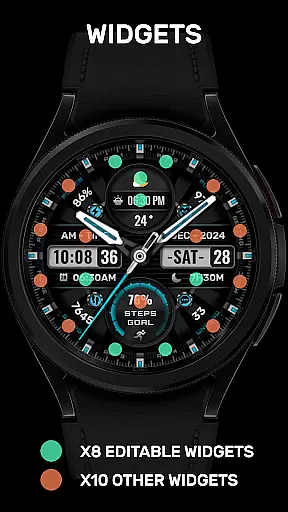
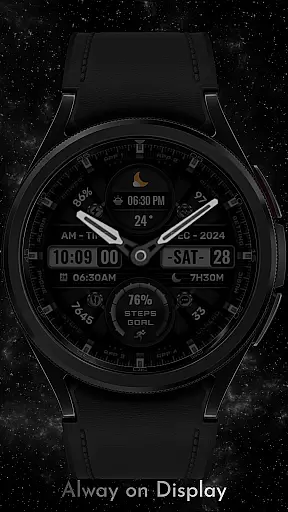
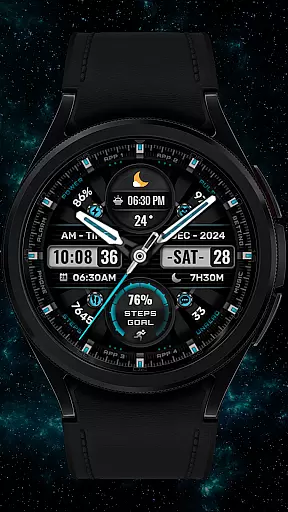

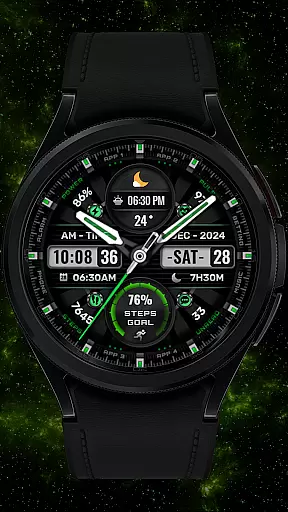
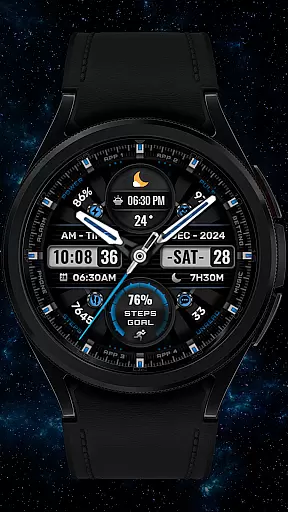
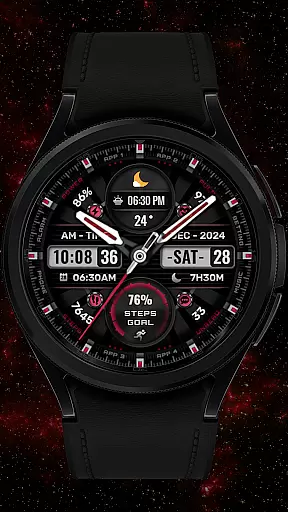


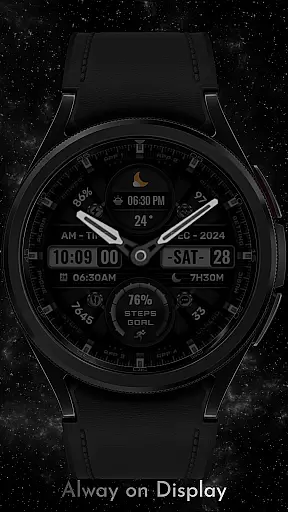
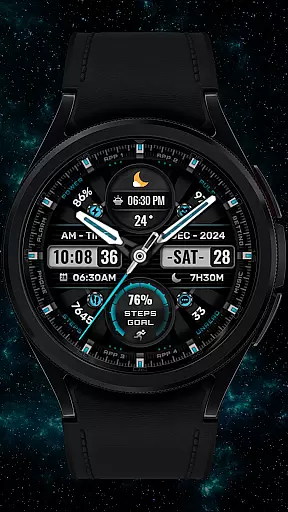
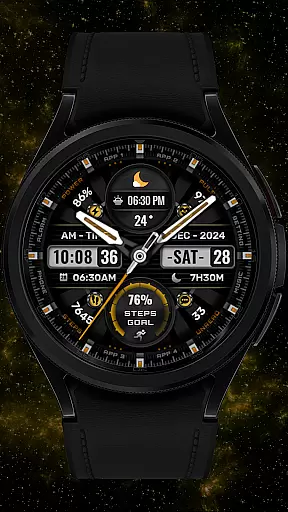
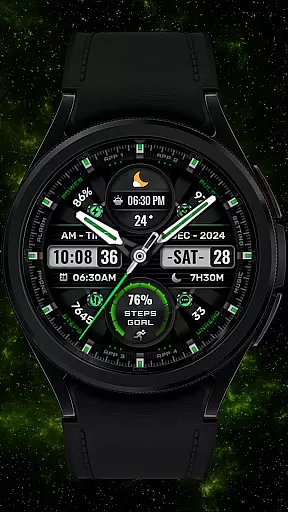
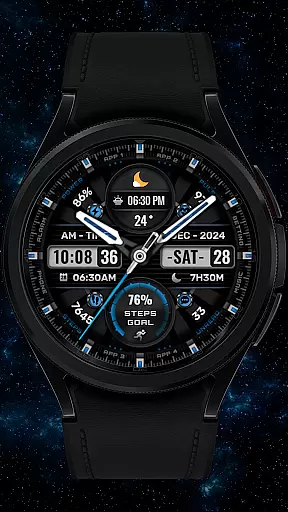
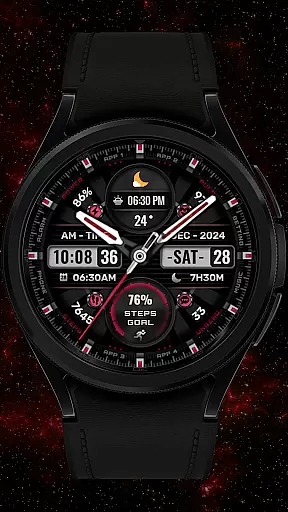
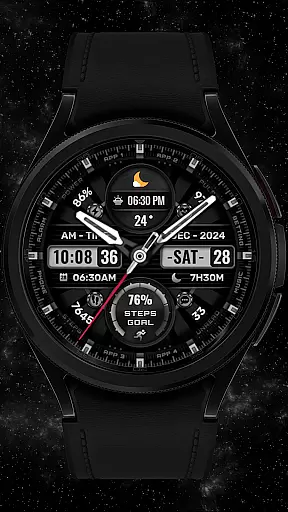

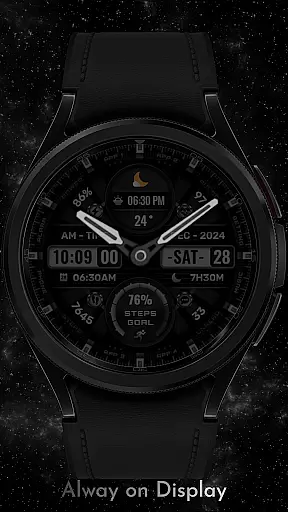


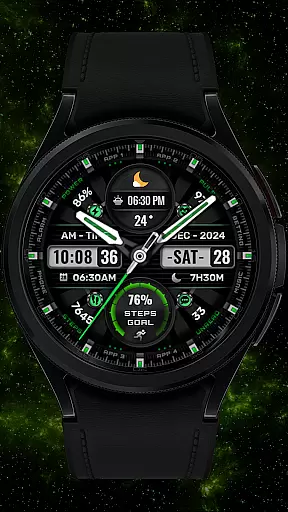

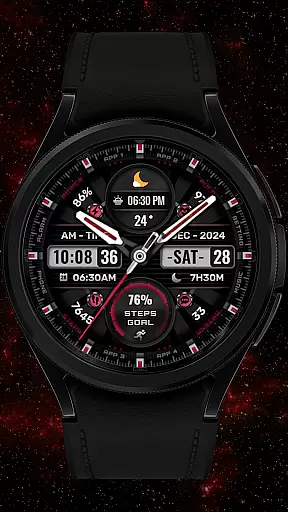
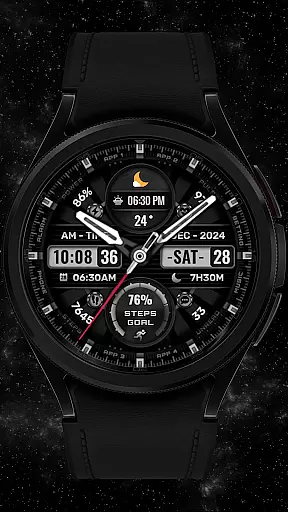

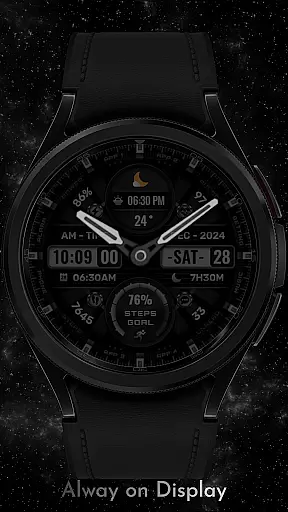
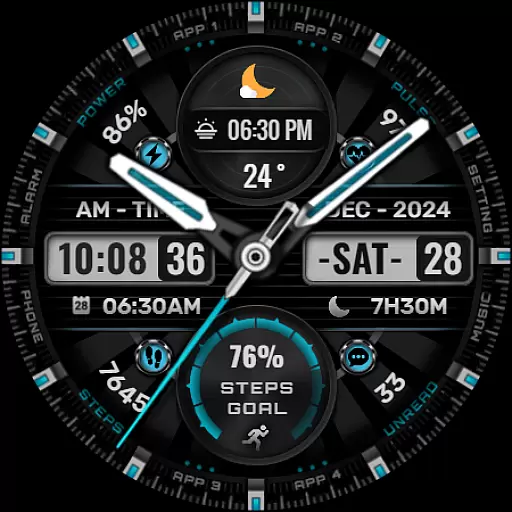
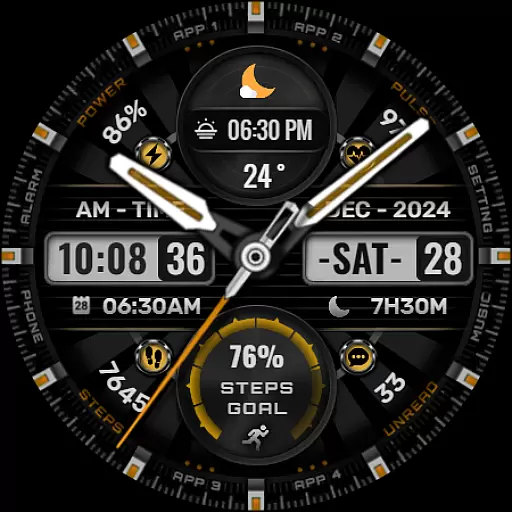

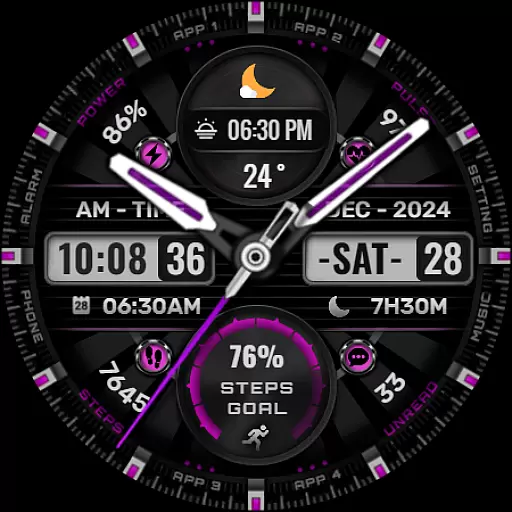
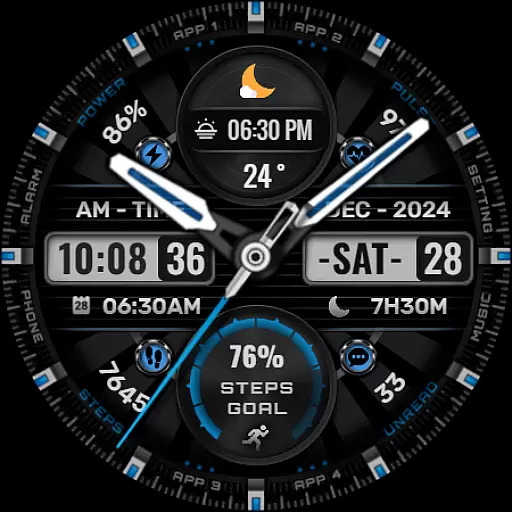

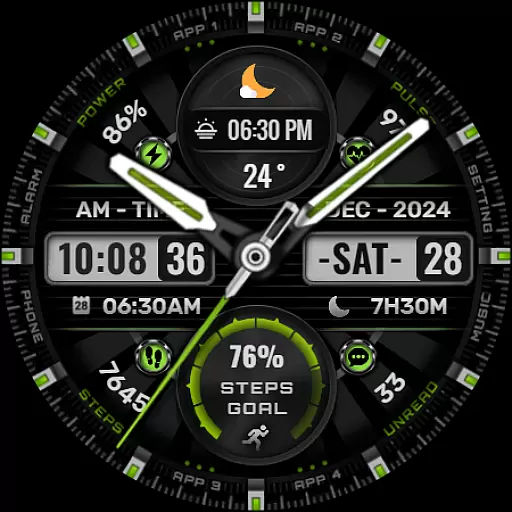
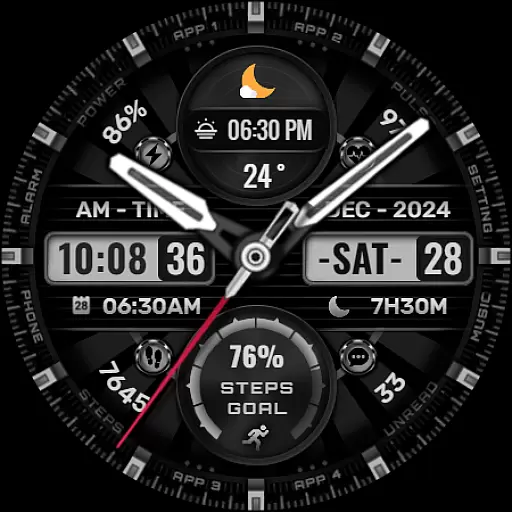
SHINE is a feature-rich watch face designed specifically for Wear OS devices, offering users a customizable and visually appealing experience. With support for multiple complications, this app allows you to personalize your smartwatch display with essential information such as date, time, weather, heart rate, and more.
The watch face supports hybrid styles, giving users the flexibility to switch between analog and digital looks. It also features eight editable complications, various color options for backgrounds and hands, and displays for steps, battery level, calendar events, and even sunrise/sunset times. SHINE is compatible with API level 30+ devices like Google Pixel watches and Galaxy Watch series 4, 5, and 6.
This application is ideal for tech-savvy individuals who want both functionality and aesthetics on their smartwatches. By customizing the display to show relevant data at a glance, SHINE enhances productivity while maintaining an elegant design.
SHINE stands out with its extensive customization options tailored for Wear OS users. The app provides eight fully customizable complications that can display a wide range of data including weather updates, world clocks, barometer readings, and more. This versatility ensures that users can tailor their watch faces according to their specific needs.
In addition to complications, SHINE offers eight different color choices for backgrounds, analog hands, and step progress indicators. Users can choose from various styles to match their personal preferences or outfits. The inclusion of practical features like step count, heart rate monitoring, battery levels, calendar events, and unread message counts makes this app not only stylish but also highly functional.
One notable advantage of SHINE is its compatibility with newer Wear OS models, ensuring optimal performance on supported devices. While some advanced features may not be available on all watches, the core functionalities provide significant value by enhancing user interaction and convenience.
In the realm of digital art and design, having a comprehensive suite of creative tools is essential for unleashing an artist's full potential. The [KNA002] SHINE watch face for Wear OS devices stands out with its versatile design features that cater to personalization enthusiasts. With options like hybrid styles, date, day of the week, and month displays, users can tailor their watch faces to match both their aesthetic preferences and functional needs.
One of the key attractions of this watch face is the inclusion of eight editable complications. These customizable elements allow users to incorporate real-time data such as steps count, heart rate, battery level, calendar events, and even sunrise and sunset times directly onto their watch face. This level of integration ensures that users have quick access to vital information without compromising on style or aesthetics.
Additionally, the ability to choose from eight different colors for backgrounds, analog hands, and step progress indicators adds another layer of personal expression. Whether you prefer a minimalist look or something more vibrant and eye-catching, these customization options ensure your wearable tech truly reflects your personality. Such extensive creative freedom empowers users to create a unique and meaningful connection with their smartwatch.
Flexibility in canvas and format options is crucial for any design-oriented application, allowing creators to adapt their work across various platforms and devices seamlessly. The [KNA002] SHINE watch face excels in this area by offering compatibility with API level 30+ devices including Google Pixel watches and Galaxy Watch series 4 through 6 among other Wear OS models. Before proceeding with installation, itu2019s important to verify your deviceu2019s compatibility to ensure optimal performance.
Once installed, setting up the watch face requires a few simple steps but offers immense flexibility thereafter. Users must manually apply the new design on their watch screens post-installationu2014a small effort for the vast customization possibilities that follow. Touch and hold the display then tap on the customize option to begin tailoring your experience.
The true power lies within its complication system where each element can be individually adjusted according to user preference. From weather updates and world clocks to barometric pressure readings, every detail can be fine-tuned. While some advanced features might not be available on all models due to hardware limitations, overall canvas flexibility remains robust ensuring most users enjoy a highly personalized interface tailored precisely to their liking.
User-friendly interface
Highly customizable
Wide device compatibility
Stylish hybrid designs
Comprehensive feature set
Limited to Wear OS
Some features unavailable
No automatic apply
Requires latest Android
Compatibility checks needed

Remove Background, Magic Eraser, Photo Enhancer, Story Templates, Collage Maker
 4.30
4.30
Unleash your drawing and painting potential
4.50
Castle is social media for creating and playing games!
4.60
Image resizer to resize, crop, rotate, flip, change dpi photo or picture in bulk
4.60
Art of Combination Wear OS Watch Faces
3.30
Bring One UI 8.5 Icons to life -elegant dark icons with a modern, premium touch.
4.30
Create and Design Custom Logos in Seconds with AI-Powered Tools!
4.40
Create cute cat emojis & PFPs! Fun, custom avatars for cat lovers.
3.70
AI-powered photo & video creation—fast, fun, and effortless with Quick Actions
4.60
Photo stitcher for automatically screenshot stitching into a long screenshot
4.70
Convert image to JPG PNG HEIC PDF, support almost all kinds of image formats
4.70
Digital, Abstract, Classic - all types of color wheels in one app!
4.60
Discover Cartoon Dream : Unleash Your Creativity with CuttingEdge AI
4.50
AI Tattoo Generator: Create Tattoo Designs & Get Ideas! Ink & Stencil Maker
4.50
Image/ Text to Video Generator
4.40
Easy 3D drawing design maker & creator. Model designing, Sculpting. Create&paint
4.00
Apply cartoon, caricature, and portrait effects to make your photos stand out!
3.60
Art of Combination Wear OS Watch faces
4.5
Art of Combination Wear OS Watch faces
4.4


User Reviews