
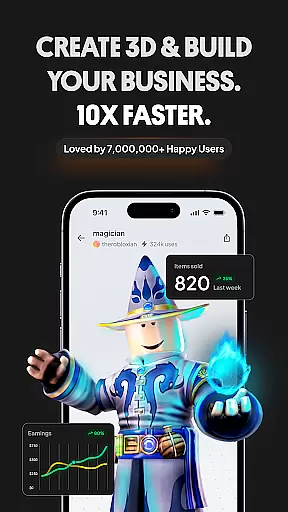
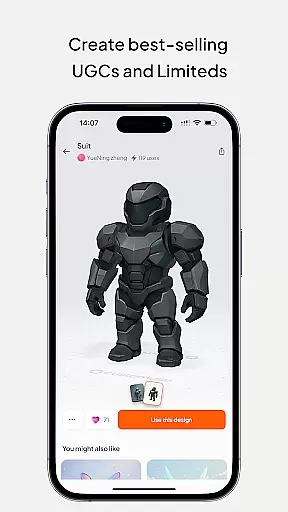
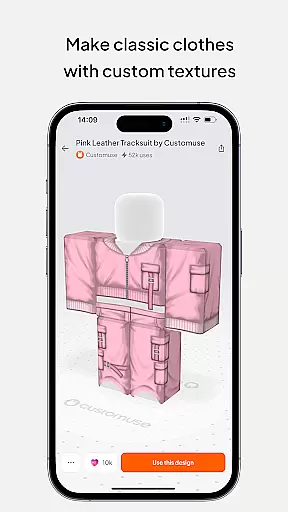
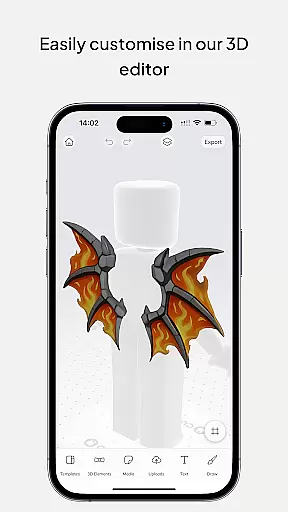
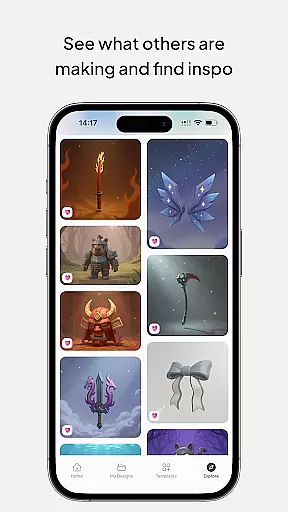
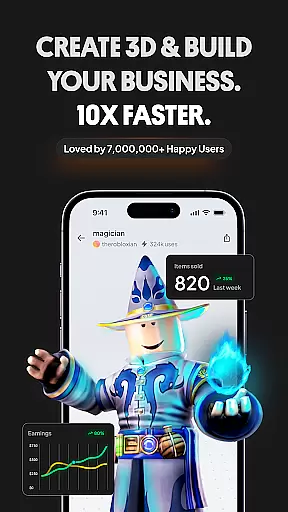
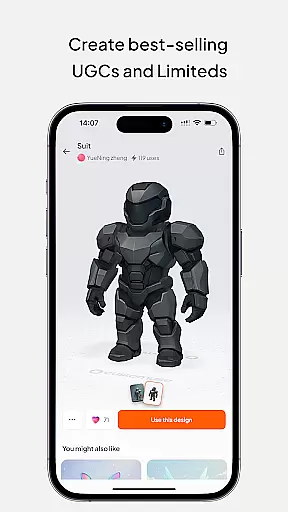
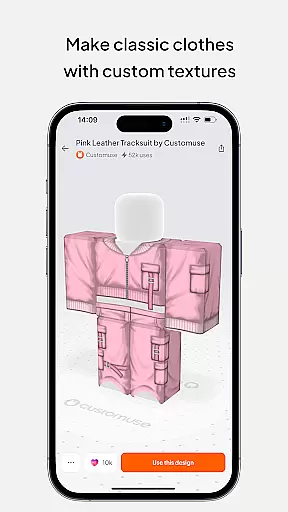
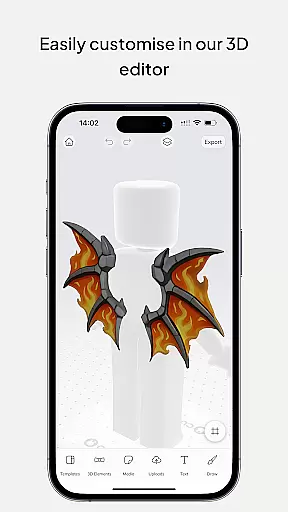
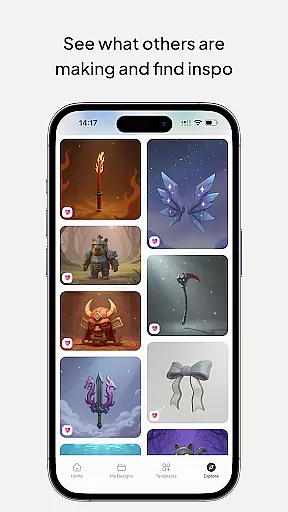
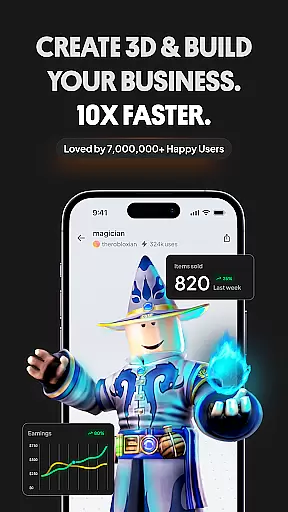
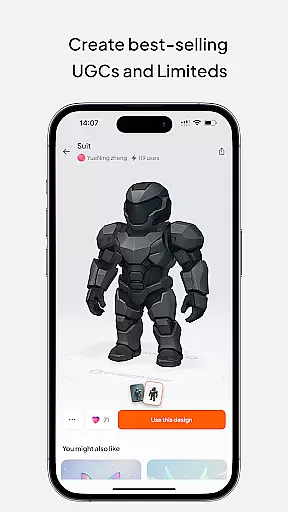
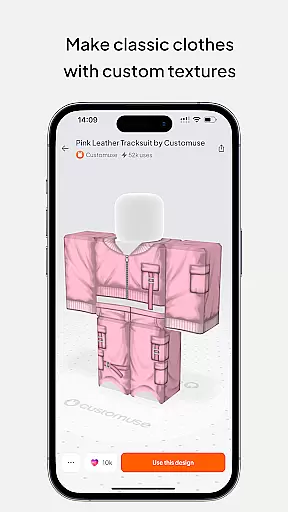
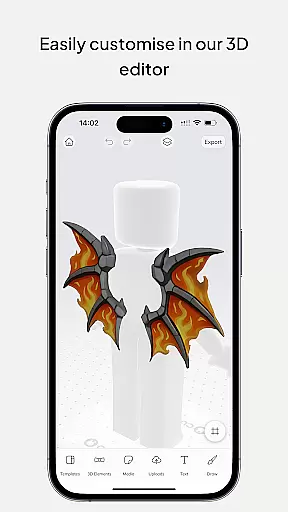
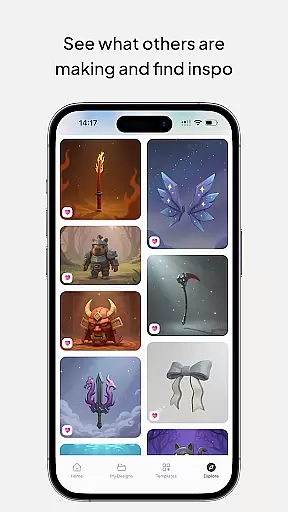
Customuse is the ultimate 3D design tool for creators and designers, offering a versatile platform to design unique digital content across multiple platforms. With over 2 million users, this app allows you to create custom Roblox skins, Zepeto clothes, Minecraft avatars, and AR filters for social media like TikTok, Snapchat, and Instagram.
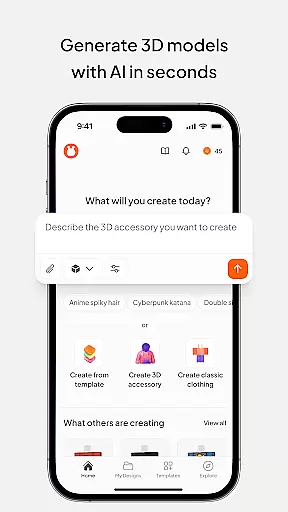
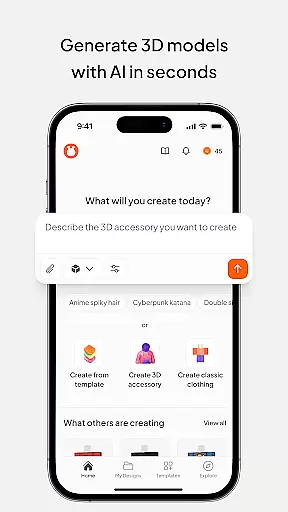
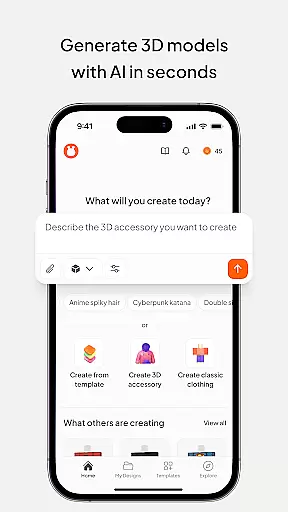
The app stands out with its AI-assisted tools that help generate designs from simple prompts, provide tailored suggestions, and offer virtual try-on features for clothing mockups. Whether you're a beginner or a professional designer, Customuse adapts to your skill level while enabling you to publish directly to platforms such as Roblox Studio and share your work on social media.
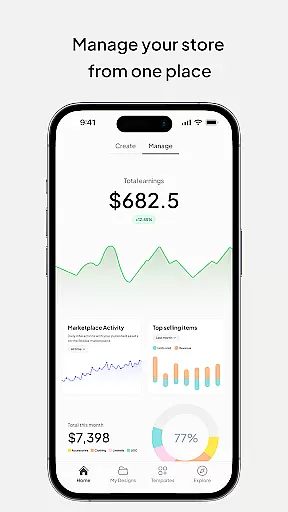
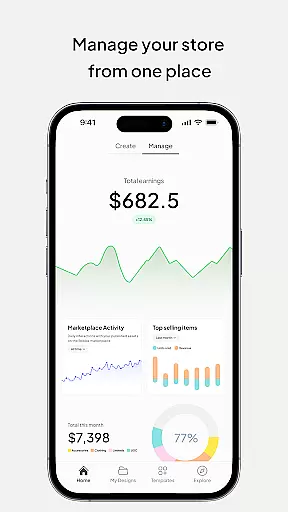
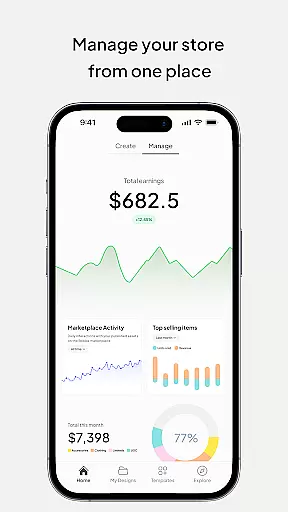
By using Customuse, designers can monetize their creations through marketplaces, earning Robux or ZEMs. The app's cross-device compatibility ensures you can work seamlessly on iPhone, iPad, or desktop, making it an essential tool for aspiring fashion designers and 3D modeling enthusiasts looking to make their mark in the metaverse.
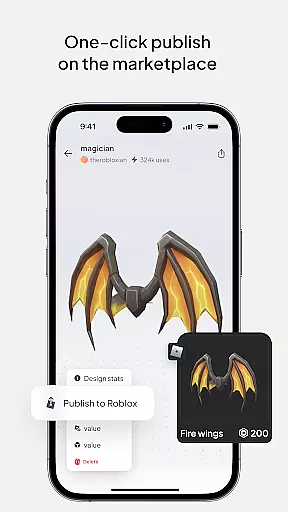
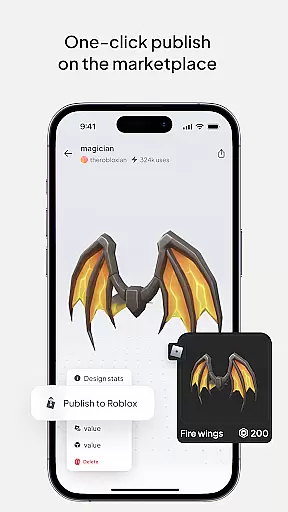
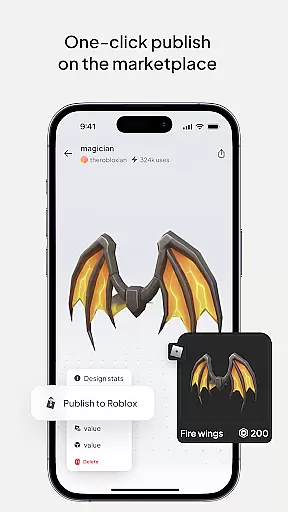
Customuse offers a rich set of features designed to cater to various creative needs. One of its standout capabilities is the ability to design unique Roblox skins using thousands of templates or starting from scratch. Users can publish their designs directly to Roblox with just a few clicks, and even monetize their work by selling on the Roblox marketplace, where top creators have earned over 100,000 Robux.
In addition to Roblox, Customuse supports designing Zepeto outfits and Minecraft skins, complete with 3D accessories to enhance avatars. Its AI tools allow users to generate designs with minimal input, providing tailored suggestions and boosting creativity. The app also enables the creation of custom AR filters for platforms like TikTok, Snapchat, and Instagram, which can be tested and shared instantly.
For aspiring fashion designers, Customuse includes a virtual try-on feature for creating 3D clothing mockups. This allows users to visualize how their designs will look in real life, experiment with fabrics, and add custom branding. These features collectively empower creators to produce high-quality, unique content while engaging with a growing community of designers.
In the realm of digital design, having a comprehensive suite of creative tools is essential for unleashing one's full artistic potential. Customuse positions itself as an ultimate 3D design tool that caters to a wide array of creative needs. With capabilities ranging from designing Roblox skins and Zepeto clothes to creating Minecraft avatars, the app provides designers with thousands of templates and the option to start from scratch.
Customuse stands out by integrating AI tools that assist in generating designs through simple prompts, offering tailored design suggestions, and providing AI-assisted features that enhance 3D modeling. This empowers both beginners and professionals to explore new design realms with insights and analytics driven by AI.
Furthermore, the application enables users to create custom AR filters for social media platforms like Instagram, Snapchat, and TikTok, alongside dynamic posts enriched with AR elements. The inclusion of a virtual try-on feature for 3D clothing mockups adds another layer of functionality, making it an indispensable tool for aspiring fashion designers looking to visualize their creations in detail.
The hallmark of any powerful design tool lies in its canvas and format flexibility, allowing creators to bring their visions to life without constraints. Customuse offers remarkable versatility with its ability to cater to various popular platforms such as Roblox, Minecraft, and Zepeto. Designers can craft unique avatars and outfits while enjoying the freedom to share their work across different ecosystems seamlessly.
With support for multiple devices including iPhone, Desktop, or even as a portable Roblox Studio for iPad, Customuse ensures that creativity is not hindered by hardware limitations. This cross-device compatibility extends the studio's reach, enabling artists to work on their projects wherever inspiration strikes.
Moreover, Customuse doesn't just stop at character customization; it ventures into the territory of social media content creation with customizable AR filters and designer clothing mockups. Creators can experiment with styles and fabrics in 3D while adding personal branding through graphic design tools within the appu2014providing a complete package for those aiming to make a mark in the digital art space.
User-friendly interface
Versatile design options
AI-powered tools
Cross-platform compatibility
Monetization opportunities
Requires learning curve
Premium features locked
Limited free templates
Occasional bugs
High system requirements

Discover Cartoon Dream : Unleash Your Creativity with CuttingEdge AI
 4.50
4.50
Logo Generator powered by AI: Create stunning logos effortlessly!
4.70
Art of Combination Wear OS Watch faces
4.2
Draw beautiful mandala's very easily
4.60
Painting, drawing, & sketching
4.50
Powerful home decoration & house design that allows you to design dream home.
3.80
Sketch and paint on your device with the feel and freedom of drawing on paper
4.00
Multiplayer Drawing game, Coloring, Painting・Sketch, Handwriting・Paint, draw
4.30
AI-powered photo & video creation—fast, fun, and effortless with Quick Actions
4.60
Draw glowing spinners, relax, and spin your creative art
4.60
Unleash your drawing and painting potential
4.50
Create color palette from Image, RGB & RYB Color wheel harmonies, Color Scheme
4.50
Create and Design Custom Logos in Seconds with AI-Powered Tools!
4.40
Draw, make movies & animate cartoons easily with our 2D animation maker app
4.40
Floor Plan Creator lets you create, edit and share floor plans.
4.00
Paint with oils and sketch with natural tools on a realistic virtual canvas.
3.80
Art of Combination Wear OS Watch faces (for Wear OS 5+ devices)
3.00
Retouch photos. Create or edit images. Endless capabilities.
2.70
Art of Combination Wear OS Watch Faces
4.2


User Reviews