
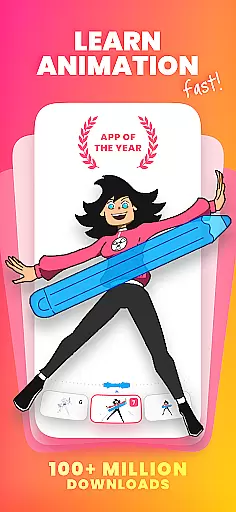
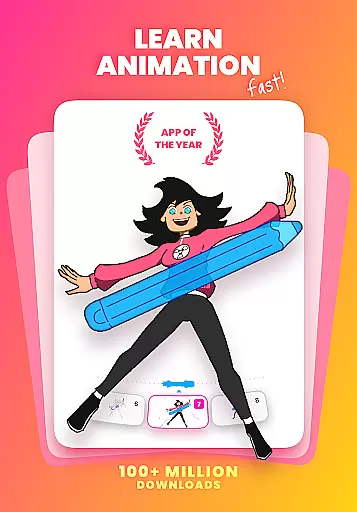
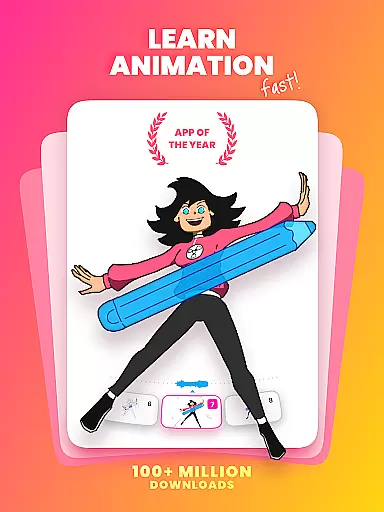
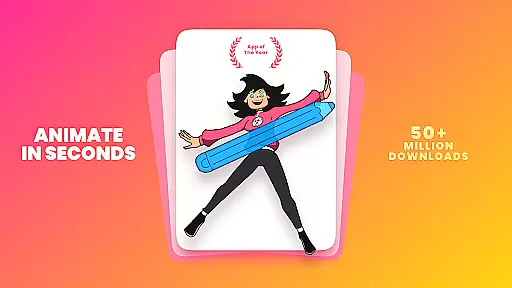
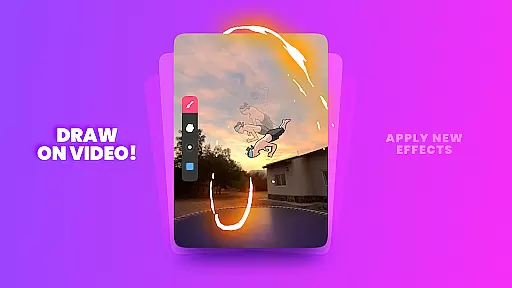
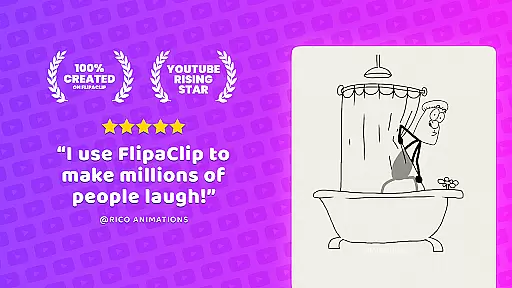
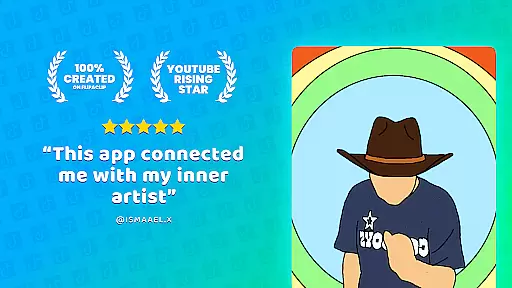
FlipaClip is a leading 2D animation app designed for both beginners and professionals in the Art & Design category. This powerful tool allows users to create frame-by-frame animations, offering features like onion skinning, up to 10 layers, and various drawing tools. Whether you're sketching cartoons, designing anime, or producing short animated films, FlipaClip provides all the necessary tools to bring your ideas to life.
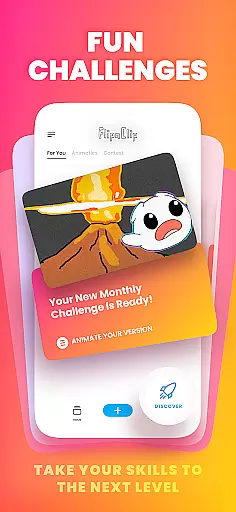
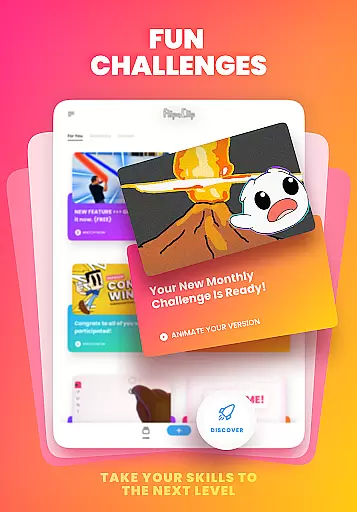
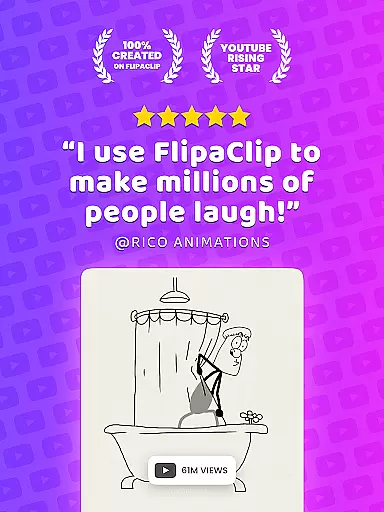
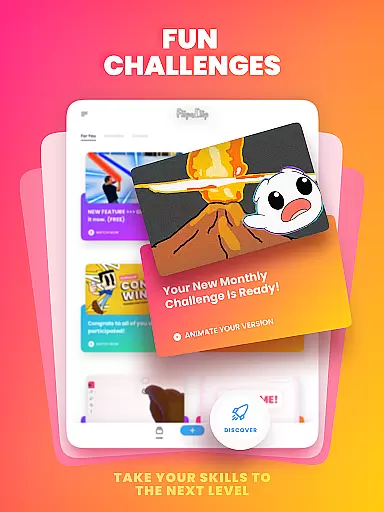
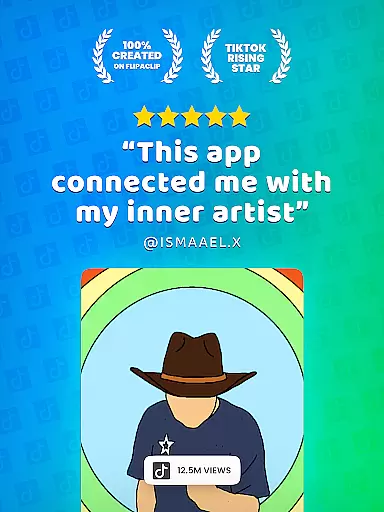
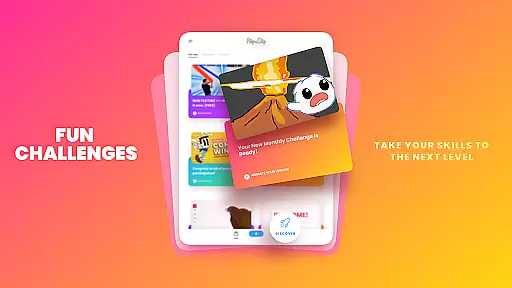
The app stands out with its intuitive interface and professional-grade features such as pressure-sensitive stylus support and AI-powered tools like Magic Cut. It also supports exporting animations in MP4, GIF, or PNG formats, making it versatile for different creative needs. With an active community of over 80 million users, FlipaClip fosters creativity through weekly challenges and seasonal contests.
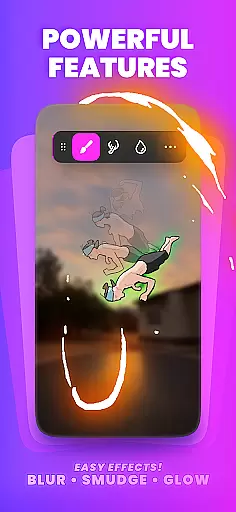
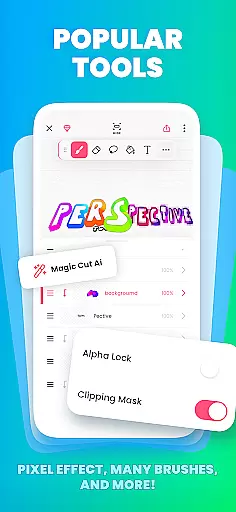
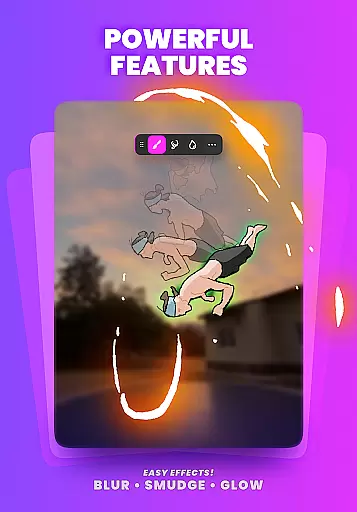
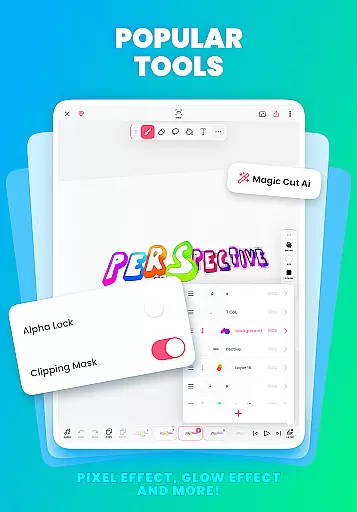
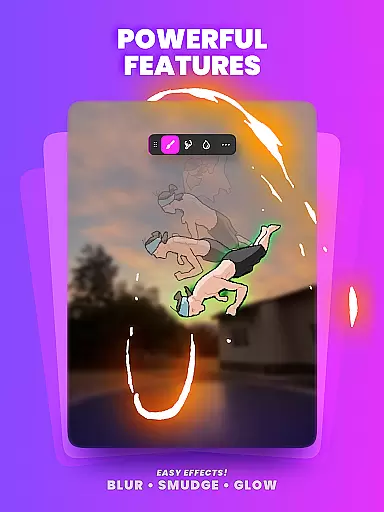
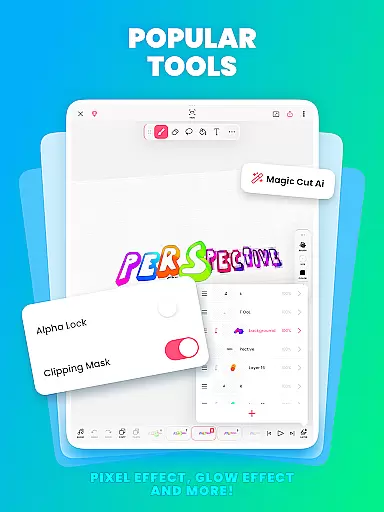
FlipaClip offers a comprehensive suite of features tailored for animators and artists. The app includes a frame-by-frame animation timeline, onion skin tool for smooth transitions, and support for up to 10 layers (3 free). Users can leverage advanced tools like glow effects, blending modes, and AI-powered Magic Cut for precise image editing.
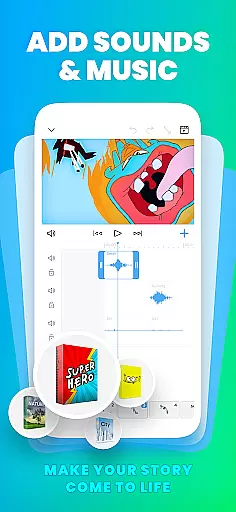
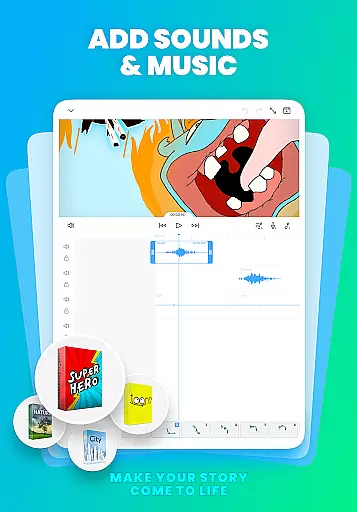
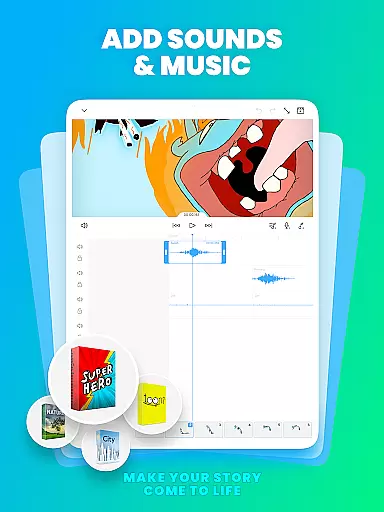
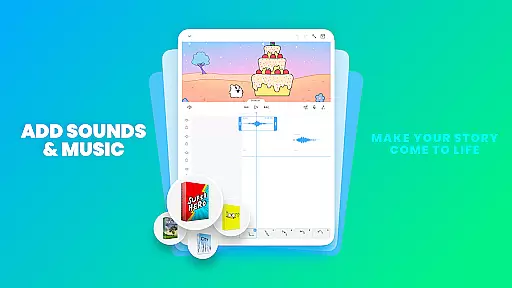
In addition to robust drawing capabilities, FlipaClip allows creators to add music, voice, and sound to their animations. With support for up to 6 audio tracks and synchronization with the animation timeline, users can enhance their projects with custom sound effects or songs. The app's versatility extends to exporting options, enabling users to save their work as MP4, GIF, or PNG sequences with transparency.
In the realm of digital art and animation, having a comprehensive suite of creative tools is essential for bringing ideas to life. FlipaClip excels in this area by offering an extensive array of features tailored for both amateur artists and professional animators.
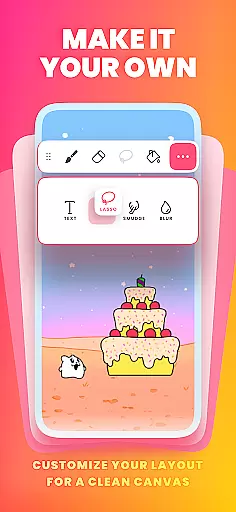
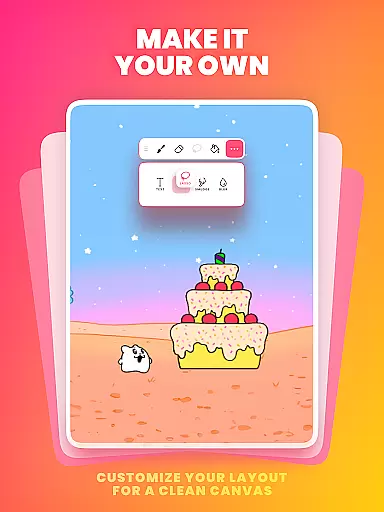
At its core, FlipaClip provides users with brushes, fill options, lasso, eraser, ruler, text, and shape tools, enabling them to sketch and refine their concepts with precision. The app supports custom canvas sizes, allowing creators to work within parameters that suit their project's needs.
For those focused on animation, FlipaClip includes frame-by-frame animation capabilities, onion skinning for smooth transitions between frames, and layer support for complex compositions. With up to 10 layers available (3 free), glow effects, blending modes, and the ability to import photos or videos for rotoscoping, the app ensures that every detail can be meticulously crafted.
The inclusion of AI-powered tools like Magic Cut enhances the creative process further, providing innovative ways to manipulate images and objects within animations. These robust features make FlipaClip a versatile choice for anyone looking to explore the art of animation or elevate their existing skills.
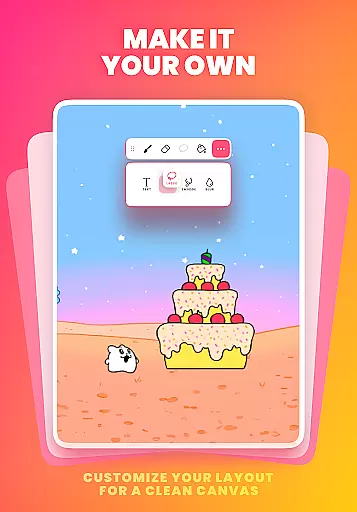
Flexibility in canvas size and format options is crucial for artists who wish to create diverse types of artwork and animations. FlipaClip addresses this need by offering customizable canvas dimensions, empowering users to define their workspace according to the specific requirements of each project.
Artists can choose from a variety of preset canvas sizes or set their own dimensions, ensuring that their creations are optimized for different platforms and mediums. This adaptability is particularly beneficial when producing content for social media, where various formats are preferred across platforms like TikTok, YouTube, and Instagram.
Moreover, FlipaClip supports exporting animations in multiple formats including MP4, GIF, and PNG sequences with transparency. This versatility allows creators to share their work seamlessly across different channels without worrying about compatibility issues.
Whether you're crafting short animated films, designing memes, or developing detailed storyboards, FlipaClip's adaptable canvas and format options provide the freedom needed to express creativity without constraints. By accommodating a wide range of artistic endeavors, the app stands out as an indispensable tool for modern creators.
User-friendly interface
Powerful drawing tools
Active creative community
Versatile export options
AI-powered features
Limited free layers
Premium features locked
Steep learning curve
Occasional bugs
Export quality varies

Discover Cartoon Dream : Unleash Your Creativity with CuttingEdge AI
 4.50
4.50
Pose and morph realistic male and female models! 3D poser app
3.00
Easy 3D drawing design maker & creator. Model designing, Sculpting. Create&paint
4.00
Convert image to JPG PNG HEIC PDF, support almost all kinds of image formats
4.70
Nano Banana AI Image Generator, Anime Filter, AI Portrait, AI Photo Generator
4.30
Draw Trace image sketch by, AR art projector app, Easy to trace any image.
4.50
Everything you need to create hand drawn animation, anywhere you go!
4.40
Turning simple sketches into captivating tales filled with life and motion
3.90
Explore future self face age filter & remove background image for a unique look.
3.50
Logo Generator powered by AI: Create stunning logos effortlessly!
4.70
Draw on screen: FP sDraw is a simple and lightweight drawing app
4.70
Minecraft & Roblox Clothes
4.70
Photo stitcher for automatically screenshot stitching into a long screenshot
4.70
Unleash your drawing and painting potential
4.50
Beauty Camera - Selfie Camera is the ultimate beauty camera and selfie app
4.30
Text to Image, Image to Video & AI Chat
4.20
Digital Drawing: Draw & Paint
4.10
Unleash Your Creativity with Draw Cartoon - AR Drawing App
4.10
Design unique, funny and adorable cat stickers that reflect your own style!
3.80


User Reviews