
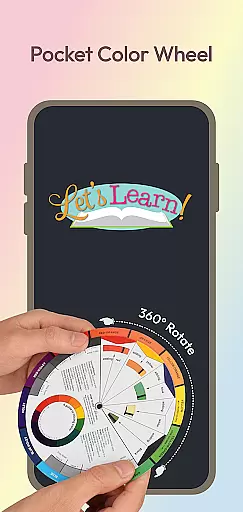
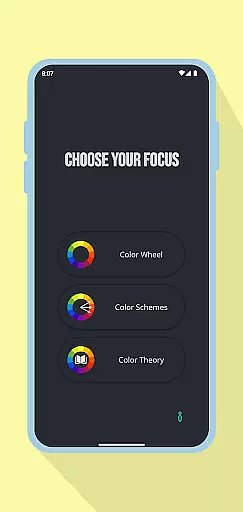
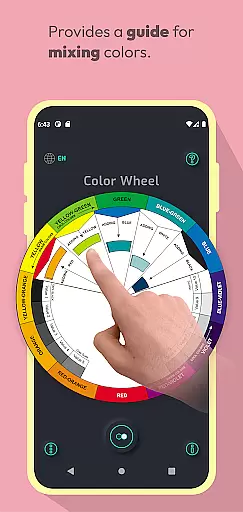
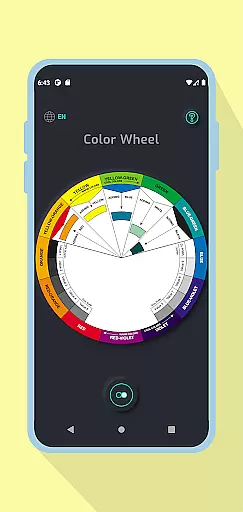
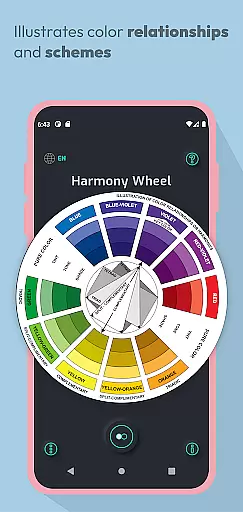
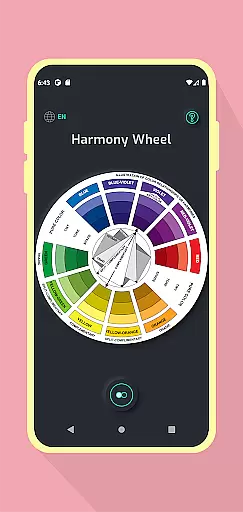
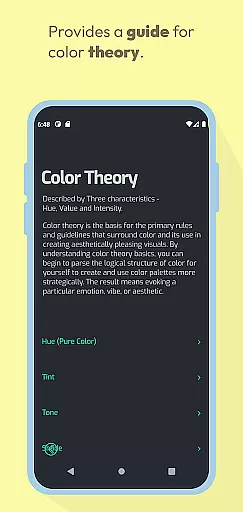
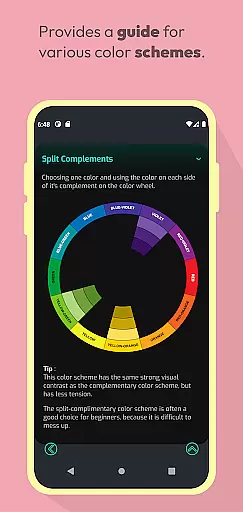
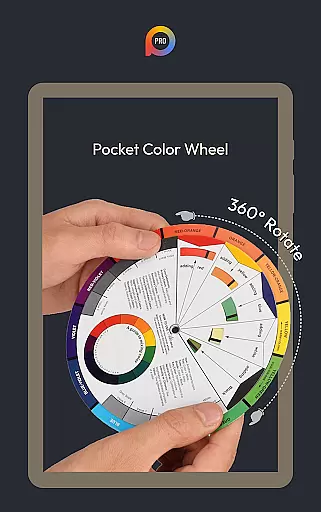
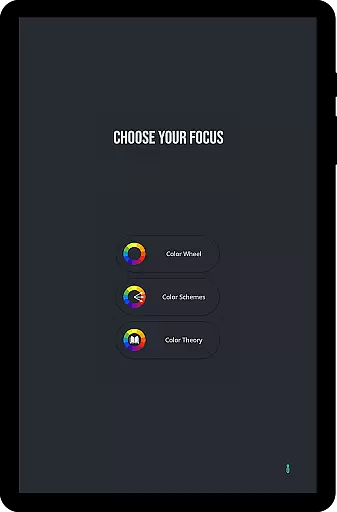
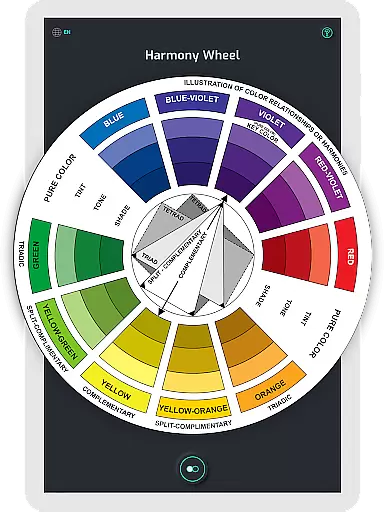
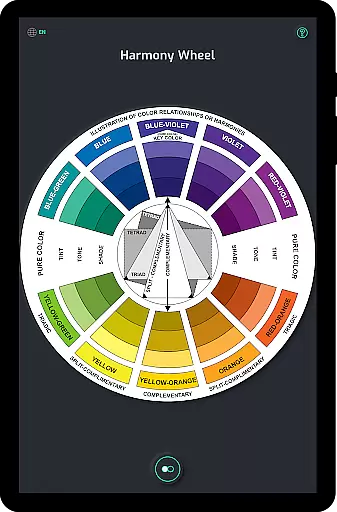
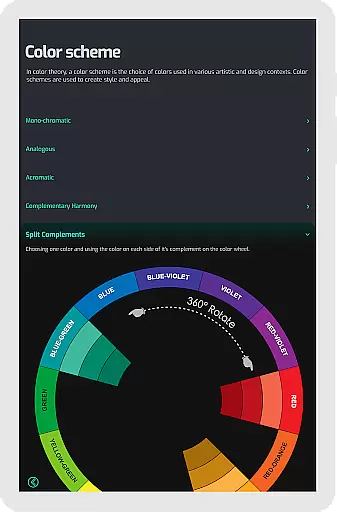
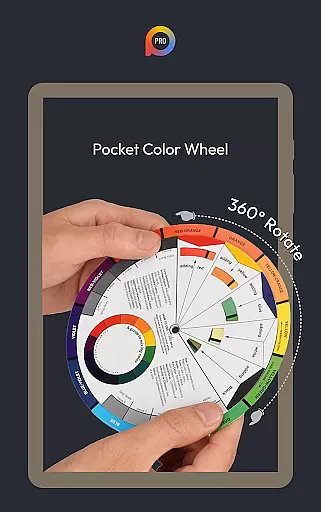
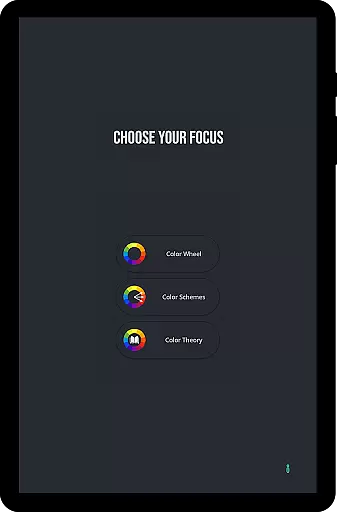
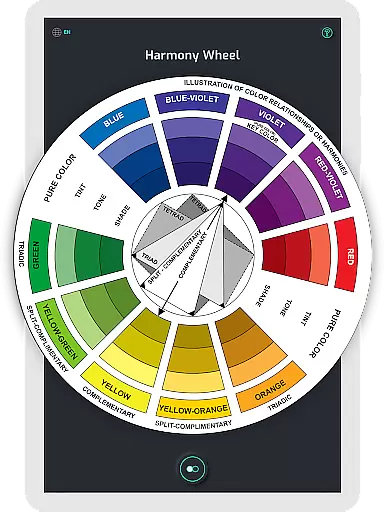
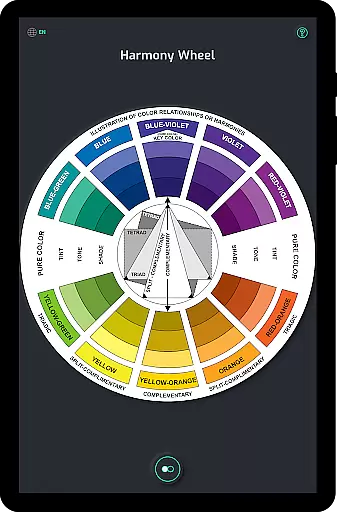
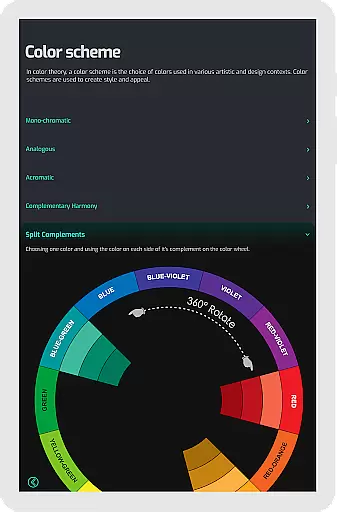
Pocket Color Wheel Pro is an essential reference tool for mastering color theory on the go. Designed for students, artists, and designers, this app simplifies complex concepts like color mixing, relationships, and harmonies through an interactive interface. With its comprehensive visual guide, users can explore various color schemes such as monochromatic, complementary, triadic, and analogous combinations.
One standout feature of the Pro version is the ability to choose between 12 or 18 color wheel options, offering greater flexibility in design exploration. Additionally, the app works seamlessly offline, making it ideal for use in remote areas or while traveling. Whether you're creating artwork, designing projects, or learning color theory, Pocket Color Wheel Pro provides a reliable and portable solution.
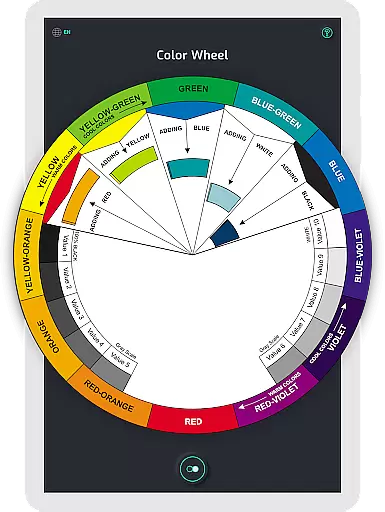
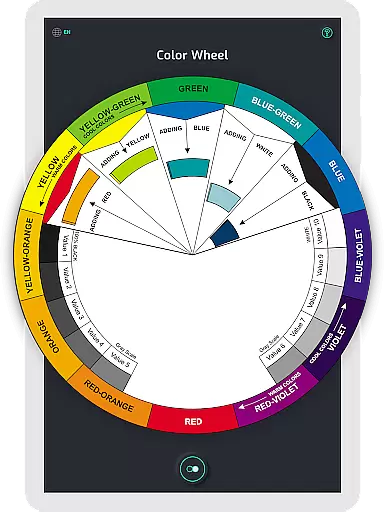
The app offers a robust set of features tailored to enhance creativity and productivity. The interactive color wheel allows users to rotate and explore color relationships, helping them discover harmonious combinations effortlessly. The intuitive color mixing tool lets users select colors and instantly see their results on the wheel, streamlining the creative process.
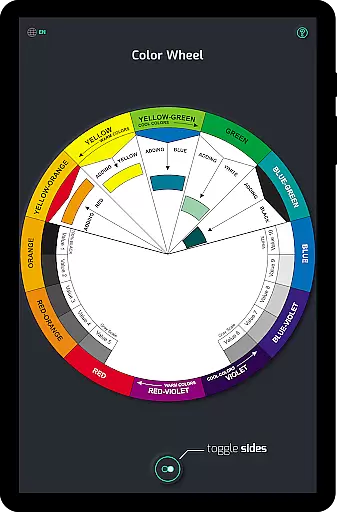
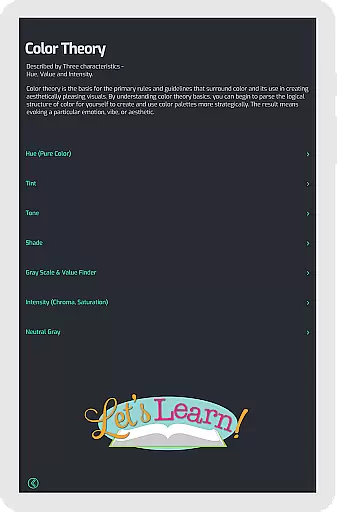
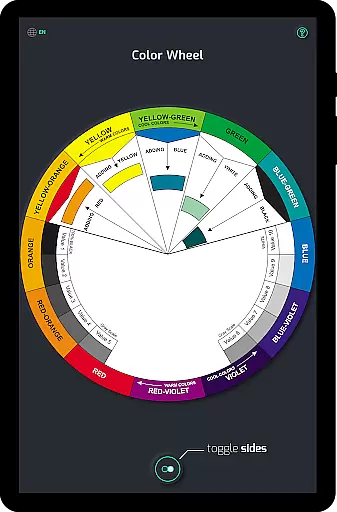
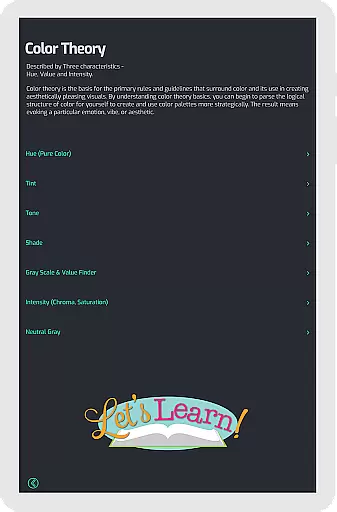
For advanced users, the Pro version includes a 12 or 18 color wheel option, enabling deeper exploration of hues and blends. Offline functionality ensures uninterrupted access to all tools without requiring an internet connection. Additional features include tone and shade variations, grayscale visualization, and clear definitions of essential color terms, making it a complete resource for both beginners and professionals.
In the realm of digital art and design, having a comprehensive set of creative tools is paramount. Pocket Color Wheel Pro offers an extensive suite of features that cater to artists, designers, and students alike. The app includes a sophisticated Color Schemes Tool, which allows users to choose between 12 or 18 color wheel options, opening up a myriad of possibilities for color exploration and application.
With its Interactive Colour Wheel, users can rotate the wheel to uncover various colour relationships, such as complementary, triadic, and analogous schemes, thus facilitating the creation of harmonious designs. Additionally, the app simplifies colour mixing by providing instant visual feedback on the selected colors, making it easier than ever to experiment with different hues and blends.
The inclusion of Tone & Shade Variations along with a Grey Scale ensures that users have access to clear examples of tints, tones, and shades, further enhancing their understanding of color theory. This complete package empowers creatives to craft visually stunning designs with confidence, knowing they have a robust set of tools at their disposal.
Flexibility in canvas and format options is crucial for accommodating diverse artistic expressions and project requirements. Pocket Color Wheel Pro addresses this need by offering versatile design capabilities that adapt to various creative workflows. Whether working on intricate illustrations or expansive design projects, users will appreciate the freedom and adaptability provided by the app's dynamic features.
The Pro version of Pocket Color Wheel supports offline access, meaning that creatives are not tethered to an internet connection to utilize its full potential. This feature ensures that whether you're traveling, in remote areas, or simply looking to conserve data, your creative process remains uninterrupted. Such reliability enhances productivity and allows for seamless integration into any professional or educational setting.
Moreover, the app's compatibility with both 12 and 18 color wheel schemes caters to different preferences and project scopes, allowing for personalized and precise color selections. By delivering these flexible canvas and format options, Pocket Color Wheel Pro solidifies its position as an indispensable companion for all your creative endeavors.
Comprehensive color theory guide
Interactive and user-friendly interface
Offline functionality included
Flexible 12 or 18 color wheel options
Ideal for designers and artists
Limited free version features
No advanced tutorials provided
Basic UI design
Requires manual updates
Small learning curve for beginners

Image/ Text to Video Generator
 4.40
4.40
Sketch, trace and master AR drawing with awesome anime art!
3.30
Art of Combination Wear OS Watch faces
4.4
Draw anime easily with AR guidance, sketch templates & trace tools!
3.10
Draw glowing spinners, relax, and spin your creative art
4.60
Turning simple sketches into captivating tales filled with life and motion
3.90
Draw, make movies & animate cartoons easily with our 2D animation maker app
4.40
Sketch and paint on your device with the feel and freedom of drawing on paper
4.00
Explore future self face age filter & remove background image for a unique look.
3.50
Passport size photo maker, create ID photo and visa photo in seconds
4.80
Draw on screen: FP sDraw is a simple and lightweight drawing app
4.70
Discover Cartoon Dream : Unleash Your Creativity with CuttingEdge AI
4.50
Draw anime & manga drawing, art with templates to create stunning picture!
4.50
Nano Banana AI Image Generator, Anime Filter, AI Portrait, AI Photo Generator
4.30
Floor Plan Creator lets you create, edit and share floor plans.
4.00
Create cute cat emojis & PFPs! Fun, custom avatars for cat lovers.
3.70
Create stunning video, photo & magic from text with FlixAI GPT video generator.
3.10
Retouch photos. Create or edit images. Endless capabilities.
2.70
Art of Combination Wear OS Watch Faces
4.5


User Reviews